Manage Lineup - how to unmatch channels that were automatically matched (but are wrong)?

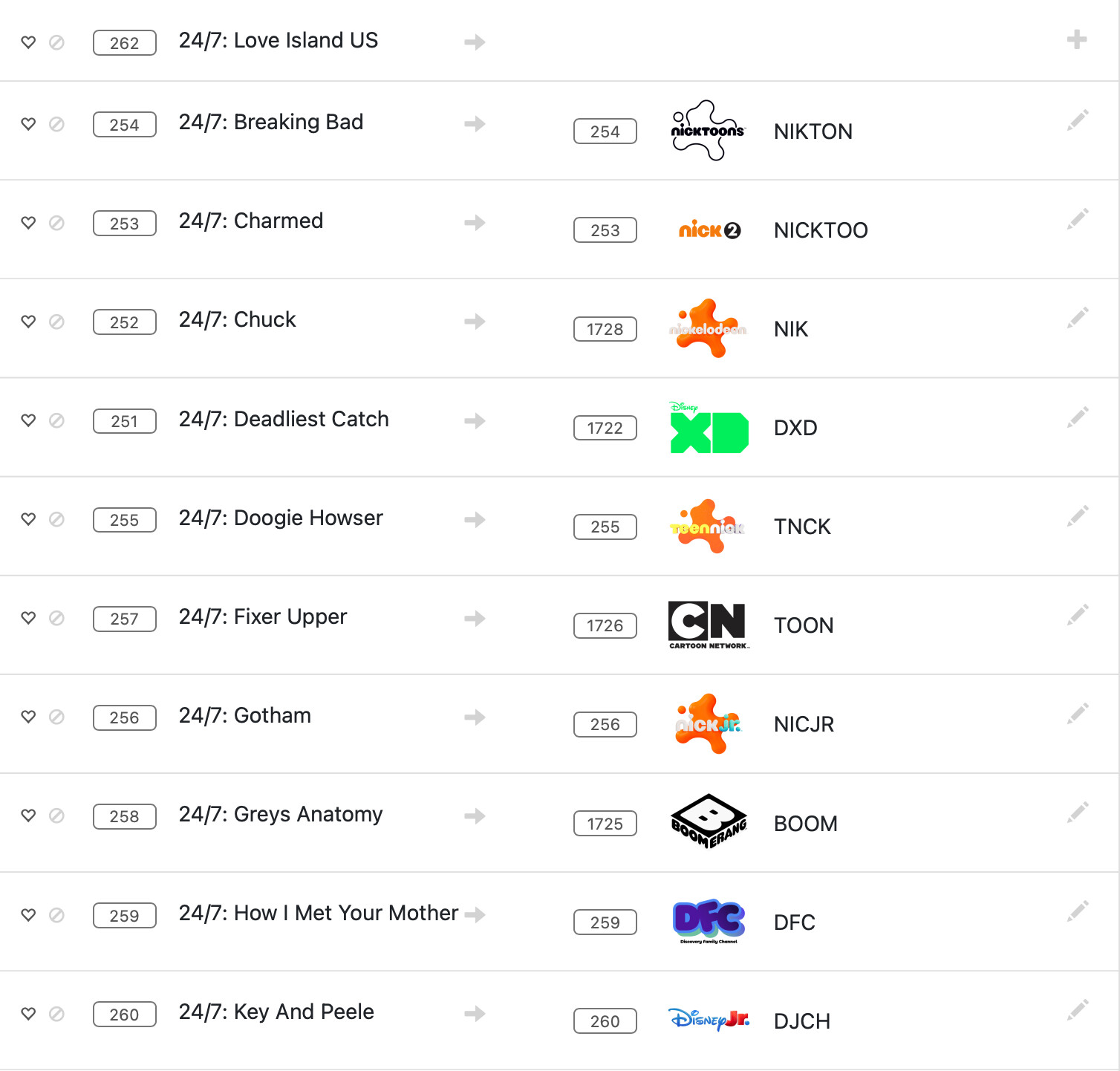
As above, the correct channel from my IPTV source is on the left and the incorrect auto-match on the right.

If I click the pencil, I can only select a new (also wrong) channel but can't find a way to delete the match and leave it as-is with the title showing which is much better.

I searched and was unable to find any way to delete these matches.

Thanks
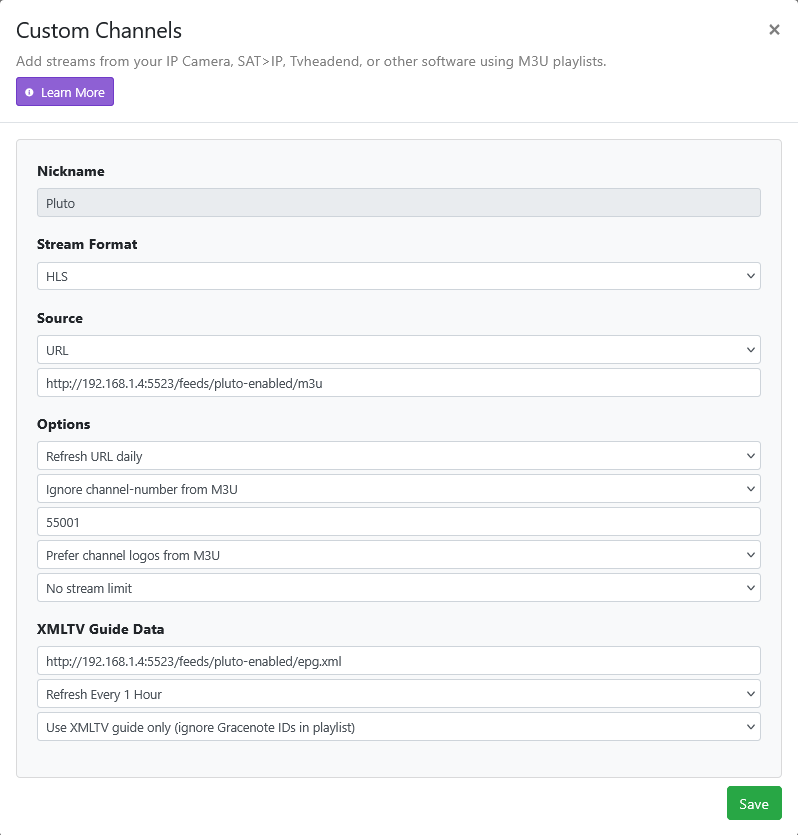
Use the XMLTV from your provider in the Custom channel source setting.
OR
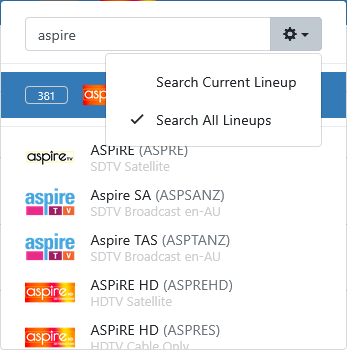
Click the pencil to edit the epg mapping and select Search All Lineups from the dropdown
Screenshot 2026-09-12 at 17-55-08 Channels Settings

Thanks
The XMLTV from the provider only gives me 24 hours of EPG data so much prefer Channels pulling in for that
The Pencil and Search all still doesn't let me unmatch Channels' auto-matched entry though. There aren't correct entries for the 24/7 channels on there

You're not going to like my "solution" but, in the case when I am unable to match a channel guide, I simply disable/hide the channel.

Why? Because a channel without guide in a DVR is useless.

Sure, you could watch it live without knowing what's on but, for me, the main reason for having a DVR in the first place is to be able to record, which requires guide data.

That's why I mentioned using the XMLTV from your provider.
If you use that in the custom channel source setting it will use your providers guide data and channels.
If adding the XMLTV url doesn't work, delete the source and re-create it using a slightly different name.

I'm personally using Stream Link manager.
If you are using YTTV and live on the west coast most of the cable channels are west coast
Stream Link manager is great for looking up the different ids.
i've built up a good collection of items and find it quite useful.
Directv Provides east coast feeds which is what i'm guessing you have in your listings.
Spectrum will give you what is available in your time zone here, it is pacific.

I have done th epencil action myself and have been there and done that.

thanks