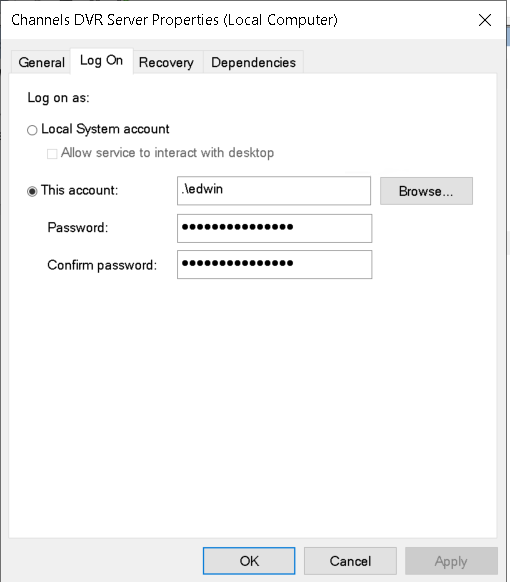
I have Channels DVR Server installed on a Windows 11 Desktop and my media files reside on a DAS attached to another computer. The media drives are shared and mapped. The only way I have been able to get Channels DVR Server to run and attach to the networked media drives is to right click the Channels DVR Server icon in the Start menu and select run as administrator. I'm always forgetting to do this when I remotely reboot the computer and consequently Channels DVR Server does not run and I miss some recordings I've scheduled.
Is there a "batch" file (I'm showing my age here) that I can have Windows 11 run when it reboots which allows Channels DVR Server to run automatically and have access to the networked media files?