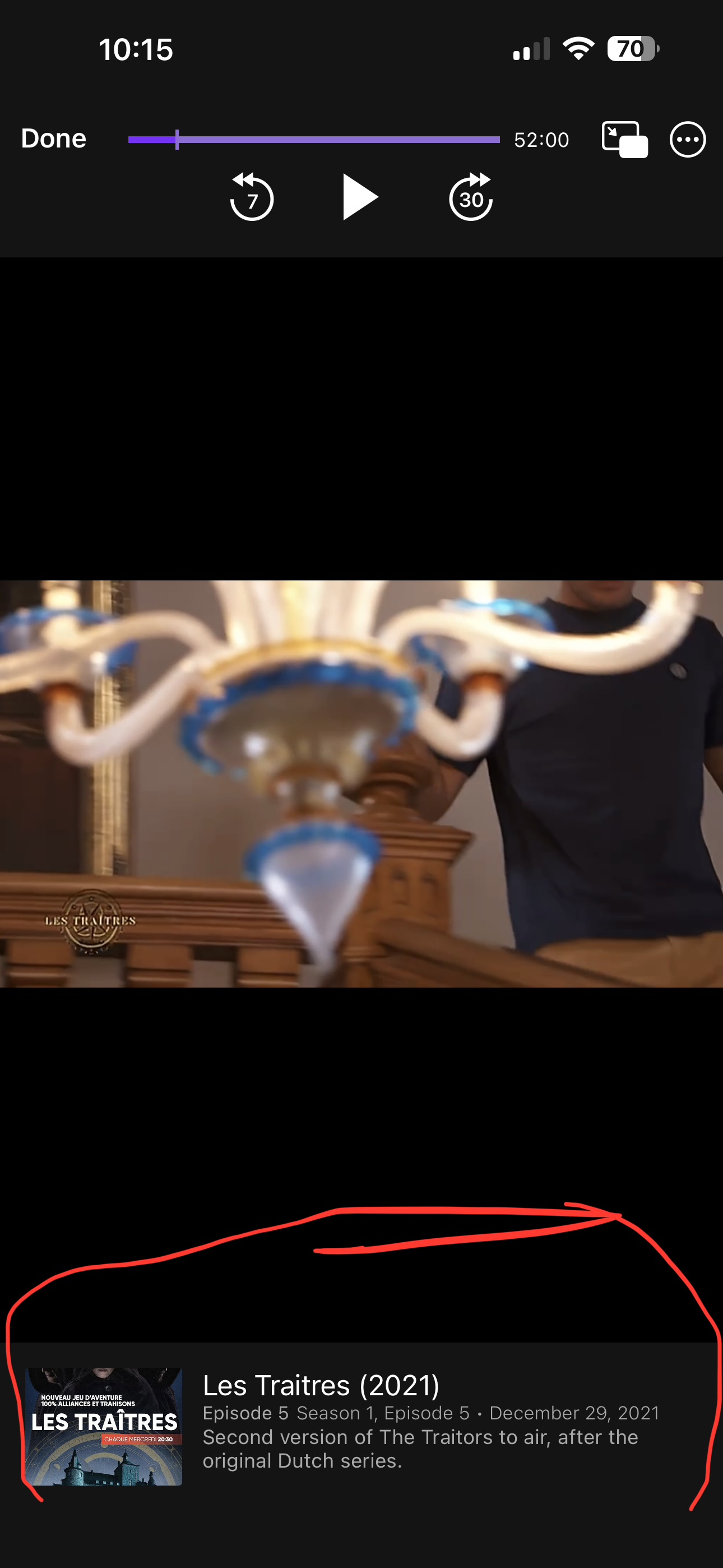
Metadata editing

Very possible I'm missing something, but I'm having trouble editing some of the metadata on an imported show.

I import the show, go to fix incorrect match and find the correct show in tmdb. It pulls up the episode metadata fine but does not change the metadata for the entire series (ie series name and description, artwork etc).

I can change his manually and it's a couple of extra steps but not a big deal.

But I noticed when I watch the show, in the info box the name of the series seems to be the same as the file name, not the name of the series I have edited using the metadata editor.

Is there a way to edit the data so that when I watch the series, it will show the name of the series as I have changed it instead of the file name? If there is a field to edit that, I haven't been able to find it.
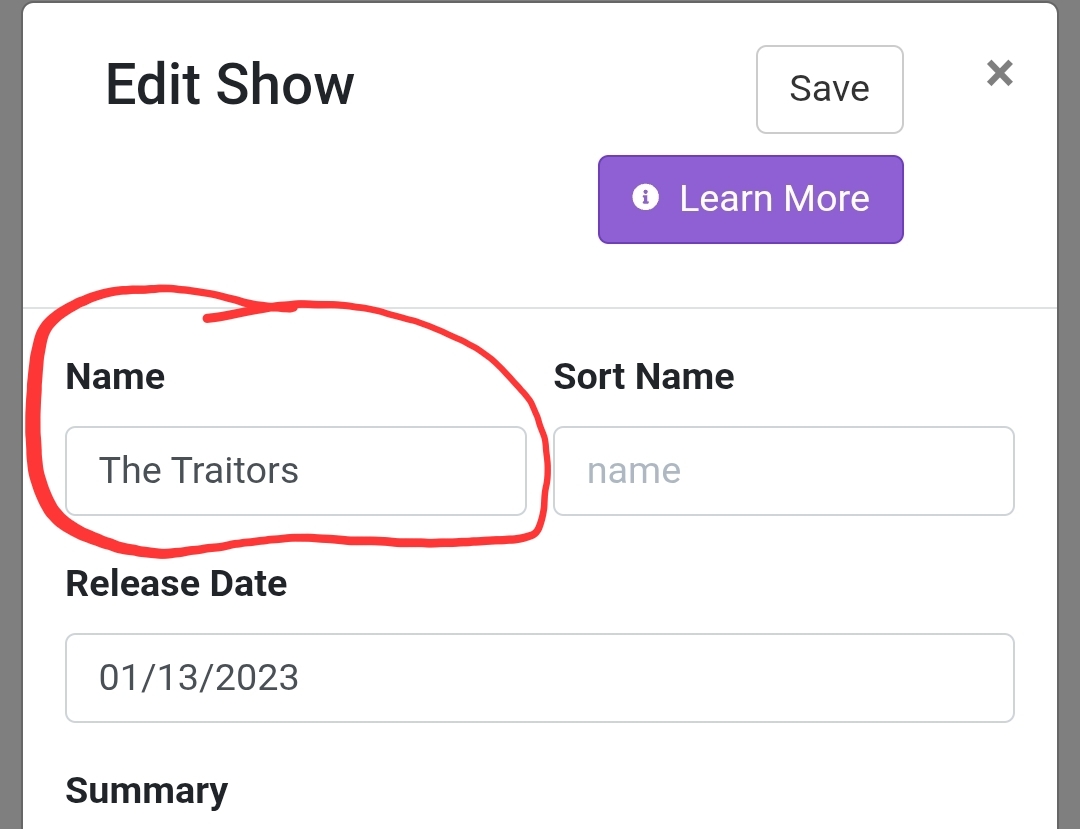
To change the name of the series, go to Library > TV Shows and open the series there. Then click on Manage > Edit Metadata and you will be able to modify the name of the series.

Is this what you did and it's not working?

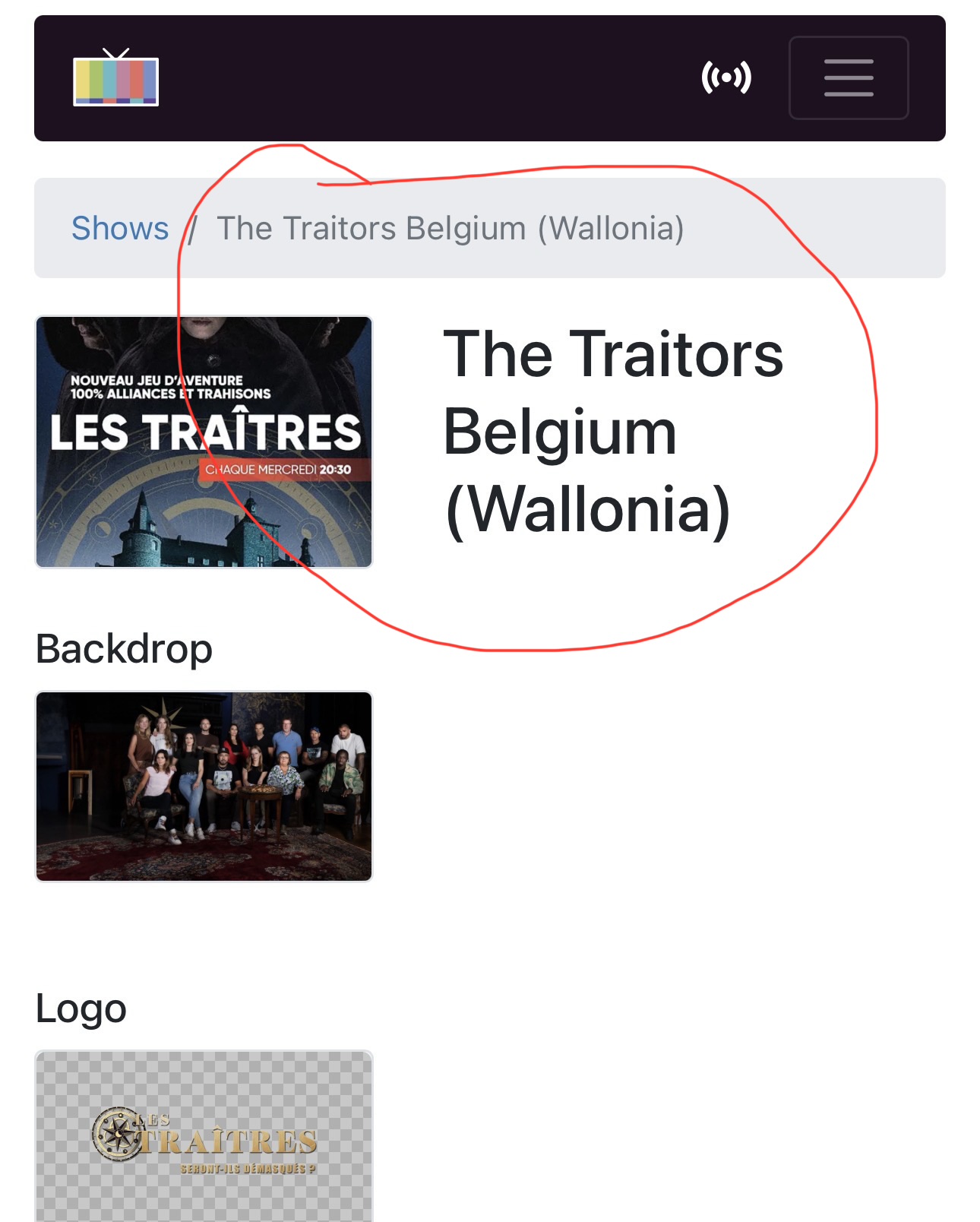
Yes that's what I've done. It will show that name in the library, but when I play any episode, the info boxes show a different name (which I think it is getting from the file name).

name as I've edited it - shows up in library and sorting

but when you play an episode

Ok so it's on the client that the updated name is not showing up. I'm not sure what's going on. Maybe one of the developers can help.

P.S. What a coincidence. I showed you an example with the show The Traitors (US version) and your show is The Traitors (Belgian version)! :laughing:

Just so you know, Episodes have their own title and episode title. When the episode displays in the app, it uses its own title. So, when you edit the Show's title, that's all you're editing, the Show.

This isn't great, and is a long standing issue we hope to clean up eventually.

I realize this isn't a solution, but hopefully the explanation helps you feel less crazy and explains what you're seeing.