
I am receiving MeTV Toons on my HD HomeRun and Channels DVR but the program schedule is not downloading. All my other OTA and TVE channels have program schedules that appear just find. I checked FRNDLY TV and the MeTV Toons schedule does appear there, so I know it is available. Would anyone know how to manually add the MeTV Toons schedule to Channels DVR? I have tried to reload the entire guide but it still is not working.
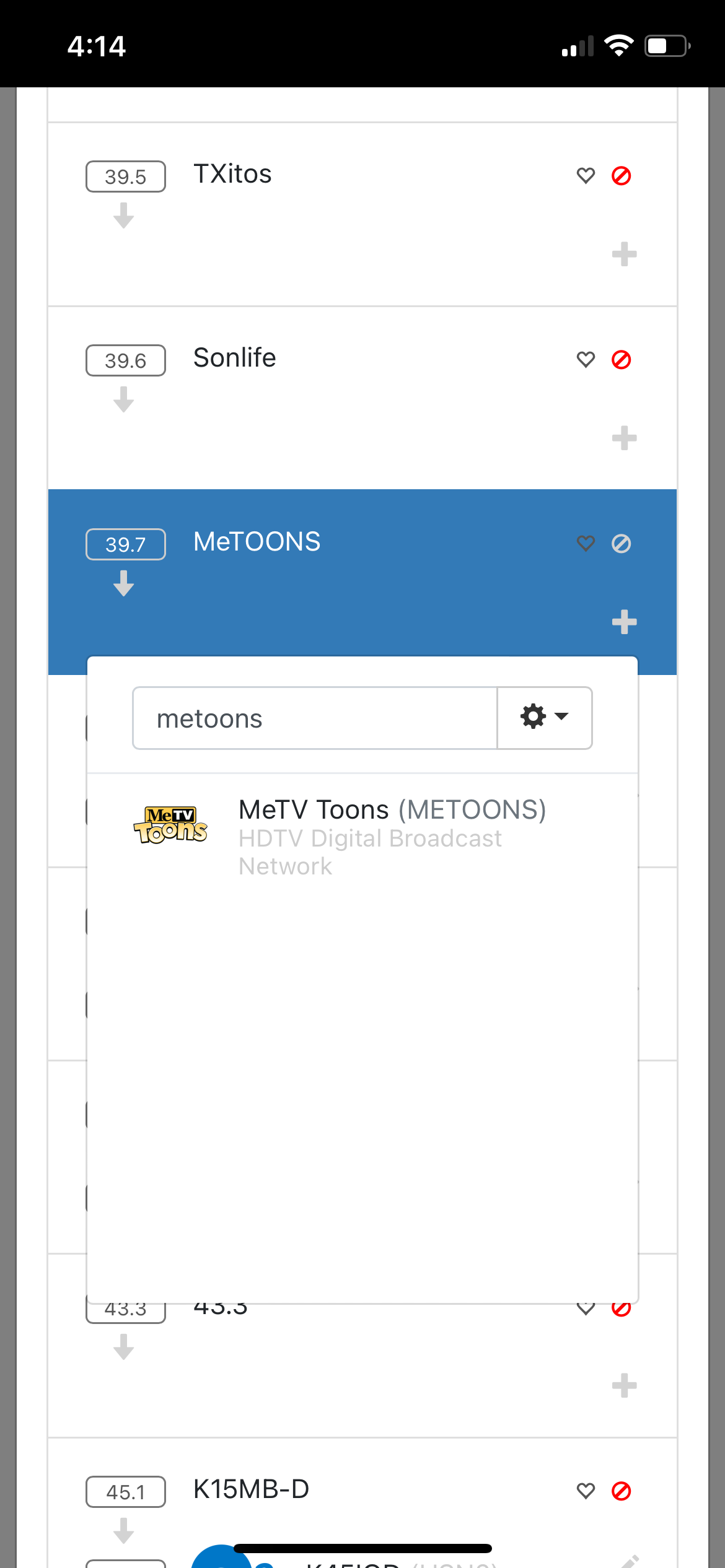
In the dvr web ui go to settings, sources, next to your hdhr select manage, manage lineup, scroll to channel, select the + button, select drop down choose all lineups, type in metoons in the box and finally select it.
This topic was automatically closed 365 days after the last reply. New replies are no longer allowed.