Move recording out of CHANNELS

Is there a simple tool to allow moving a recording out of the channels system? Was looking for an easy way to do this. Am very new to channels, so not familiar with all the third party tools that might allow this, from the ANDROID TV side. Would prefer not to have to open up a laptop to do this.

Have the FILE MANAGER PLUS application, but maybe there are some better android tools to do this, that some have maybe automated the process.
There are no files in the Channels app. They're on the computer you installed Channels DVR Server on. That's the whole point.

If you want to do something with the files, use a file manager on that computer. They're just files in directories.

Found the MPG files and just had to share the directory so could see them on the network.

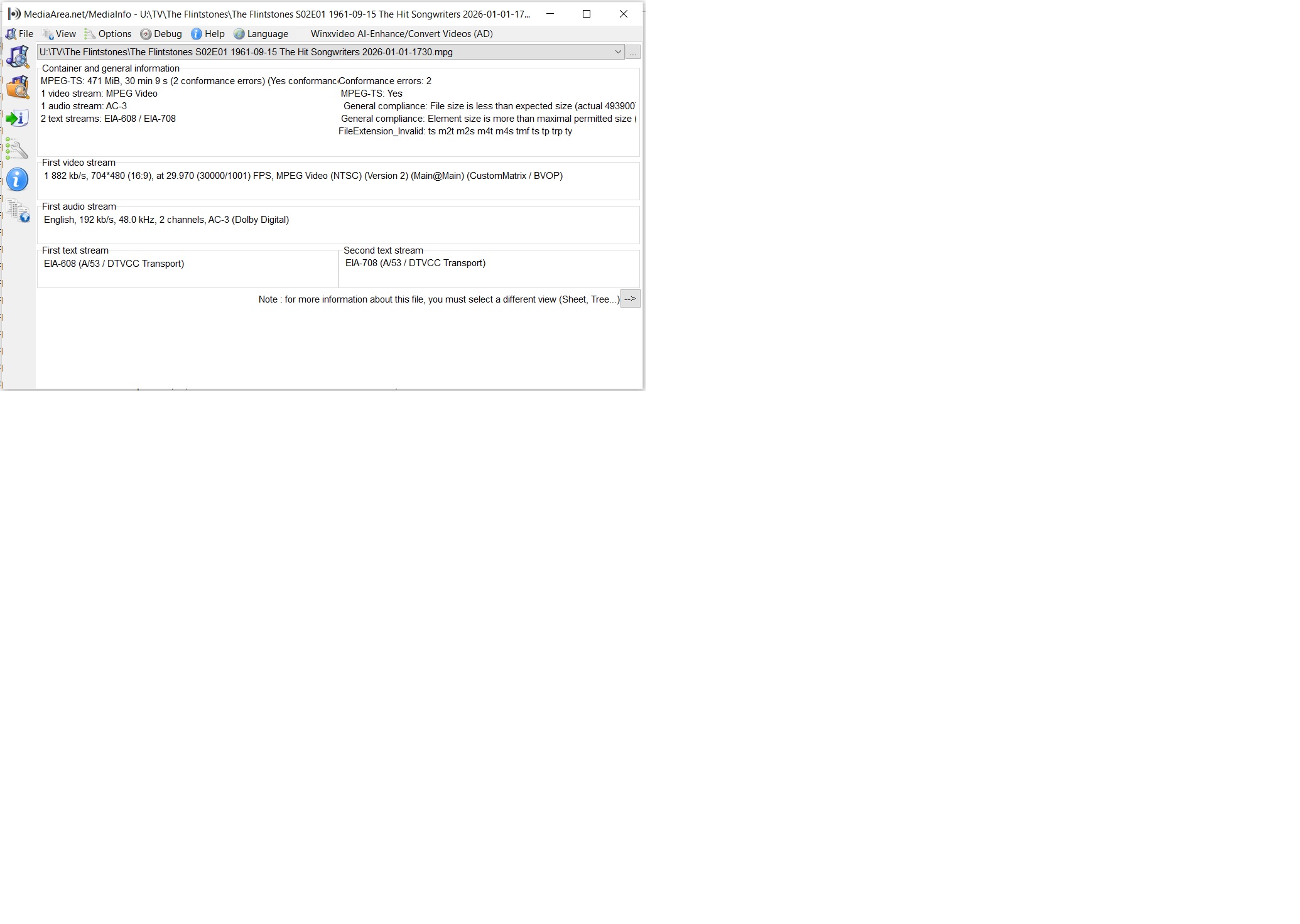
Does the recorded MPG have an embedded audio file channel with subtitles? Have seen other apps that have that built in, but that was a TS file so maybe can't do that with MPG?

Yes, they're all muxed into the container. they're not separate files.

Maddox -- can you recommend a ANDROID third party player that will play the subtitles embedded? Had VLC doing it for old TS files, but it will not work for MPG files on android. It's truly weird and likely a android issue.

The channels app plays subtitles just fine for live and recorded content. Is there a reason you are wanting a third party app rather than the channels app player?

MX Player and Just Video Player will do it. Not sure just why you want to do this outside of the Channels app player though.

Mikebear -- saving stuff and changing names and meta data