Moving Personal Media to new Drive

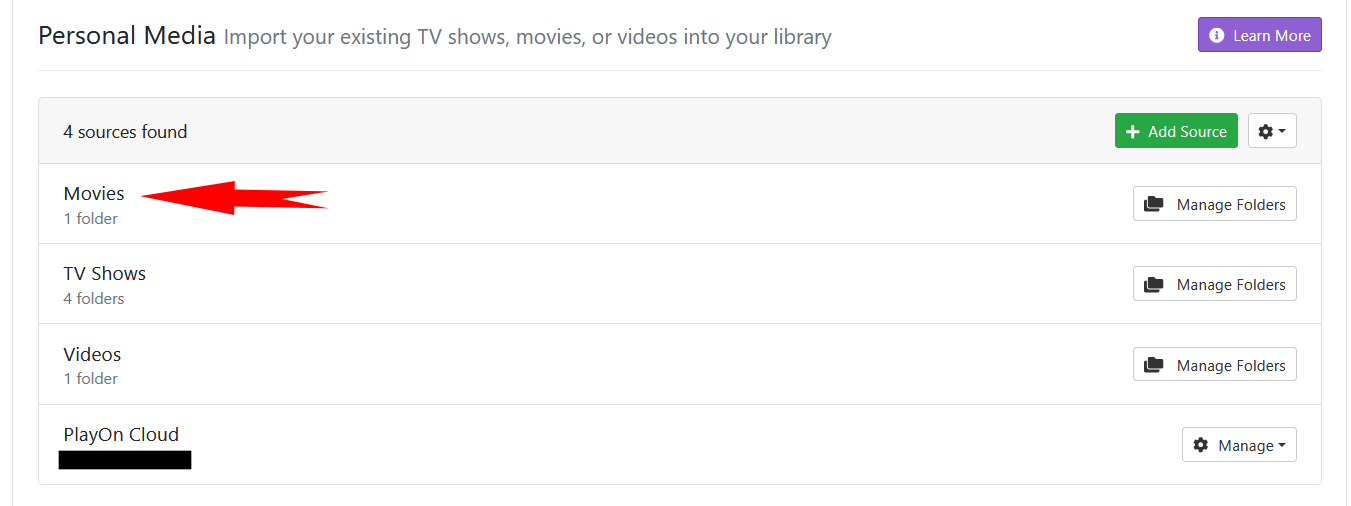
I am running out of room on my existing hard drives, so I plan on adding a new one. I am going to move of the the Personal Media folders (specifically Movies) to this new drive.

This is my plan:

  1. Remove Movies folder
  2. Shut down ChannelsDVR
  3. Move Movies folder to new drive
  4. Start ChannelsDVR
  5. Add Movies to Personal Media
  6. Wait while Channels re-scans and re-imports everything :frowning:

Is there a better approach?

If the Movies folder you are using is in the Imports folder where Channels saves its recordings, you do not need to re-import them.

Add your new drive as Additional Storage, and then when it cannot find the file in your main DVR directory, it will look in Imports/Movies/ of the path you add as additional storage. (An added benefit of this approach is you don't have to stop the DVR while you transfer the files.)

If that is not the case, then you will most likely need remove them from Channels and re-import.

The Movies folder is not in the Imports folder. It is on a different drive from the Import folder.

I am not using storage pools, each drive is independent.

Then you most likely either need to get creative with symlinks or whatever method your OS uses, or you need to re-import.

racameron is 100% correct.
If your imports are not in the Channels DVR Imports folder, then the Channels DVR database stores the absolute path to them. If they are in the Channels DVR Imports folder, it stores the relative path to them so you can move the whole Channels DVR directory structure and the relative path in the database still finds them.

This topic was automatically closed 30 days after the last reply. New replies are no longer allowed.