Multiple Issues with Guide (in Apple TV and in Browser)

I usually wouldn't lump multiple issues together, but all of these (except for one) are issues with the Guide and may be connected to a root issue.

I would have posted this under Apple TV, but I'm getting the same or similar issues on my browser. I'm on the latest Channels server (on Debian Linux):
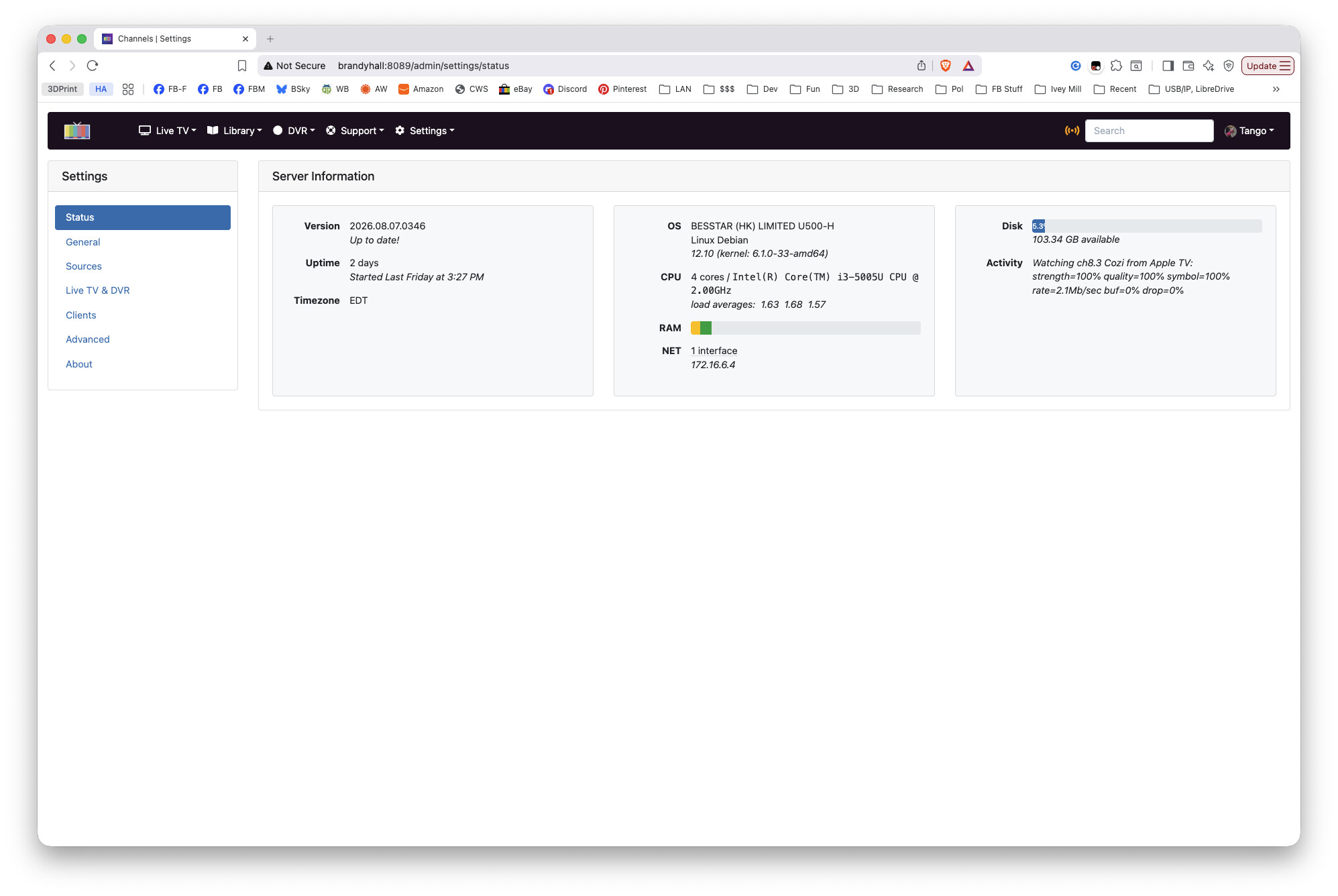
  1. Sometimes when I run Channels on my Apple TV, I see no channels listed under favorites. Today, only one:

    (Actually, I started it in Favorites, which is normal for me, and got the message about having no favorites. Then the single channel, AntennaTV, showed up.)
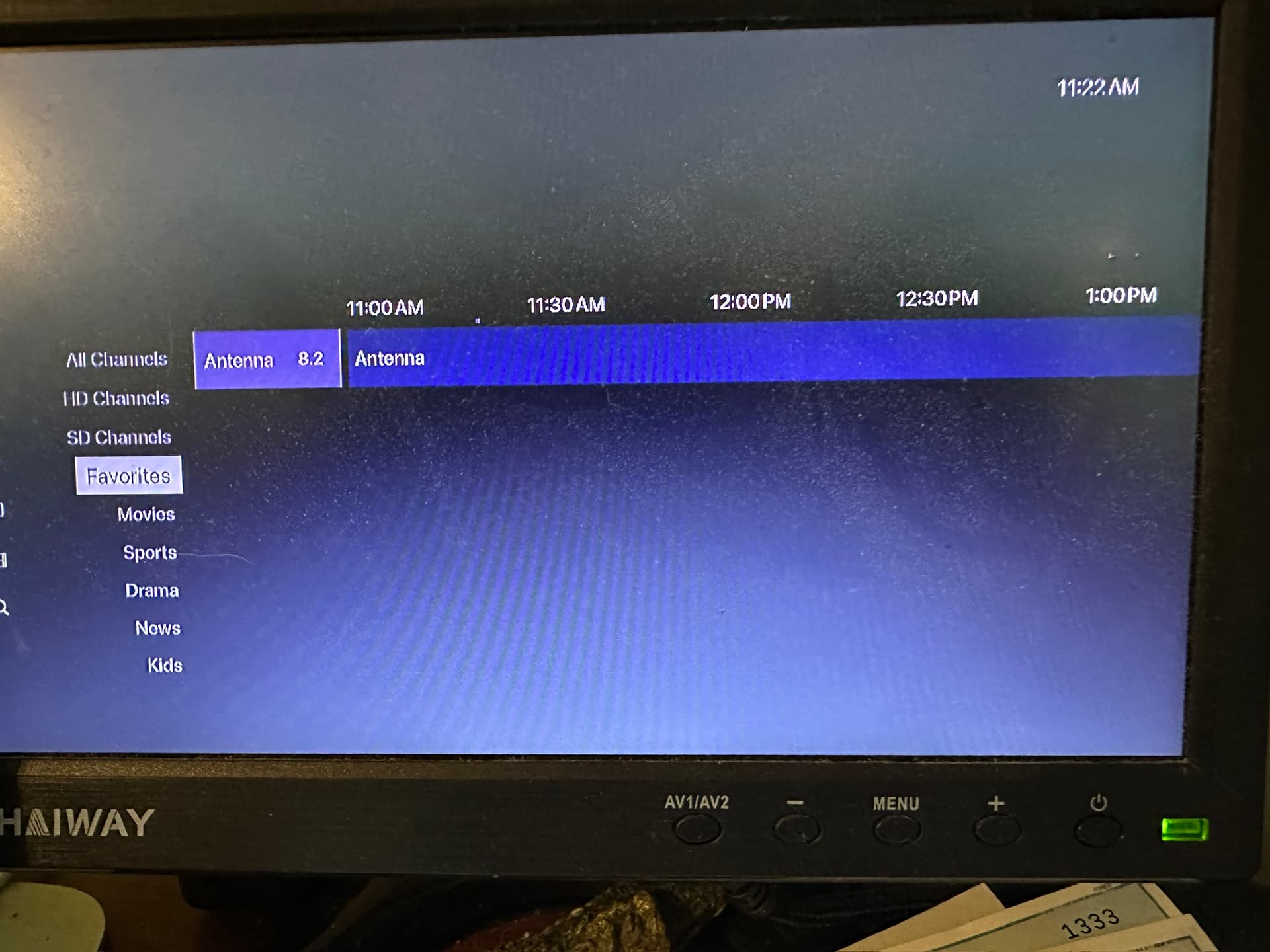
This doesn't happen every time, but it does happen from time to time when I start - I just get nothing listed under Favorites. When this happens, I force-quit the app and restart it. Usually when it restarts it comes up the way it should, with all my favorite channels listed. Today I've force-quit and restarted multiple names.

it's even worse on the browser interface:
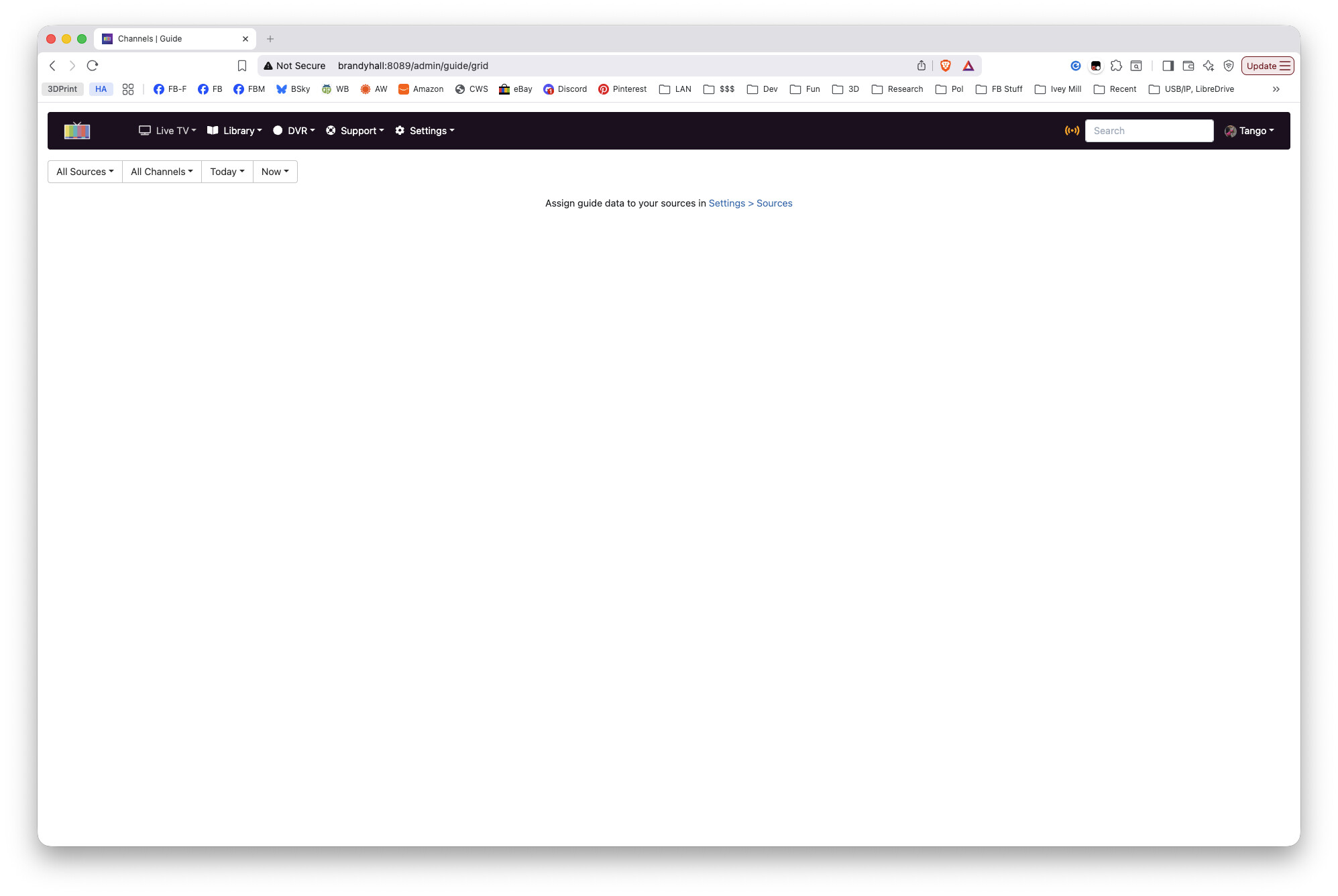

I get the same in my browser on LiveTV->All Channels and on On Now. No channels showing up at all.

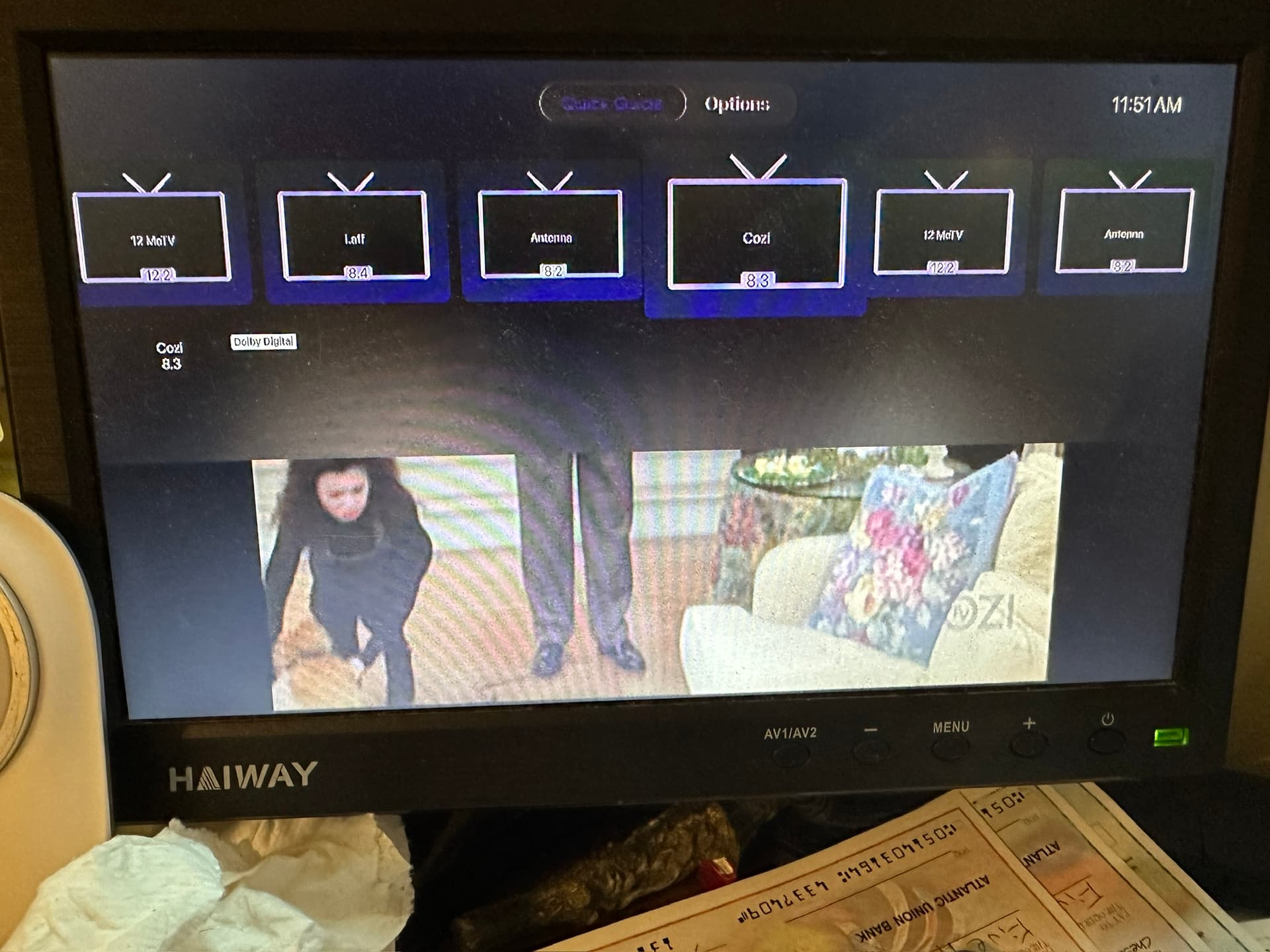
  1. Today I am not getting any guide data, other than channel numbers and names:


    I've restarted multiple times and that's all I get. When I'm watching a show, and use the Up arrow control, I see list of stations, but no metadata:

  2. This issue is older - a week or two old. AntennaTV used to be on 6.2 locally, but that station dropped it and now it's on 8.2 Ever since it moved, I never get any metadata for that channel (this is aside from the current issue of no metadata). I am getting metadata for the new 6.2, which is now just endless local news, so listings seem to be updated, but no schedule at all for the new 8.2 AntennaTV. It took a day or two, after the switch, for AntennaTV to show up on the new location and for the new channel name for 6.2 to show up. All that is settled, but still no schedule for AntennaTV.

  3. Often when I start the Channels App, the "Preparing your TV" screen is up for an extremely long time. Is that normal? (I'm wondering if that happens when it's downloading schedule data or something like that.) This is the one issue that I'm thinking may not be related to the guide issues.

So, does no answers mean the guide (or at least my guide) is borked and I can forget about it? I do pay the monthly fee for long term guide info, so I really would like to make this feature work.

The Log may show the errors. But you could try the option to Delete & Re-create Guide

One problem solved - one still pending.

I was looking for that and couldn't find it the function to delete the guide. But, while looking, I found the Troubleshoot option on the web interface, under Support, and picked that. It specified that I had one source with no guide attached. We had a recent storm that blew out my SiliconDust Quad tuner. I replaced it with an identical one. (We get this once every few years - I always have a spare tuner in storage.) I also use a DHCP server and I reassigned the tuner address to the MAC on the new tuner. Since Channels found it and was using the stream from the tuner, I thought everything was okay.

But since Troubleshooting showed my source didn't have a guide, I went through and added it. The web interface showed the guide once I went to see it. My favorites were gone, except for one (the channel that had moved), so I reselected them.

BUT - still an issue: I cannot see favorites on my Apple TV. I can see them on the web interface, but not on my Apple TV. I've even tried force-quitting the app on my TV so it would reload. Done that 2-3 times with no results. And, oddly enough, only that one channel (the new AntennaTV that wouldn't load guide info) shows as a favorite on the Apple TV instance. Also restarted the server.

(Note - I had forgotten this, but I am using the Beta version on the Apple TV.)

Favorites are set in the clients(your Apple TV) since your hdhr source with all your favorites is now gone you need to reselect favorites in the Apple TV app by going settings > Manage Sources > select the new hdhr > start adding hearts. Again this setting is in the Apple TV NOT in the DVR web page.

On a side note consider checking out channel collections. It’s a feature that is similar to favorites but much more configurable.

I'll check out Collections. My main need is just to limit the channels in the guide many times. We have 7 or 6 local stations (PBS has 2 separate stations), and each station now has 3-6 channels, so there's a lot to go through on the guide! I guess I had completely forgotten that favorites have to be set on each device.

Looking over Collections, I think that will work better since it can work for all my devices and it lets me set up some nice extras - like Comedy or Science Fiction collections so I can pick by my mood.

Thanks!