EDIT: Resolved.
Can someone explain how to get started? I've never used Docker or Python, and have little idea of what to do first, despite reading the homepage instructions.

EDIT: Resolved.
Can someone explain how to get started? I've never used Docker or Python, and have little idea of what to do first, despite reading the homepage instructions.
Look for some beginner Docker guides. Here is one, but there are many on the web.
https://www.datacamp.com/tutorial/docker-tutorial
Some guides are geared towards creating applications and are pretty much useless for beginners. The forums here also have a lot of posts about using Docker as well.
What Operating System are you running -- Windows? MacOS? Linux?
Windows 10. Just trying to create a list of favorite channels in Frndly, since the developers, for some reason, don't provide that option.
From my perspective, the basics are:
Make sure you have WSL (Windows Subsystem for Linux) enabled and updated.
Install at least one Linux distro from the Microsoft Store (Debian is my favorite, but Ubuntu is fine too).
Install Docker Desktop for Windows.
Make sure Docker Desktop has integration with your default distro enabled.
Then, install OliveTin for Channels (my project), and this will allow you to install FrndlyTV for Channels, and any other future project you might want to try out using Project One-Click:
The Git method works good too and is pretty simple. Probably uses less resources and definitely less space.
Okay. I'm going to spend an hour or so giving it a try. Thanks.
What is the Git method?
Realistically it's going to take a bit longer than that, since it sounds like all this is new to you. You're going to be building a foundation to be able to add any community developed project to Channels DVR.
If you're pretty sure you'll never want to add any other project to CDVR, then the Git method might be a better bet -- see the project documentation for a description:
I'm on this page but I'm not certain what I'm supposed to do/download next. Still reading through it.
Scroll down to the windows installer that's appropriate for your Windows system. Probably the 64 bit
Run this command to make sure python was installed:
python --version
You will also need git for windows if you haven't already installed it.
Check Git:
git --version
Run the four commands. The last one, first add it to a text file, and edit in your credentials. Then copy/paste the edited command. Save the text file for later with the change directory command (cd frndlytv-for-channels) and the last command with your credentials (python app.py --PORT 8183 --USERNAME "MY_EMAIL" --PASSWORD "MY_PASSWORD"). Those two commands come in handy later, after reboot and such.
Where? Using what?
Here. Scroll down to the 4 commands without docker.
Use standard command prompt. Copy/paste one of the 4 commands at a time.
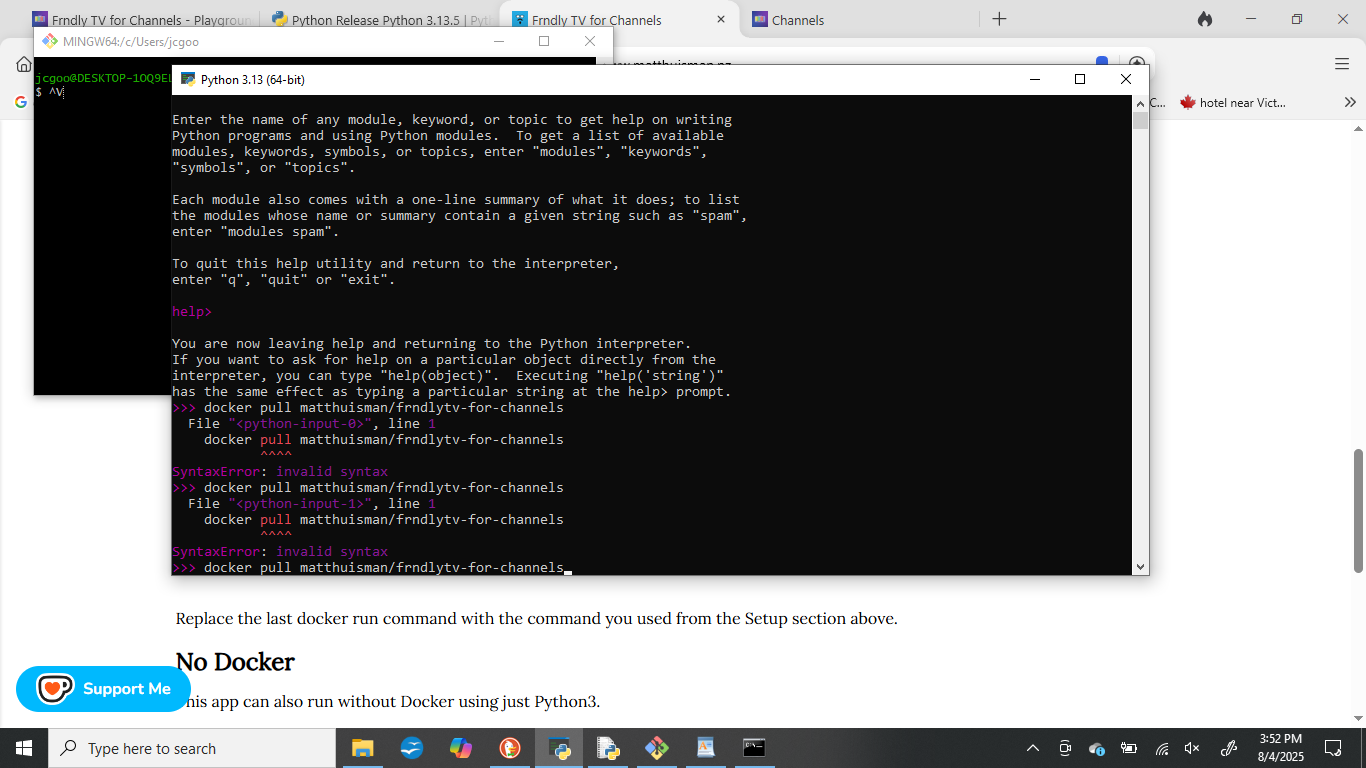
DId you check to see if Python and Git installed correctly by using:
python --version
and
git --version?
If you got the version #'s, you should be set. Simply run the 4 commands, starting with the Git command:
git clone https://github.com/matthuisman/frndlytv-for-channels