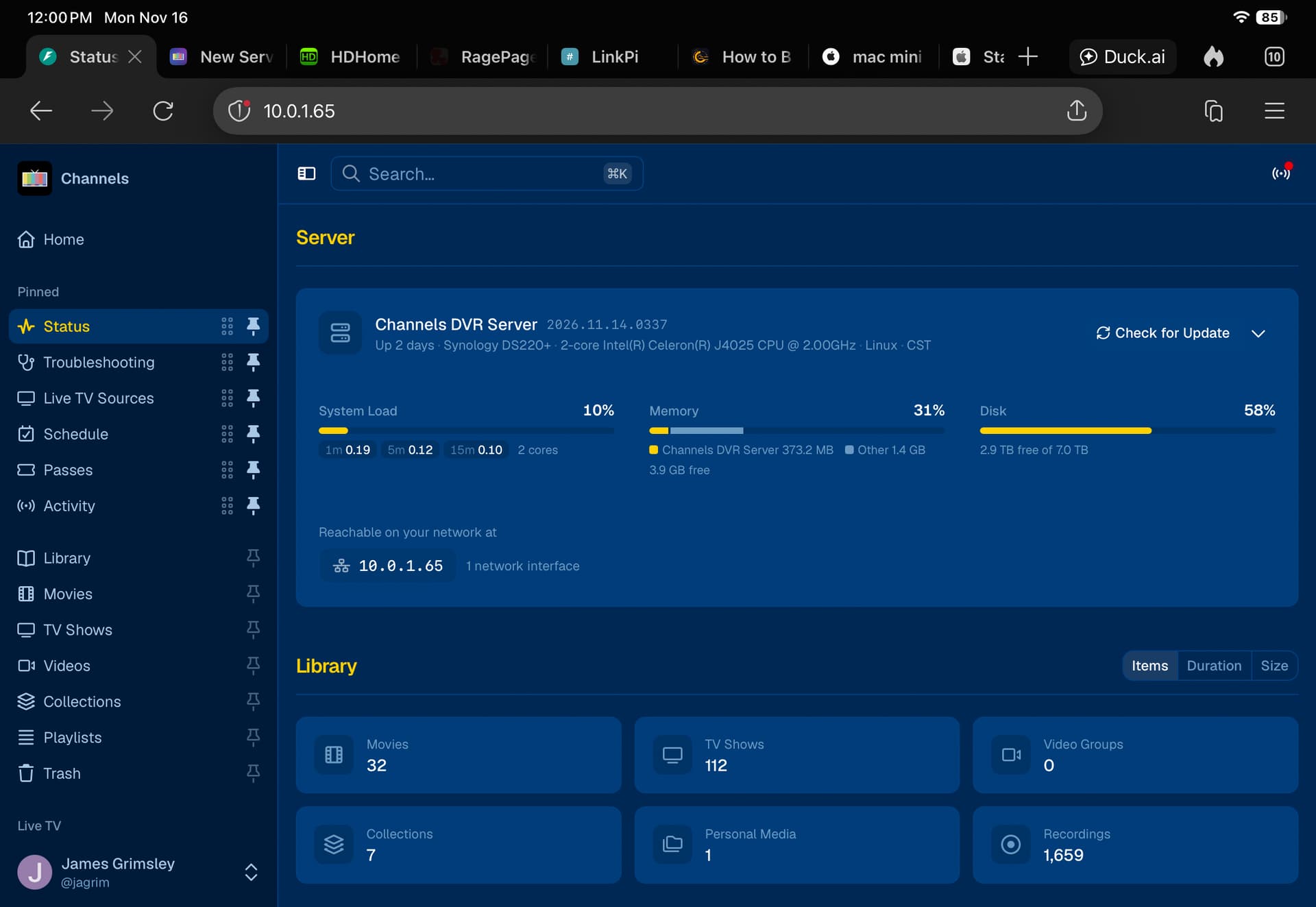
I am running version: 2026.11.14.0337.
- How do I get from home page to "Sources"
- Where is the list of recordings that used to be under "DVR"?
- How do I revert to a previous version?

I am running version: 2026.11.14.0337.
How do I get a list of recordings in the order they were recorded, with the newest recording at the top? This is what I got with the old app.
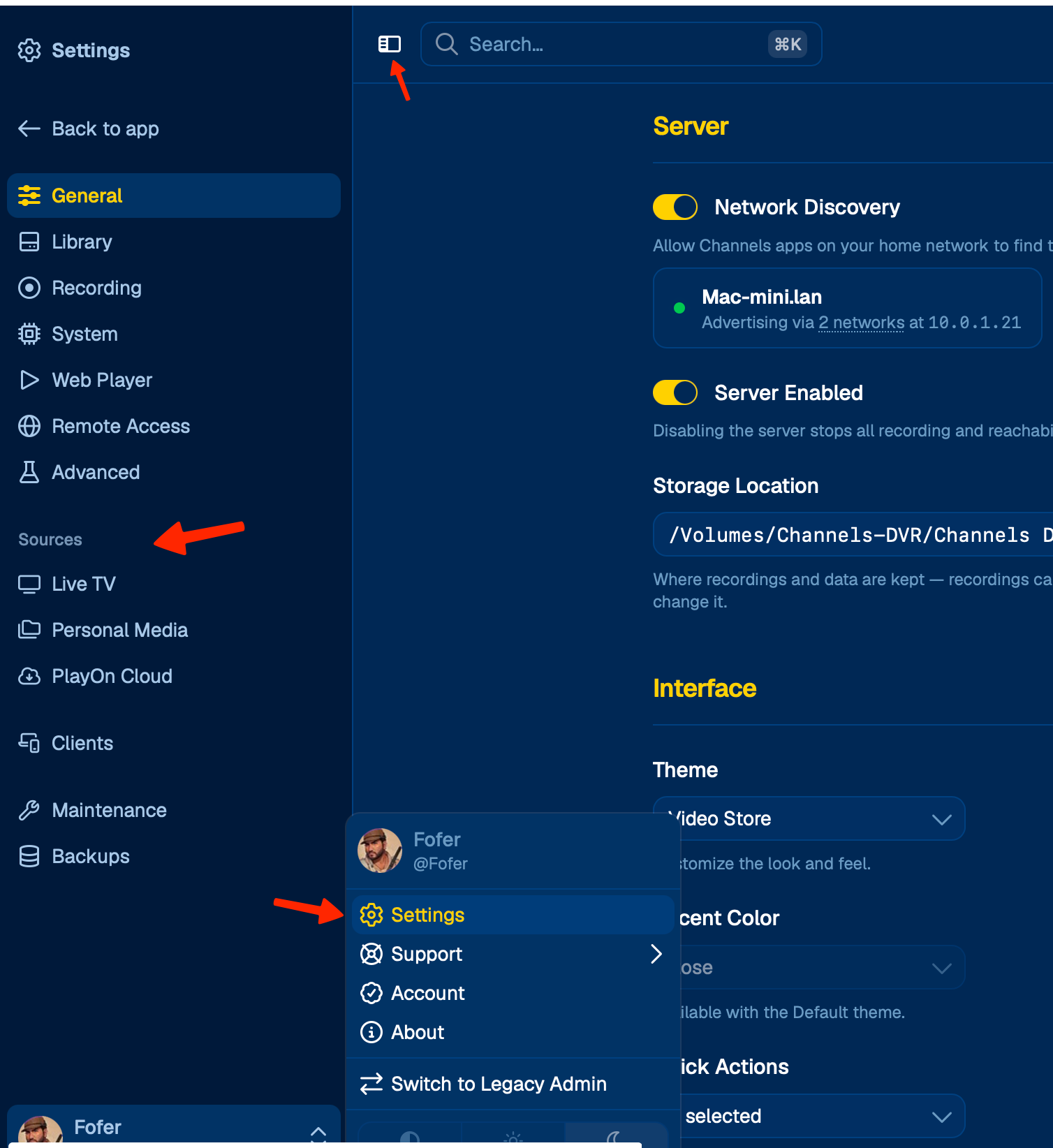
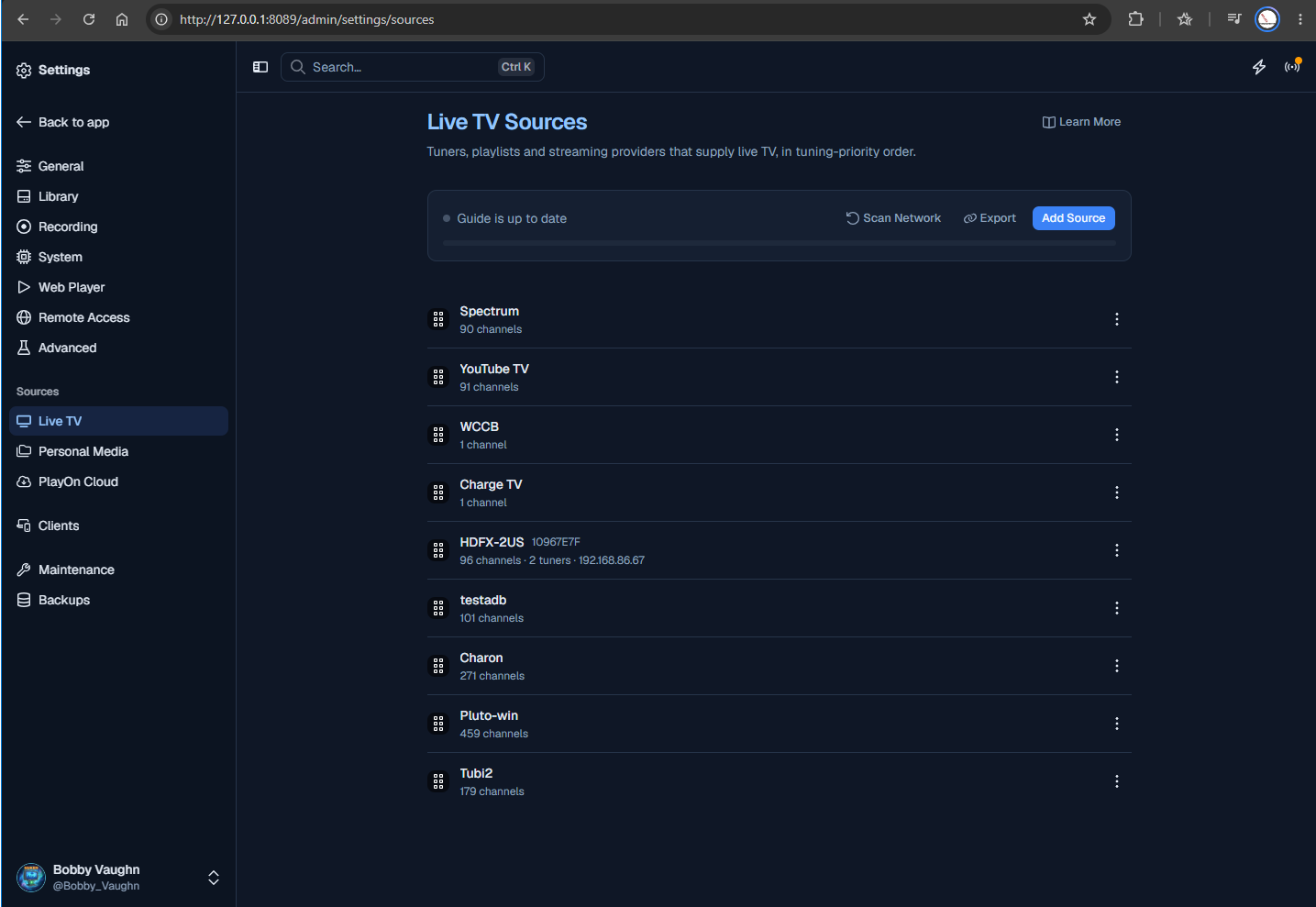
Wrong "Sources". I want the one that shows a list with HD-Homerun and my TVE feed.
It's the correct "Sources." Under the arrow is "Live TV." Click there.
Ok, I got the sources. Thanks for your help.
I still need to find a list of all my recordings.
This was explained above. Please read all of your replies
You can also get to Sources by using Ctrl K.
I don't understand your answer. Under the old DVR->Manage, I got a listing of all my recordings in the order they were recorded, with the most recently recorded at the top. How is this done in the new system?
Use the Library. You can sort the view any way you want to.
In the Library, for the TV shows I choose Episodes, Added (sorted), All Shows, Source: Recordings. Then I set a preset so I can choose this again whenever I want. For Movies I choose Movies, Added (sorted), Source: Recordings. Then I set another preset.
I don't know how to get movies and shows all in one list. I am not an expert. At any rate you might choose different selections, depending on your needs. It is easy to try out to see what you can get.
You can't get Movies and Episodes in a single list. It shows by content type.
DVR > Manage in legacy did not do this either.