No Search button in sidebar

No matter what I do Search will not show up in the sidebar. I tried both global and client specific settings. diagnostic log submitted under 5bed3992-c41d-4765-8c39-951a9194153f from iOS. Happens on both latest beta and stable iOS apps. Server on latest prerelease.
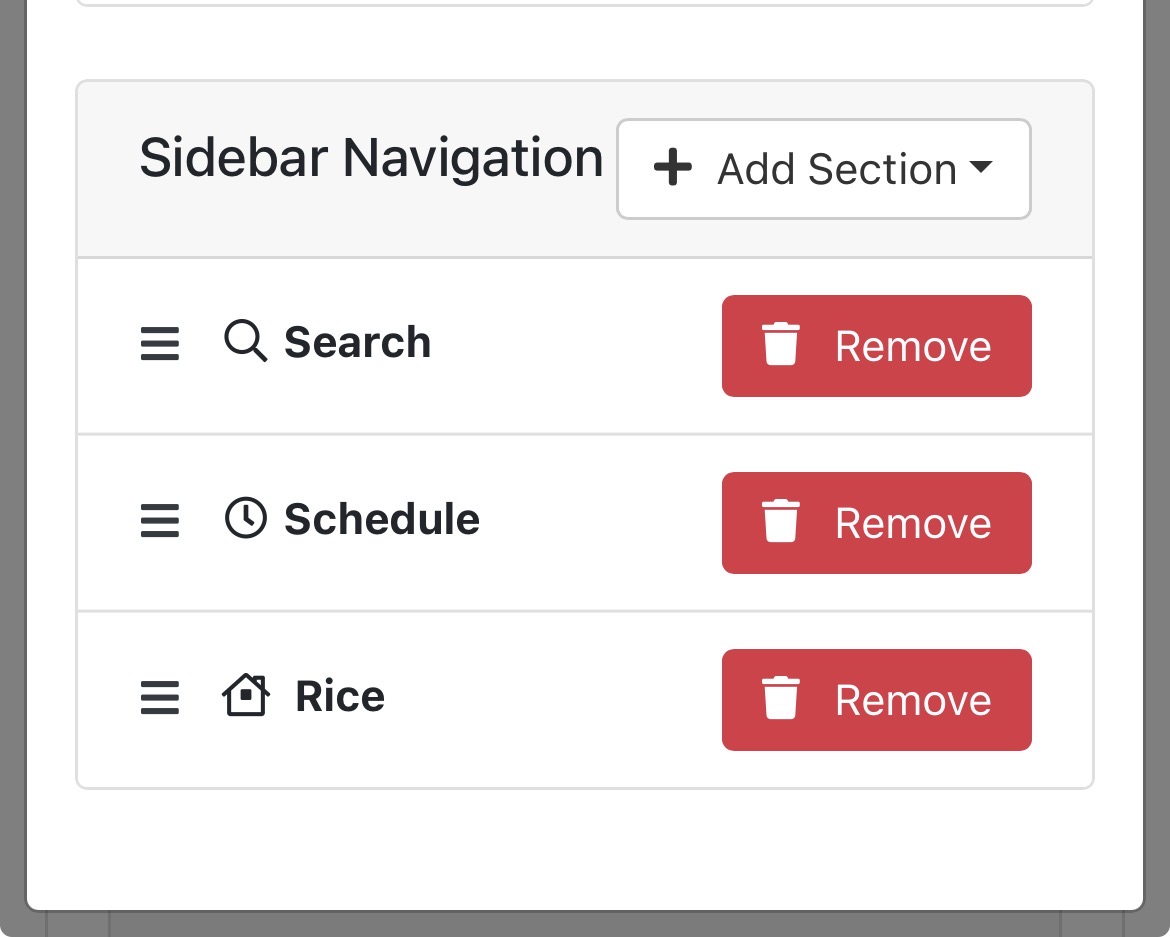
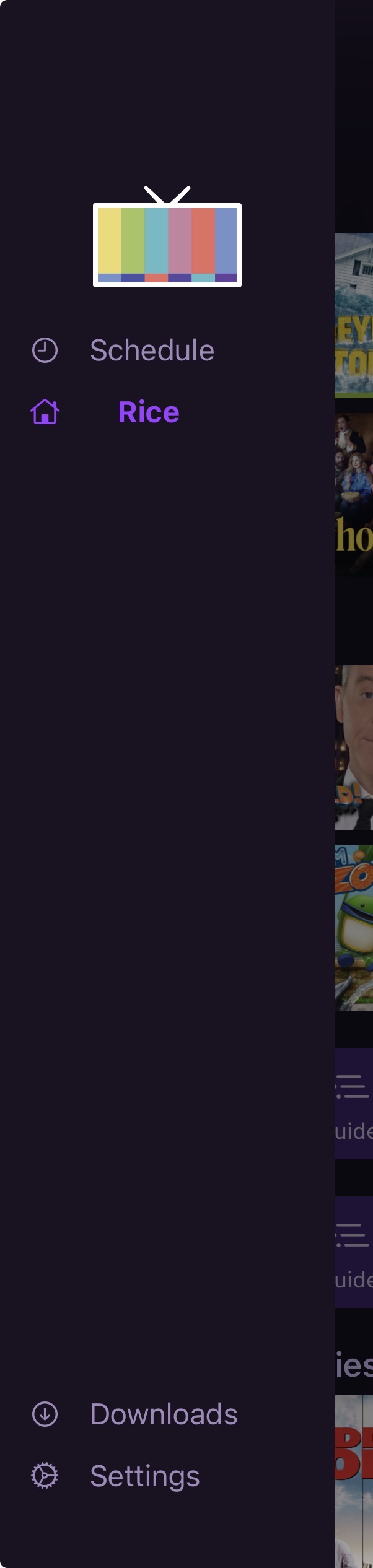
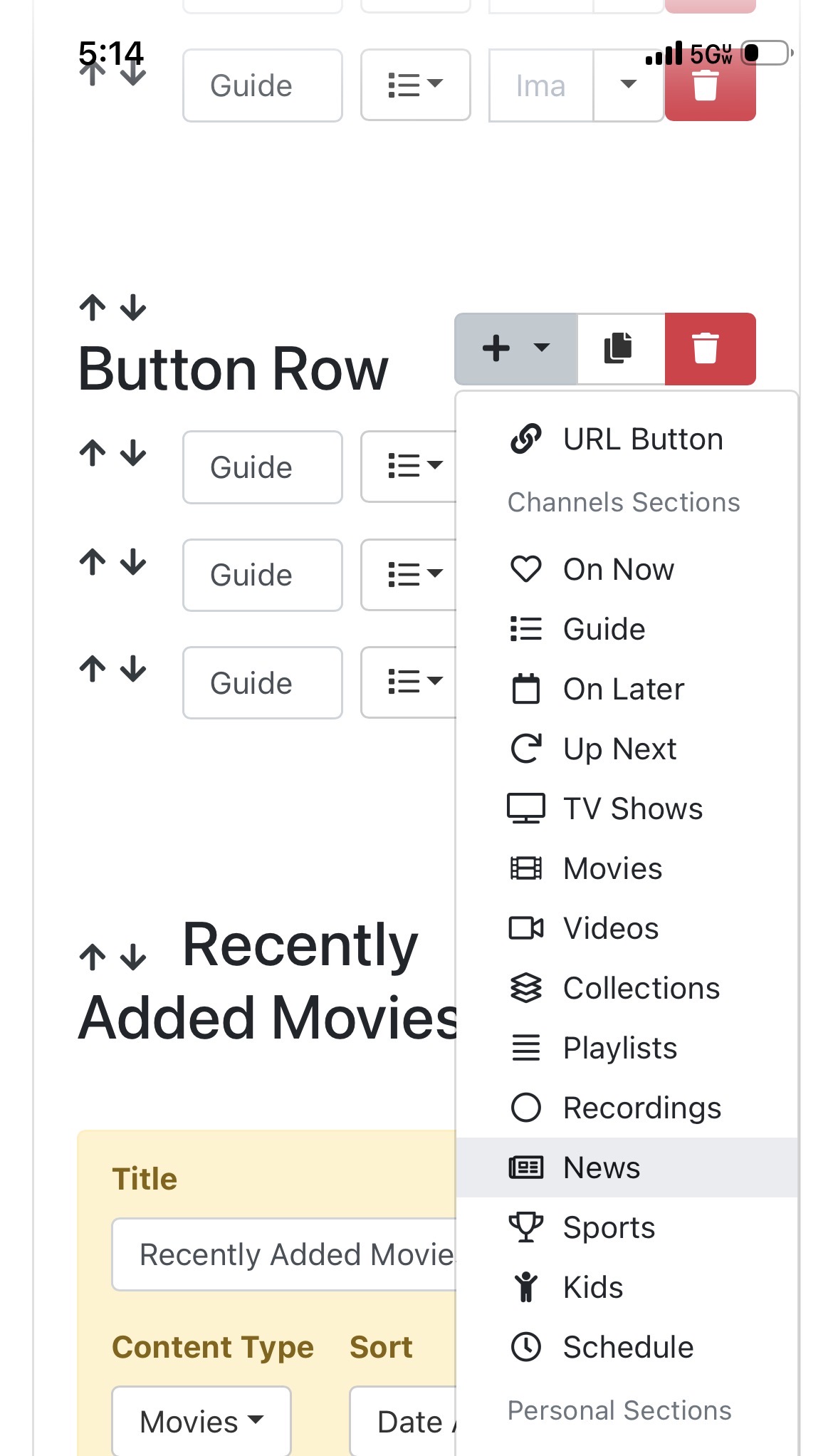
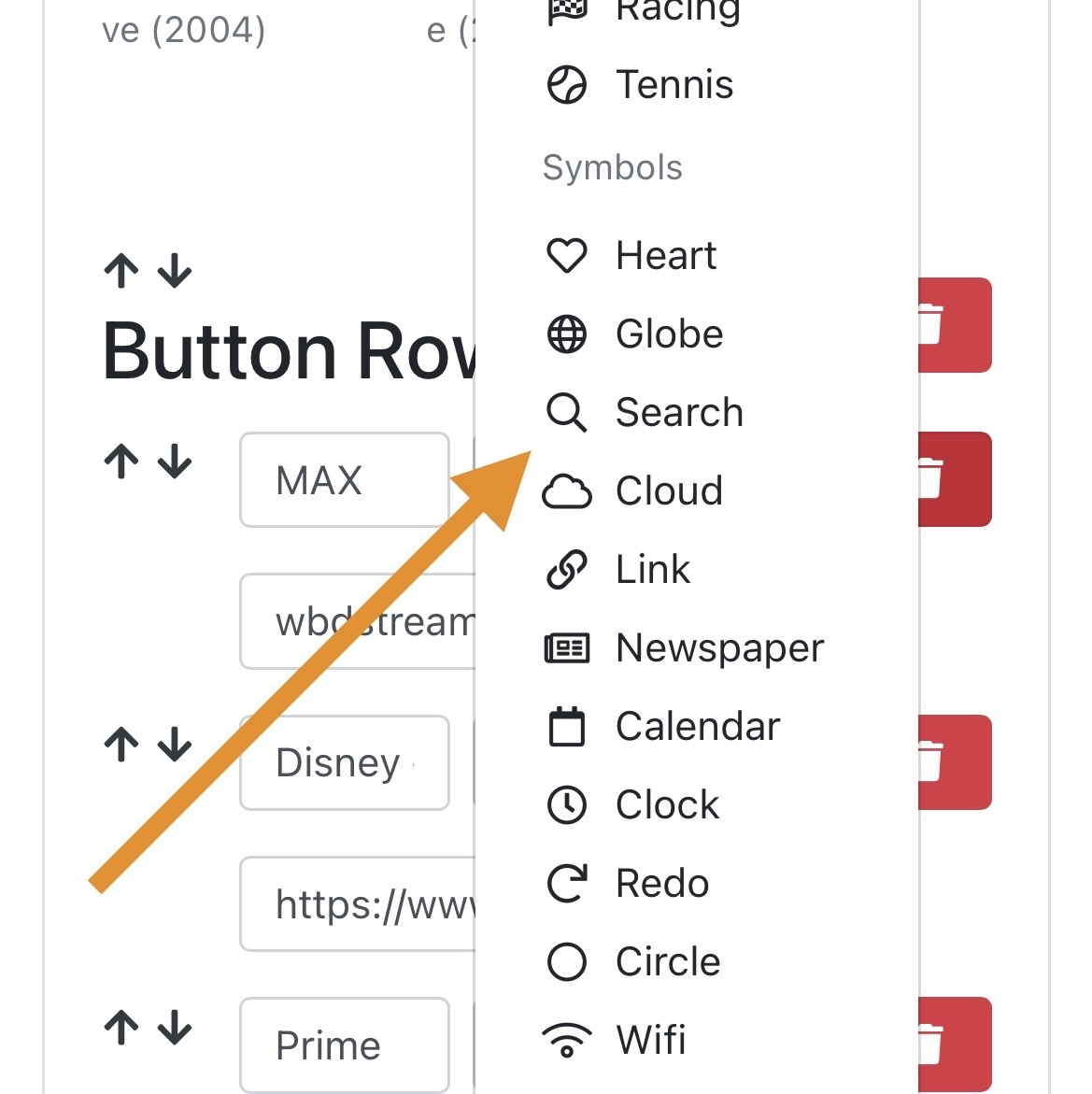
I tried to also add a search button in personal section, not one there to add which seems strange as there is a search logo available to assign if you could create a search button.
I've seen this bug in the past while developing and could NOT figure out why it was happening. I still haven't, and it's gone away. So please submit diagnostics from your app and I can see if maybe I can find something. it's very odd.

As for linking to the Search section from a Personal Section button, it's just not possible as the search interface that tvOS makes us use is possibly the worst thing I've ever had to deal with in UI development. It's just a nightmare.

The search icon is just there because it's a commonly used icon that someone might want to use for anything. It's just an available icon.

Ok, I understand.

The above diagnostics were from the iOS app. But here is another after poking around with it more, changing servers toggling options ect. New diagnostic log submitted under ab2b3b83-5008-4eba-a69d-922cb880a17d from iOS app.

Some notes I just tried:
I connected to a different server and it has same issue if I force from server side. This server has no sidebars setup in both global or client. So it opens up sidebar settings to be configured phone app side. Now being able to change the options in the actual app and when I toggle on search there under settings > general> manage nav, Search will still not populate in the sidebar, the other options do populate

My ATV4K and iPads have no issues with search in sidebar.

So it seems the issue is not server side, it’s app side on iOS.

1 Like

My daughter’s iPhone 13 also has sidebar search missing.

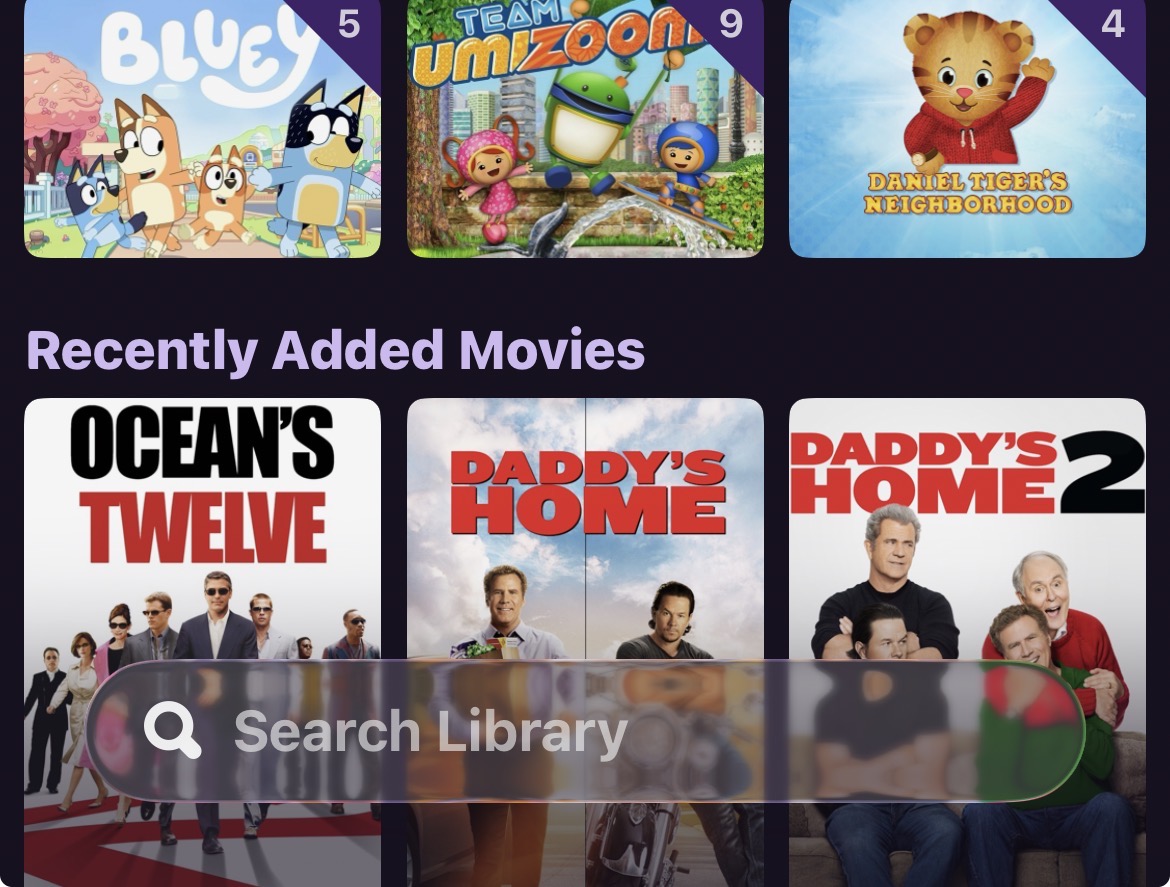
Her phone also has a “Search Library” at the bottom of home page. My phone has this on the stable app but doesn’t have library search at the bottom when using the beta app. Is there a setting in the beta app to toggle library search on and off?

oh wait, this is iOS?

iOS no longer has a search section. Search is now modal and scoped to the section you're in.
The search bar is always visible now, per iOS 26 design patterns.

So when you're in Movies, you can search just movies via the visible search bar.

This is working as designed.

Ok well that explains sidebar search.

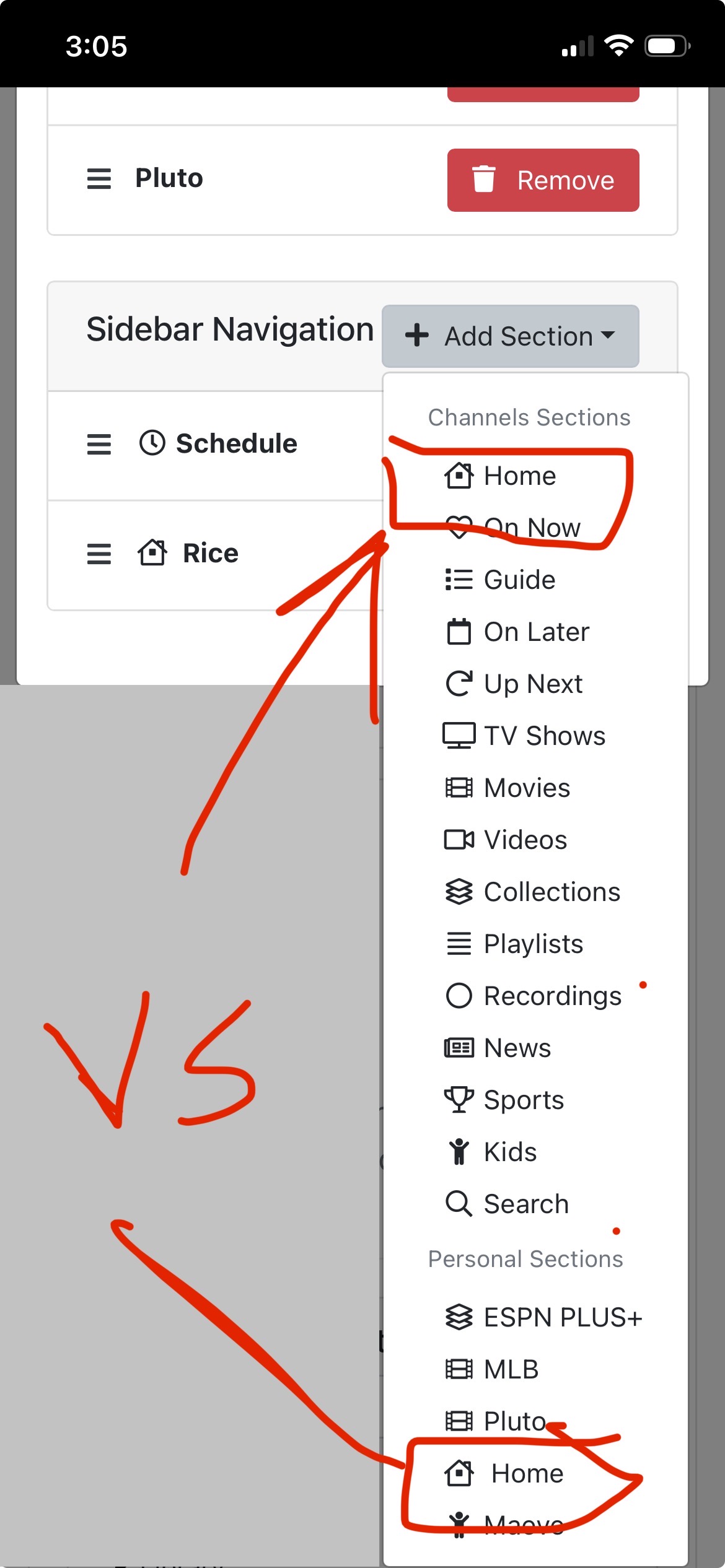
When you choose the “Home” under the Channels Sections heading and pin that to sidebar on a client there is a search library bubble at the bottom like this.

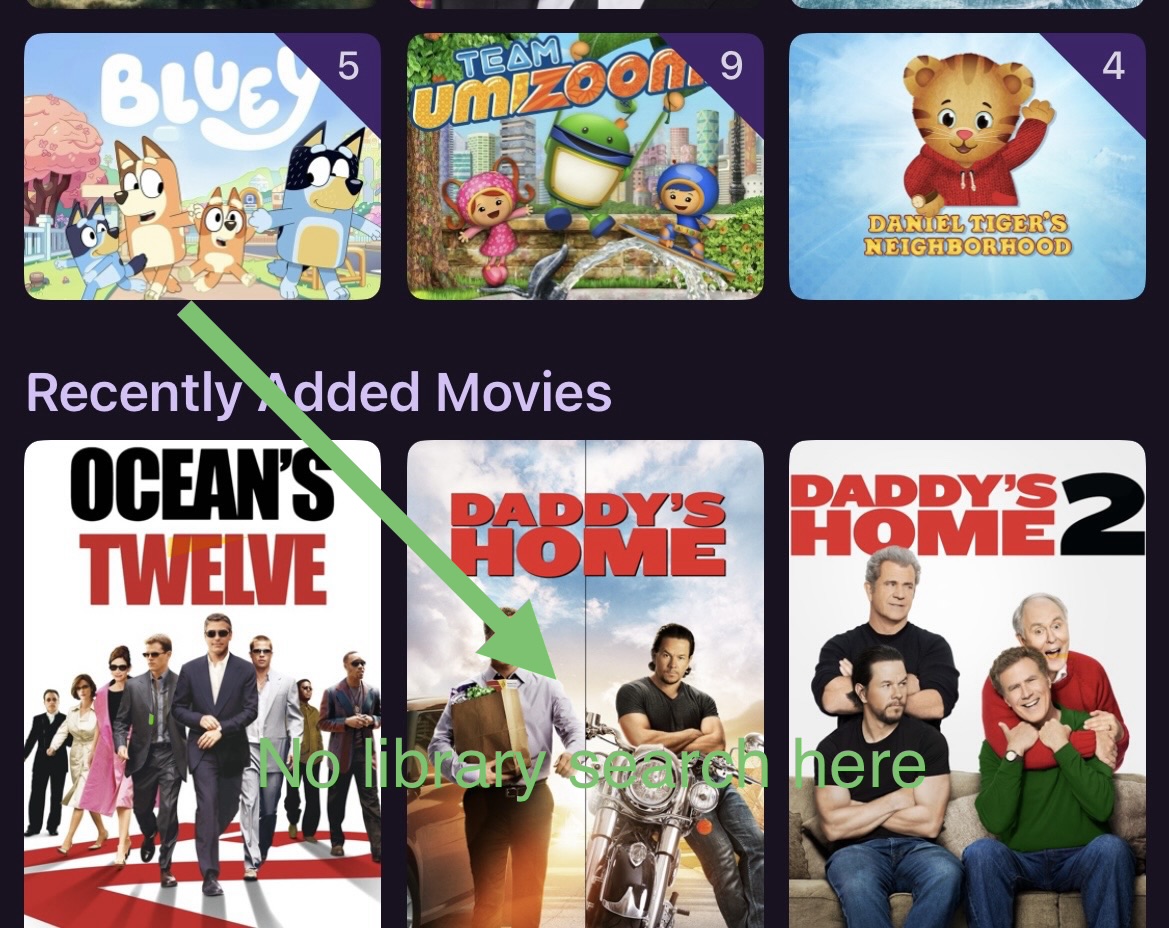
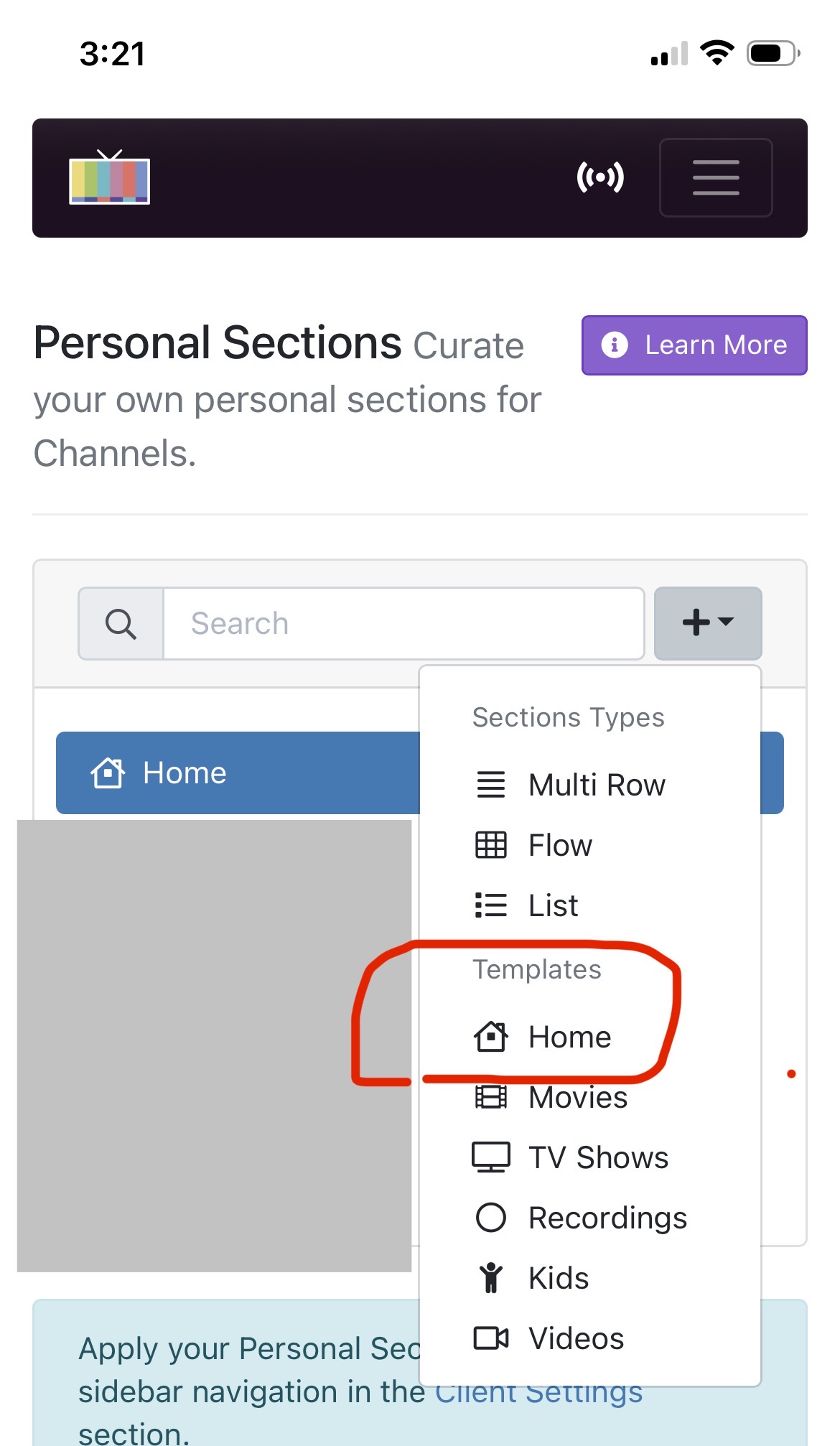
But if you create a personal section using a “Home” template and assign that to the client(s) in the sidebar section there is no library search button at the bottom.

The Home template doesn’t include the library search button so it is currently not possible to customize a personal section and have a library search button on that page.