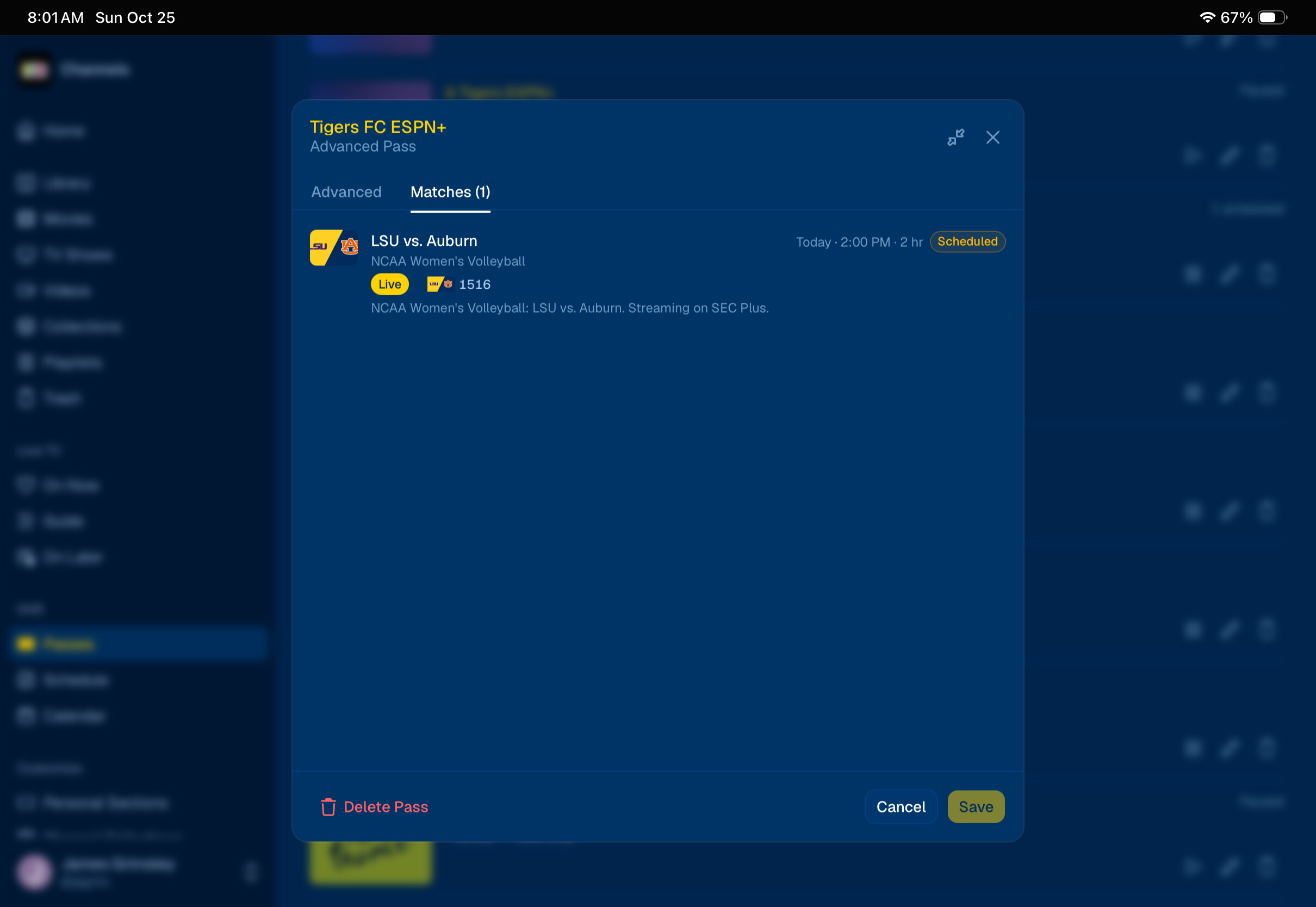
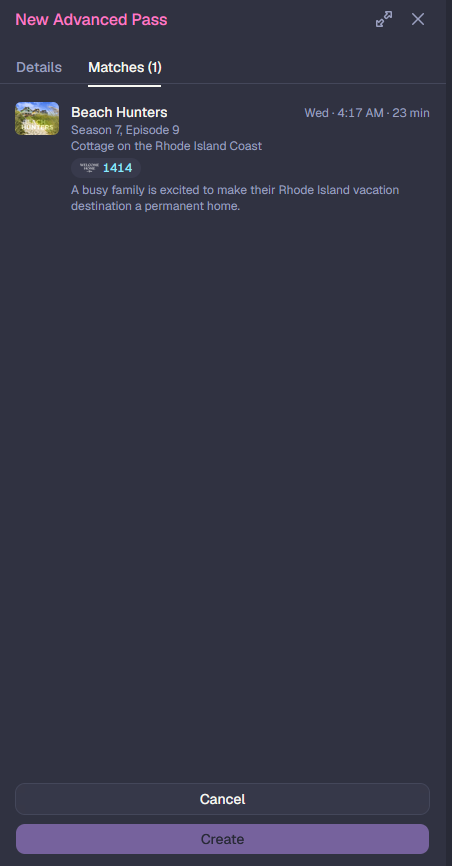
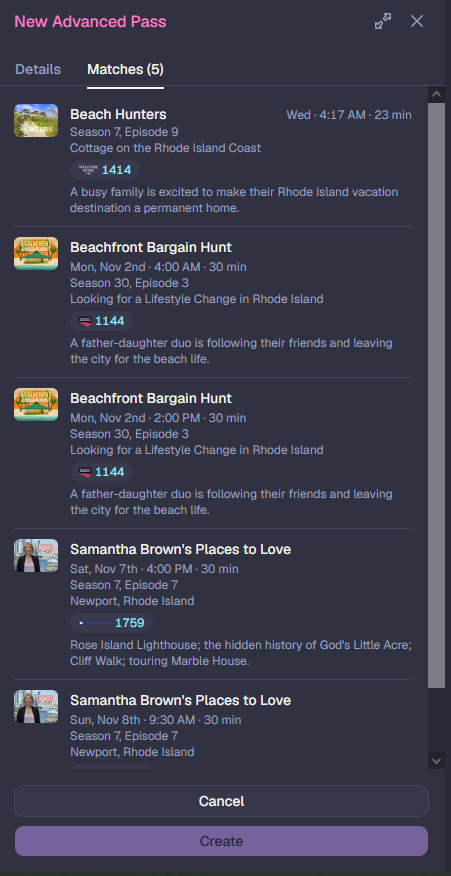
Description of issue:
No selection box on Matches on Advanced passes.
I expected:
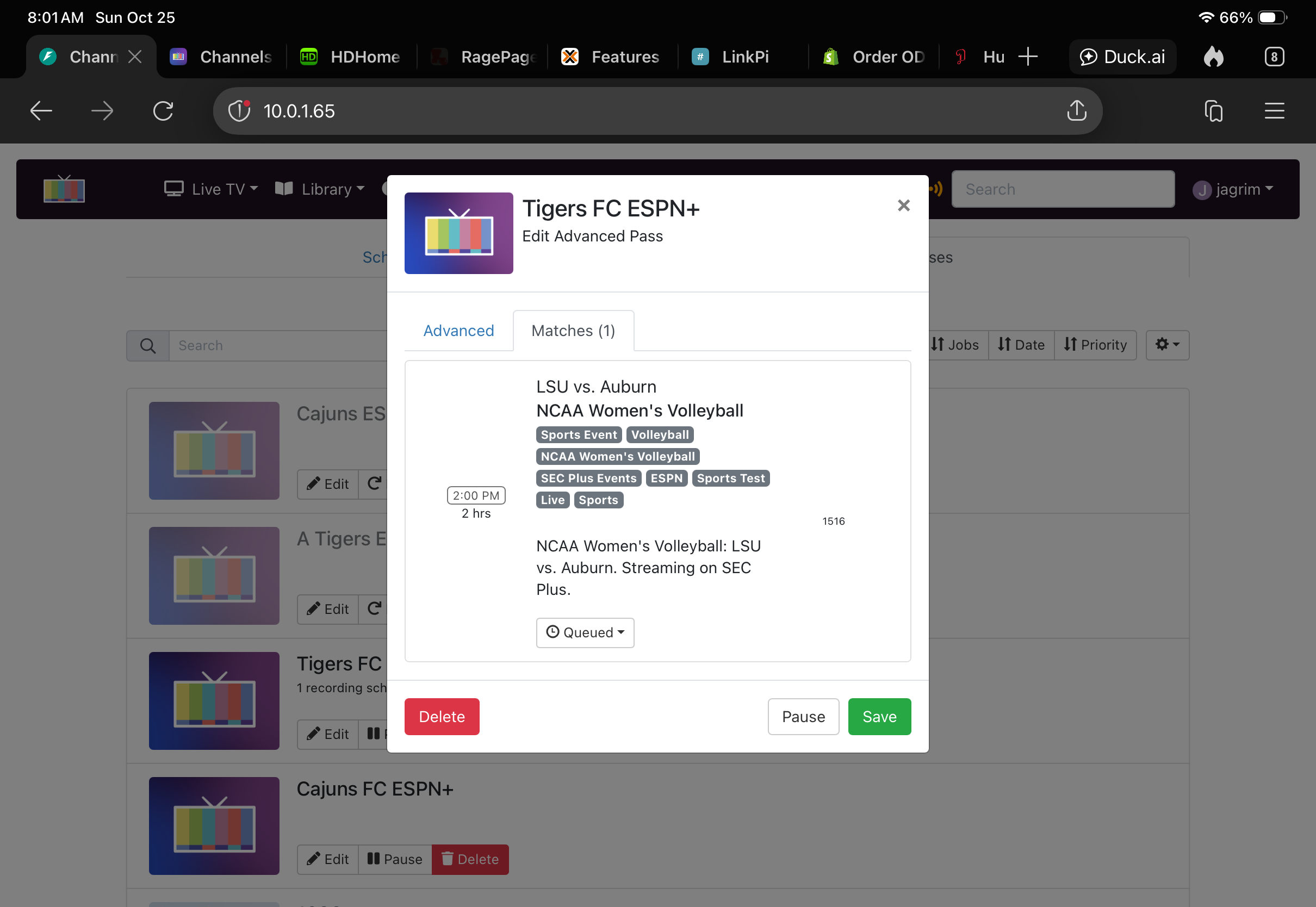
What actually happened:

Description of issue:
No selection box on Matches on Advanced passes.
I expected:
What actually happened:
Not a solution.
In ver 1, a dropdown box was there which showed blank, queued, or skipped. This is not available in V2..
This is by design. This pane is not there as a recording manager, it’s to show what your rule matches.
So V2 just takes away the ability to skip a recording while in the pass and forces you to find that recording in the ton of recordings that are scheduled.
LONG LIVE V1
you can filter based on name in the Schedule section. I'll look at adding a pass drop down to let you show scheduled items for just that pass.
In the latest pre-release, you can now filter the Schedule page by any pass, or even multiple passes: