
thanks. Appreciate it. fyi, I got my apple tv working so no longer in a rush.
If you're playing with keyboard events anyway, REW/FF via Left and Right arrow would make my day. A key of your choice for pause also.
@JefferMC Live TV does not have the ability to rew or ff. Recorded content does and the arrows can control the ff/rewind. P pauses live and recorded content. I have been working on allowing live TV to ff and rewind for the past two weeks and almost have the bugs worked out. I am also working on a double left arrow/d-pad instant replay that can be adjusted in the settings to choose the duration and if it plays in slow motion. Double click right arrow/d-pad return to live tv. The I key also does instant replay.
1 Like
buffer for ff/rew?
Ram buffer.
yeah, not an option for puny sticks and things...
but this is a windows client, so ram should be less of an issue?
Instant Replay is a cool name, but it's just a short hop back, right? Sort of what I envisioned for left arrow.
Most of the time, I'm watching recorded content. I seem to struggle with the UI on viewing a program that's still recording, though, which is often what I'm trying to do.
The instant replay is made with sports in mind. The rewind and ff should work better in the next release.
I see what you are talking about. The scrub on the timeline is a pita. I'll have that sorted out.
v1.3.5 Released
-
Added Live TV Scrubbing: The Live TV now allows for timeline scrubbing. 500MB Ram Cache.
-
Added Instant Replay: You can now double tap the left arrow/d-pad or click the I button to replay Live TV. Configurable in settings.
-
Improved Live TV Navigation: The Live TV navigation has been refined and improved.
-
Channel Number Tuning: You can now tune a channel by entering the channel number in the Live Player or use the channel number to pull the channel up in the Guide.
-
Numerous Other Behind the Scenes Improvements.
Keyboard Commands
Playback & Timeline Control
- Spacebar or P: Play / Pause.
- Left Arrow (Single Tap): Skip backward.
- Left Arrow (Hold): Scrub fast-backward through the timeline.
- Left Arrow (Double-Tap): Trigger Instant Replay (jumps back and plays in slow motion).
- Right Arrow (Single Tap): Skip forward.
- Right Arrow (Hold): Scrub fast-forward through the timeline.
- Right Arrow (Double-Tap): Jump to the live edge of a broadcast.
- I: Trigger Instant Replay.
Navigation & Menus
- Up Arrow (Single Tap): Navigate UI up (e.g., move focus to the timeline slider).
- Up Arrow (Double-Tap): Open the Live TV Mini Guide.
- Down Arrow: Navigate UI down / Close the Mini Guide.
- Enter / Return: Select a focused UI item / Tune a typed channel number / Play & Pause (if no button is focused).
- Escape / Backspace: Go back to the previous screen / Close the overlay.
- 0-9 and Period (.): Direct channel number entry (brings up the channel jump overlay).
Audio & Visual Toggles
- C: Toggle Subtitles (Closed Captions).
- A: Toggle Anime Mode (Video Upscaler).
- M: Mute audio.
- S: Toggle "Stats for Nerds" overlay.
- F: Toggle Fullscreen.
- Plus (+): Volume Up.
- Minus (-): Volume Down.
Remote Control Commands
Navigation
- D-Pad (Up/Down/Left/Right): Functions exactly like the keyboard arrow keys for skipping, scrubbing, and UI navigation (including the double-tap to open the guide).
- OK / Select: Functions like the Enter key to click buttons, confirm channel entry, or toggle Play/Pause.
- Back Button: Closes menus or goes back to the main guide.
- Number Pad (0-9, .): Enters a channel number to jump directly to it.
Dedicated Media Keys
- Play/Pause: Toggles video playback or jumps to the live edge.
- Previous Track: Skips backward by your configured skip amount.
- Next Track: Skips forward by your configured skip amount.
- Volume Up / Down: Adjusts the player volume in 5% increments.
4 Likes
thanks
Terrific additions!
Thanks... what I had not copped to was having to set focus on the element of the screen needing manipulation. Right / Left arrow worked (usually), but I had to set focus on the scrub bar first.
Half speed instant replay, with a different time from the skip backwards, is very cool (now that I tried it). Thanks, this just keeps getting better and better. (Especially since I've got ADBtuner set back up with the linear ESPN channels and working flawlessly).
Just a little heads up on what I have been doing with Nucleus, it's been a while since I have released an update. I have been working on adding Pluto Video On Demand Movies into the HTPC through my Windows ADB Bridge and the Pluto TV app with the intent to eventually be able to add them into Channels DVR as Stream Files. This may only be offered as a Nucleus option as it is a very convoluted way to add movies into Channels.
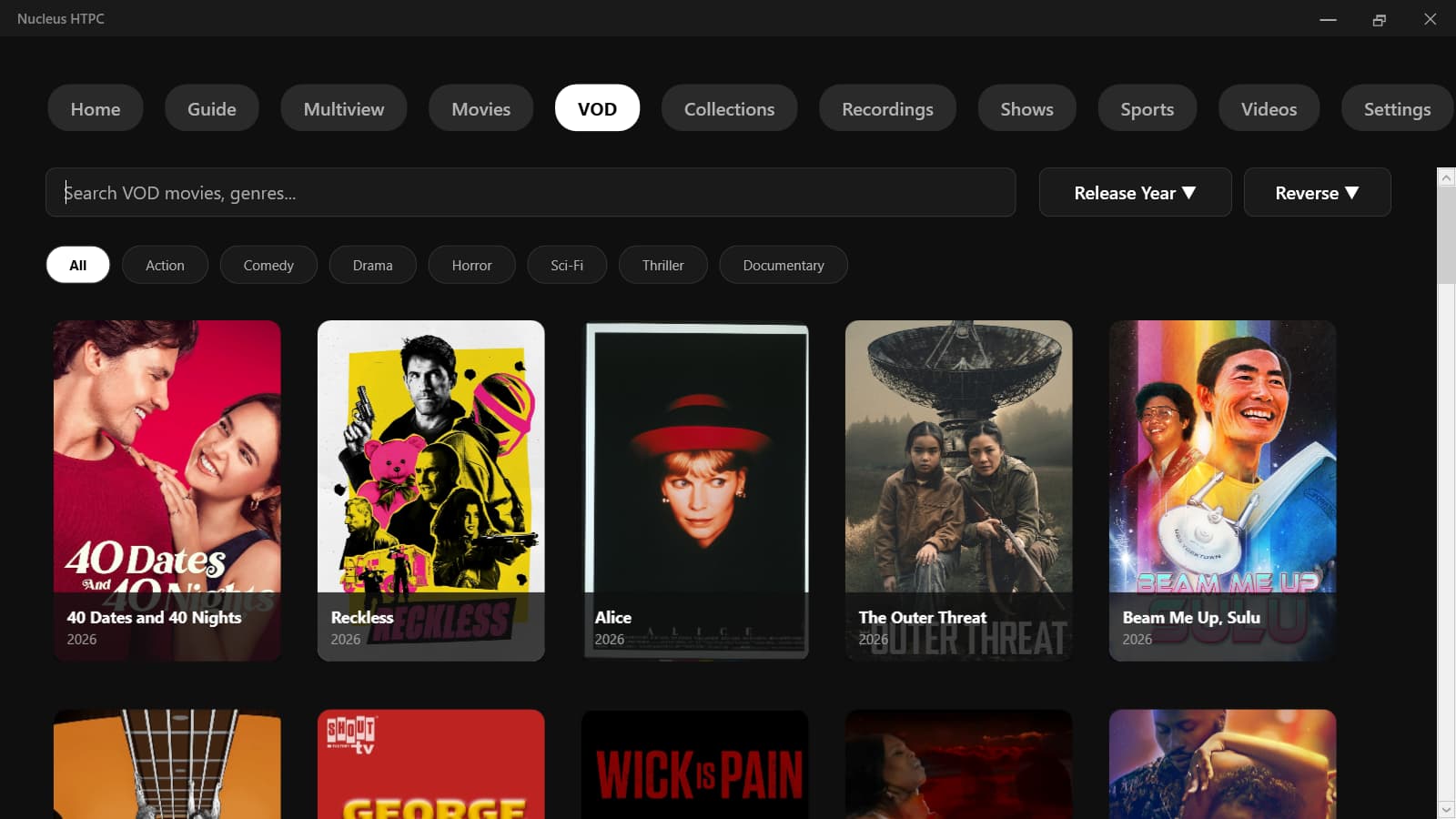
v1.3.9 Released
VOD Integration (Pluto TV)
Nucleus HTPC now supports browsing and playing Pluto TV's Video on Demand (VOD) catalog natively. Instead of relying solely on Channels DVR, the HTPC commands a local Android TV or Fire TV device to seamlessly tune and stream the content via a capture card or network encoder.
Requirements & Setup
To use the VOD features, you must configure the companion proxy tool to handle the tuning requests.
- Android ADB Bridge (v5.1.9+): You must be running Android ADB Bridge version 5.1.9 or newer.
- Pluto TV App: The Pluto TV app must be installed and logged in on your target Android TV / Fire OS streaming stick.
- Provider Configuration: In your ADB Bridge web dashboard, you must add Pluto TV as a Provider using the following exact application intents:
-
Package Name:
tv.pluto.android -
Component (Activity):
com.cbs.app.tv.ui.activity.HomeActivity
-
Enable in HTPC Settings: Open Nucleus HTPC, navigate to the Settings menu, toggle Enable ADB VOD Bridge to ON, and enter the local IP address and port of your ADB Bridge server (e.g.,
http://192.168.1.50:8888).
How to Use
Once the ADB Bridge is configured and running on your network:
- Open Nucleus HTPC and navigate to the VOD tab. (The app will automatically sync and cache the latest movie catalog directly from Pluto TV's API on startup).
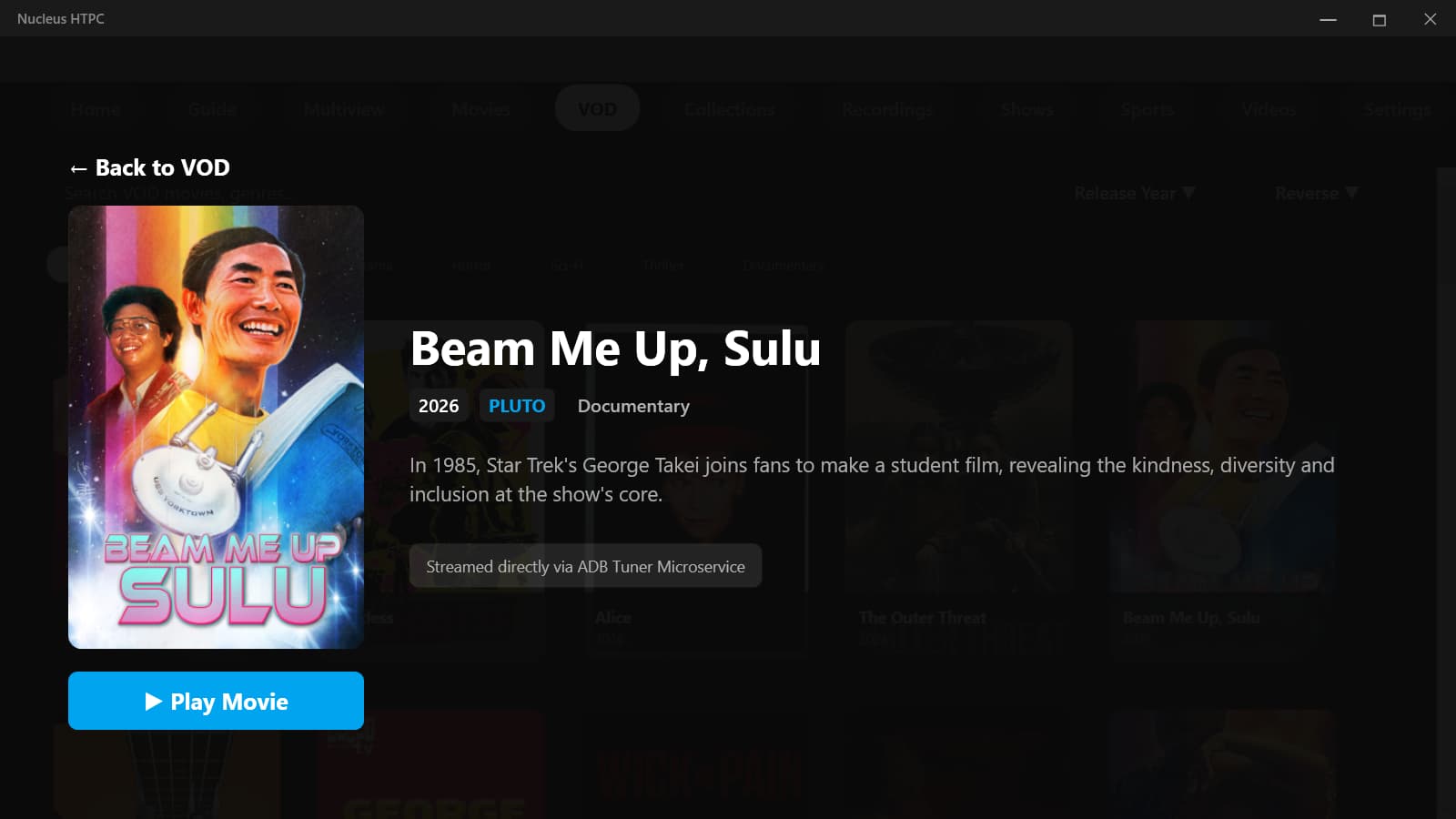
- Select a movie to view its details and press Play.
- The HTPC will immediately display a seamless pre-roll movie poster while simultaneously commanding your Android device to deep-link directly into the requested movie.
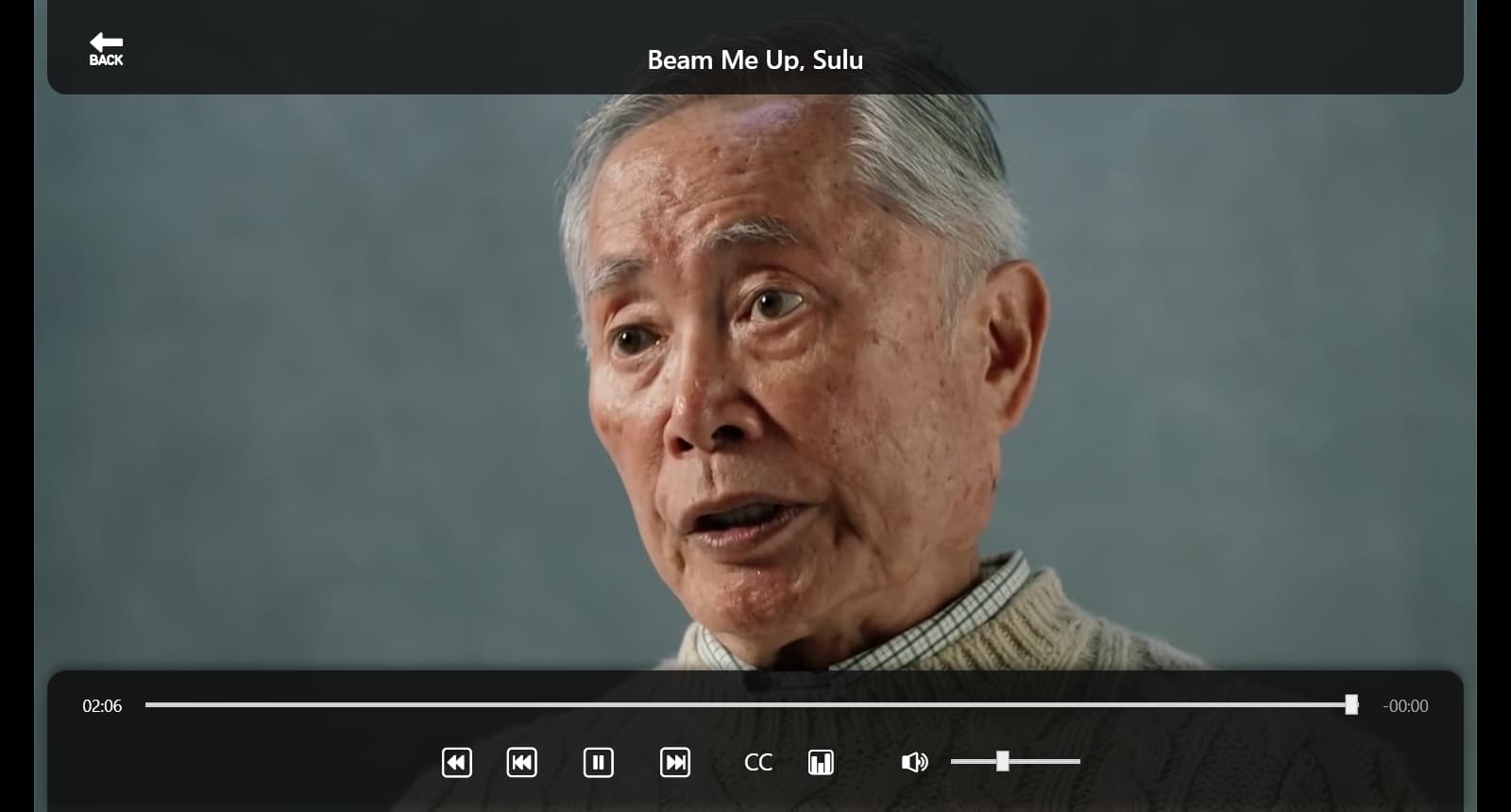
- The moment the video begins decoding, the pre-roll overlay will vanish, allowing you to watch the VOD with full MPV playback and upscaling support.
1 Like
Do not update until I post in here. The latest update has a permission issue I am trying to work through.
v1.5.1 Released
-
Binge-Watching: Added "Auto-Play Next Episode" with a live 30-second countdown.
-
Playback Stability: Fixed "Tuning Failed" errors during automatic episode transitions.
-
Remote Control: Improved "OK"/Select button reliability for on-screen prompts.
-
VOD Architecture: Switched from ADB-Tuner screen capture to a direct .NET proxy using native HLS streams.
-
VOD Timeline: Restored accurate scrubbing and timeline tracking for VOD playback.
-
Search Features: Added an interactive cast and crew search grid to Movies.
-
Trailers: Added Movie Trailers.
-
UI Navigation: Added a remote-friendly "Clear Search" button to easily reset text queries.
2 Likes
I paused the update for a week yesterday due to your warning to hold off. Now I don't get prompted to update, and no button in settings. I'll have to do it--wait for it--manually. Sigh. First world problems.
BTW, I had an issue when trying to watch something that was actively recording. Should there be issues here? (Currently running 1.3.5). I couldn't find the recording and when I tried the grid, it would only show the live feed from the tuner. I'll try to reproduce with 1.5.1 when I have time or have something recording anyway.
Apparently it now always tries to sync up with Pluto on startup, but I do not use that service.
It places pluto_sync.log on my desktop each time. First instance:
[2026-10-07 09:02:06] Starting direct PlutoForChannels VOD proxy sync...
[2026-10-07 09:02:06] Downloading VOD catalog from http://127.0.0.1:7777/pluto/us_east/vod.json...
[2026-10-07 09:02:08] FATAL EXCEPTION during proxy sync: No connection could be made because the target machine actively refused it. (127.0.0.1:7777)
I confirm what Pokemon_Dad says, I have a pluto_sync.log with similar contents. I have the Pluto option disabled.