OliveTin EZ-Start: The Next Generation. Deploy OliveTin-for-Channels from the Command Line without the Need for Portainer to be Installed in Advance!

Let's take a look at the debug output. From the EZ-Start WebUI (on port 1338) run this Action:
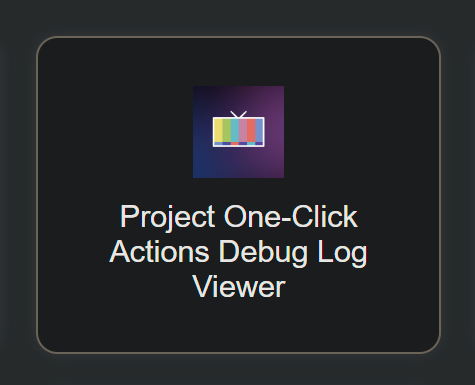
screenshot-htpc6-2026_01_10-09_00_40

Select this debug log:

You may need to redact the password you're using in the debug, unless it's a throw-away. No need to redact your LAN IP addresses -- there's no security risk posting those.

In addition to posting the debug log, please confirm you're running the latest version of WSL2 by running the following from a PowerShell prompt:

wsl --update

Also, from a Linux prompt, post the output from:

cat /etc/os-release

All that should help give us an idea what state your system is in, and what's happening when the Portainer installation is happening.
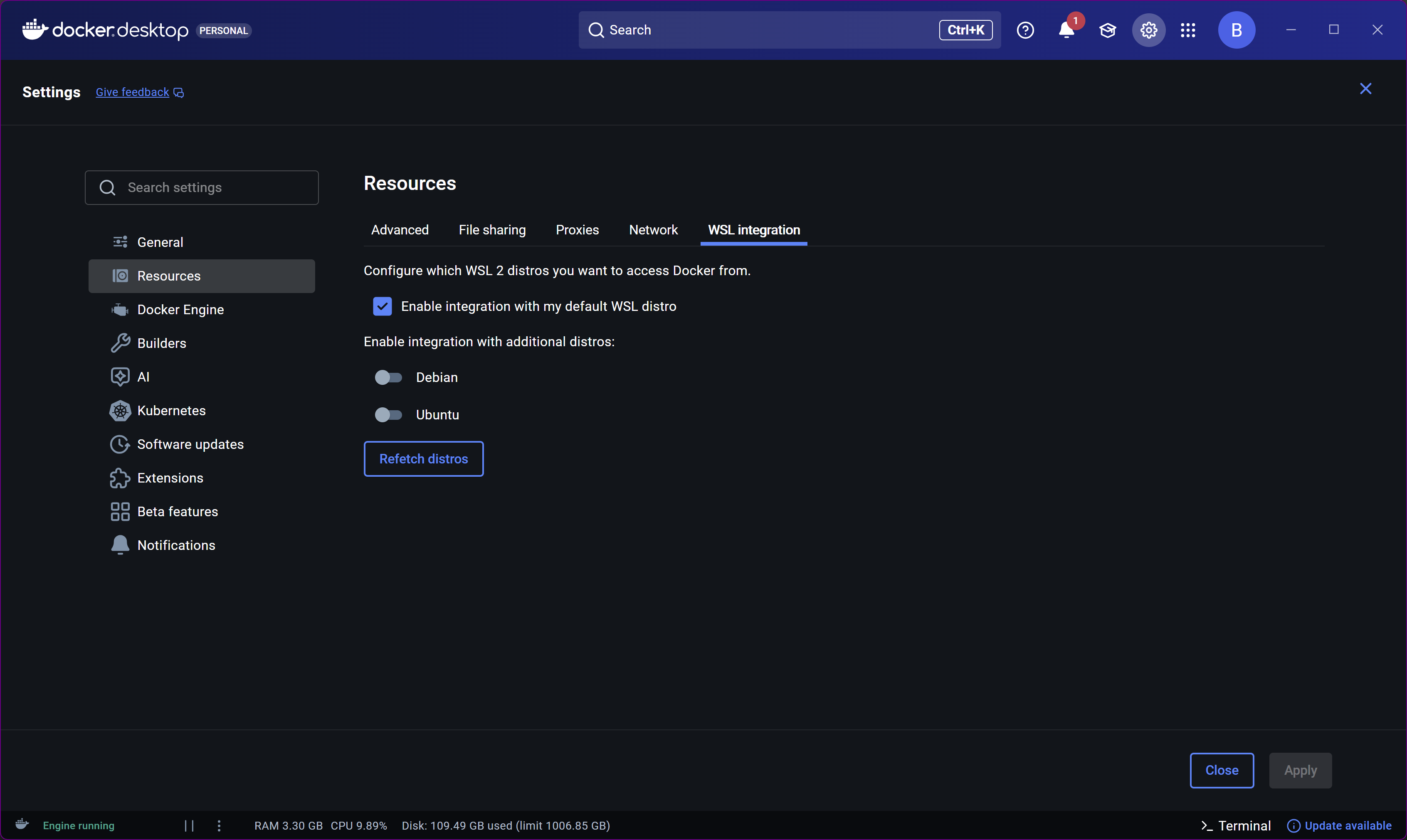
Portainer Install Debug log:

/config/portainer.debug.log 2026-01-10 10:29:59

+ [[ -z '' ]]
+ portainerHost=http
+ portainerAdminPassword=(Redacted)
+ [[ 12 -lt 12 ]]
++ cut -d : -f 2
++ htpasswd -nbB admin 1206ld_4Port
+ hashedPassword='$2y$05$Z6T7A0WK1ZiVwJF8Mmrsb.051dkLn3DScrmWFMxgvYeBlT3w27CA2'
+ portainerHttpPort=9000
+ portainerHttpsPort=9443
+ docker run -d -p 9000:9000 -p 9443:9443 --name portainer --restart always --pull always -v /var/run/docker.sock:/var/run/docker.sock -v portainer_data:/data portainer/portainer-ce:latest --admin-password '$2y$05$Z6T7A0WK1ZiVwJF8Mmrsb.051dkLn3DScrmWFMxgvYeBlT3w27CA2'
+ echo 'Portainer container created successfully'
+ sleep 2
++ curl -s -X POST http://http:9000/api/auth -H 'Content-Type: application/json' -d '{"Username":"admin", "Password":"Redacted"}'
++ jq -r .jwt
+ jsonWebToken=
++ curl -s -X POST http://http:9000/api/users/1/tokens -H 'Authorization: Bearer ' -H 'Content-Type: application/json' -d '{"password": "(Redacted)", "description": "olivetin"}'
++ jq -r .rawAPIKey
+ portainerToken=
++ jq -r .Id
++ curl -s -X POST http://http:9000/api/endpoints -H 'Authorization: Bearer ' -F Name=local -F EndpointCreationType=1
+ portainerEnv=
+ [[ -n '' ]]
+ echo -e '\nPortainer token creation and environment initialization failed...'

Latest WSL2 is installed:

PS C:\Windows\system32> wsl --update
Checking for updates.
The most recent version of Windows Subsystem for Linux is already installed.

OS Release info:

PRETTY_NAME="Ubuntu 24.04.3 LTS"
NAME="Ubuntu"
VERSION_ID="24.04"
VERSION="24.04.3 LTS (Noble Numbat)"
VERSION_CODENAME=noble
ID=ubuntu
ID_LIKE=debian
HOME_URL="https://www.ubuntu.com/"
SUPPORT_URL="https://help.ubuntu.com/"
BUG_REPORT_URL="https://bugs.launchpad.net/ubuntu/"
PRIVACY_POLICY_URL="https://www.ubuntu.com/legal/terms-and-policies/privacy-policy"
UBUNTU_CODENAME=noble
LOGO=ubuntu-logo

BTW, I can get to Portainer on port 9000, and (no surprise) it doesn't list any access tokens.

If you look again at the instructions, you'll see you're only supposed to supply the ip:port. You used an http:// before it (URL style). That's the problem. I should have caught this when you posted your Docker run command earlier.

Start over with that in mind, and you should be good.

Yes, no http:, very good catch. Since the script was running with no errors I didn't pick up on the URL versus IP error.

After fixing that, things went fine until the Create an OliveTin Stack in Portainer Project One-Click Action. The error is:

JSON response from http://nnn.nnn.n.nnn:9000/api/stacks/create/standalone/string?endpointId=1:
{"message":"failed to deploy a stack: compose up operation failed: Error response from daemon: invalid volume specification: 'C:/Users/Public/olivetin/data:/web:rw'","details":"Failed to deploy a stack: compose up operation failed: Error response from daemon: invalid volume specification: 'C:/Users/Public/olivetin/data:/web:rw'"}
false

FYI #1 my HOST_DIR var is set to C:/Users/Public, and that directory (/mnt/c/Users/Public) is full r/w according to my linux terminal.

FYI #2: Docker desktop says I have a halverneus/static-file-server:latest image but it is not shown as running under containers.

Rather than fight with using Windows paths in Linux (which carries a slight performance penalty anyways), I suggest using /data for your HOST_DIR value. Windows paths do work, but the valid structure has changed in Windows 11, and I don't have any WIndows 10 systems around anymore to test on.

This won't be running until you deploy the full version of olivetin without error.

Thanks for sticking with me, Mr. Dev Sir. I am up and running. (Simple) Health check looks good.

As you suggested I used /data for my HOST_DIR value. I poked around looking for this directory and couldn't find it. It is a question for me because with multiple containers, WSL, and Windows all on the same server, there are multiple root directories around. Should I be able to find /data, or will it show up only after I run certain olivetin actions?

Also, I note the ez-start container/image is still there, but not running. Is there any reason to keep it around?

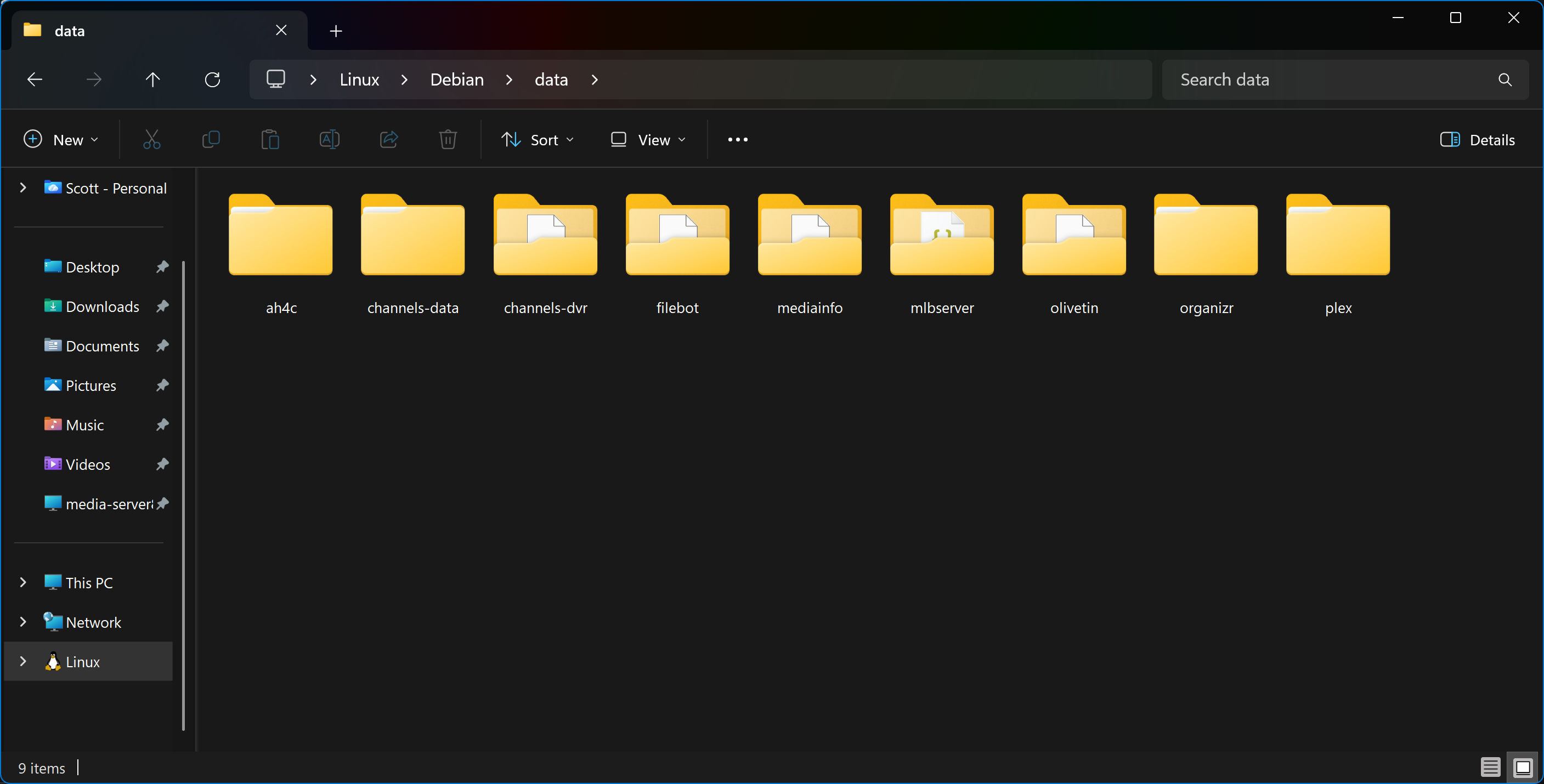
Yes. Connect to your WSL Ubuntu instance using Windows Terminal and:

slayer@Convertible-PC3:~$ ls -la /data
total 52
drwxr-xr-x 11 root   root    4096 Mar 31  2025 .
drwxr-xr-x 24 root   root    4096 Jan  9 11:46 ..
drwxr-xr-x  5 slayer slayer  4096 Mar 20  2024 ah4c
drwxr-xr-x  6 root   root    4096 Mar 31  2025 channels-data
drwxr-xr-x  4 root   root    4096 Mar 31  2025 channels-dvr
drwxr-xr-x  8 slayer slayer  4096 Mar 26  2024 filebot
drwxr-xr-x  4 slayer slayer  4096 Mar 29  2024 mediainfo
drwxr-xr-x  5 root   root    4096 Mar 31  2025 mlbserver
drwxrwxrwt  5 root   root   12288 Jan  8 03:49 olivetin
drwxr-xr-x  7    911 docker  4096 Mar 19  2024 organizr
drwxr-xr-x  3 root   root    4096 Mar 27  2025 plex

Not sure if this works in Windows 10, but in Windows 11, this is also an option:

You can stop and remove the EZ-Start container. The image though is used for the full version of OliveTin as well, so it cannot be removed.

Thanks for letting my know about keeping the olivetin image. That is obviously important.

At login I was starting in my HOME directory, thus not finding /data.

Thanks again for your help.