
Trying to install portainer via one-click and get this error when I click on the "install portainer on docker host"

This looks like an issue where your Docker version is out-of-date. Are you able to update Docker? What OS is your Docker host running?
I'm running Docker version 20.10.3, build 55f0773 on a Synology NAS
That was released in 2020. Does Synology not provide a mechanism for updating?
On Synology, he will be using Container Manager (formerly Docker). The current version is 24.0.2-1543
The easiest way to update is thru the Package Center on Synology.
there is a process to do an update, but when I open the docker package and find the update section, auto update is enabled and no updates are available. The NAS is over 5 years old and will reach EOL in a year. I tried to update the NAS software itself but it says its got the most current update. There are ways to do manual updates, but my gut says dont.
DSM 6? You're gut may be right, but post the model number of the NAS, and some of the Channels Synology users can weigh-in on whether it makes any sense to pursue.
What NAS is it? What version are you on? If you’re on DSM 6, you’ll probably want to hit the Update & restore.
Both of my Synology NAS's are over 5 years and have no issues.
It's a DSM218+ running 7.11
1 Like
That should be upgradable. Are you running Synology's Container Manager?
Here's a screenshot of the current DSM on a DS218+
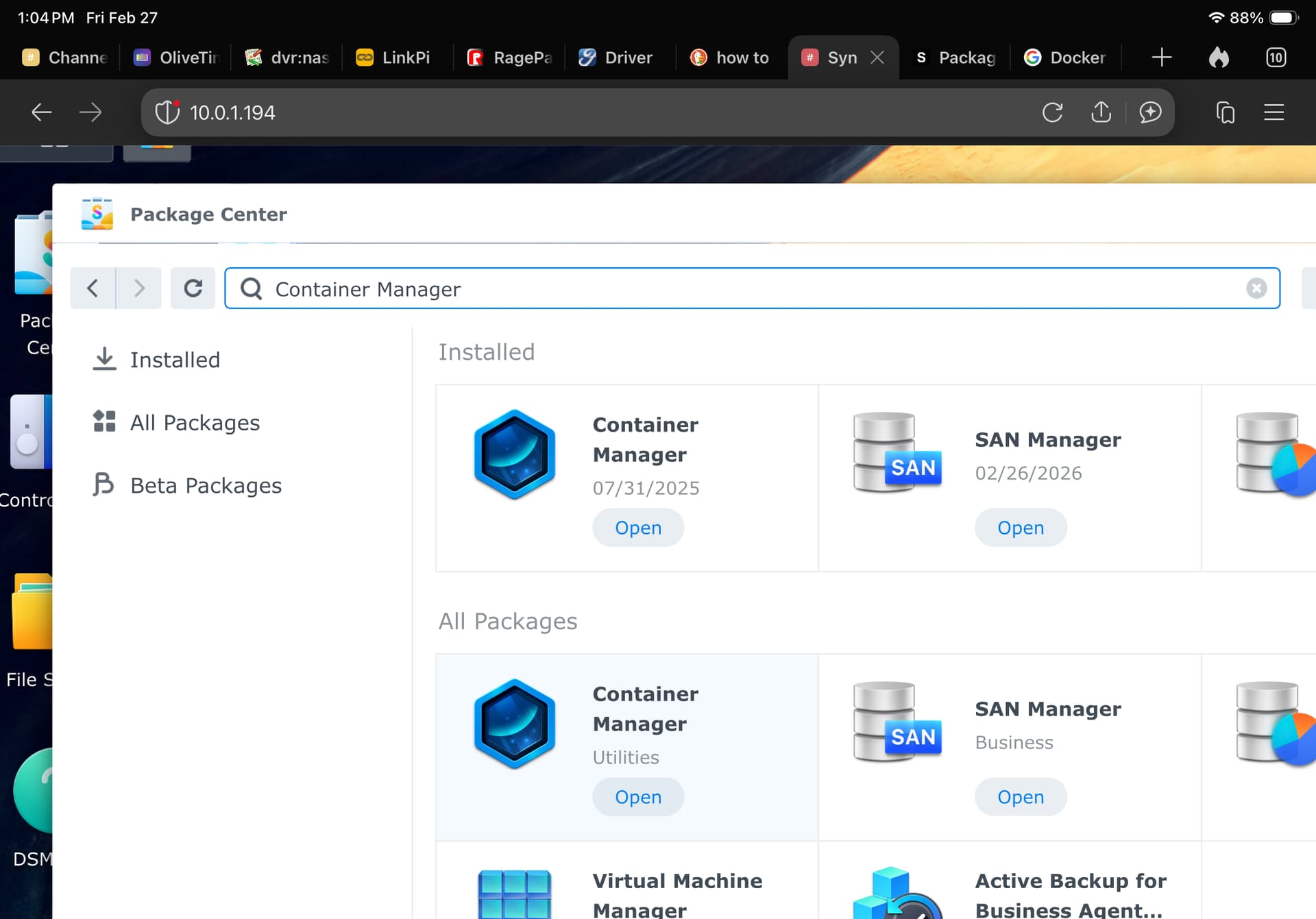
It should say Container Manager. Go to Package Center, search Container Manager which is Synology's version of Docker.
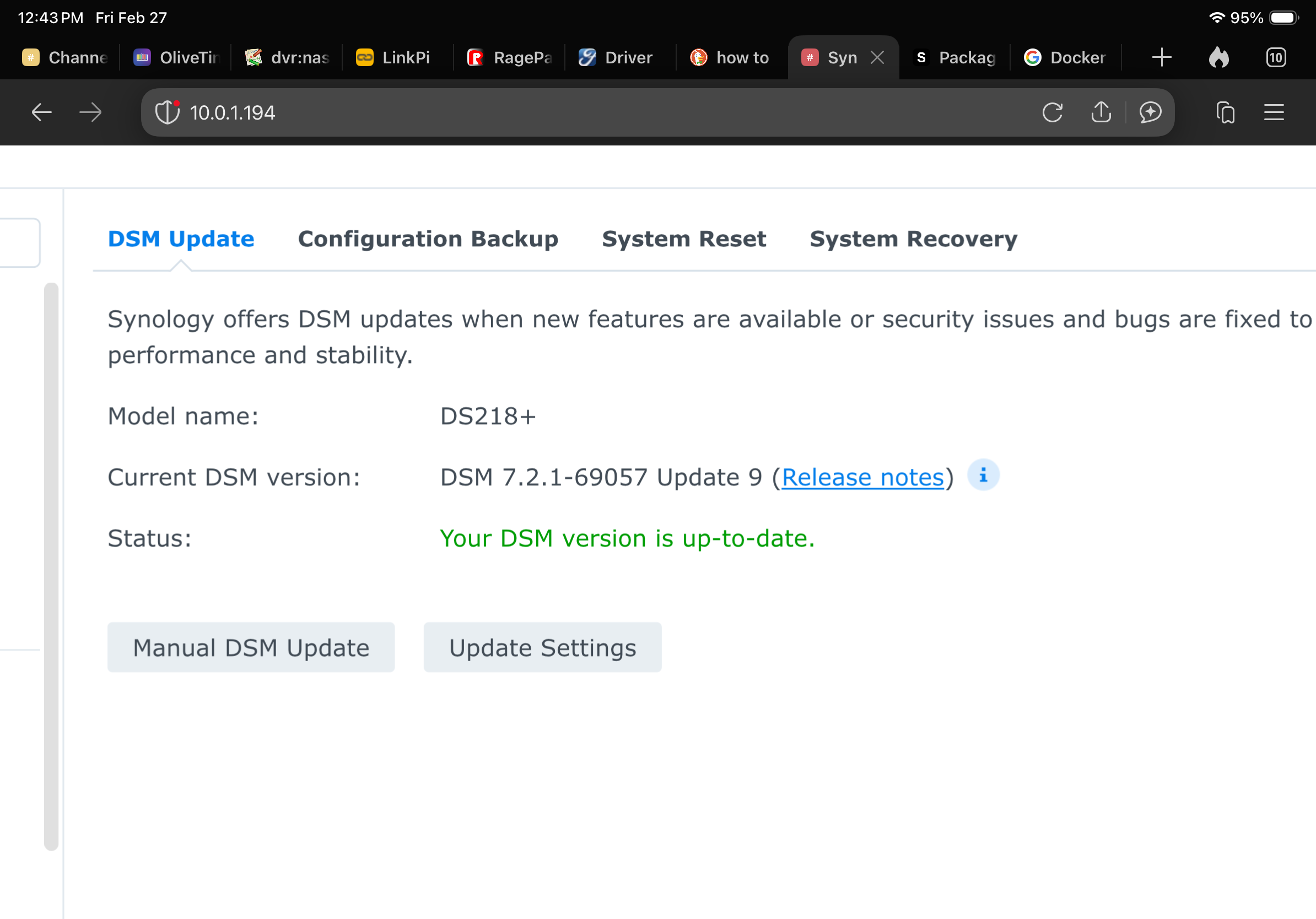
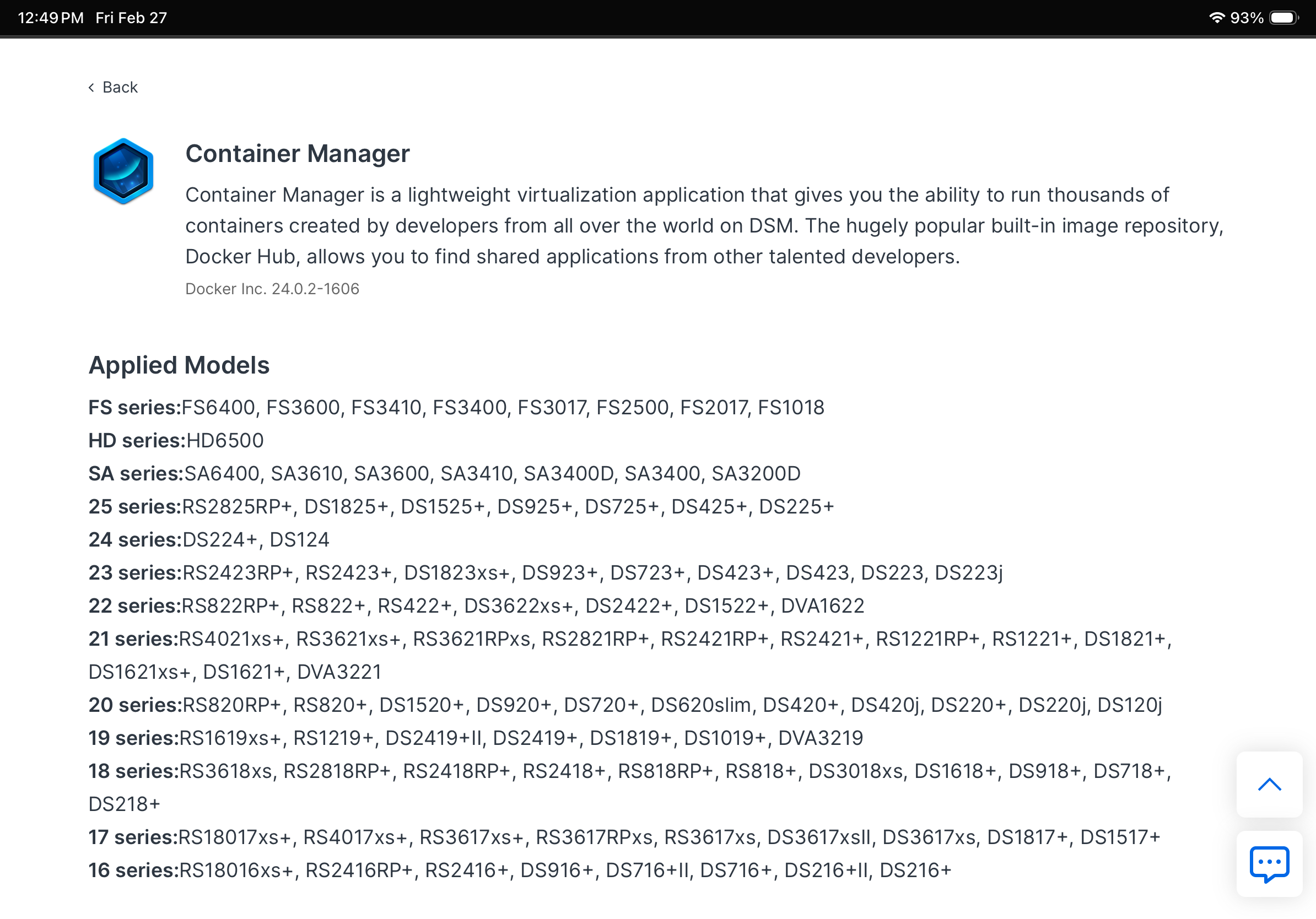
I tried that. Container Manager is on DSM 7.2. I'm running 7.1 and the NAS says its got the most current version. Just for fun I'll open a support ticket with Synology to see if they will help me force an upgrade to 7.2.
It is available on all DSM 7 versions.
Please go to Package Center. Type 'Container Manager' in the Search Box, and search.
The docker installer was removed from the upgrade from DSM6 to DSM7 placing container Manager in its place. My NAS changed automatically with the upgrade.
Did you use the Synology Package Center to install?
Here's a link to the current DSM 7.3 for the DS218+. It tells you how to force the update.
Wow. You saved me the trouble of opening ticket with Synology. I'll give this a try!
Make sure to download the correct .pat file. I believe it is the Apollo lake version.
Just verify your setup. Also, you might want to read the release notes as some versions don’t let you go back to a previous version.
When you get to the point when you're ready to try the EZ-Start process again, be sure you create the directories you'll need first (Synology Docker doesn't create needed directories during stack spin-up, unfortunately). Those directories are:
/volume1/docker/olivetin
/volume1/docker/olivetin/data
Then, when you get to the point where you generating env vars for the full version of olivetin, change the HOST_DIR value to /volume1/docker.
This is just an advance heads-up for something that has been know to trip-up Synology users in the past. 
@bnhf , as you know, I have CDVR, Portainer, OliveTin for Channels and several Project-One-Click extensions all running on my Synology NAS.
I am finding that the Synology has limited processing power and cannot run more resource intensive containers, like Prismcast. So, I'm looking to start up a new host for containers on a rarely used Windows PC I have in my office.
Is OliveTin EZ-Start the best (easiest) way for me to get a second PC based server/host up and running?
I don't know if I'll migrate everything over right away. But, it may prove to be the best direction for me to head (incrementally). That way, the NAS can do what it is designed for...store media and other files. And the PC can be dedicated to running some, or all of my Channels DVR and related programs.
Yes. Use the EZ-Start process to get Portainer and the full version of OliveTin up-and-running. Make sure you're Docker Desktop is up-to-date, and that you have a WSL2 Linux distro installed (like Debian), with WSL2 distro integration enabled in Docker Desktop settings.