I think a recents list would be good and when adding one maybe the cdvr api could give a list of the servers clients. otherwise a link to that settings page to quickly find the IP
edit; just realize I steped up the level there a bit.. any little bit still helps!
The dropdown would list the devices you defined in CHANNELS_CLIENTS, which is an OliveTin-for-Channels env var that's also used to send onscreen messages to clients. Those clients can be defined by resolvable hostname or IP address. I always use hostnames myself for easy identification.
What I'm hoping to do here is use values, tools and methods already available in OliveTin to achieve what you're requesting.
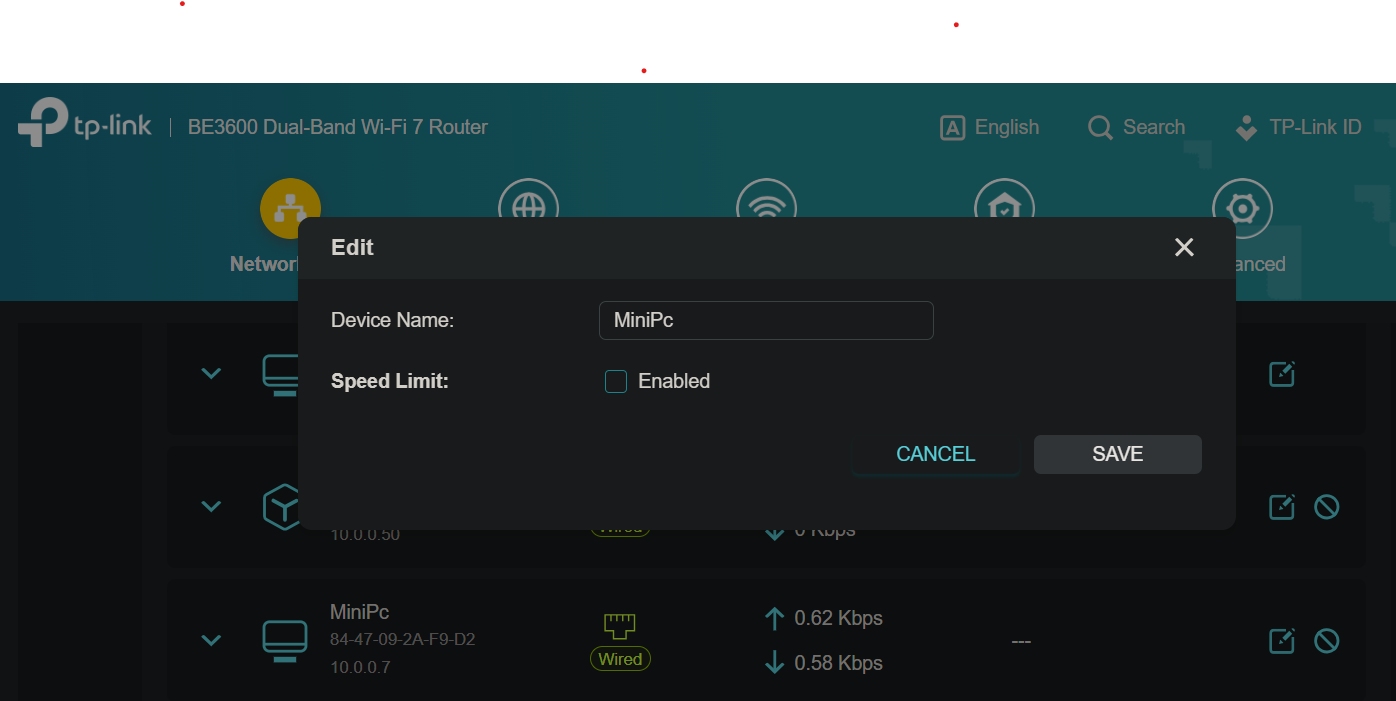
unless i'm missing something this is the closest i can get with a cheep router. I just saw I can change it, but it's been set to that the whole time, so unless case matters, the router should know the name. also, I am running a pi-hole.
With Pi-hole, that should be your DNS server in order for it to do anything. Go into your Pi-hole WebUI, and create local DNS records for whatever. E.G. shaggy-mancave could be assigned to 192.168.x.x. Then you could set CHANNELS_CLIENTS=shaggy-mancave, or CHANNELS_CLIENTS=shaggy-mancave shaggy-hometheater shaggy-snoozespot, to expand on the concept.
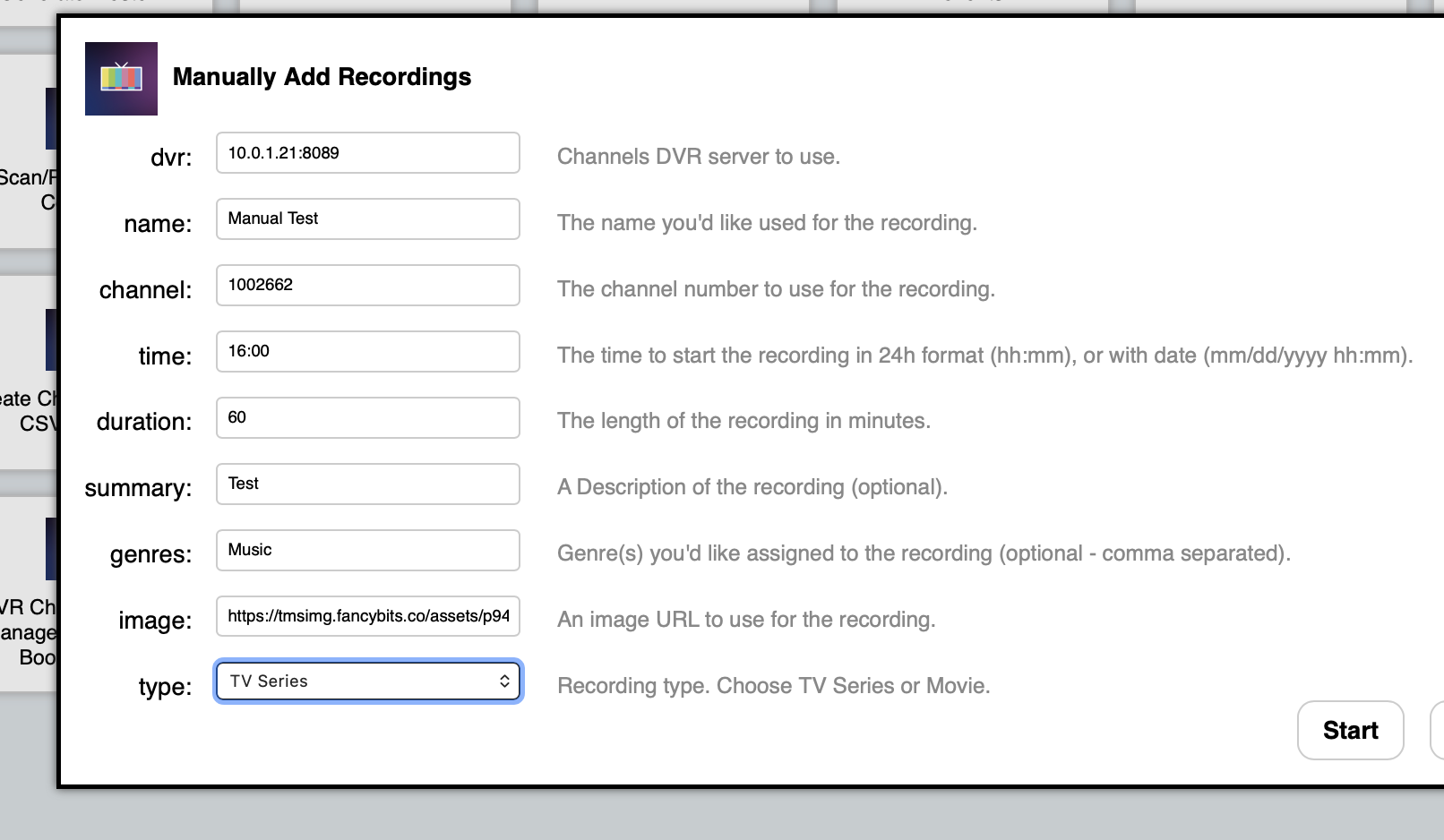
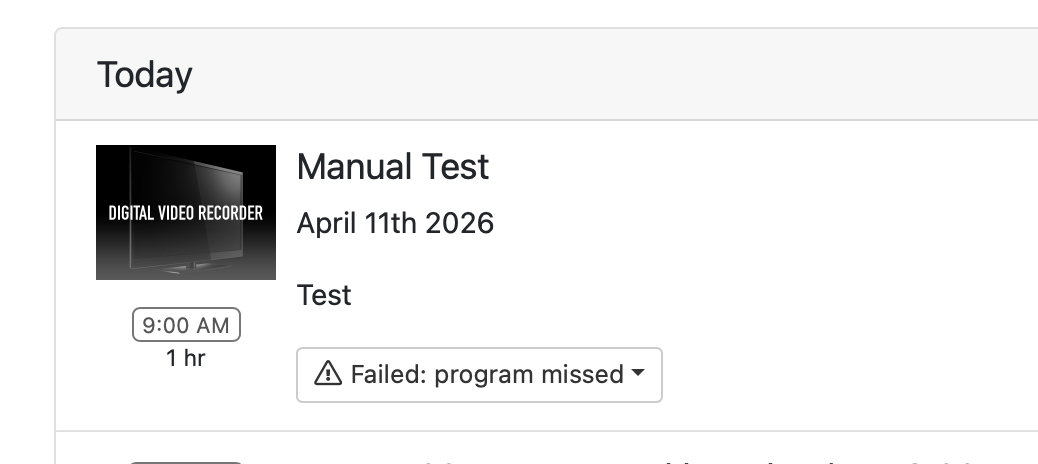
I tried the OliveTin function to "Manually Add a Recording" just now but the time assignment isn't translating properly. I want it to record at 4 PM so I enter 16:00 in the field as instructed but then when I check the DVR schedule I see that recording is scheduled instead for 9 AM, which is in the past. What am I doing wrong?
It looks like the latest version of Debian (13 aka Trixie), has dropped support for time zones in the Country/Timezone format, and is now insisting on the Continent/City form. So, stop your OliveTin-for-Channels stack and change:
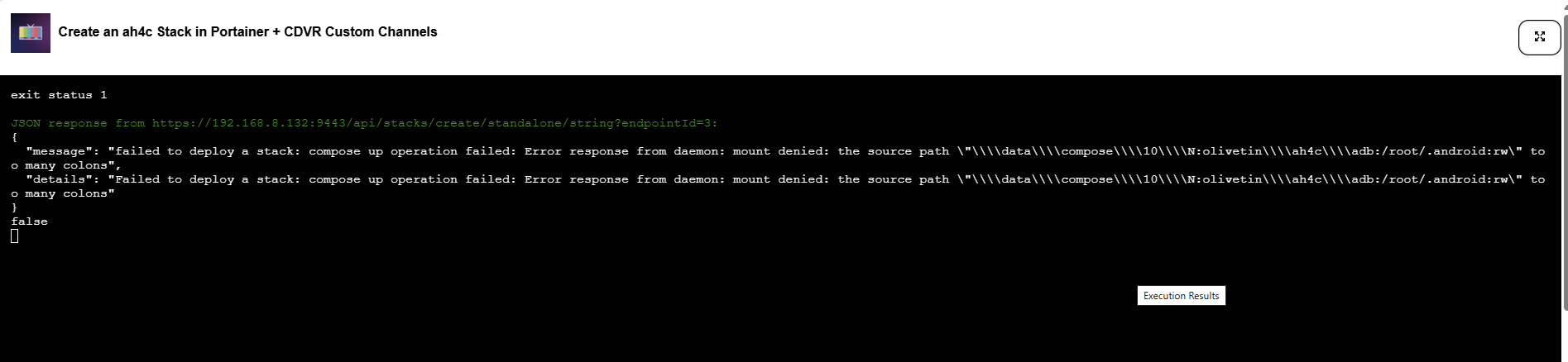
Hi - I'm trying to add an ah4c stack in Portainer via the projection-click and it errors out with he attached saying the path has too many colons. Is there something I can do to get around this?
That's one I haven't seen before! Can you PM me the debug log from that? There's a separate Project One-Click Action to view it, and then you should be able to copy-and-paste it into a PM...