One of the reasons for my switching from TIVO to Channels DVR is the ability to stream from my primary home to a second home.
Due to Covid, I haven't been able to test that out until now. I'm at my second home as of yesterday at it does work. I get some stalls but my FTTC connection isn't yet installed and I am streaming through a 4G connection (Router that has a SIM card in it). 20MBPS down/10 up. My channels speed to server (QNAP) is around 5-6 Mbps (comcast upload bandwidth which will be the main constraint). FTTC should be installed in next week (100+ Mpbs).
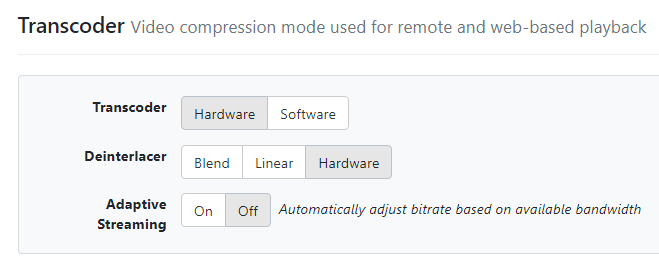
My question - are there any settings that I can/should set to optimize my streaming. I've set the client (Android) to 3Mpbs and see in debug there are choices for HLS and Legacy (I do have a HDHomeRun Prime/Cablecard in my configuation).
Added - would making TVE take priority over my HDHomerRun directly stream from TVE sources? I am out of country so typically streaming US sources is a problem without a VPN (& even then it can be problematic).