Personal Sections Won't Appear in Sidebar Navigation

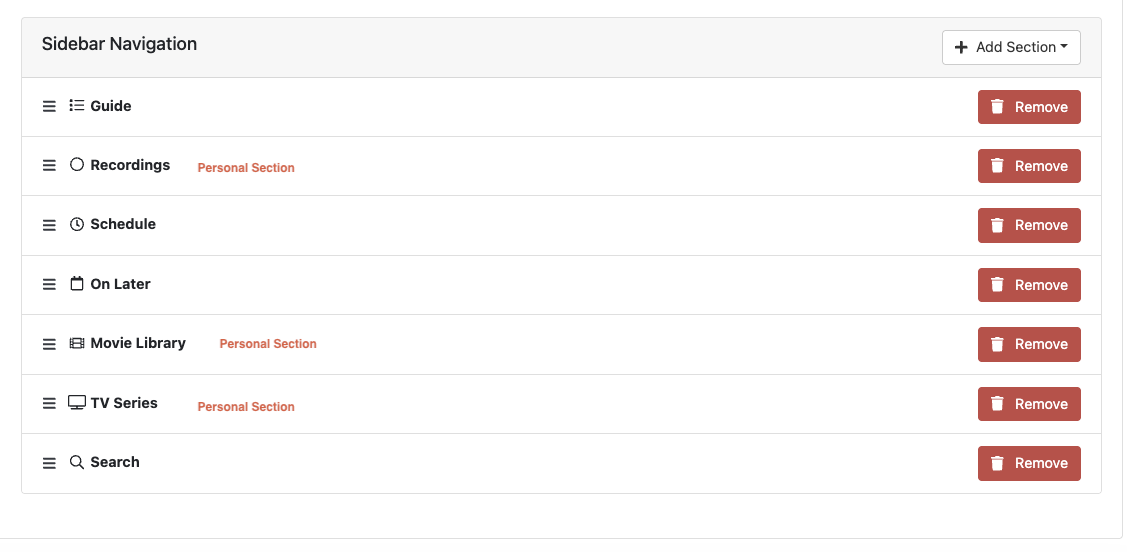
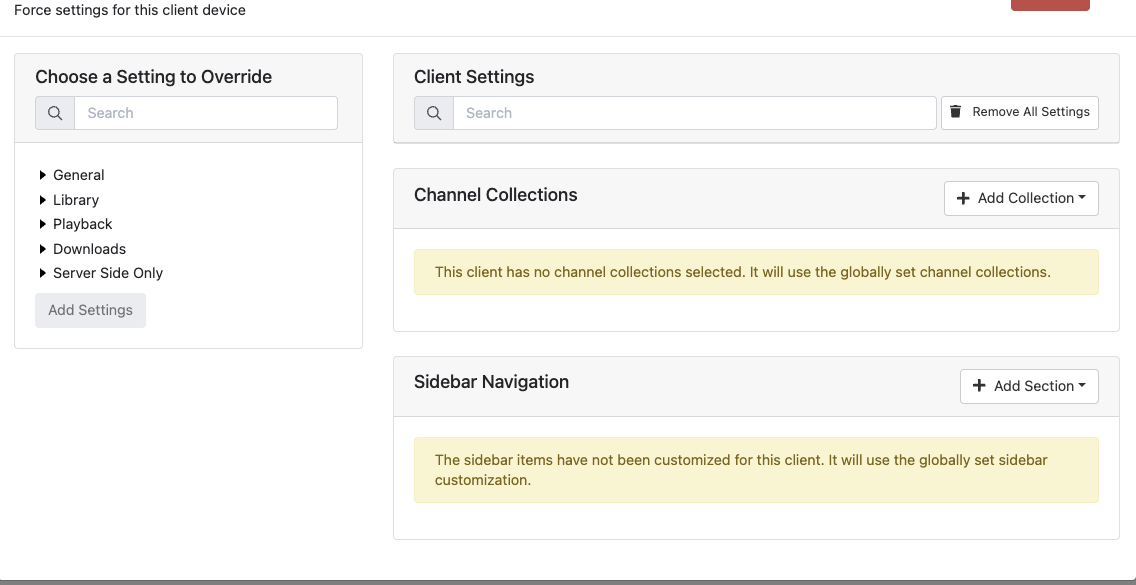
I modified one of my personal sections and when I saved it, ALL of my personal sections went away on my sidebar navigation. The global settings show they are all there, the client says it is using the global settings, I updated to the latest pre-release, forced closed and restarted the app, but can't get any of them to show up.

Additionally, I cannot add these personal sections to each individual client either to override the global settings. In addition to iPhone, it is also displaying this on my Apple TV as well.

Any ideas? Thanks!
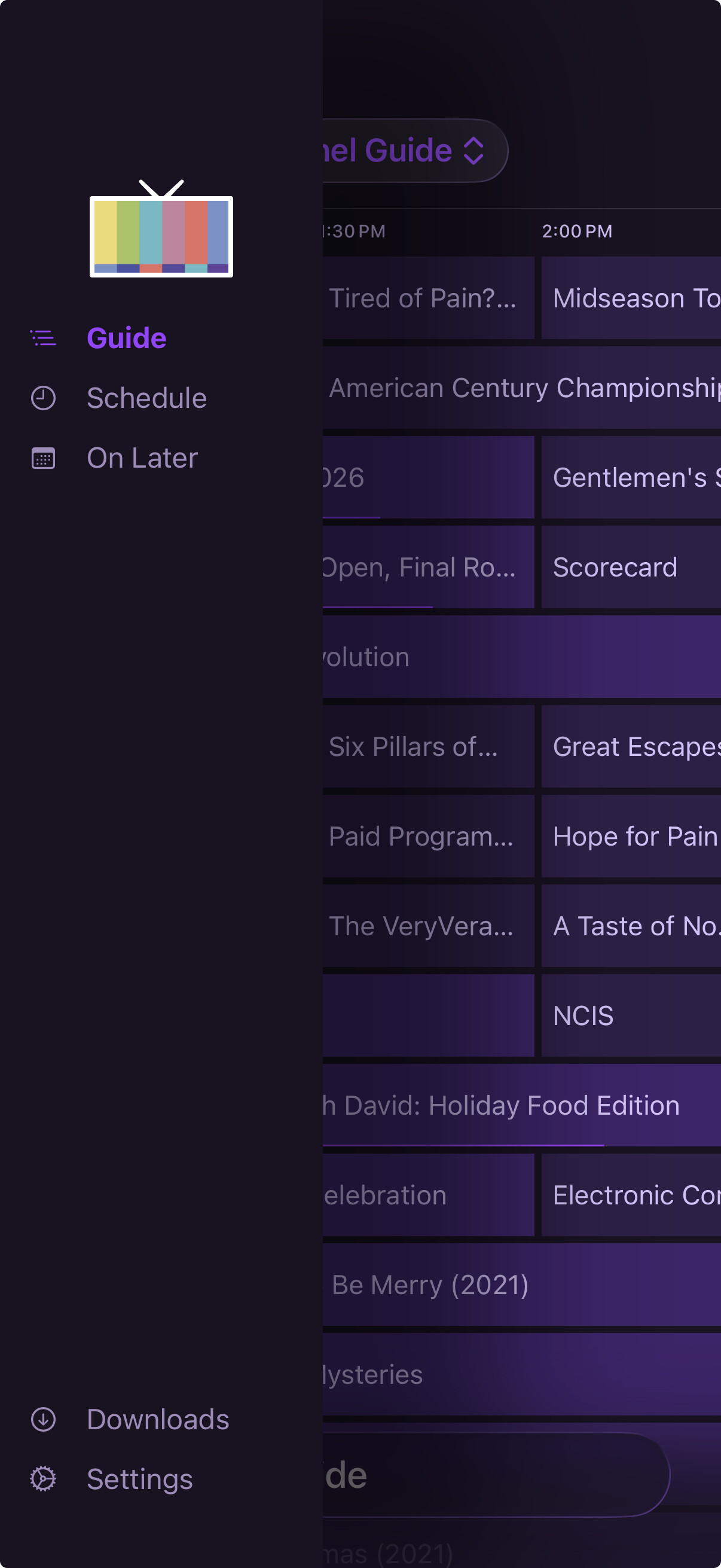


I was able to get them to return. Not sure exactly what the combination was, but thought I would post here in case anyone else ran across the issue.

If I removed all of the custom navigation from the global settings, and then re-added them, they would appear. But, if I had the "Search" option under personal navigation, I could not add anything after that and it would freeze. Even if I moved the items around they would not appear on the navigation. I would have to remove everything and start over. I did this a few times with the search and got the same results.

FYI