
I have recently moved and resetup my channels DVR server at my new home. I now use Starlink for my Internet and recognize the port forwarding issue and use Tailscale with no problem. Live TV plays fine but every recording plays for approximately 1 minute and skips back about 30 seconds. To attempt to fix this I have tried "Fix Video Timestamps" but that doesn't fix it. All new recordings are unwatchable. Any help is greatly appreciated
is your client set to home or away? what playback streaming quality are each set at?
I haven't tried starlink, but when I was on tmobile home internet, I was able to watch as home (tailscale) and used original/direct without issues.
I am not sure for my client it says local where others are remote. so I assume it is set to home playback streaming quality is set at 720 4mbps. I attempted to watch on the webui on my channels server and it did not "Skipback" like I had described but stopped after about 1 minute with the following error
"The media playback was aborted due to a corruption problem or because the media used features your browser did not support."
so I'm assuming nothing has changed in your setup other than location & inernet. and the problem is viewing away from the house?
I'd suggest trying original quality with both direct and stream. or try other combinations. not sure what client your using but android's looks like this
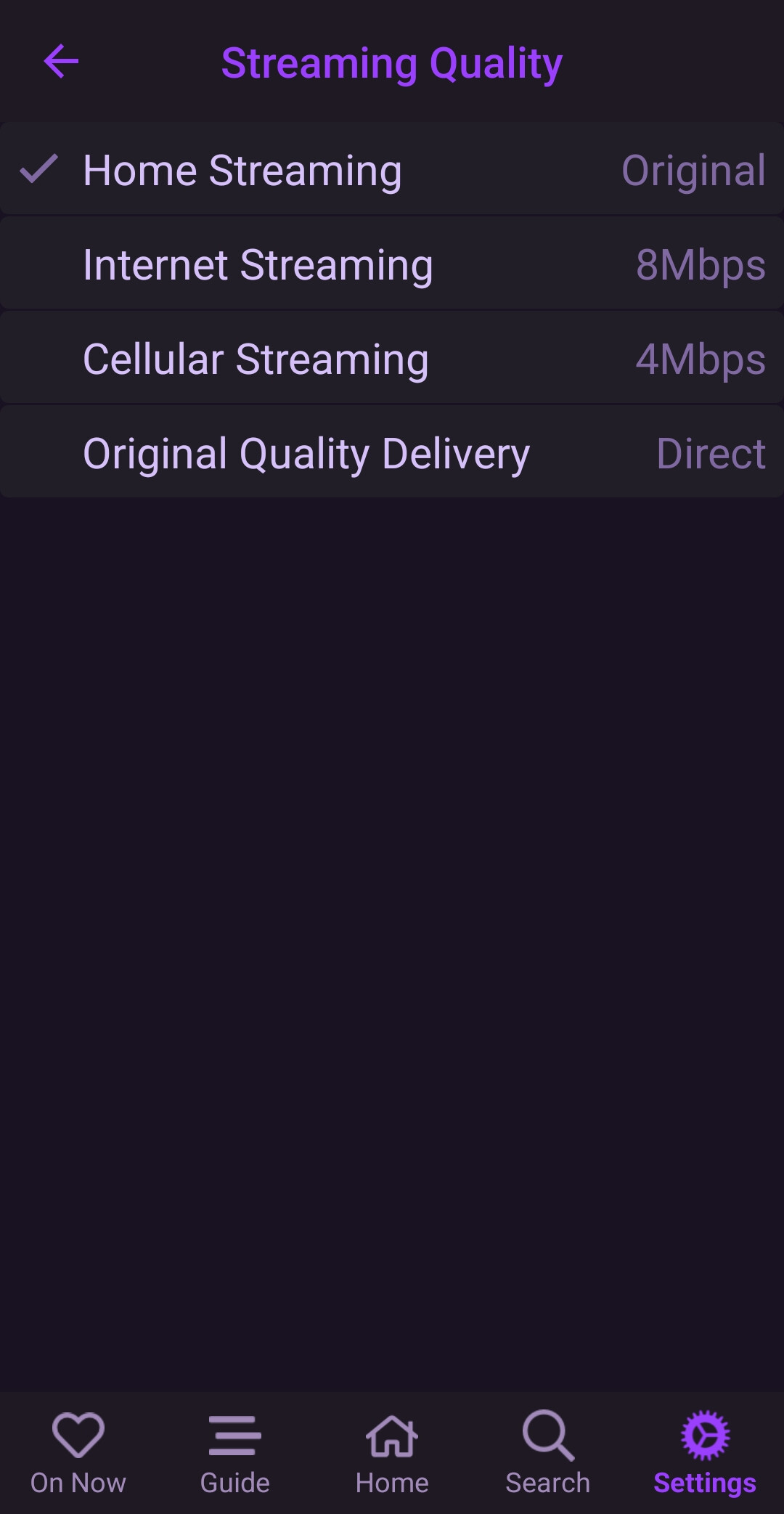
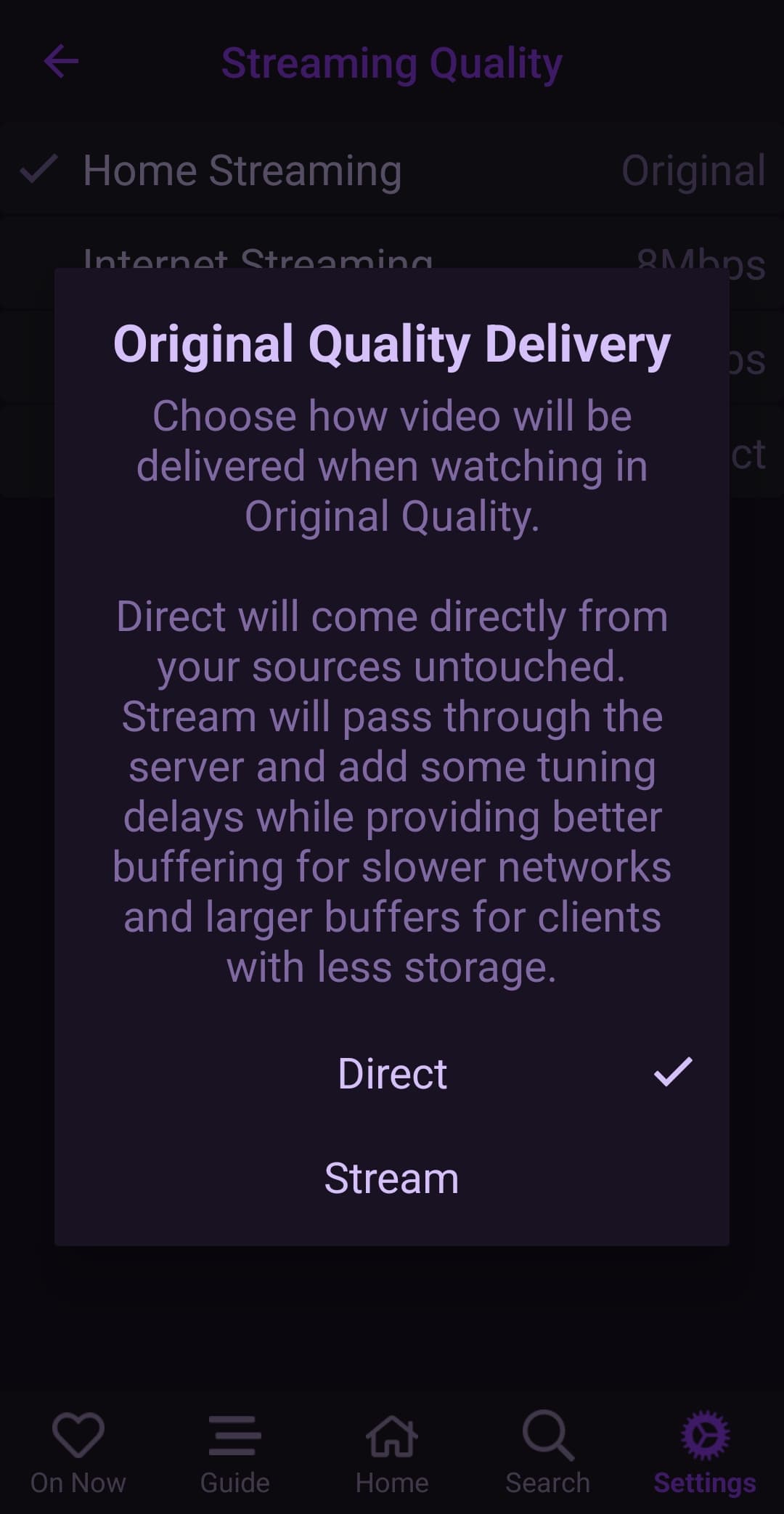
unfortunately I have been trying multiple things and I am still having this issue. The service provider I am using is Sling, It will not play right even when accessing the recording from the server on the server computer. This is not a client issue. The recordings do not work on my home network or away from my home network. Playback settings do not stop this issue I have changed from original down to 1 MB and Direct and Stream causing in some instance quality issues but still have the playback issue of it jumping back. For a 1 hour recording it will read 1555 minutes of recording. I am at a loss. Maybe there is an update I am missing but since this has been happening I am only using Channels as Live tv. My DVR recordings are unwatchable
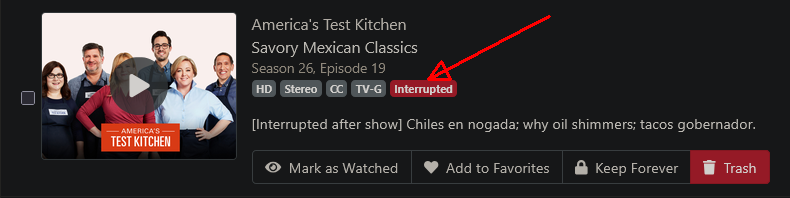
Common with chromium based web browsers like Brave, Chrome and Edge.
Try a non-chromium browser, like Firefox or Safari.
The web UI player has its own problems though.
yes they show as interupted

If I play on Firefox on the server computer it will play uninterrupted (no skip back) for 5 minutes and then stop still unwatchable on the television
I just noticed Channels DVR is prioritizing my IPTV source. I have multiple sources my IPTV is notoriously unreliable my SLING Source is much more stable. Regardless of where I select the recording it is selecting my IPTV as the primary source for all recording. How can I prioritize my sling source or cable source over my IPTV. (At this time I do not want to delete my IPTV Source as it does have some value to me)
favorites first, highest channel #, source priority.
ip:8089/admin/dvr/jobs (dvr schedule) will show recording order.
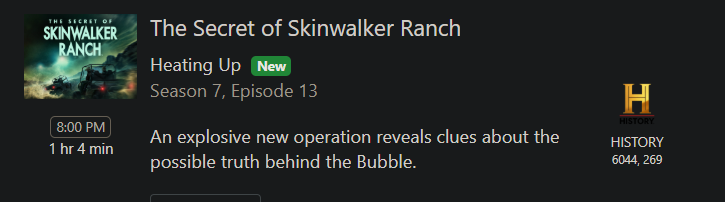
Go into the DVR web UI Settings > Sources click the  dropdown and select
 Adjust Priority
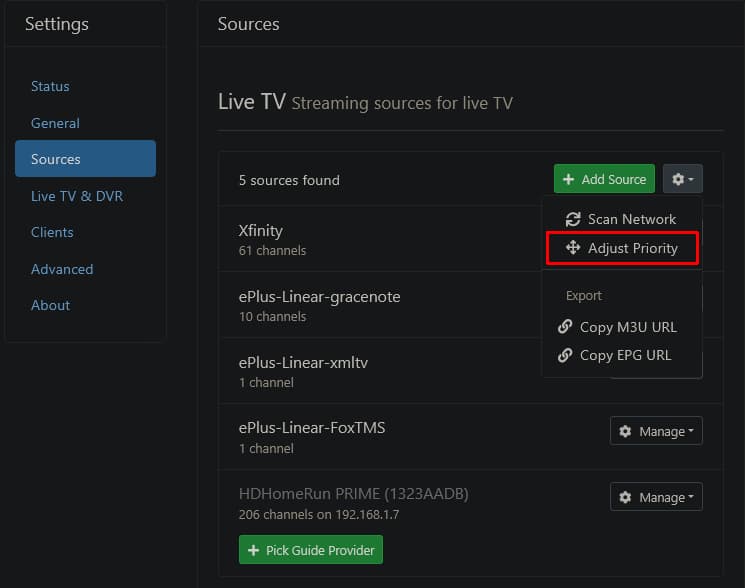
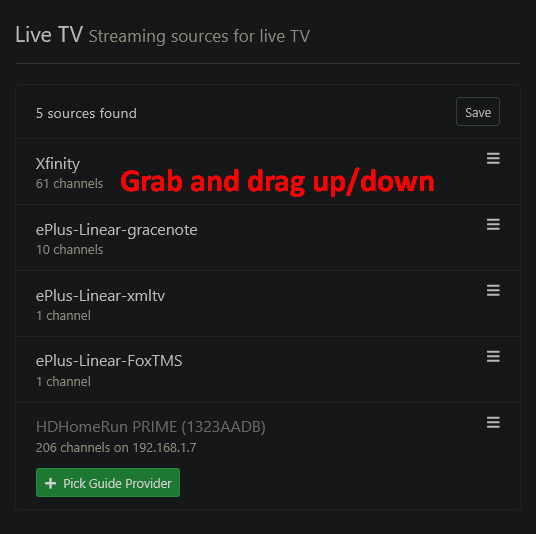
Then grab a source by left click and hold, and drag it up or down to change its priority.
The uppermost source has the highest priority
This fixed the problem. Turns out the IPTV source was too high on the priority list and the recordings from the IPTV were loosing connection and overall unreliable causing a multitude of problems. With my sling and cable sources securely at the top all recordings from last night are error free. Thank you all for your help.
This topic was automatically closed 30 days after the last reply. New replies are no longer allowed.