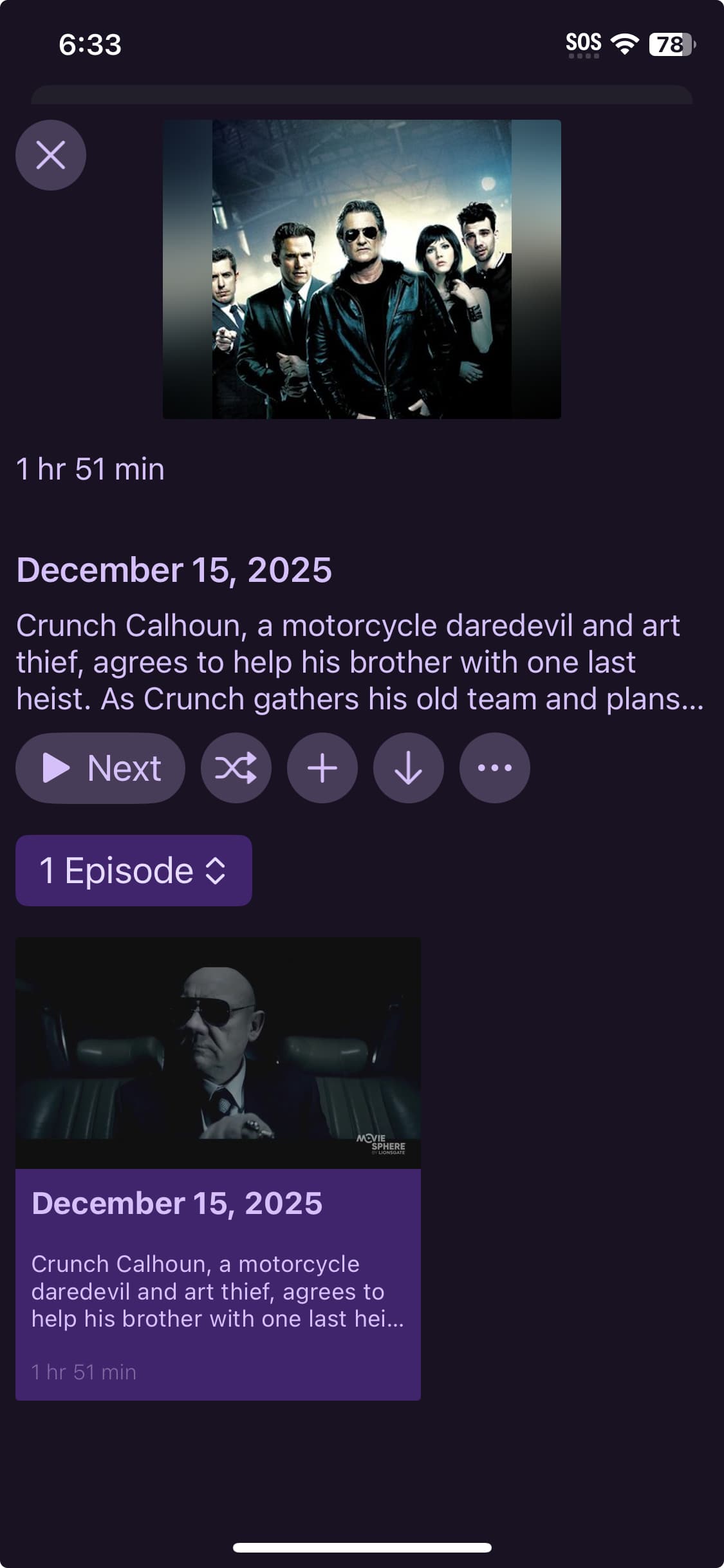
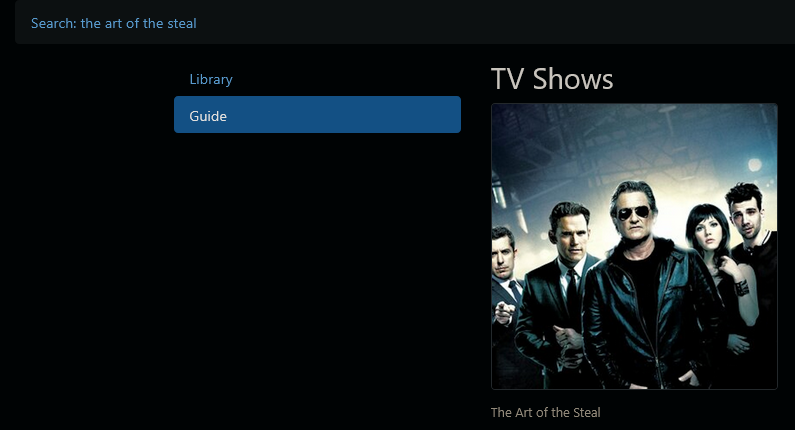
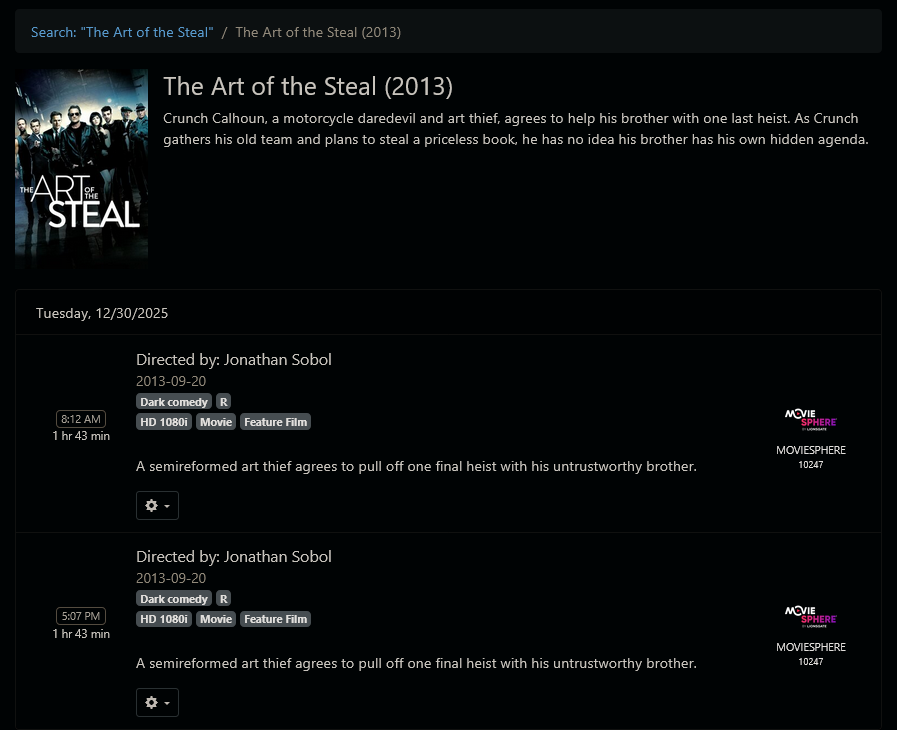
Take a look at the screenshot I've provided. Know what the movie is? Well then you're smarter than me!
The new "look" is appealing, but it goes too far in stripping out ESSENTIAL text.
At the very least on these "info" pages you need to provide the name of the movie (as you do on the iPadOS version).
Honestly, I'd also like the option to show the name in text under entries in all "grid" views. I get that you (and some users) like the appearance of just a sea of images. But this sea is JUST NOT FUNCTIONAL if many of your items don't have an especially noteworthy poster image (again I refer to the screenshot).
Is this the only movie you see that doesn't show the title? I just checked on my iPhone and I do see titles for my movies and shows. If the poster itself doesn't have the title embedded, there is text there giving the movie or show name.
Also, you say this is a movie in your screenshot, but then underneath the description it shows episode one. Do you have movies in the tv shows folder somehow?
Do you never record anything from Pluto? For whatever reason, movies recorded from Pluto pretty much ALWAYS record as a "TV show", frequently with some sort of fairly generic poster, like this one, that's mostly useless.
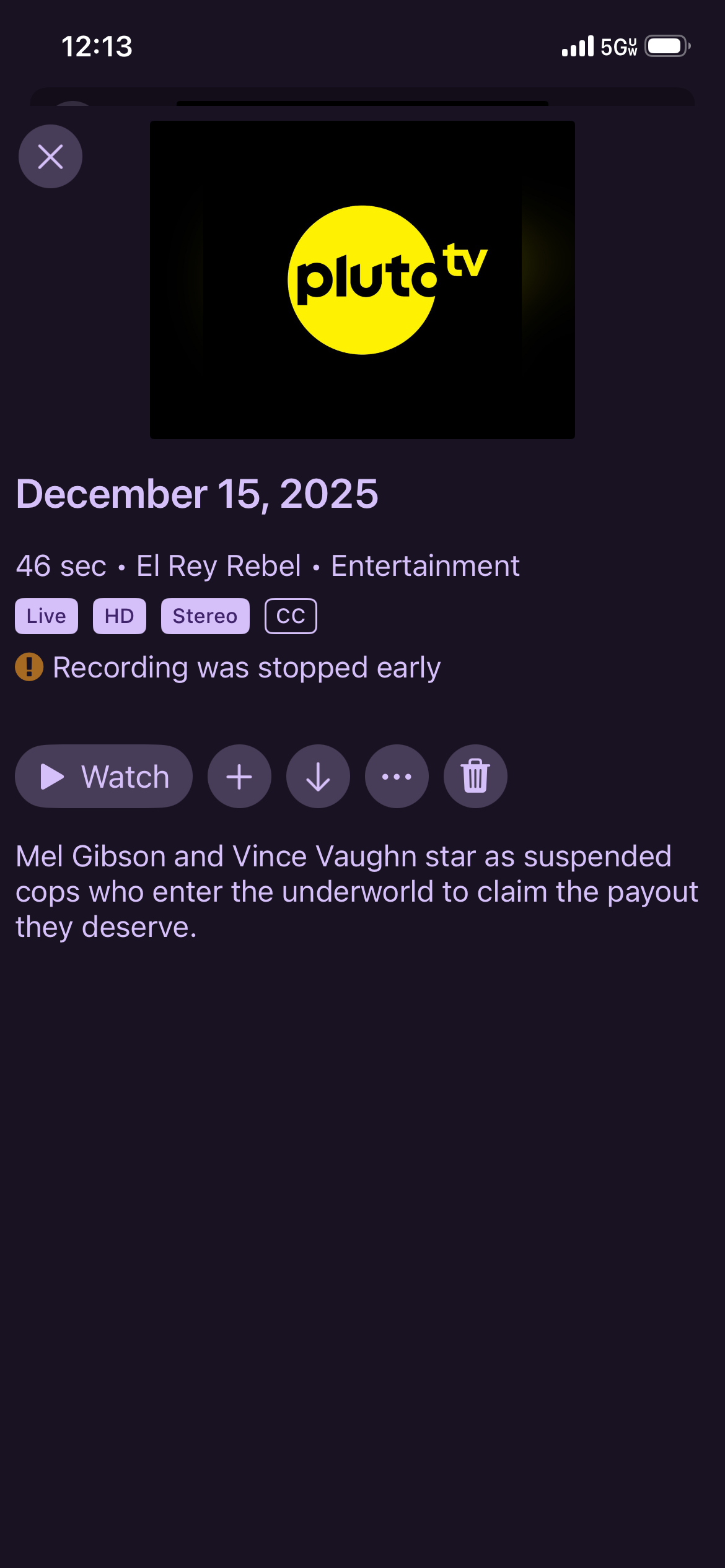
So yeah, I have plenty of these. Many are far worse. For example anything recorded from the Pluto channel "50c Action" will have NO poster, likewise for anything from "El Rey Action"
You would need to move it to a Channels DVR Import directory for Movies and Import it to take advantage of TMDB or Gracenote EPG to see it as a Movie in Channels DVR.
It's not a bug in Channels DVR, it's a problem with the guide data from Pluto (and other FAST providers).
Of course it is a problem with channels poor execution with the new look. Channels indeed knows the name on the program, sure it’s wrong that it is TV instead of movie but it should still show the title of the video no matter what.
Look at all your Gracenote data recordings, no where does it show the name of the program other than the poster art.
Why would it be so hard to show the name of the program in the details when you click on the episode? Frankly the whole flow of the new look is trash if you ask me. It takes like 5 key presses to delete a show now after watching it. It used to take 2 max, one if you watched all the way thru.
Even with his sub optimal guide data channels still knows the name. A nice unused space above the date would be a logical spot for a title.
Unfortunately, what you are experiencing is not a bug. Channels can only present to you the information it receives from the guide. In your situation, it looks like whatever source you are using for guide data is supplying inadequate/poor information.
There is nothing that Channels can do to fix third-party provided data. However, you can login to your DVR server and change the metadata to fix it yourself.
Except channels is receiving the title of the show but the devs are choosing not to display this information to the user. The OP has a valid request to be able to see what the title of the show is at some point in the flow. This has nothing to do with insufficient guide data. Like I said before, if the title doesn’t appear in the art there is no way to see the title on the client.
What you’re showing is the presentation used for TV shows, not a movie.
You are using a third party source using Custom Channels that uses its own guide data and is not providing very good metadata, so Channels is adding it as a show and not a movie.
It doesn’t show a title because since it’s a movie, it doesn’t provide that data either, so there is no show title or episode title.
In terms of the new UI, the new views show a text version of the title if there’s no logo art to make sure it always shows the title. Everything falls back to make sure it always shows the right information.
So, this isn’t a bug. Channels can only handle what it gets. If a third party source doesn’t provide the system the right metadata, then things just aren’t going go well.
Channels can’t just guess what metadata to parse. As the saying goes, garbage in, garbage out.
Channels supports XMLTV well and we document this so that community maintainers can make sure their projects work well with it. We even support our own extended tags that allows XMLTV to provide extra information to make things look even better in Channels.
But it’s always going to be the custom channels source’s responsibility to provide the right data.
I guess we will just keep pretending it’s a guide data issue and ignore the screen shots I provided proving channels knows the title of the show(Dragged Across Concrete) yet doesn’t display them.
I’ll chalk this one up to it is what it is and excuse myself from this thread as it’s obviously going no where.
This has no relevance to what happens when it’s indexed into the library as a TV show.
And as you’ve been around the forums long enough, you know that the only time there’s an issue like this is from third party sources via Custom Channels. First party sources and imports don’t have these issues.
I just dove into it for a sanity check and the Pluto for Channels project does do the work to determine if a piece of content is a movie or a TV show. It writes out the <category>Movie</category> tag in its XMLTV output, which is standard.
I also checked a movie that's currently tagged that way, recorded it, and it showed up as a movie in the library.
So everything that can be done, is happening. If the item metadata doesn't have the appropriate information from Pluto, than this will fail, and there's not much Channels DVR Server can do about it. So it's possible some content is just tagged bad by Pluto.
If you're using another project to add Pluto as Custom Channels, then I can't speak on that, and it could possibly be the issue.
If anyone is using the aforementioned project, and can see a currently airing movie that isn't getting put into the library correctly, I'd be happy to inspect the data to look at it. Or if you want, you can too at another time if you run into this issue. Just check to see if the output of the XMLTV has the tag I mentioned up top.
Yep, title is now showing underneath the art thumbnail when the show is selected. I have a feeling this will also help the OP with his issues as well. Nice work👍