
just stumbled on to this to possibly get pluto back into my lineup... when i click link the .exe file doesnt download per se... or windows thinks its suspect file... how may i get the .exe file and run on windows computer ?? i have "trusted" the file but still no .exe appears.
Don't use Edge browser as it will block it. I personally use Chrome and follow the install instructions from the GitHub repo
Installation
Download the latest PlutoForChannels.exe from the Releases section.
Move the .exe to a folder of your choice (e.g., C:\PlutoForChannels).
Run the application. Windows may show a "SmartScreen" warning; click "More Info" and "Run Anyway."
bobby -- assume that I still need to create the source inside CHANNELS? am very new to this and very green about adding sources. basicaly a couple copy and paste. Plus do I need to restart the app once I enter in my pluto credentials?
No need to restart the app Here are the directions from the GitHub repo.
Thanks Bobby. All is working as designed per this thread and other referenced threads and notes. Win11 pro cheap workstation. Previously running NEXTpvr but now paying for CHANNELS DVR as a superior solution, plus pluto now. Just have to find a TUBI solution next.
I have a linux version ready. I only tested it on Ubuntu, but should work on most 64-bit Linux. Not built for ARM Processors or 32-bit systems. Instructions are on the GitHub repo page.
And the release is here:
First, I did try searching this topic and didn't find anything.
Using the windows version with n*xtpvr and it is working great. Thanks much to developer and anyone else involved!
General content question - most channels work perfectly. A handful of channels display as audio only. At least 1 channel it seemed to be show dependent, but, qello seems consistent.
I've tried...
Updating Codecs (shark007)
Taking the stream directly to vlc (Pluto > gateway-ap > nPvr > vlc)
Have not yet tried using ffmpeg, or anything else, inline to transform the stream.
Is the Qello channel delivered, in some way, differently than other channels?
Is this a known issue with a known solution?
Is there a way to go directly from the gateway ap to vlc on a specific channel to see what that does?
Other things worth trying?
Thanks
The script is just a proxy. It only provides what Pluto provides from their api. As far as VLC goes, you should be able to load the M3U in VLC and select the different channels to view them through the VLC menu.
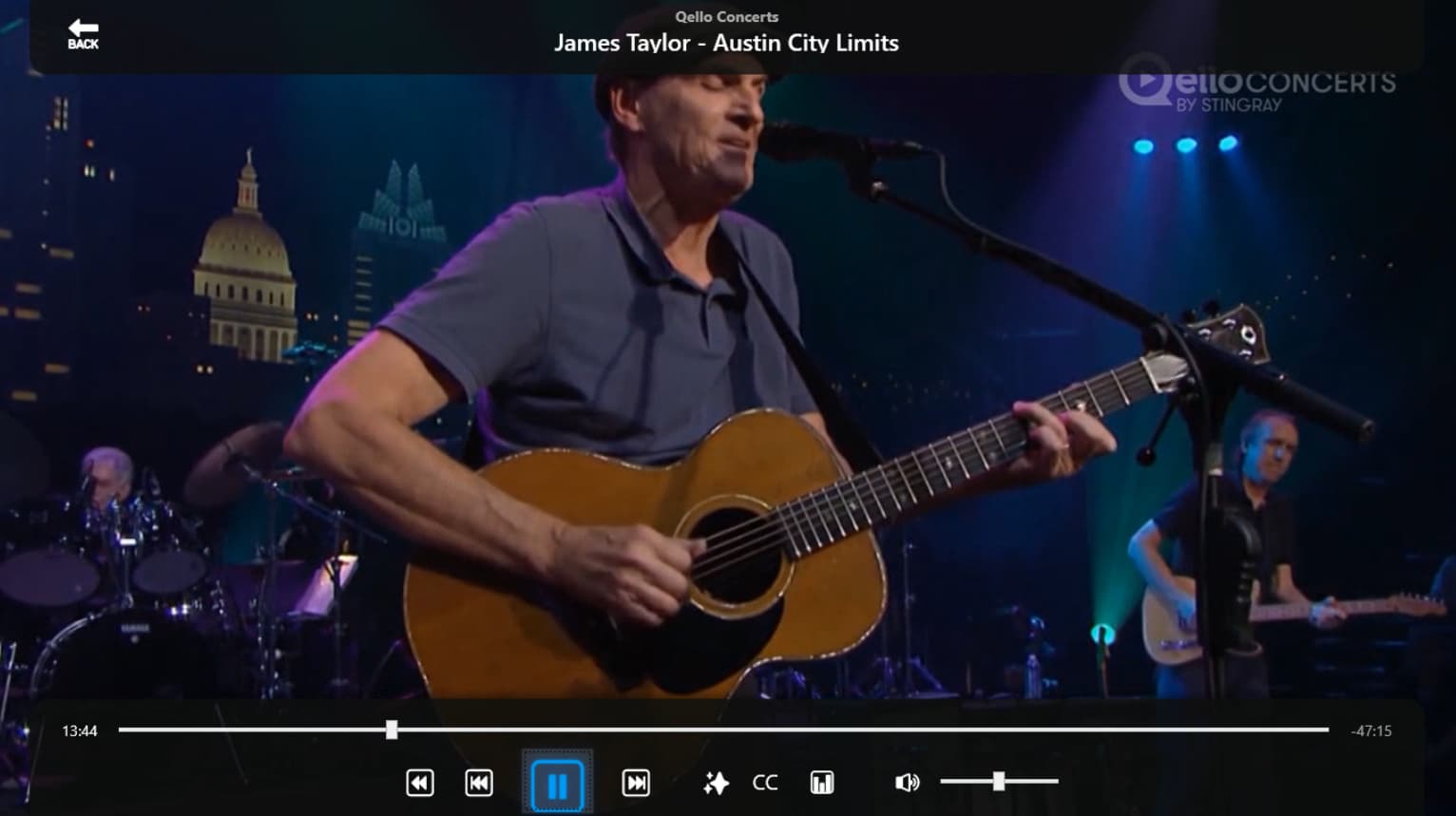
Good to know, thank you. Obviously something with my setup. I'll keep trying things.
When I get home today I'll make sure there is nothing off about the playlist. It could be that NextPVR does something odd with what it assumes are music only channels instead of video channels.
1 Like
I pulled the guide data for Qello and nothing looks odd.
<programme channel="696998915a0ae9e1b563f0c6" start="20260627122500 +0000" stop="20260628000000 +0000">
<title>Qello Concerts</title>
<desc>no info available</desc>
<icon src="https://images.pluto.tv/channels/696998915a0ae9e1b563f0c6/featuredImage_1770231484215.jpg?fill=blur&fit=fill&fm=jpg&h=900&q=75&w=1600" />
<episode-num system="pluto">e60f1531a2670f1154d585c4</episode-num>
<episode-num system="original-air-date">2026-06-26 12:47:15</episode-num>
<date>20260626</date>
<series-id system="pluto">07ee14b64546b8f33b7f443b</series-id>
<category>no info available</category>
</programme>
<channel id="696998915a0ae9e1b563f0c6">
<display-name>Qello Concerts</display-name>
<icon src="https://images.pluto.tv/channels/696998915a0ae9e1b563f0c6/colorLogoPNG_1770231500279.png" />
</channel>
#EXTINF:-1 channel-id="pluto-qello-concerts" tvg-id="696998915a0ae9e1b563f0c6" tvg-chno="4900" group-title="Music Videos" tvg-logo="https://images.pluto.tv/channels/696998915a0ae9e1b563f0c6/colorLogoPNG_1770231500279.png" tvc-guide-art="https://images.pluto.tv/channels/696998915a0ae9e1b563f0c6/colorLogoPNG_1770231500279.png" tvg-name="113296" tvc-guide-title="Qello Concerts" tvc-guide-description="Qello Concerts by Stingray transforms any screen into the ultimate concert experience. Watch thousands of full-length concert films and music documentaries by yesterday's legends and today's icons on any device  anytime!",Qello Concerts
http://192.168.10.238:7777/pluto/us_east/watch/696998915a0ae9e1b563f0c6
New release with updated headers and passing a clientTime parameter to align with the latest changes to Pluto. These changes are made to both the Windows and Linux versions.
I installed the new version v1.1.8 earlier today. The console running on my server shows at the top that it's now running v1.1.8. However, when I try bringing it up in my browser to check it at http://192.168.1.33:7777/
It says it's still version: Pluto for Channels .NET v1.1.7 ?
I just forget to change one of the hard coded version numbers.
A few, what are likely, basic streamlink and ffmpeg integration questions.
The newest streamlink is supposed to handle some of plutos odnesses around commercials, etc. I'm assuming the answer is no, but, wondering if streamlink does/can automatically get integrated into all internet originated streams?
Alternatively, is there somewhere in this stream flow that a bat file can "plug in" to try various streamlink and/or ffmpeg settings to "fix" the Pluto streams before they get to (in my case) nextpvr?
The usual way of doing this in nextpvr is an "extra" that can pipe the stream thru whatever is wanted prior to nextpvr seeing it. I can go back to using the extra but just checking if there would be another way before scrapping my current setup and going that route.
With current setup - MOST Pluto channels work well for live viewing. The few recordings I've tried so far have issues at ads (frozen video, etc) where the stored recording is the problem not the viewing.
Any and all insights appreciated!
If you can provide me with any type of tags, parameters or query strings that NextPVR uses to force a remux on a stream, I'd be glad to have that added as an option. I could also add any custom M3U tags that NextPVR requires, but this app is only a proxy. It does nothing with the Pluto stream except hands it to Channels DVR in a Playlist. It literally takes what Pluto offers and produces the M3u file and the EPG file. This project is freely available on GitHub for forking and making any changes or additions you may need. I set it up to be a basic proxy for my personal needs, which it meets. The freezing ads with Pluto has been an ongoing problem that I can only assume relates with how Pluto injects their commercials into the stream. The freezing even happens on their own apps and website.
1 Like
I don't see the issues you describe using FastChannels. Pluto videos play and record fine. Channels commercial skips them though sometimes it misses the commercials and that's ok for me as I simply use my remote to skip over them.
FastChannels runs as a Docker Container. To run it I enabled Hyper-V on my N100 PC. Then installed Ubuntu Server as a VM under Hyper-V and then Docker on Ubuntu which allowed me to Install FastChannels. I also installed Portainer as it makes managing Docker Containers much easier.
You can find instructions how to do all of this with google searches. There are a bunch of steps yet it's all easy.
I appreciate both replies!
I'll be evaluating and testing my options and will come back with anything I learn or questions. Thanks much!