Pluto-Windows_4C Released

Don't use Edge browser as it will block it. I personally use Chrome and follow the install instructions from the GitHub repo

Installation
Download the latest PlutoForChannels.exe from the Releases section.
Move the .exe to a folder of your choice (e.g., C:\PlutoForChannels).
Run the application. Windows may show a "SmartScreen" warning; click "More Info" and "Run Anyway."

bobby -- assume that I still need to create the source inside CHANNELS? am very new to this and very green about adding sources. basicaly a couple copy and paste. Plus do I need to restart the app once I enter in my pluto credentials?

No need to restart the app Here are the directions from the GitHub repo.

Thanks Bobby. All is working as designed per this thread and other referenced threads and notes. Win11 pro cheap workstation. Previously running NEXTpvr but now paying for CHANNELS DVR as a superior solution, plus pluto now. Just have to find a TUBI solution next.

I have a linux version ready. I only tested it on Ubuntu, but should work on most 64-bit Linux. Not built for ARM Processors or 32-bit systems. Instructions are on the GitHub repo page.

And the release is here:

First, I did try searching this topic and didn't find anything.

Using the windows version with n*xtpvr and it is working great. Thanks much to developer and anyone else involved!

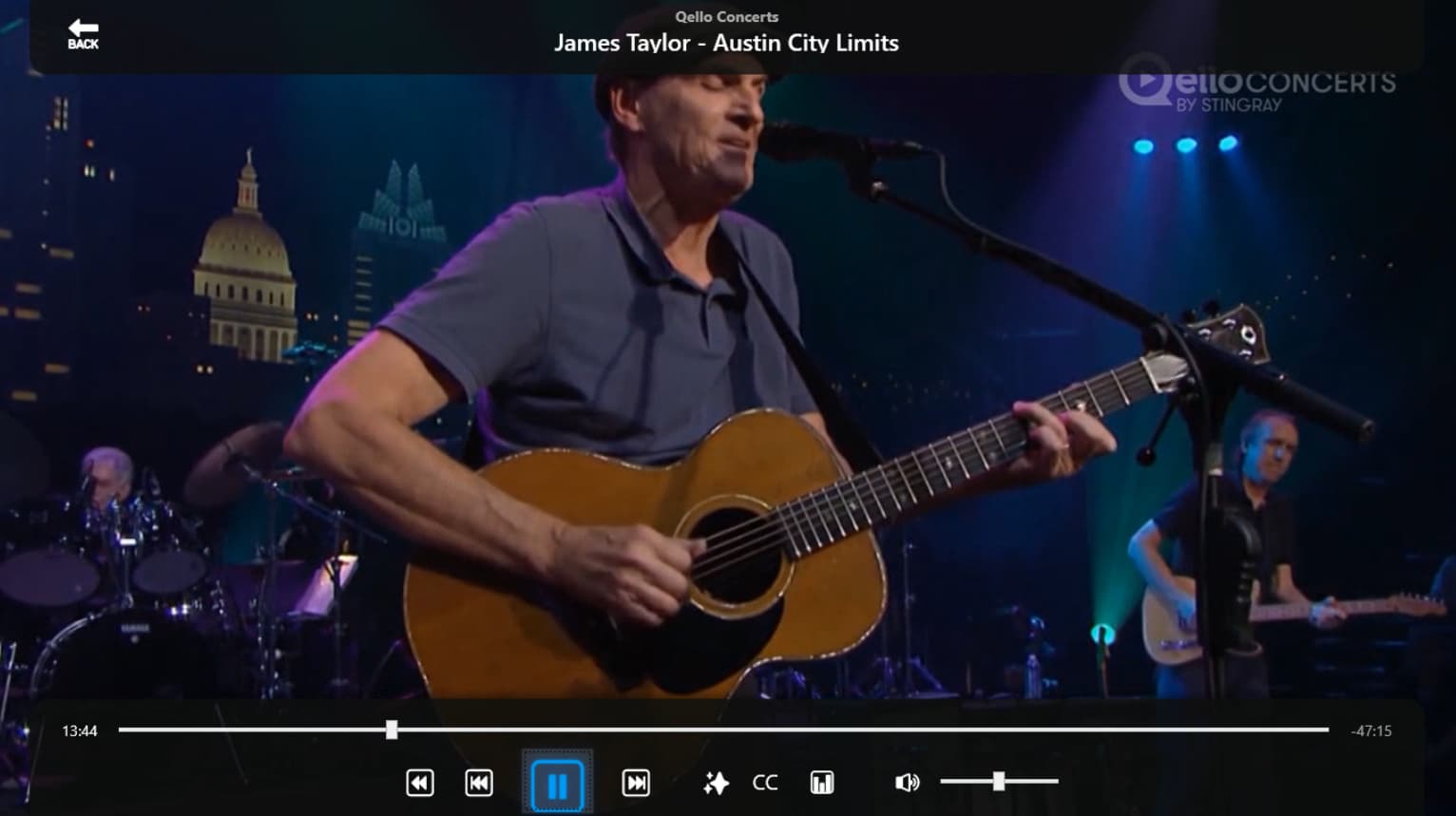
General content question - most channels work perfectly. A handful of channels display as audio only. At least 1 channel it seemed to be show dependent, but, qello seems consistent.

I've tried...

Updating Codecs (shark007)
Taking the stream directly to vlc (Pluto > gateway-ap > nPvr > vlc)

Have not yet tried using ffmpeg, or anything else, inline to transform the stream.

Is the Qello channel delivered, in some way, differently than other channels?
Is this a known issue with a known solution?
Is there a way to go directly from the gateway ap to vlc on a specific channel to see what that does?
Other things worth trying?

Thanks

The script is just a proxy. It only provides what Pluto provides from their api. As far as VLC goes, you should be able to load the M3U in VLC and select the different channels to view them through the VLC menu.

I am not seeing any issue playing the Qello channel.

Good to know, thank you. Obviously something with my setup. I'll keep trying things.

When I get home today I'll make sure there is nothing off about the playlist. It could be that NextPVR does something odd with what it assumes are music only channels instead of video channels.

1 Like

I pulled the guide data for Qello and nothing looks odd.

<programme channel="696998915a0ae9e1b563f0c6" start="20260627122500 +0000" stop="20260628000000 +0000">
    <title>Qello Concerts</title>
    <desc>no info available</desc>
    <icon src="https://images.pluto.tv/channels/696998915a0ae9e1b563f0c6/featuredImage_1770231484215.jpg?fill=blur&amp;fit=fill&amp;fm=jpg&amp;h=900&amp;q=75&amp;w=1600" />
    <episode-num system="pluto">e60f1531a2670f1154d585c4</episode-num>
    <episode-num system="original-air-date">2026-06-26 12:47:15</episode-num>
    <date>20260626</date>
    <series-id system="pluto">07ee14b64546b8f33b7f443b</series-id>
    <category>no info available</category>
  </programme>
  
  <channel id="696998915a0ae9e1b563f0c6">
    <display-name>Qello Concerts</display-name>
    <icon src="https://images.pluto.tv/channels/696998915a0ae9e1b563f0c6/colorLogoPNG_1770231500279.png" />
  </channel>
#EXTINF:-1 channel-id="pluto-qello-concerts" tvg-id="696998915a0ae9e1b563f0c6" tvg-chno="4900" group-title="Music Videos" tvg-logo="https://images.pluto.tv/channels/696998915a0ae9e1b563f0c6/colorLogoPNG_1770231500279.png" tvc-guide-art="https://images.pluto.tv/channels/696998915a0ae9e1b563f0c6/colorLogoPNG_1770231500279.png" tvg-name="113296" tvc-guide-title="Qello Concerts" tvc-guide-description="Qello Concerts by Stingray transforms any screen into the ultimate concert experience. Watch thousands of full-length concert films and music documentaries by yesterday's legends and today's icons on any device  anytime!",Qello Concerts
http://192.168.10.238:7777/pluto/us_east/watch/696998915a0ae9e1b563f0c6

New release with updated headers and passing a clientTime parameter to align with the latest changes to Pluto. These changes are made to both the Windows and Linux versions.

I installed the new version v1.1.8 earlier today. The console running on my server shows at the top that it's now running v1.1.8. However, when I try bringing it up in my browser to check it at http://192.168.1.33:7777/

It says it's still version: Pluto for Channels .NET v1.1.7 ?

I just forget to change one of the hard coded version numbers.