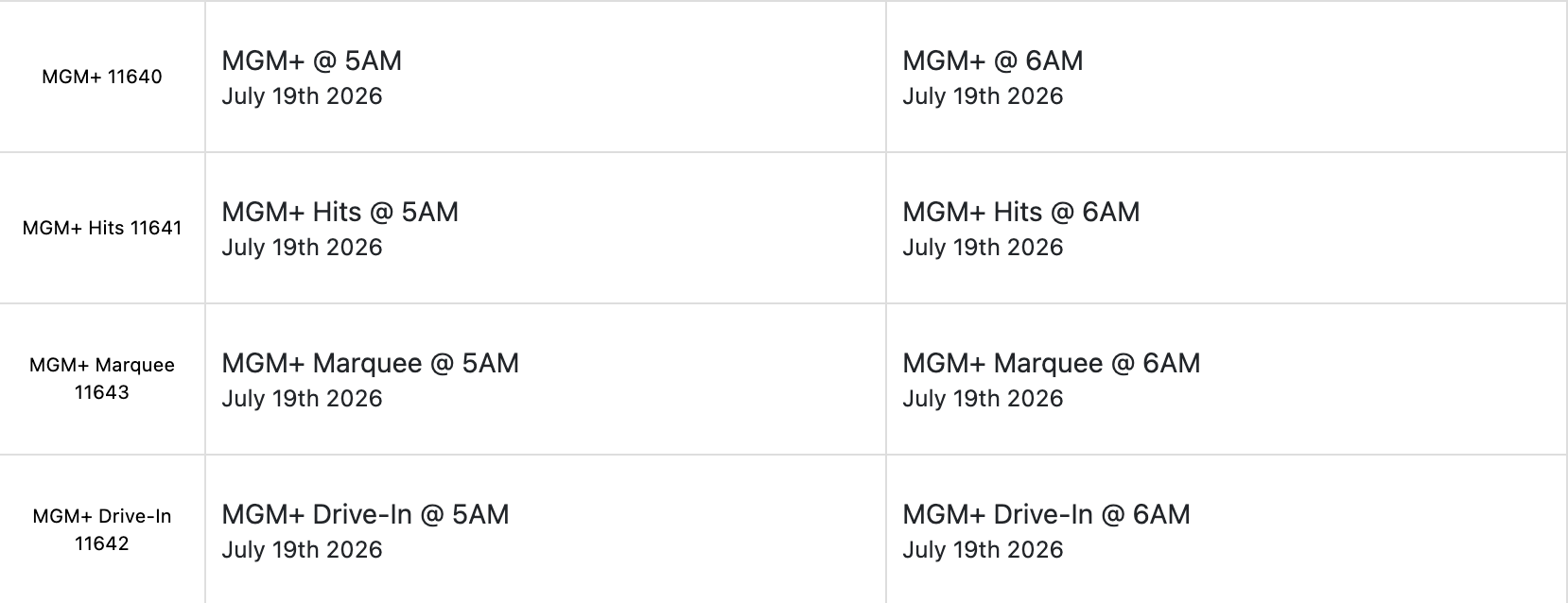
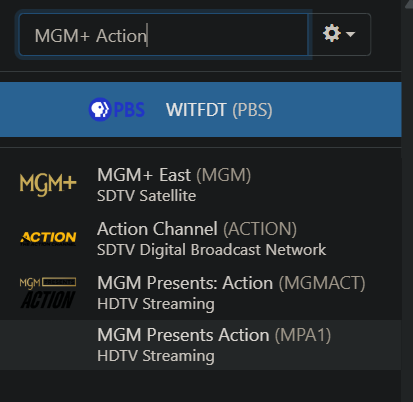
UPDATED UPDATE: Got it working. Using Gemini & setting up MGM as a separate (text based) Custom Channel source made things way more complicated than need be. Out of frustration, I got rid of it. Then I gave things (the suggestions posted) one last go-around for sh*ts & giggles - and it WORKED! The channel logos are there and the guide is populated. Sweet!
Thank you all. Disregard everything below this.
UPDATE: (kind of) Right Back Where I Started:
Decided to have Gemini help out with this issue. It took me down a maddening/mind-melting rabbit hole for several days - just to end up back here. I accept full responsibility, as I'm not very savvy when it comes to this.
It had me create a separate Custom Channel for MGM+ using text as the Source.
I noticed the stationid wasn't a match to what I have setup in Prismcast, but Gemini assured me that didn't matter - as the text points it to Prismcast anyway. The channels (MGM+, MGM Hits, MGM Marquee, and MGM Drive - In all work when selected.
The issue remains to be guide populating correctly. I've tried setting up & using "Change Providers" using several different ones. I settled on Dish because it had all MGM channels so that I could follow babsonnexus's suggestion to map them in Channels and delete/recreate my guide database (thank you again babsonnexus).
Here's what the channel mapping looks like using Dish as a provider:
At this point, I'm not even concerned about the logos. (I think) I can manage getting that corrected. Honestly I rarely even tune in to the premium channels I already have set up (HBO, Showtime, and Starz.) I just like seeing what's on/up next to see if it's worth switching over to the app. I just need (non AI) help figuring out what I'm missing/where I'm going wrong before giving up on adding MGM.
Thanks for letting me vent