Programs Missing Labels in App Search

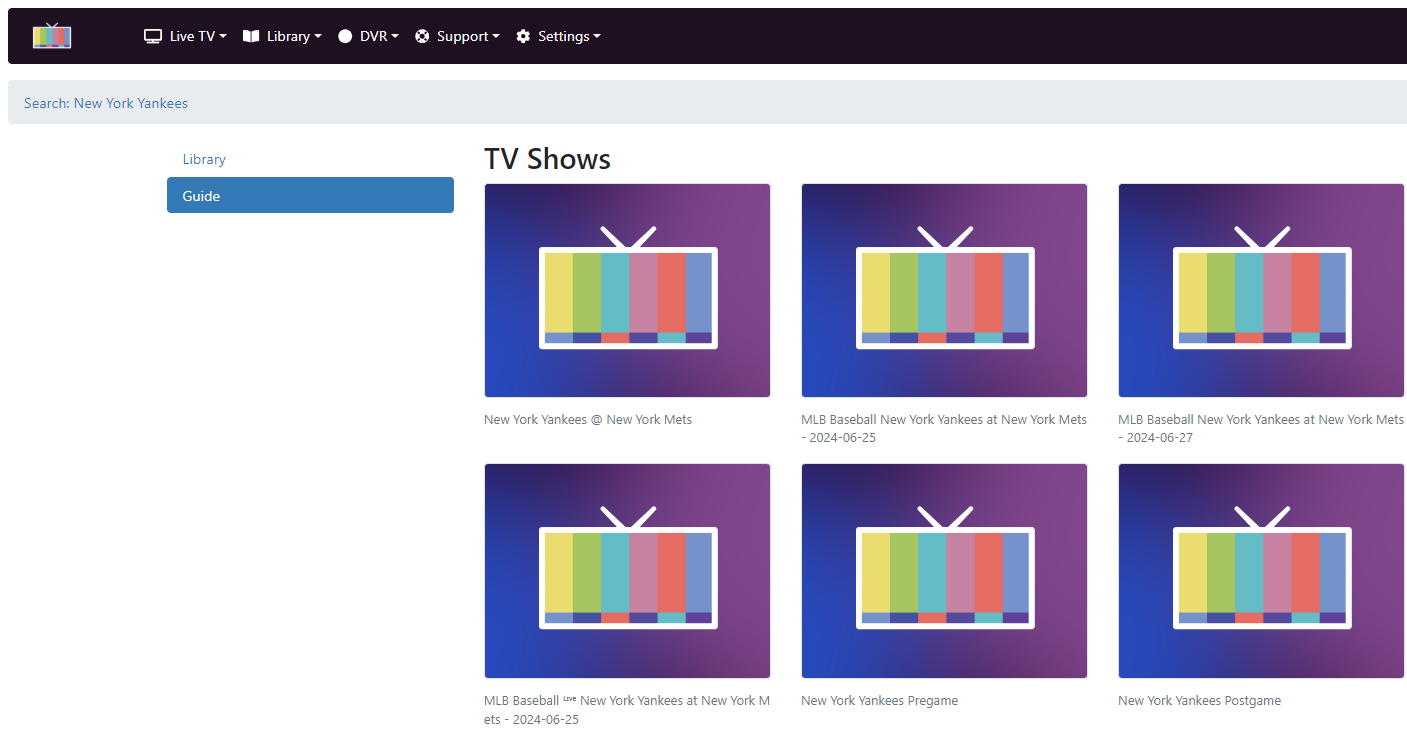
I'm using M3U playlists within Channels DVR and for as long as can remember, using search within apps has been difficult since results don't display the names of the programs.

See the below image:

Does anyone know how I could go about adding labels or changing the view to be able to identify the search results better?
Most likely (you didn't say what your m3u sources are) incompatible guide data.
i.e. incorrect or incomplete info in the guide for Channels DVR

Thanks for the reply. Yep, my source epg data doesn't play nicely with Channels DVR guide requirements, so I can't inject the required tags.

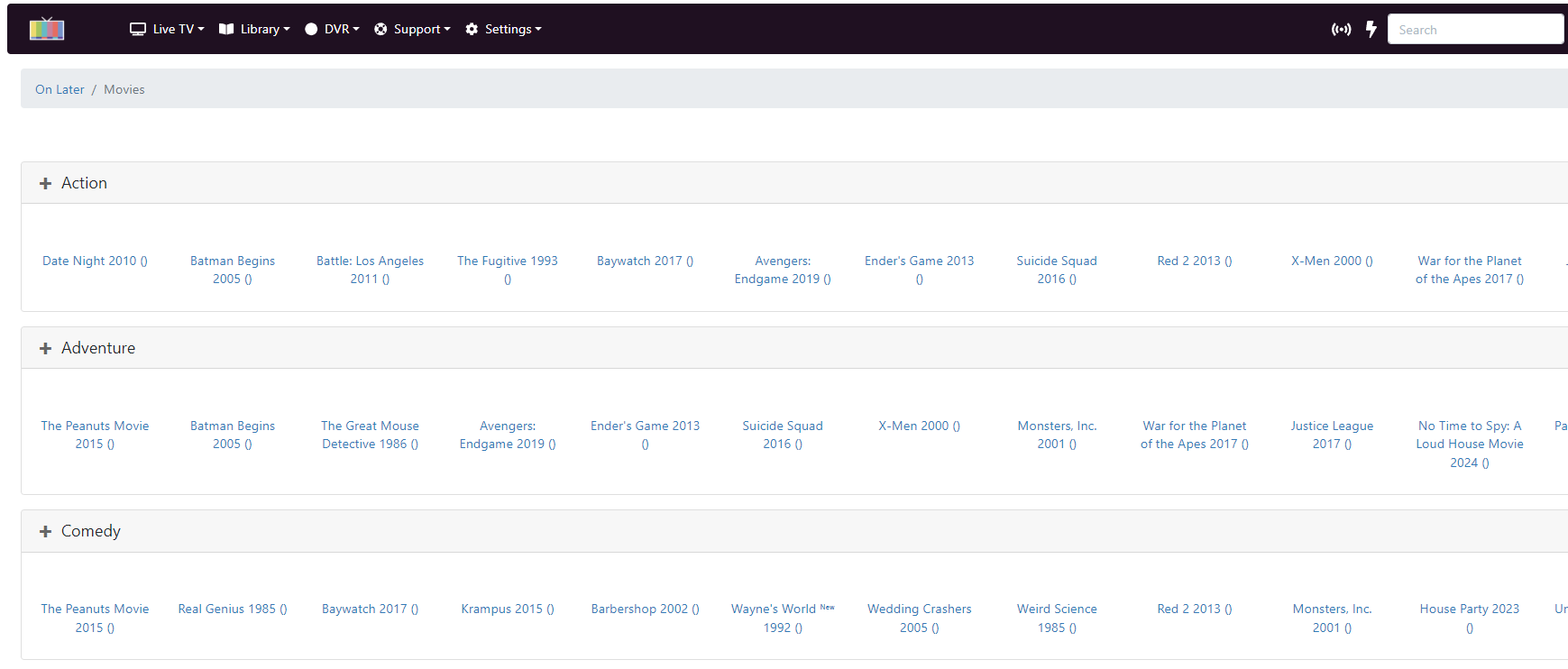
What would be helpful, though, is if the client apps were able to display program name, channel name, etc. in the search results rather than defaulting to the Channels DVR logo and no other contextual information. The "On Later" and "Search" sections in the web interface do this, for example:


Consider ditching your custom EPG and manually map your channels to the corresponding networks so that you're using the built in guide data. Your experience will be much better.

Even if we did what you suggested, your'e still going to run into all kinds of weird issues if you have sub par EPG data.

2 Likes

Thank you for the consideration. I'll check out the official EPG mappings as well.

This topic was automatically closed 365 days after the last reply. New replies are no longer allowed.