
Maybe Channels DVR can be set to only get connected first without trying to connect with any channels on Spectrum. Then we lowly users can go in and try to connect to the ones we think will work a few at a time.
1 Like
Awesome! I had just about given up on ever getting Spectrum TV Everywhere to work again as a source. Followed your suggestion, and installed the latest Pre Release of Channels DVR. With this version, adding the TV Everywhere Spectrum source was quick and easy. All the channels I previously had were re-authorized. It even remembered which ones I had marked as Favorites! Great job by the Channels DVR team for getting this to work again.
Unfortunately, this didn’t work for me. I got the 10.20.1845 prerelease as I didn’t get an option to pick the version specified above. Trying to add Spectrum still generates the bot detection error.
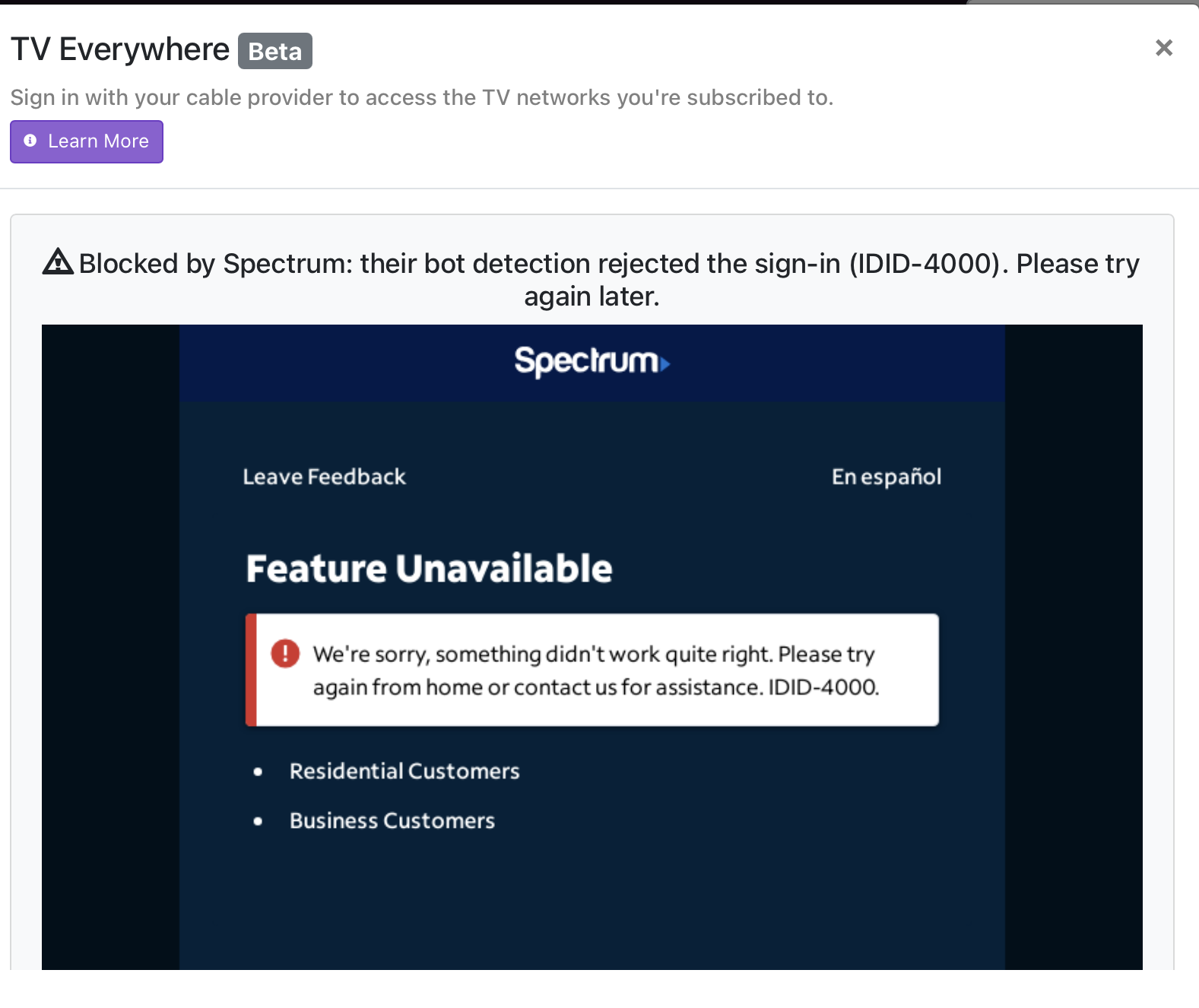
Perhaps this will work for you. It did for me. I found I could get Spectrum to fully authorize all my non-DRM channels was to follow this pattern.:
- Install a clean new version of Channels DVR.
- Update to latest Pre-Release.
- Clear all caches.
- Make sure the Spectrum user and passwords are updated.
- Then add Spectrum as a souce.
You will have to re-import your personal media and set up all your recording passes again.
Once this was completed. Spectrum authorized 104 channels in about two minutes. No warnings or BOTS. I did not have to go back and authorize 1 at a time. Now I even have my local Fox affiliate working which did not work before.
My server is running on TrueNas Scale, but I also tested this process on a stand alone Desktop Windows version and had the same results.
Good luck.
It’s worth a shot
I just did an experiment adding spectrum. I got the bot detection error on my linux Channels server, but it worked great on my MacOS Channels server. I can't say if it's the platform, or maybe just having a different web signature.