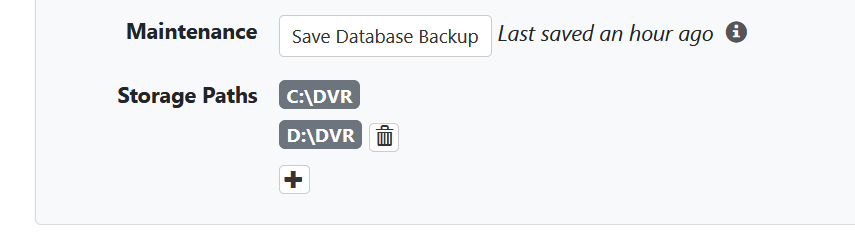
Is there a way to rebuild are refresh the recordings database?
I am using Windows 10 and have the following directories for recordings:
c:\dvr
d:\dvr
My c: drive was running out of space so I manually moved some shows from c:\dvr\tv to d:\dvr\tv.
Now, when I attempt to play the shows back, some play back fine and some merely open as if they are going to play and then shut down after about 1/10th of a second and do not play.
This start up and immediately shut down behavior is exactly the same if I attempt to play back using iOS or tvOS. Within the web app admin tool when I attempt to play it -- the playback just spins as if loading and does not play.
When I move the show of interest from d:/dvr/tv back to c:/dvr/tv, then the show plays back fine in iOS or tvOS or in the web app.
I am thinking after moving the files manually from c: to d: that I made need to refresh the recordings database.
Any ideas or suggestions?