Recording and Guide tabs are now empty

I'm on 2025.08.14.0637 if that matters. Starting today (maybe yesterday?) I see the following when I go to Recordings or Guide:
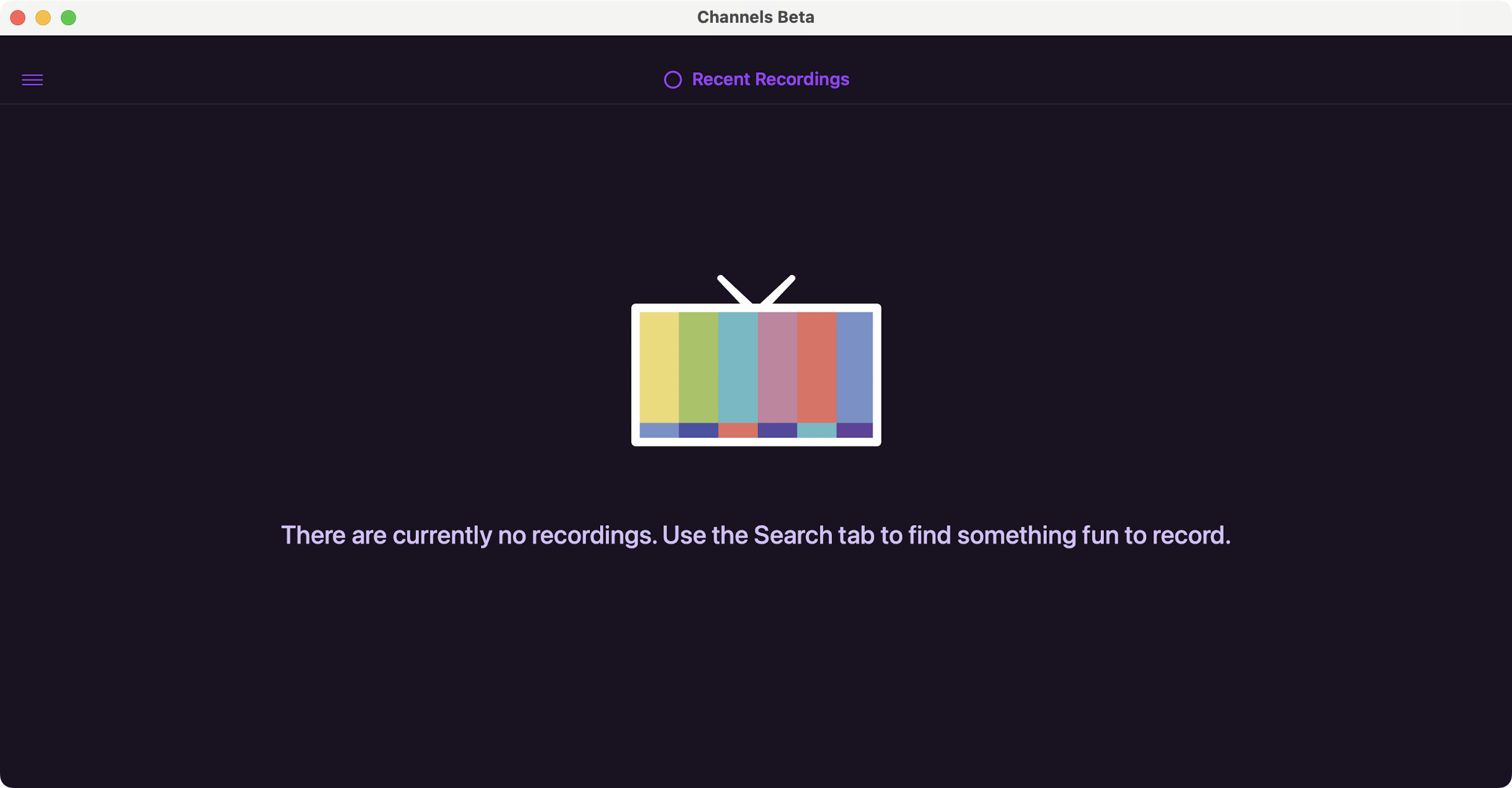
and
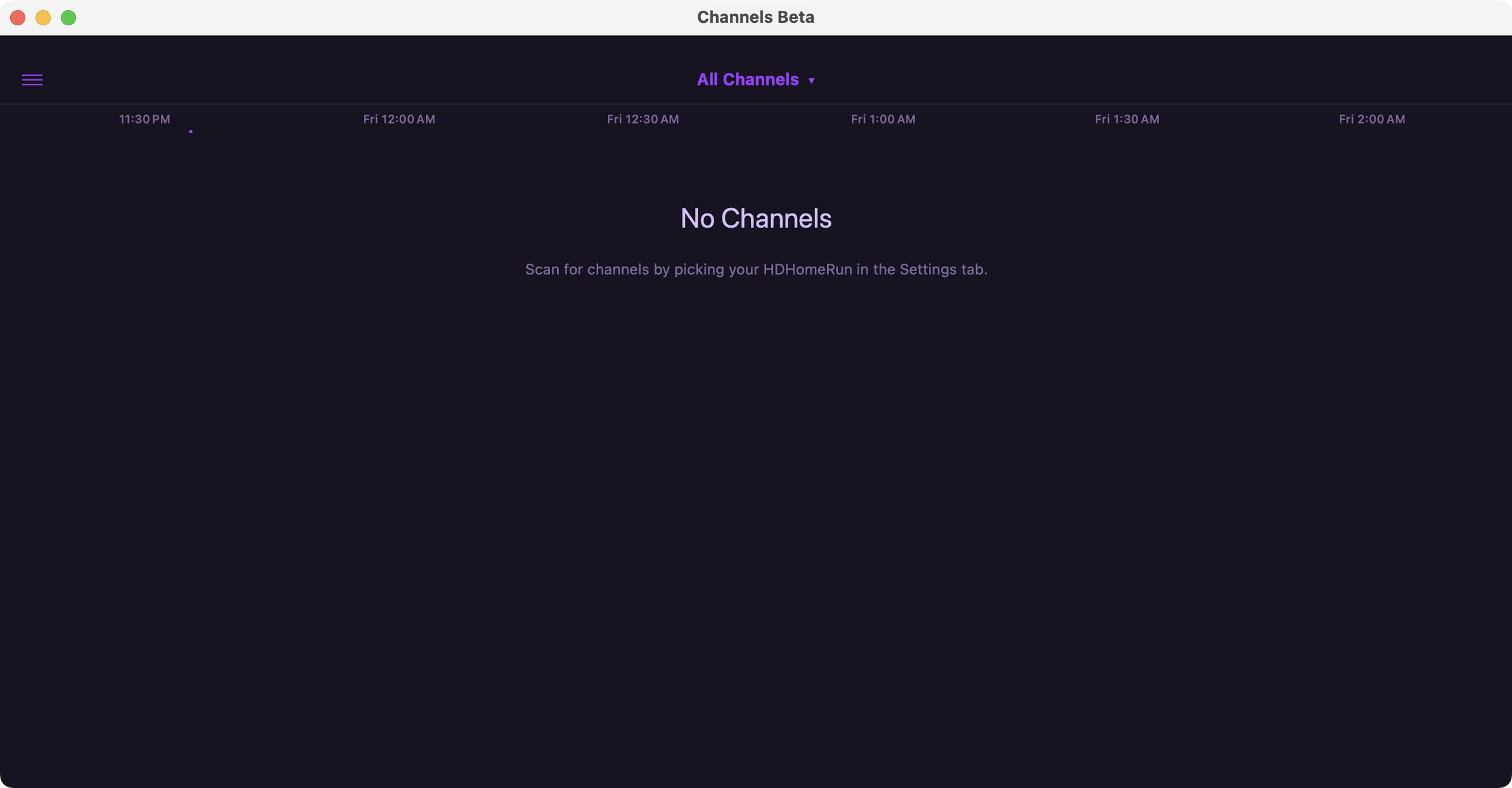
I can't say for certain that this is related to any software update for DVR Server, but it does happen on all of my client apps. Interestingly, I can still watch content that was recorded by the DVR so long as it appears in the Home tab.

Can you see them in the DVR web UI?

Did the IP address of your DVR Server change.
Do you have more than one DVR Server.

I can't see the recordings in the webUI, but I can see the guide there.

IP address remains the same as it has been for years, and I only have the one DVR server.

Would have to check the DVR logs and troubleshooting to see what happeend

Is this consistent after force quitting the app?

1 Like

Thank you for taking a look. Logs have been submitted as dc8dc5c4-106b-4449-98af-799036c8df3e.

Thanks!

Yes. I’ve tried on every client device I have and have also quit and relaunched the server, to no avail. I’ve run all the diagnostic tests (including resource intensive) and they come back green.

Even on the webUI, visiting /admin/recordings just spins the progress circle and the page never fully populates.

I also updated to 2025.08.15.0440 and that didn’t change anything.

And just in case it gets lost in the thread, diagnostics have been submitted as dc8dc5c4-106b-4449-98af-799036c8df3e.

Thank you for taking a look. I’d love to figure out what happened here, and would especially love to resolve it. Thanks!

Try the new prerelease

1 Like

THANK YOU! That seems to have done it. You rock!

Must be the Crash fix