Relocate files, keep the commercial detection - is it possible?

Is there a proper way to move video files to a new location while keeping their commercial detection?

I am relocating a large batch of my TV Show recordings to a new HD. I noticed the last time I did this that the commercial detection for every episode of every show was lost and I needed to run it again. Not like that's a problem but it did take a few days. Just curious if there is a right and wrong way to do this. Thank you!

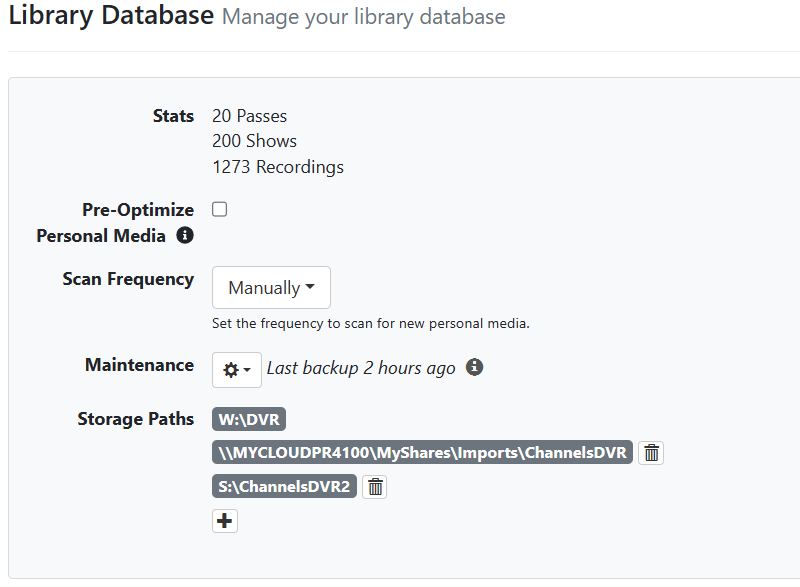
PS the videos in question are not located in the main DVR's TV Show folder, rather a seperate folder added via the Personal Media section.

Thanks!

1 Like

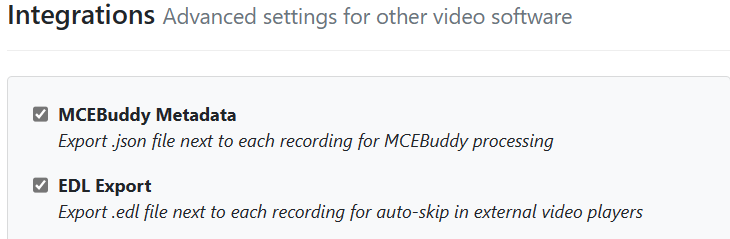
One thing to make sure is that you generate EDL files and move them with your recordings.... You can also add the folder that you are moving them to as additional storage.


1 Like

Will an additional storage path work for what was local content imports?
I thought the path for local content imports was in the imported file json and would still point to the old import location.

Answered my own question. It doesn't work for local content imports.
Gives an error that the file can't be located.

2024/03/24 12:58:12.855926 [ERR] Failed to probe file CSI Miami (2002)/CSI Miami (2002) - S08E15 - Miami, We Have a Problem.mp4: stat /shares/imports/TV/CSI Miami (2002)/CSI Miami (2002) - S08E15 - Miami, We Have a Problem.mp4: no such file or directory
2024/03/24 12:58:35.447927 [ERR] Failed to probe file #2091: stat /shares/imports/TV/CSI Miami (2002)/CSI Miami (2002) - S08E15 - Miami, We Have a Problem.mp4: no such file or directory
2024/03/24 12:58:35.477941 [HLS] Couldn't generate master playlist: Recording is missing: /shares/imports/TV/CSI Miami (2002)/CSI Miami (2002) - S08E15 - Miami, We Have a Problem.mp4

Either it's broke or something wrong with mine. I moved a recording to the additional storage location and get the same error.

2024/03/24 13:03:58.652860 [ERR] Failed to probe file TV/Cheers/Cheers S01E01 1982-09-30 Give Me a Ring Sometime 2023-12-25-1700.mpg: stat /shares/dvr/TV/Cheers/Cheers S01E01 1982-09-30 Give Me a Ring Sometime 2023-12-25-1700.mpg: no such file or directory
2024/03/24 13:04:24.570584 [ERR] Failed to probe file #2055: stat /shares/dvr/TV/Cheers/Cheers S01E01 1982-09-30 Give Me a Ring Sometime 2023-12-25-1700.mpg: no such file or directory
2024/03/24 13:04:24.571356 [HLS] Couldn't generate master playlist: Recording is missing: /shares/dvr/TV/Cheers/Cheers S01E01 1982-09-30 Give Me a Ring Sometime 2023-12-25-1700.mpg

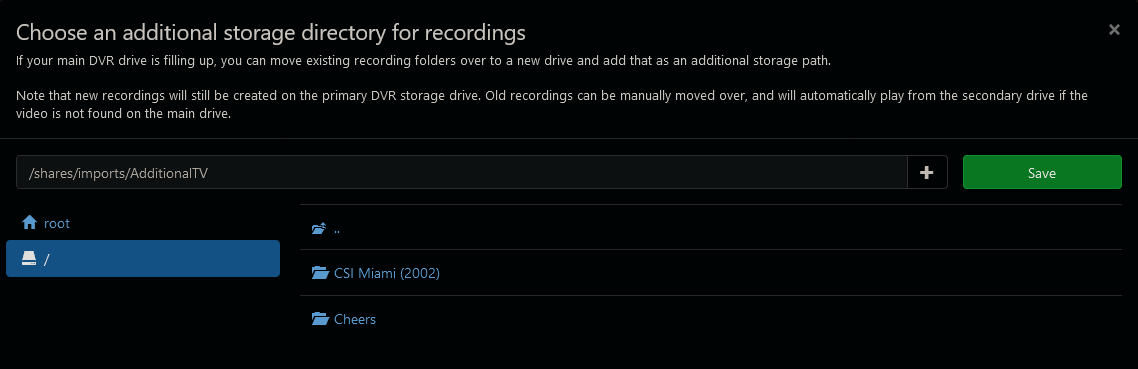
Screenshot 2024-03-24 at 13-06-03 Channels Settings
Channels DVR can see the folders

After creating a new directory /shares/imports/AdditionalTV/TV
and moving the recorded Cheers folder to it, it picks it up the Cheers recordings.

But even after moving the CSI Miami (2006) folder there, I still get the file not found error on it.

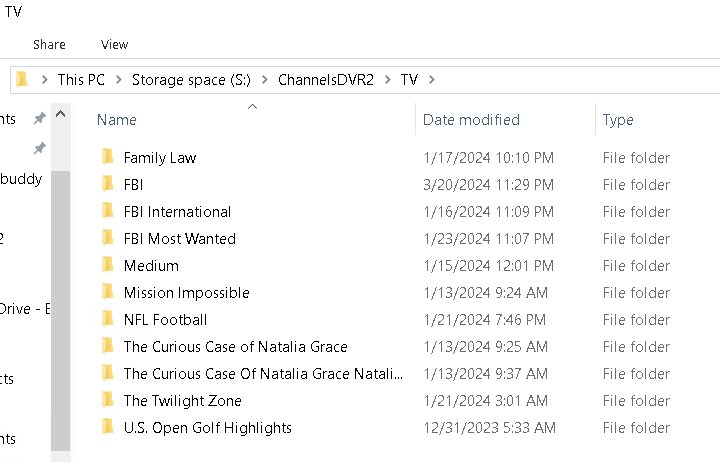
Since I am on windows I use Robocopy to move my recorded files because it keeps the original structure.... When i move files to additional storage it recognizes them immediately.

Yep, moving recordings does work (see my post edit), but moving imports does not.

Yep Imports are a pain. I removed my imports from channels DVR and strictly deal with recordings. Waiting for auto collections since TMDB does have collections :rofl:

files json from one of the CSI Miami imports contains the ImportPath that CDVR is looking for
"ImportPath": "/shares/imports/TV"
"Path": "CSI Miami (2002)/CSI Miami (2002) - S08E15 - Miami, We Have a Problem.mp4"
so it's looking for /shares/imports/TV/CSI Miami (2002)/CSI Miami (2002) - S08E15 - Miami, We Have a Problem.mp4

Thanks for the replies everyone. I didn't know anything about the EDL files, but that seems to have worked. I re-added the files to my library and the commercial detection sections seemed to have stayed in tact.
However, I imagine these files aren't editable with Channels' built in commercial skip editor. So if I ever wanted to edit the detection on a show with Channels' built in tool, I would need to re-scan first most likely. Thanks again! !

This topic was automatically closed 365 days after the last reply. New replies are no longer allowed.