
I am not able to access my DVR remotely. I’m using a phone to try and access it. Please see attached pictures for references as to what I have going so far. Thank you. 


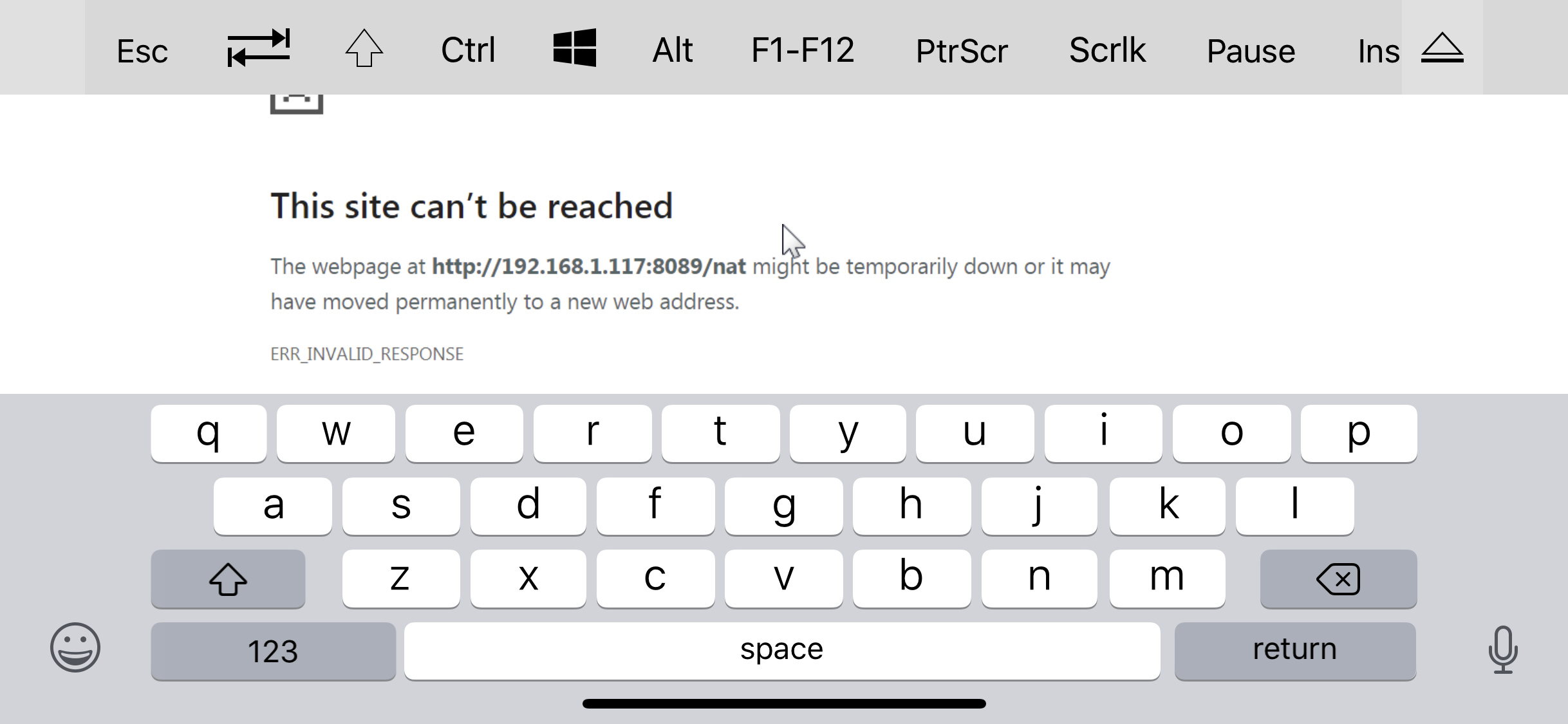
Is the IP of your dvr 192.168.1.117? Does that IP work inside your home?
Does portchecker.co show 8089 as open for tour external public IP?
Yes and yes. That’s my PCs local IP address which has Channels on it. And it’s shows port 8089 open in port checker for my external IP
Yes, it does load. I am trying to connect on LTE.
I'm not home right now, but I believe I can connect at home on my own WiFi, if I remember correctly.
If you can connect to your remote address while on WiFi, but not cellular, it sounds like your router is is doing a hairpin NAT for you.
From outside your network (not while connected to your WiFi):
- Can you connect directly by specifying your external IP address?
- Can you connect using Channels' host (XXXX.channelsdvr.net)?
It's possible your ISP may be blocking something ...
Is XXXX.channelsdvr.net correct? I cannot connect to that, and I remoted into my PC at home using TeamViewer, and tried that link with my outside IP address, and it said page could not be displayed.
I'm an idiot........I had PeerBlock running. I forgot to allow Channels through. My mistake. Just tested and it's working flawlessly now. So very sorry.
1 Like
No worries; we've all had a similar type of situation. 