Remote Streaming not working after transfer to new Mac

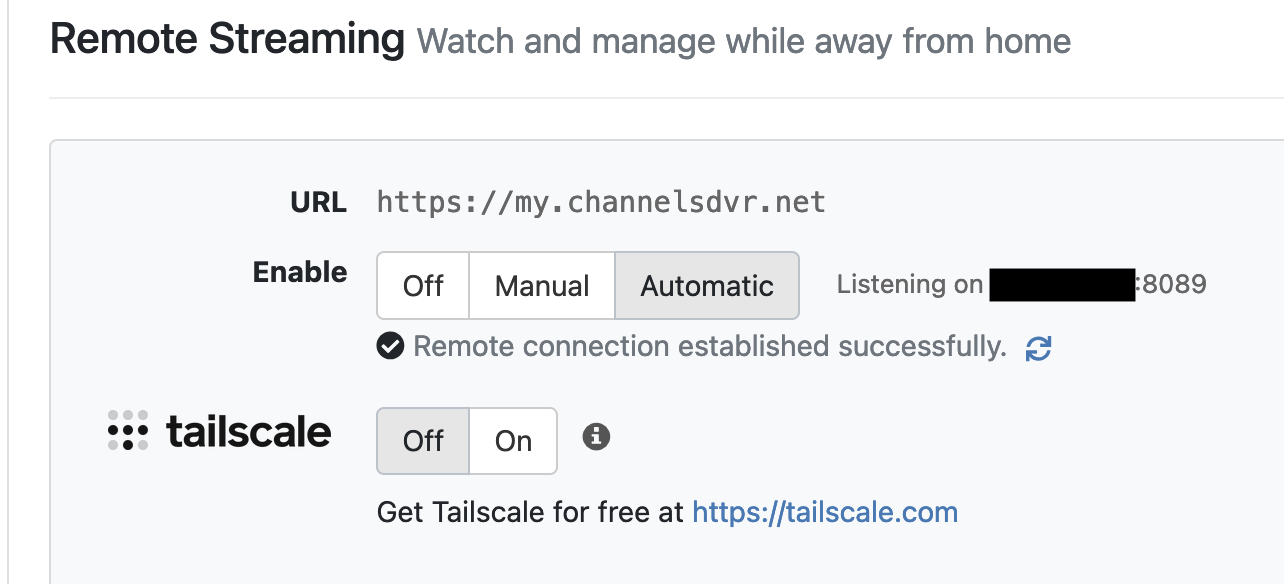
Hi - I just got a new Mac and transferred everything over successfully to it from my old Mac. On my old Mac, I could set Remote Streaming to "Automatic". Now, I can't use that. I even try to forward the port on my router, and no luck.

I've turned off the MacOS Firewall and that didn't help.

I feel like I'm missing a trick here...either a System Setting or a Setting in Channels.

Note that I did reinstall the server. Thanks!
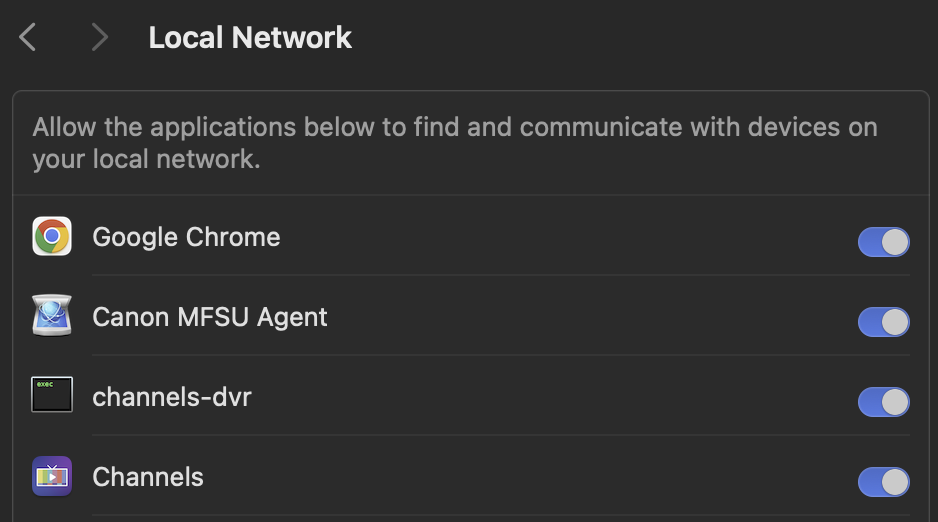
There is a setting on the new Mac OS that has to be set to allow apps access to the local network.
Is Channels DVR allowed access to the local network?

1 Like

Good idea. Just checked and it is allowed.

1 Like

Set a DHCP reserved IP address for your new Mac on your router, so its IP address doesn't change.
Does your new Mac connect via wired network or WiFi. If both, I would recommend wired only.
Set a manual port forward on your router to the wired network IP address of your new Mac.
Then select Manual port forward instead of Automatic in the Channels DVR Settings.

Check your port to see if 8089 is open
Click Here

Thanks, it's open.

That did the trick. I have an assigned IP address to my Mac and also forwarding the port.
Great that this works, but....

Why didn't I have to do that before on my old Mac? I didn't have to port forward or assign. Odd.

Automatic uses the upnp of your router, which works with some routers, but is not a secure way of doing things (opens up potential security holes). Better to do manual port forwarding.

Most likely your old Mac had a different IP address (and definitely a different MAC address) that your router "Automatically" port forwarded to using its upnp. Then you introduced your new Mac which probably had a different assigned IP address (and definitely a different MAC address). The router was probably still port forwarding to your old Mac.

Router upnp is insecure and should be replaced by manual port forwarding.
You need to choose between convenience and security. Always a tradeoff.

An update that seems to work. I went back to my old Mac to check if I had some system or network settings that might be different than my new Mac. Before I did that, I downloaded the Channels server installer to completely turn it off. I checked my old Mac. Nothing different but it was doing Remote Streaming automatically without any port forwarding or static IP.

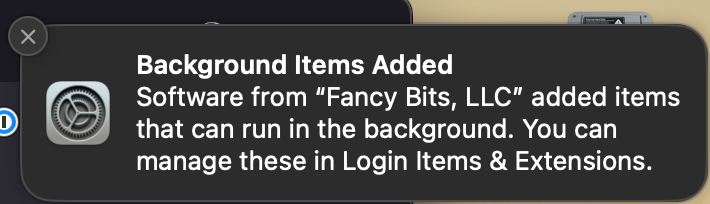
I turned off the server on the old Mac. I turned the Channels server back on on my new Mac using the installer and I got the below message. I deleted the port forwarding and static IP for my new Mac and used "Automatic" for Remote Streaming and now it is working!

I guess when all the files and apps where transferred from my old Mac to my new one, something must have been missed or corrupted or perhaps somehow "linked" to my old Mac? Anyway, working now. I appreciate everyone's help!


1 Like