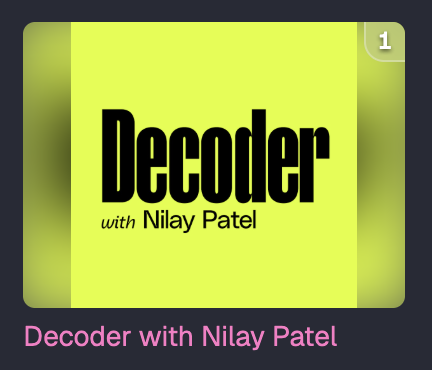
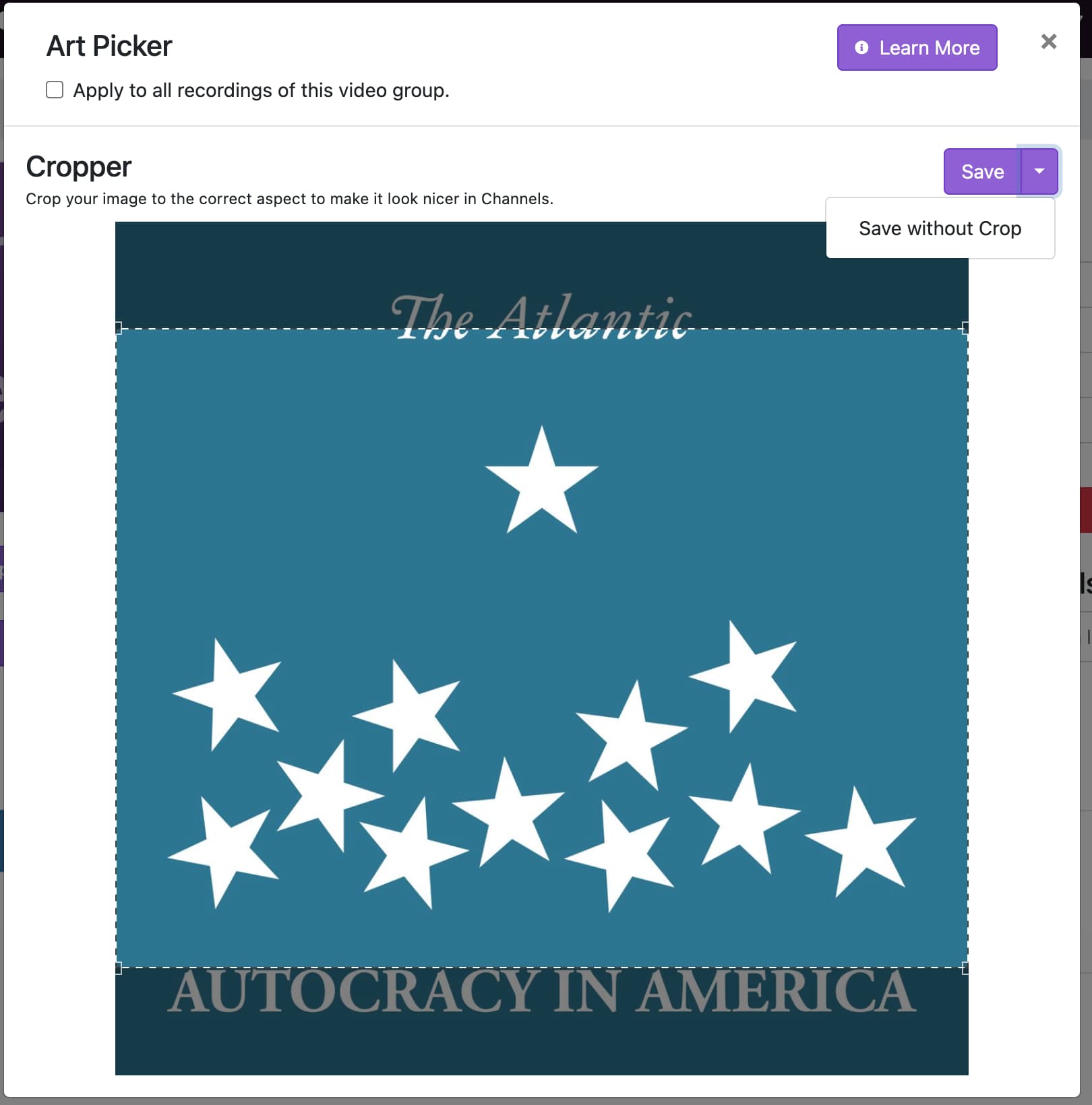
Description of issue: V2 doesn't include the "Save without Crop" option for uploaded art.
I expected: The same option from the legacy version of the admin. In the previous version I used square logos for video groups imported from video podcasts. A square aspect ratio is the norm for podcasts. The legacy version handled the square images in a really nice way by adding a colored gradient on the edges.
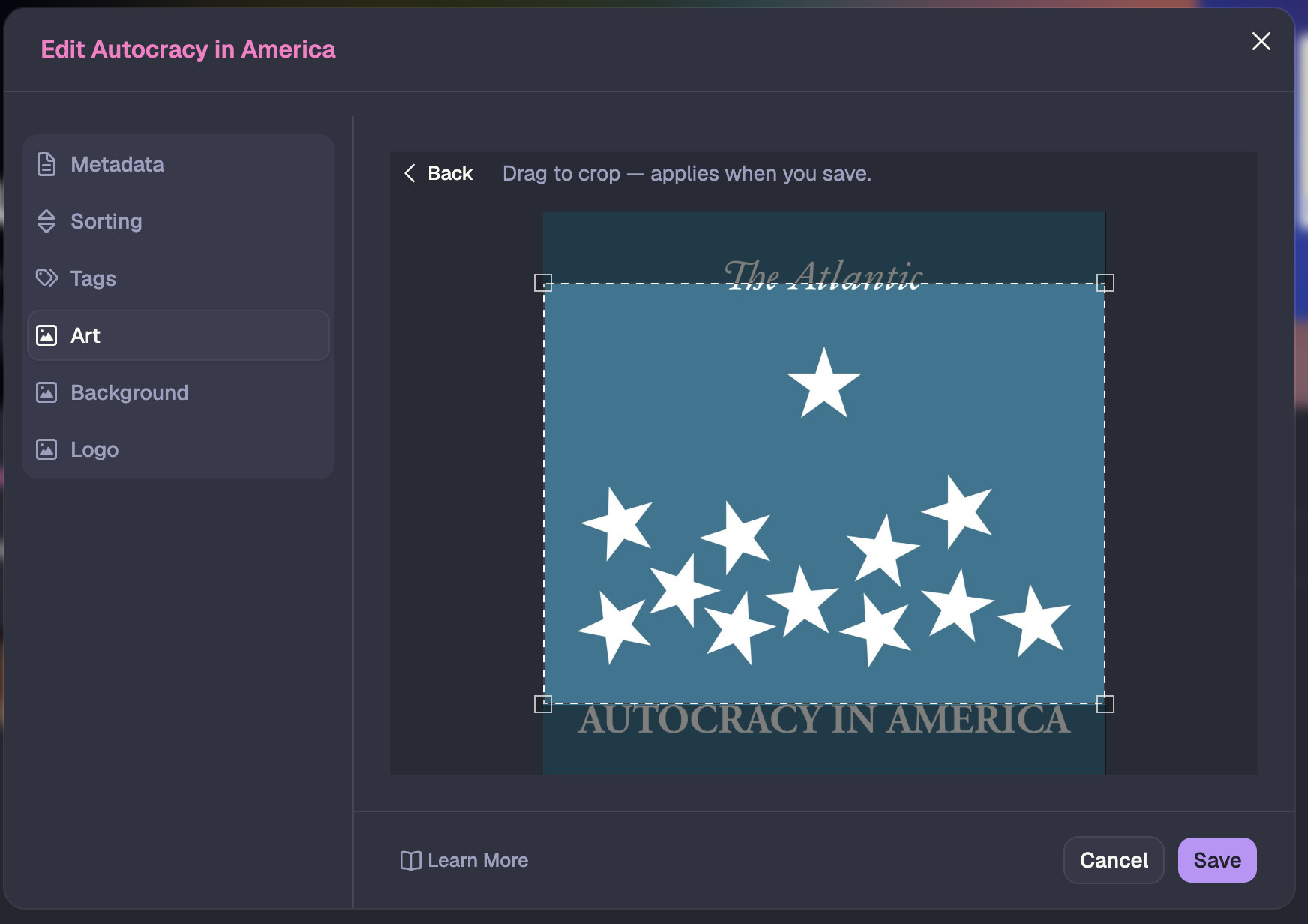
What actually happened: As far as I can tell the only option is to crop the top and/or bottom of a square image.
V2:
Legacy:
Result from Legacy (the square in the middle is the original image):