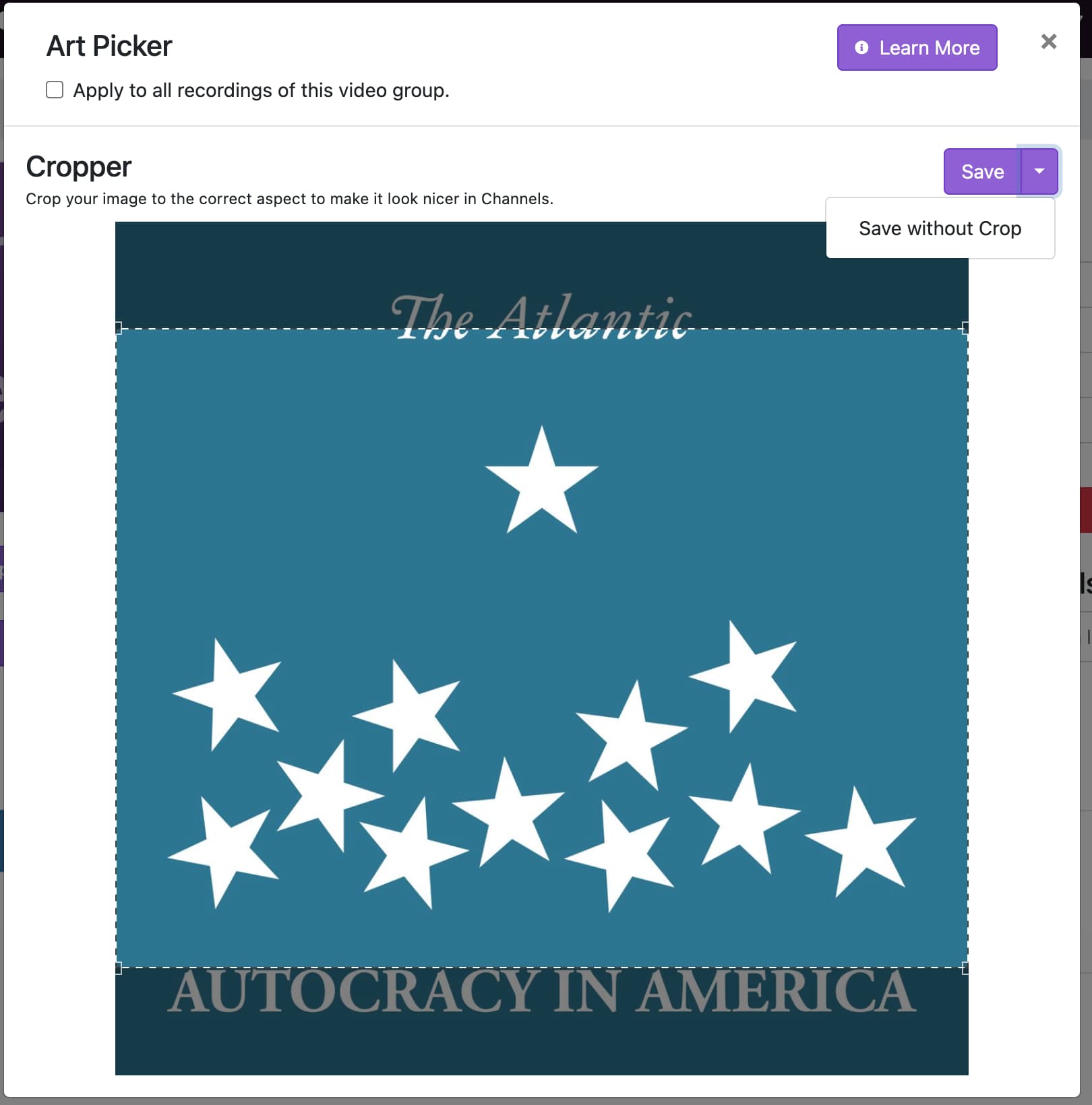
Save without Crop

Description of issue: V2 doesn't include the "Save without Crop" option for uploaded art.

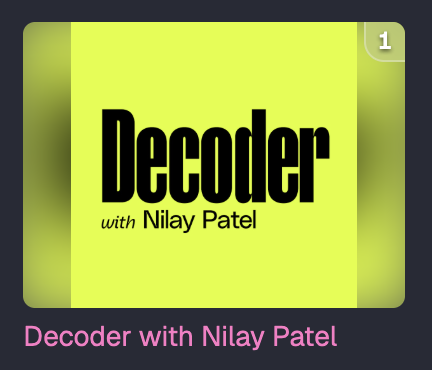
I expected: The same option from the legacy version of the admin. In the previous version I used square logos for video groups imported from video podcasts. A square aspect ratio is the norm for podcasts. The legacy version handled the square images in a really nice way by adding a colored gradient on the edges.

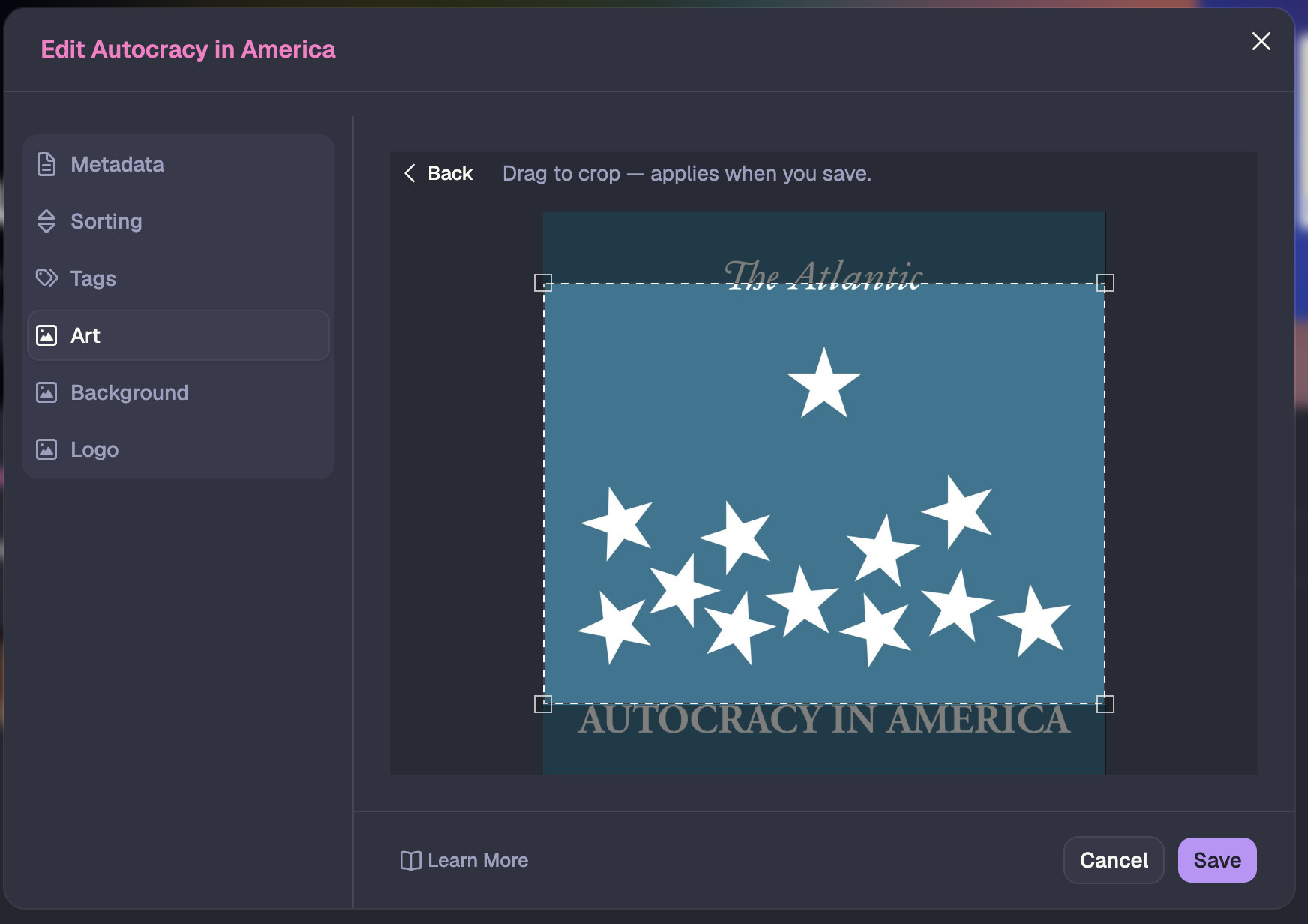
What actually happened: As far as I can tell the only option is to crop the top and/or bottom of a square image.

V2:
Legacy:
Result from Legacy (the square in the middle is the original image):
Screenshot 2026-10-22 at 4.41.11 PM

1 Like

Using a square crop does not get you square images in Channels. Channels does not use 1:1 aspects for shows, it uses 4:3.

The entire point of the cropper is so you can create proper sized images with uploaded images, to prevent the gradient fallback that you're showing.

Your decoder art would look much better with the 4:3 crop.

so, the save without crop button is going away intentionally?

I'm adding it right now, for the cases like your first screenshot where copy would be cut off.

I was just mentioning that it's in your interest to crop where you can as things will look better, vs forcing square art just because podcasts use square art. You're not going to get square art in Channels, you're going to get 4:3 art padded with gradients.

1 Like

thank you.

I agree. Decoder was a bad example.

This was resolved in the latest pre-release:

1 Like