
I am running Windows 11 Pro and when I finished installing Channels DVR on my PC, I am seeing this "Settings > General > Enable Server". Where do I find Enable Server on Windows 11 or what is the name of the setting that I am looking for Windows 11? It seems the instructions needs to be updated for Windows 11.
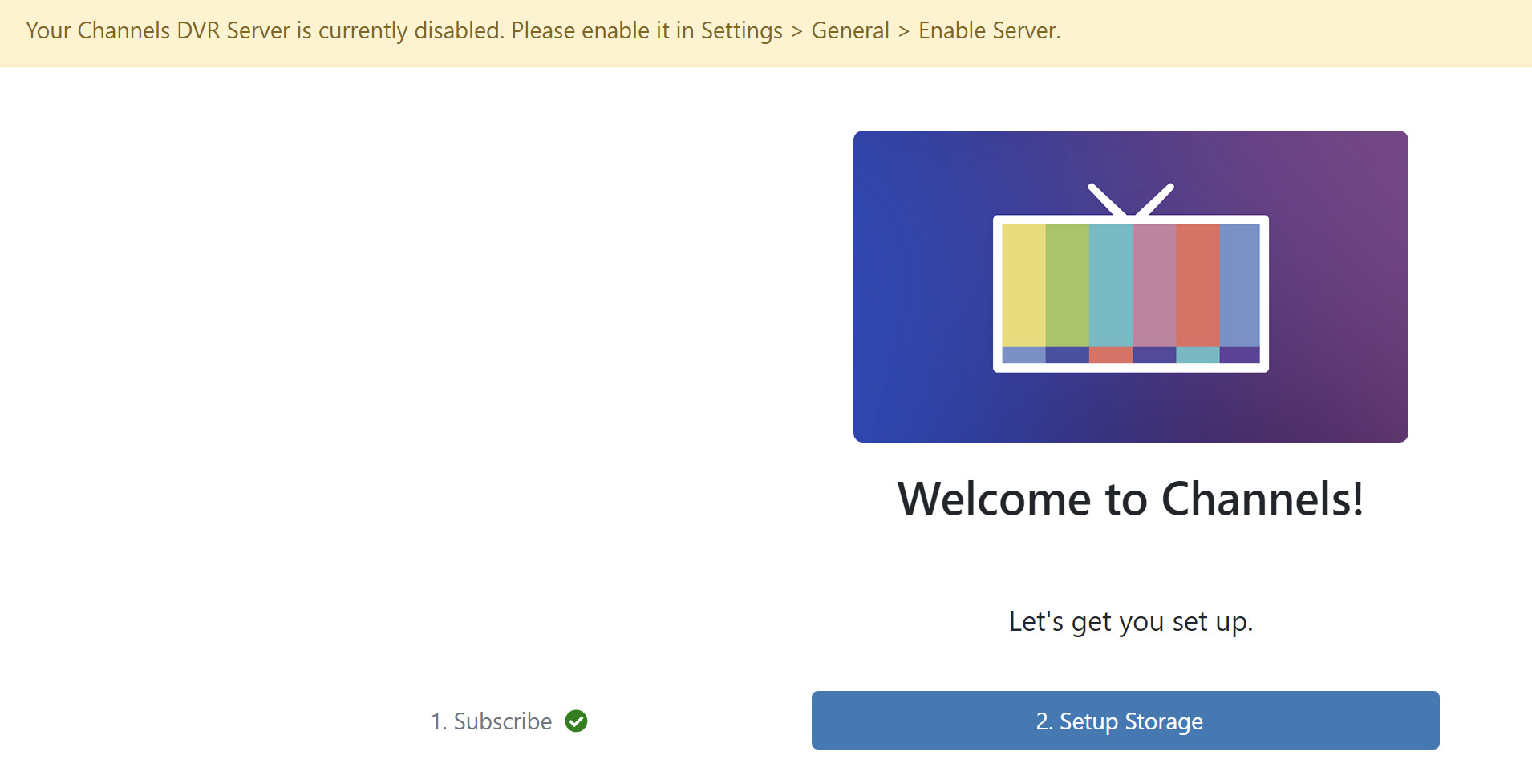
Ignore the banner and finish the setup below
This topic was automatically closed 365 days after the last reply. New replies are no longer allowed.