Shared Folders

Not sure if this is the right spot, but Channels Community has always been helpful.

I have some shared folders on my Windows 11 machine. When I click on the properties in the drive, it shows the correct amount being used. But when I do the properties on the network page it says 0 bytes. And that is carried over to my Shield mounted storage says 0 bytes.

I have checked and double checked all the Windows 11 settings and I think the problem is on the Windows side of things. Any options?
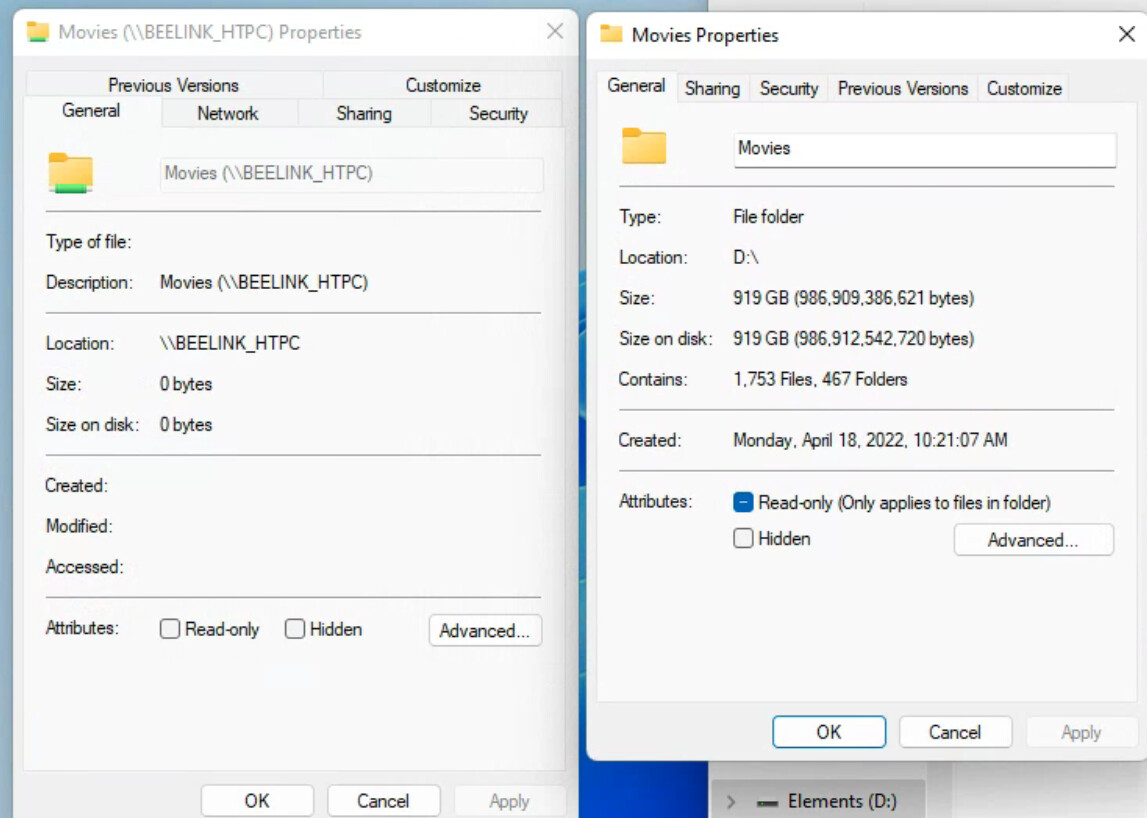
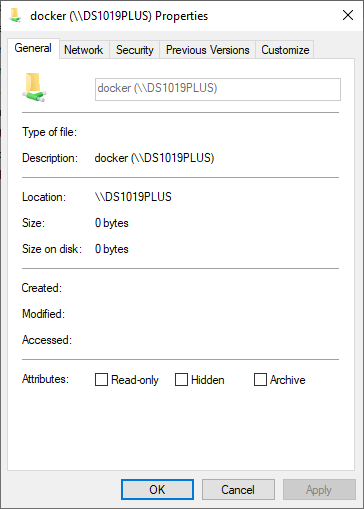
The screenshot on the left is normal.
If you have select any folders or files inside \\BEELINK_HTPC\Movies the Properties Size field will populate

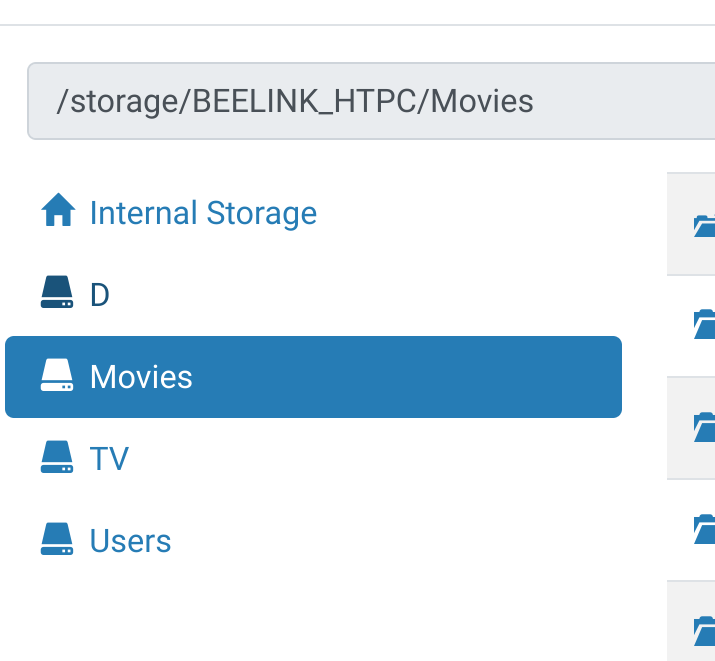
it never populates. And when I mount it to the Shield it also says zero bytes and Channels scans the folder and sees nothing.

Capture2

so why is Channels not finding any of the files inside?

What do you mean by mount it to the Shield? Are you trying to use the Shield as your CDVR server?

no, trying to import the files as personal media.

So you're adding \\BEELINK_HTPC\Movies as a folder?

yeah, I go to add media.

I see the folder and all the files are there as well, but when it scans nothing shows up

oh and yeah the Channels server is on the Shield. I couldn't see my network from the Channels server until I mounted the drive onto my Shield.

I've never used an Android device as a server myself, and I don't think it's officially supported any longer by Channels. Hopefully somebody that's been down this road before can give you some direction.

thanks

This topic was automatically closed 365 days after the last reply. New replies are no longer allowed.