Side Bar Navigation

I'm sure I'm overlooking something simple here. I'm trying to set up the global sidebar settings. I've set them to display how I want them to, at least as far as I understand the feature, but what I've done globally isn't showing up the way I intended. I looked through the forums but didn't find anything (maybe it's the keywords I used). If anyone can lend a hand, I'd really appreciate a nudge in the right direction.

Logs included: 5c65b993-42bf-40e1-8642-1a55cd5ae232
What client are you on and what way are you doing this?

There is a new way to do this that only works with the (latest beta of) tvOS version of Channels that allows you to add and order them anyway you want.

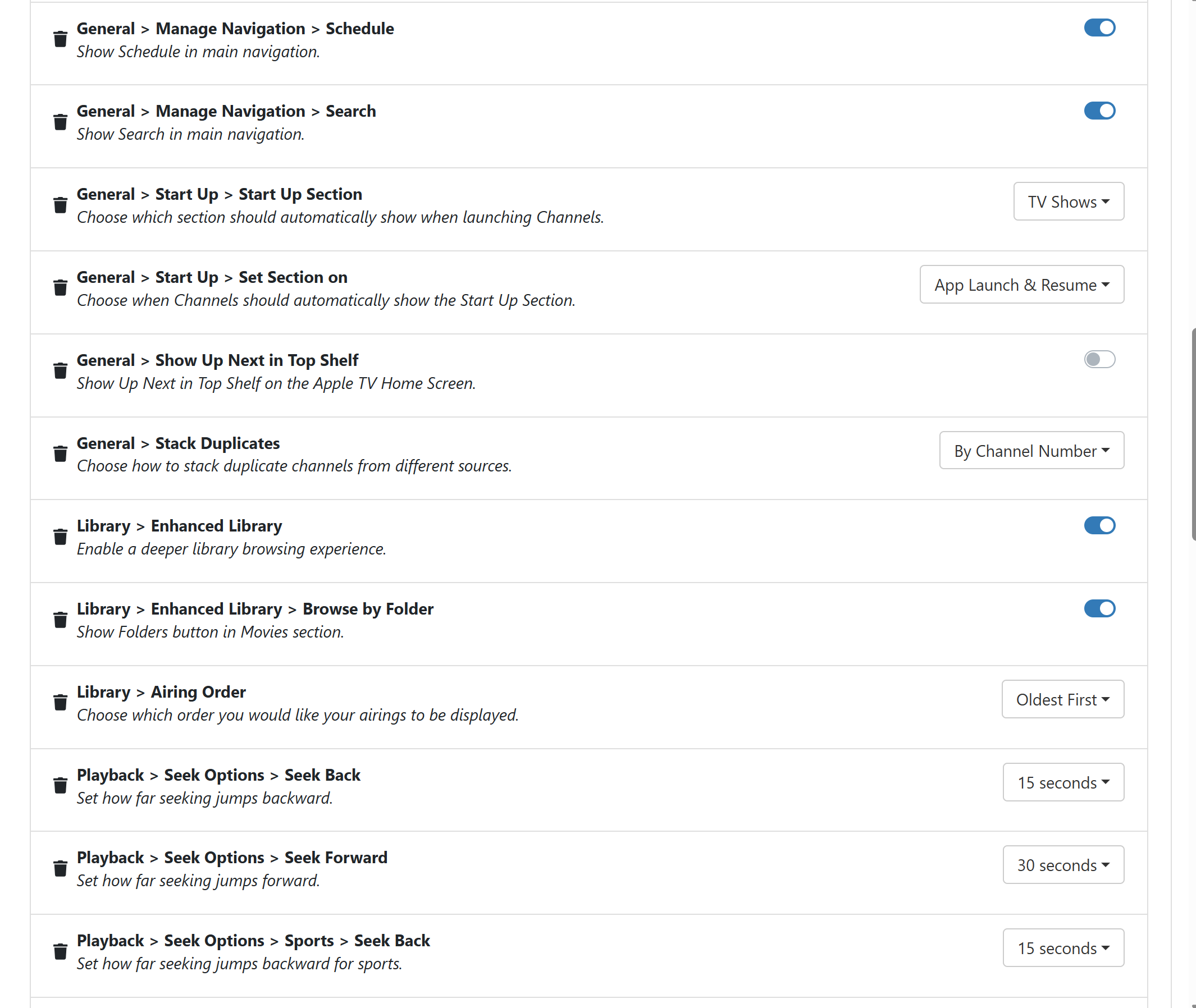
This is not available on Android yet. You’ll need to use the toggles in General > Manage Navigation.

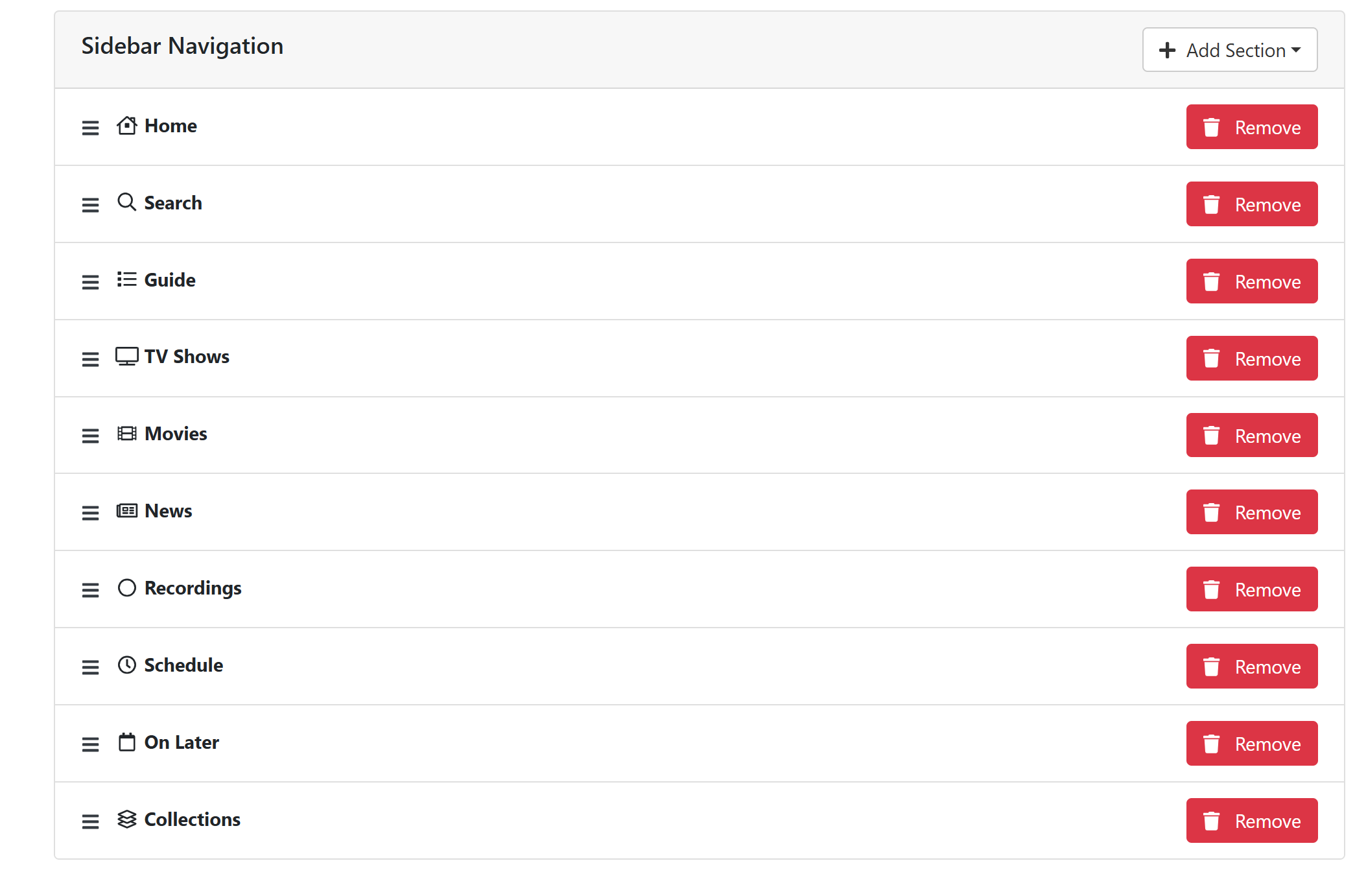
Hey, I'm using the beta version of channels, and it seems to be up-to-date. I've set up a list in the sidebar navigation under clients, but I'm not sure what to do next. Should I turn off the global navigation settings I've got now? Also, is there a setting that makes it use the list I've made at the bottom of the clients page.

You're not being very clear. Are you using the beta version of the TVOS version? And are you sure it's absolutely up to date?

Just to be clear. You have the Sidebar Navigation settings set to a list of sections for both Global and a specific client (Apple TV LR).

Just in case this is confusing anything.

Okay, so here's the deal. I'm on the latest beta of Channels TestFlight, which is showing as version 7.12.1924. The sidebar settings only seem to match the global settings. I set up sidebar navigation at the bottom of the client page, thinking that would make it global. Check out my screenshot. Maybe I am just assuming setting it up at the bottom makes it a global setting. I'll check out the client specific settings to see if that is causing an issue.

Thanks for your help.

And I just updated to your latest DVR release of 2024.07.14.1540 as well. I removed the list from the client specific section also. Still does not show what I have above. Thanks again for the help

Settings set for a client, will override the global setting, and only be applied to that client.

Clients without a setting, will use the global setting.

This applies to all Server Side Settings.

Client settings do not inherit global settings and then merge. It is either/or.

I have to say, I’m not very clear on how you have things set up based on the vernacular used.

If you could show full screenshots it might be more clear. As it is, the screenshot provided doesn’t tell me if it’s the global setting or set for a specific client.

Sorry, I thought I was being clear with my English. I guess not. Here is a screen shot.

Let me know if this helps.

I'll submit another screenshot. This forum cut off part of the full screenshot I took.

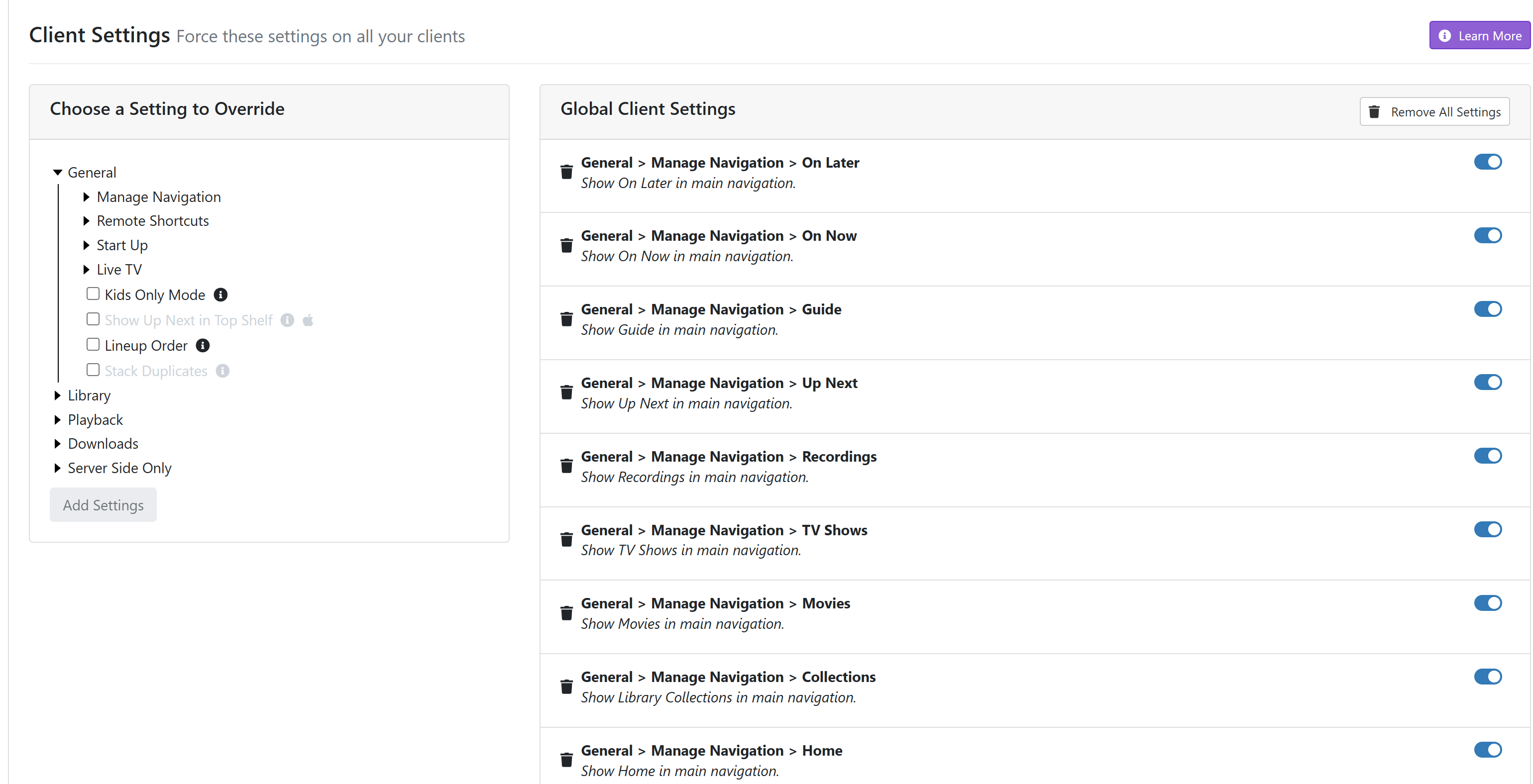
Shot 1

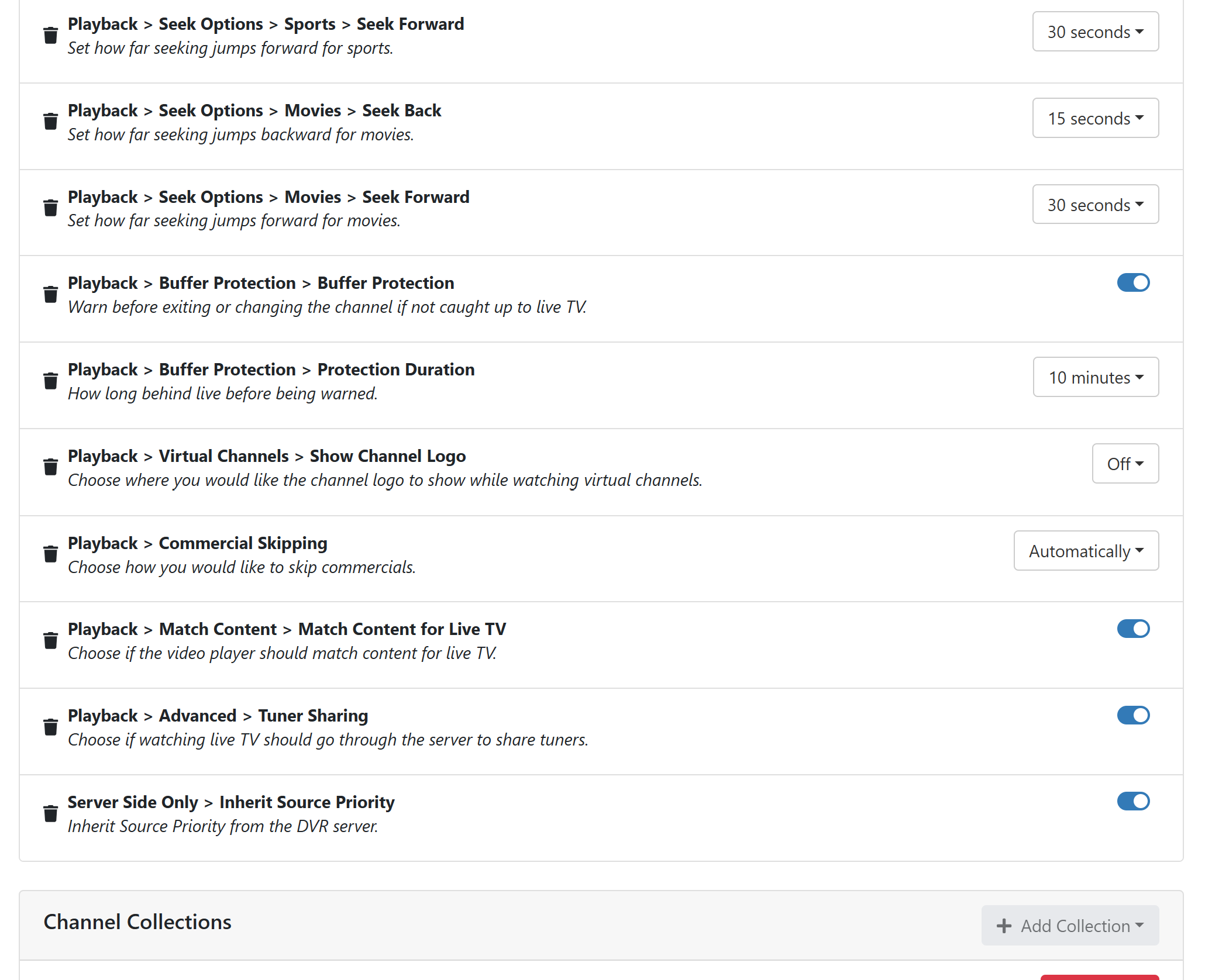
Shot 2

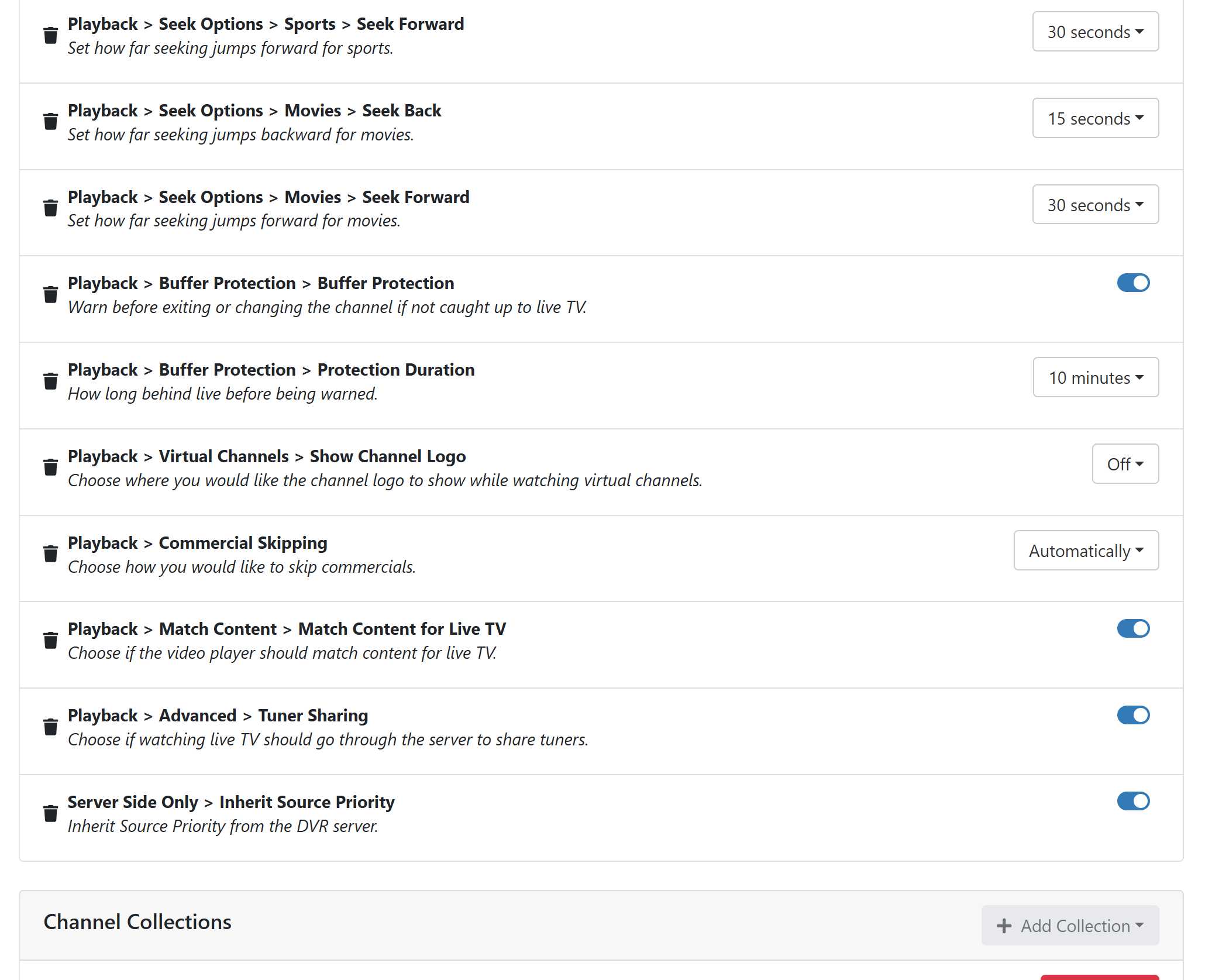
Shot 3

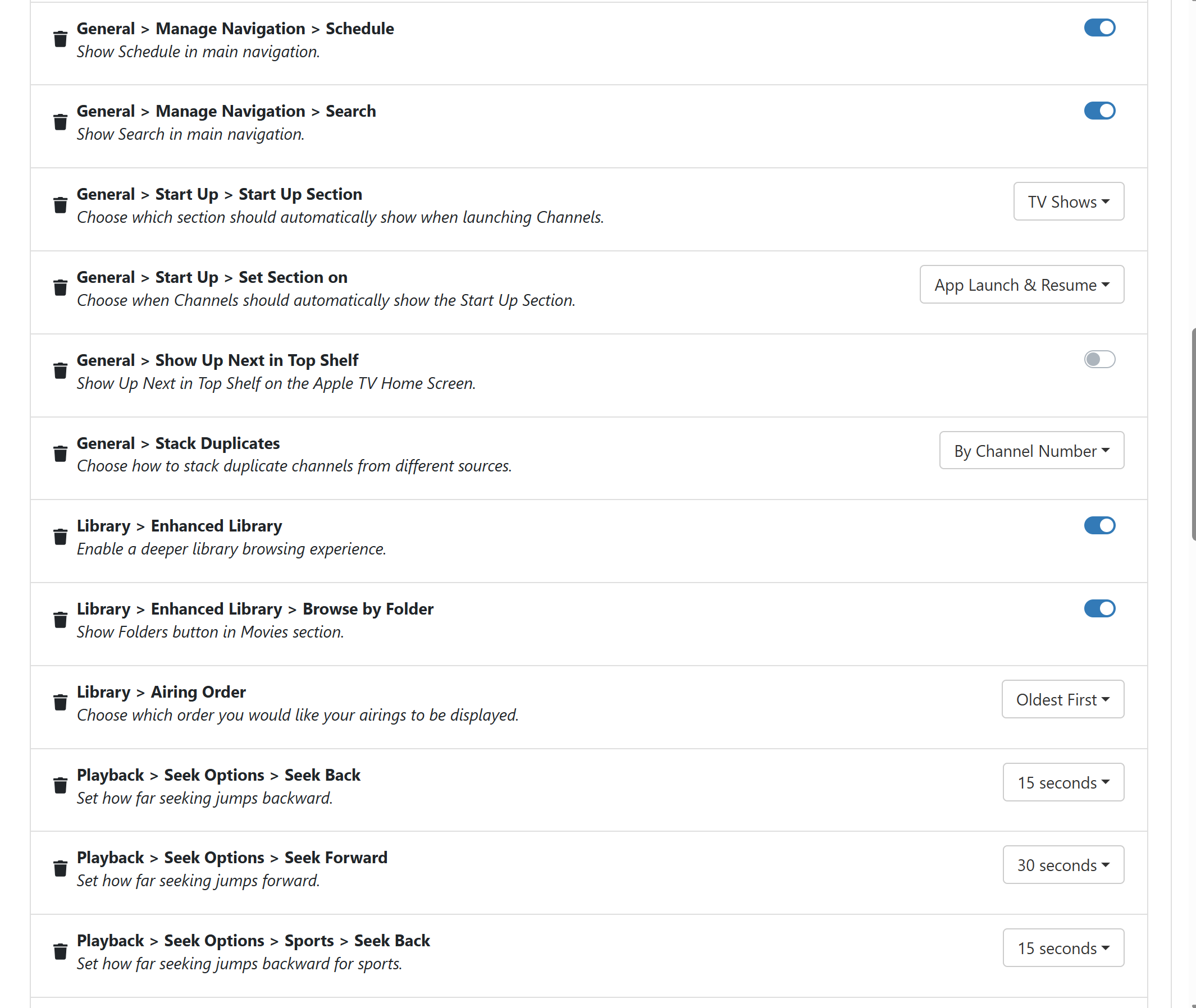
Shot 4

I'm sorry, but these shots aren't explaining anything. I can not tell if they are for a client or global.

Please, just take screenshots of your entire browser window.

1 Like

I'm going to try to explain exactly how this setting works in case there is confusion.

The new Sidebar Navigation picker allows you to manually choose, and set the order of, sections for your tvOS Sidebar.

If you use this, it overrides the old toggle based settings (on/off) from the past. If those are set, they will big ignored and your Sidebar Navigation setting will be used.

If you set the Sidebar Navigation options globally, all clients will use it. Clients with their own Sidebar Navigation setting applied will not use the global setting, it will use its own.

So, if you don't have the Sidebar Navigation options filled out at all, the sidebar will be populated based on your old toggle based settings found under General > Manage Navigation.

If you do have Sidebar Navigation options filled out, the old toggle based settings found under General > Manage Navigation are completely ignored.

Thank you for the clarification and explanation on how this feature works. Thanks for your time.

Did this solve things for you?

This topic was automatically closed 365 days after the last reply. New replies are no longer allowed.