OK.
What happened
I see that you at one point enabled the PlayOn Cloud integration in Channels DVR Server.
That integration automatically downloads PlayOn Cloud results directly into Channels DVR Server for you.
You can learn more about it here: Channels — PlayOn Cloud
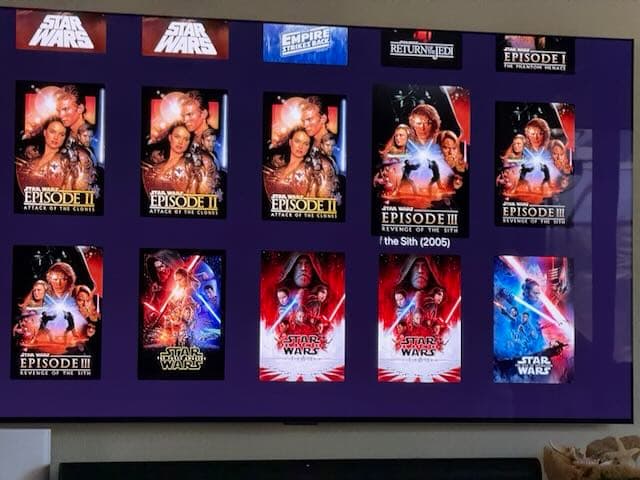
This is why you had them in your library twice. Channels DVR Server was grabbing them, and you were manually downloading them and adding them to your personal media.
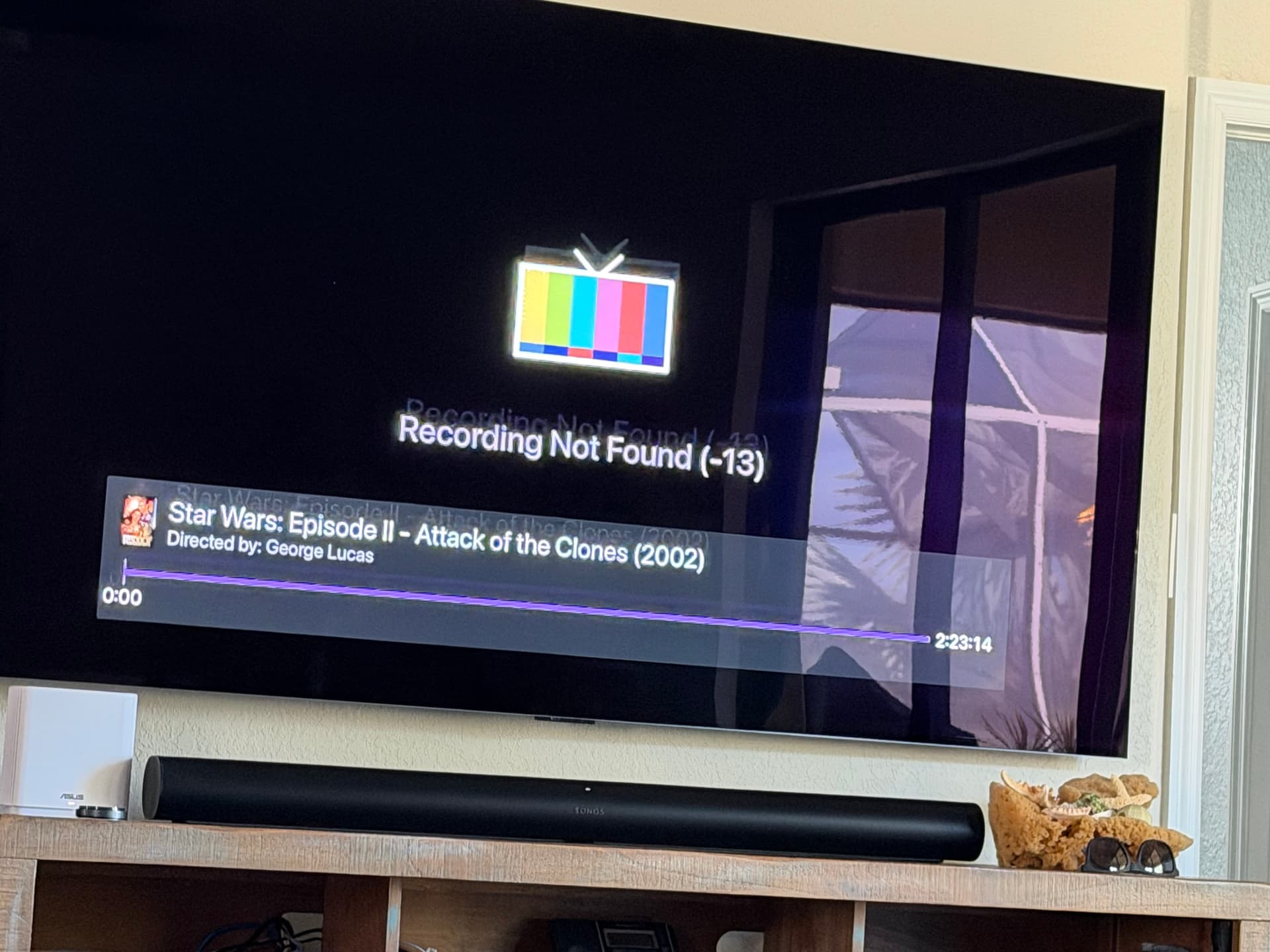
You then removed the integration, and deleted the files from disk, which left them in your library, but with no files on disk anymore, they can't play (of course).
Why
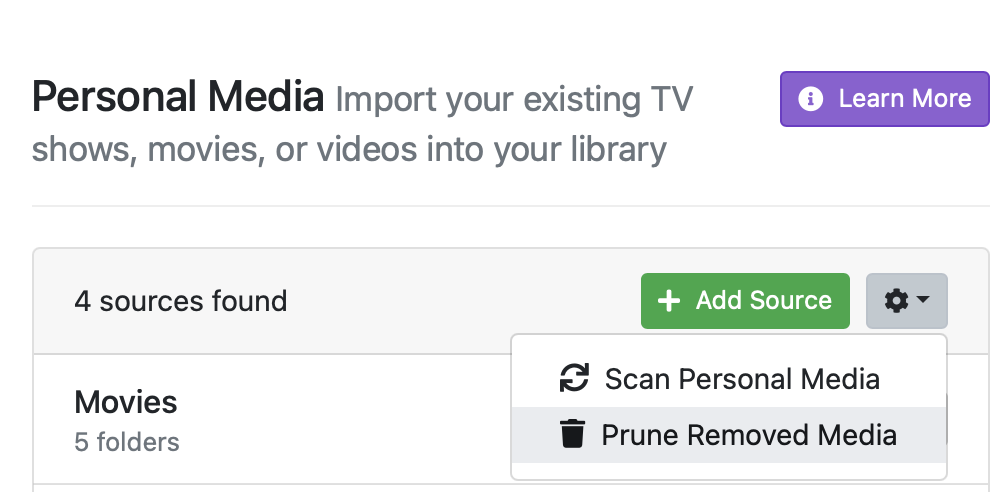
The issue is that PlayOn downloads don't get removed when you remove the integration (for obvious reasons), and you deleted the files from disk, instead of from your library, and finally, the Prune action for Personal Media doesn't effect items added from PlayOn.
What to do
In your Channels DVR Server web admin go to Settings > General > Library Database > Maintenance > Manage Recordings Database > Missing/Deleted, and you’ll be shown recordings that are in your library but the physical file is missing. You can clear them from there.
Alternatively, if you are comfortable, you can do this all at once by hitting the unofficial API like this:
curl -X PUT http://127.0.0.1:8089/dvr/pruner/deleted
This will remove any NON PERSONAL MEDIA IMPORT items (recordings, playon downloads), that have no file on disk.
This is like the pruner, but for recordings, vs pesonal media. This is not available in the UI because it can be dangerous if used incorrectly.