Source priority2

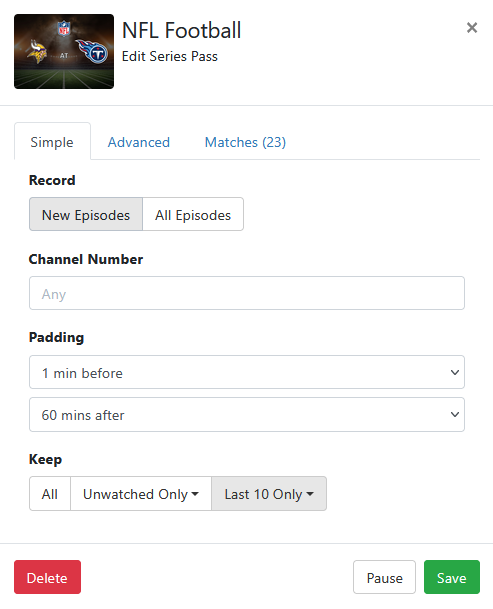
I have a season pass set up for "NFL Football." My system has 4 sources, the first source is an HDHomerun (at the top of the source list). The current Monday night NFL Football appears on the HDHR source at the top of the list, and then again on the 4th source. Channels DVR decided to record this on the 4th source. Why would it default to the 4th source rather than the 1st?
image

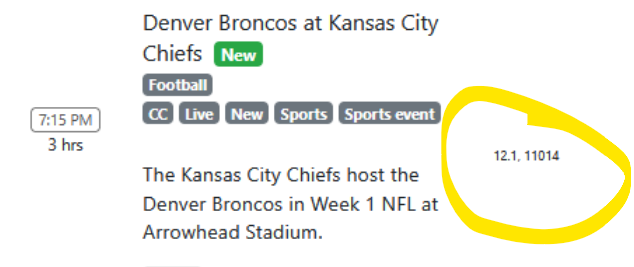
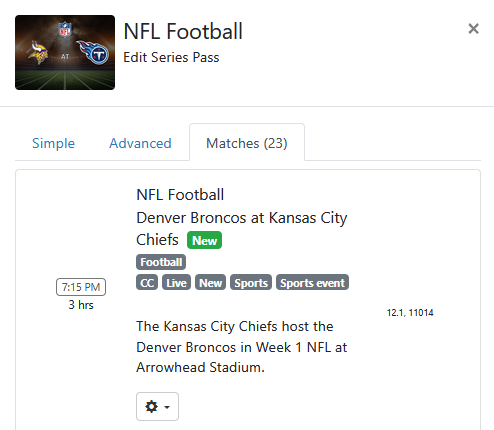
bottom right of your 2nd pic shows the order of the channel it will try. if it used the 2nd (11014) than the signal was bad or hdhr was busy. you'll have to check the log.
or are you referring to multiple hdhr's that are both ch 12.1?

I guessing your 4th source has that channel favorited and therefore it gets bumped to the top of the priority list.

The HDHR tuner was not busy. The signal on that tuner is always solid, at least for SageTV to record in a comparable fashion. Apologies, I don't know what you mean by multiple HDHR's.

Check the DVR log for 7:14PM and see what it says.

Hey Shag. I'd like to look into that, but I'm not entirely sure what it means.

I would start with favoriting your good channels in the hdhr app first


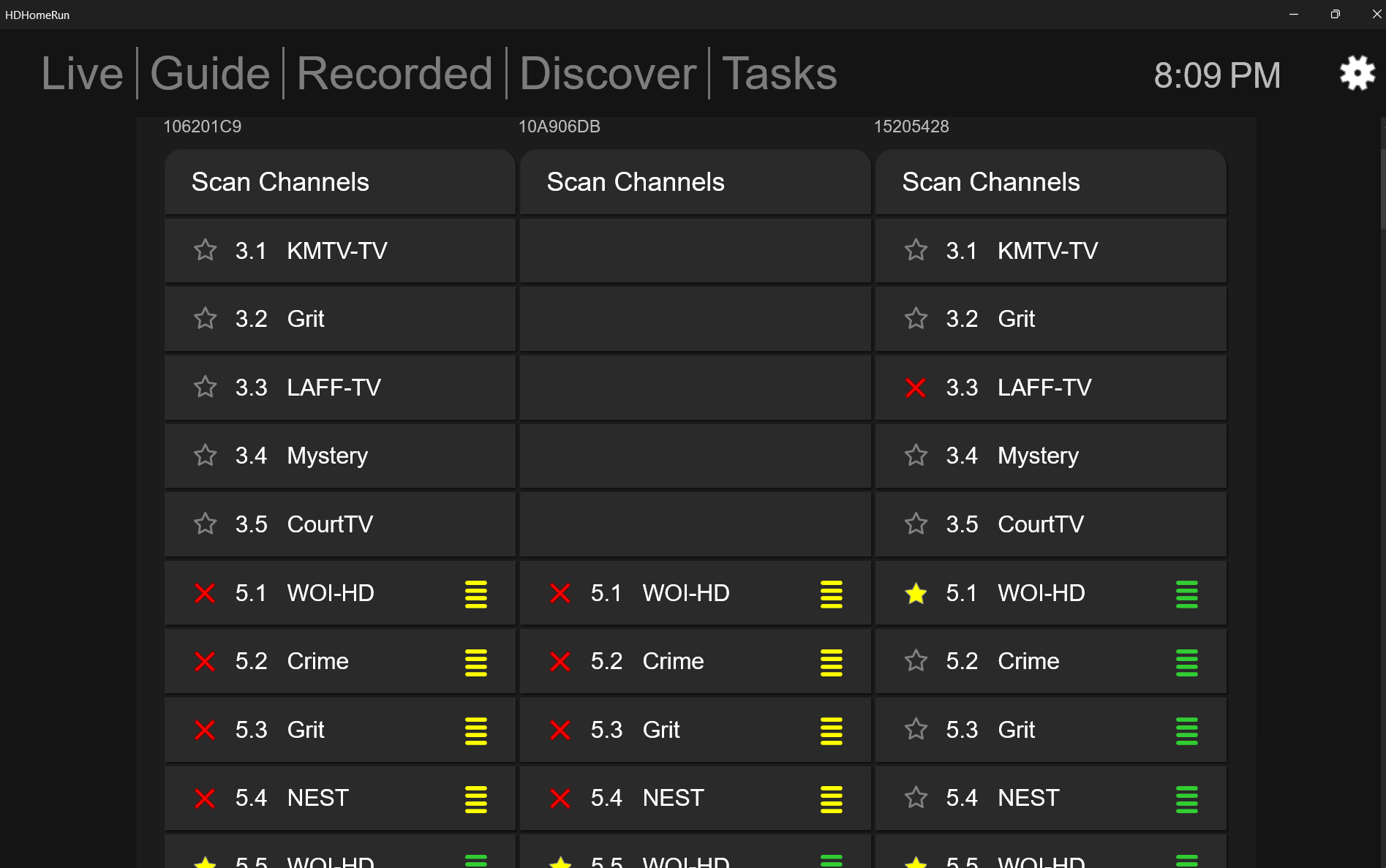
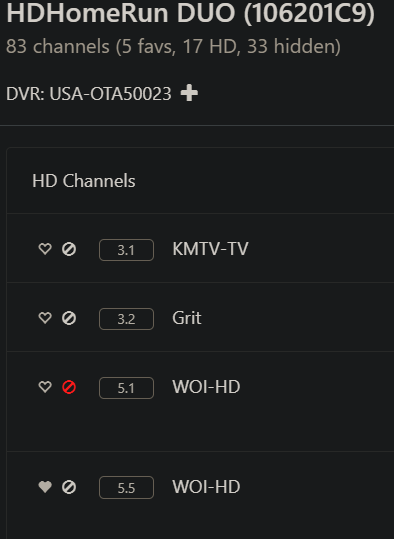
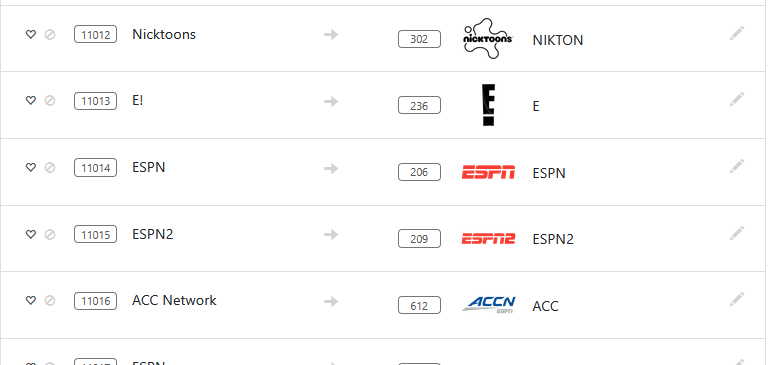
i don't remember off hand exactly how/when channels imports/syncs the favorites/blocked but it can. you can check and set the dvr favorites/blocked via Sources > Manage > Manage Lineup

Under settings, sources, manage drop down, select manage lineup, filled in hearts means it’s favorited. If both channels are hearted under manage lineup it will pick the highest channel number. Regardless of source priority in the source list.

Hey Rice. I just checked and there are no hearts next to anything for either tuner. To my knowledge I don't believe I've ever set anything to a 'heart.'


Do you have access to my Channels DVR server logs?

Interesting, the logs will give a better picture then. The game started at 7:15 so your logs at 7:14-7:15 will show if there was a tune fail, ect.

Of course not. I'm just another paying Channels DVR user, like you.

ok, so I'm confused why it showed the order you preferred, but can't think of a reason it would show that way without favorites.
Screenshot 2026-09-14 202326

channels will record passes based on Favorite first, then the source priority.
edited to correct my mistake.

Of course you are.

These are the logs, after recognizing the scheduling problem and manually correcting it:
2026/09/14 19:14:00.000782 [DVR] Skipping job 1789431240-237 NFL Football
2026/09/14 19:14:00.000782 [DVR] Starting job 1789431240-ch12.1 NFL Football on ch=[12.1]
2026/09/14 19:14:00.000782 [DVR] Waiting 45m0s until next job 1789433940-219 Hannity
2026/09/14 19:14:00.000782 [DBG] Scheduling wake timer for scheduled recording in 43m29.9992175s
2026/09/14 19:14:00.431126 [TNR] Opened connection to 1072F287/1 for ch12.1 WISN TV
2026/09/14 19:14:00.431126 [DVR] Recording for job 1789431240-ch12.1 from 1072F287 ch12.1 into "TV\NFL Football\NFL Football Denver Broncos at Kansas 2026-09-14-1914.mpg" for 4h0m59.9992175s
2026/09/14 19:14:00.510559 [IDX] Generating video index for job 1789431240-ch12.1

Incorrect

Just to confirm, highest channel number first, then source priority second?

That shows it recording from channel 12.1

I had to manually skip the recording on 11014, and then set up a manual recording for 12.1 to correct the scheduling issue. That's what I would like to avoid in the future, if possible.

The schedule shows the channel order it will use to record.

The Pass Matches should display the same channel order as the schedule, but sometimes is wrong.

Look at your schedule to see the channel order it will try to record from.

I did that, but apparently that's not correct, because the schedule indicated that it would record on 11014 first. Then I had it skip the recording on 11014 and set up a manual recording from 12.1.

You know what, it's okay though, because SageTV scheduling got it right and I can watch it there. No problem folks.

Did it show 11014, 12.1 ?
Do you have more than one pass?