SSL Certificate for Admin Console

Is there a setting I am overlooking that allows me to assign an SSL certificate to the Admin Console (on tcp port 8089)?

I am using Channel DVR on Synology DSM 7.2.1 and would like to use the system cert if possible. I can generate another self-signed cert if necessary.

This is for use my LAN, I'm not trying to use PAT out of my network. Thank you.
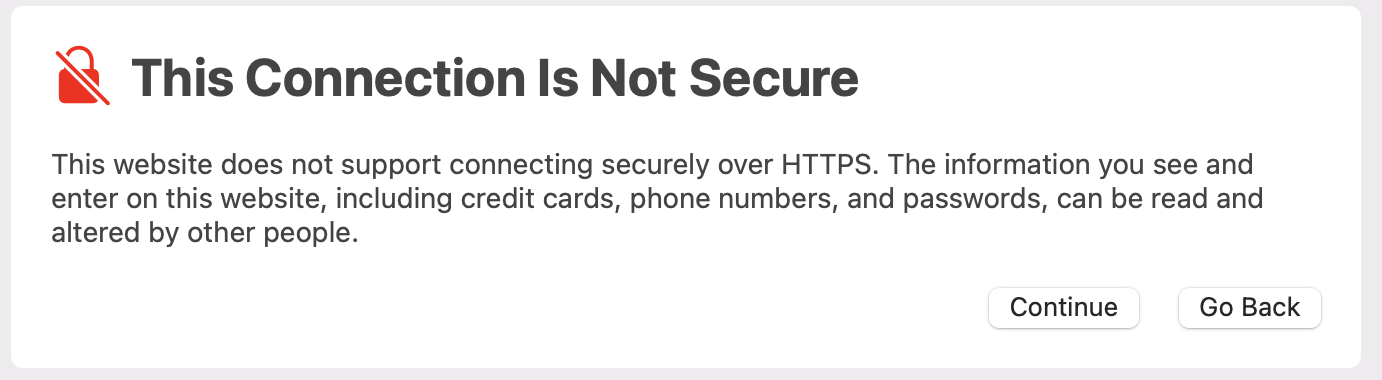
No, Channels DVR Server gets a cert for Remote Streaming for connecting to it via https://my.channelsdvr.net, but does not natively support SSL locally.

You are free to put it behind a proxy and provide use a cert that way, but when connecting to it that way with a host name, you will be prompted for auth in web. And connecting with that host name from the client is not supported, as it will force auth, since the proxy makes it appear as NOT a local connection.

When connecting your client to your Channels DVR Server you will need to use the direct IP address.

Hello Jon, thanks for replying. I'm only looking to secure the admin console/guide nothing else.

I open several tabs behind the main guide at once and I would to prevent the http click-through warning for each one. I disabled the http check in the browser settings, but I had issues with other sites and needed to re-enable it.

Do you have any suggestions. Thanks again.

Just use http locally and you wont have to worry about ssl warnings.

1 Like

@slapman Thank you for replying. I'm not sure what you mean, can you explain?

Just change the https to http. There is no need to visit the CDVR webconsole using https unless you are authorizing TVE

1 Like

Ah, okay. Using http is what's causing the click-through warning. According to Jon, the admin console doesn't have an https configuration setting.

yes, it doesn't. just use http://IPADDRESS:8089

You shouldn't have any issues. The web admin was not designed to be behind SSL when accessed locally. If you're using https:// out of habit, you're accessing the web admin wrong. It's served with http.

1 Like

no s though: http://IPADDRESS:8089
(old habits die hard)

lmao, corrected :man_facepalming:

Incredible comms.

You're confusing insecure HTTP with secure HTTPS
Have you tried this to connect securely locally?
https://192-168-1-4.############.u.channelsdvr.net:8089
Where 192-168-1-4 is the local IP address of your DVR Server 192.168.1.4 using dash instead of period separators, and ############.u is your auth subdomain at channlesdvr.net, and 8089 your Channels DVR port.
That will connect locally with a secure https connection using your Channels DVR certificate.

This topic was automatically closed 30 days after the last reply. New replies are no longer allowed.