Stacking channels?

Is there a way to still stack channels? I have CBS configured on ADBTuner, and I have an OTA tuner with CBS. The OTA has some minor issues, but is not 'unusable', so I would like to stack the channels so that it will fall back to the OTA tuner if needed. Currently I have it listed as 2 different channels (2 and 2.1).

I found old threads with old information, but I couldn't find the setting in the current version.
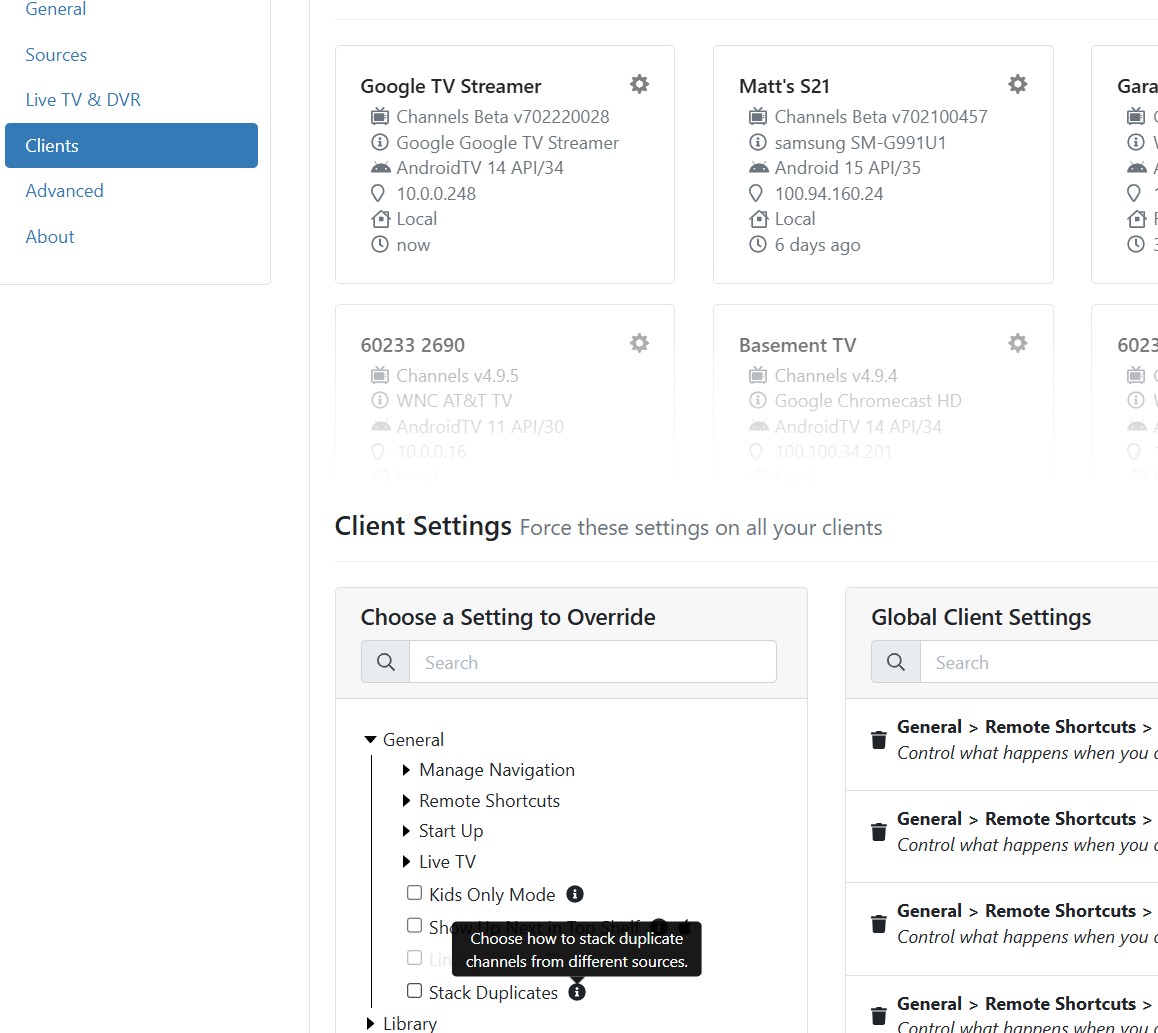
click the gear next to the add source button, there is an option to adjust source priority.
there are 2 options for clients to stack the duplicates by channel # or guide data.

When I do that, the only thing I see is the ability to move my 3 sources up or down and a save button. I don't see anything about stacking. Starting to feel like I am blind!

the priority will be the priority for recording or tuning, but if the client has them stacked by channel# and you have them set with different #s then you will get both in the guide.
in cdvr lingo stacking refers to the guide data and can be set in the client settings either in the client itself or via the server interface.


I have mine set globally to stack by guide data

@Shaggylive's solution should work for stacking. However, the one caveat to throw in when using ADBTuner is occasionally you will get a "please sign in" or other account management screen on your tuner and ADBTuner as far as I can tell can't recognize that as a non-viable channel so if you are recording, it will record that screen for the duration of the scheduled recording. Even watching live tv, if you come across that and you've stacked in your client the 2 channels, I'm not aware of how you can navigate to the "backup" channel when stacked without having to go into the settings. Doesn't happen often, but when it does, it happens when my wife is watching TV and I'm not around. :frowning: