Storge Location Not Found

Trying to install a clean instance of Channels DVR on my Truenas Scale machine from the app catalog. I have an instance running under Portainer but I have no idea where my recoding's are being saved. I had to resort to Portainer because I was unable to ad a new TVE source. Today I was able to ad my Hulu account. I pointed the config storage /mnt/JAD01-Pool/app_data/channels_dvr2. The pointed the storage for recording to /mnt/JAD01-Pool/DVR_Recordings.

When I go into the Web UI to finalize the setup. It asked me for a storage location for my recordings. There is nothing under/mnt. I thought the DVR storage location was the spot where your recordings should be save. It is not an issue with the SMB share as I can see the folder in windows.
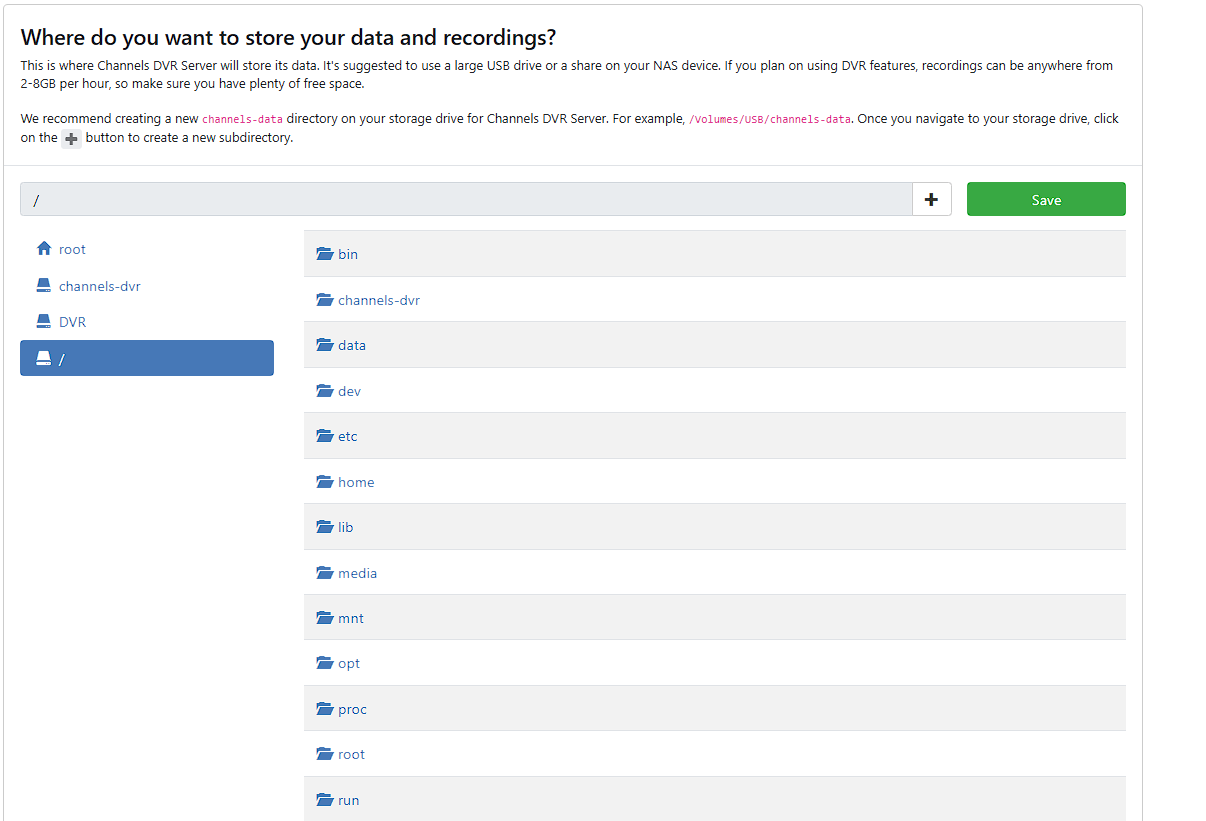
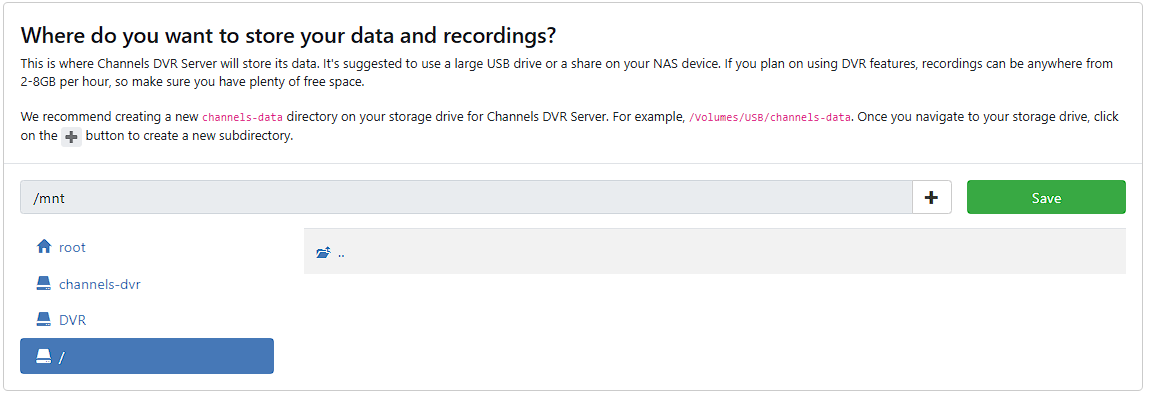
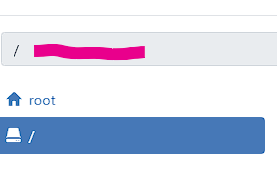
You can past the SMB location into that dialog box. Otherwise, you need to create a logical link. The setup for Plex uses the link method so if you watch a video to setup plex you will get that answer.

I think the issue is that when I need to have my Channels DVR instance installed in hosted mode. MY IP's do not match up. Channels DVR gives me an IP starting with 172.

I tried pasting the SMB location & nothing is being saved there.

Store Loc 3

I don't think the setup should be asking where you want your storage location anyway. Are you not already defining that in the container or in my case truenas app?

With Docker containers, you bind directories or docker volumes to a directory in the container. When you're setting up Channels, the directory you're binding to in the container (on the right side of the colon) is the one you want to use in Channels.

However, Docker containers cannot use SMB network locations directly. They either need to be configured as Docker Volumes, or mounted using fstab (in Linux OS's anyway).

This is actually quite easy when using Portainer, as you can use Portainer-Volumes to do the setup, and then bind that Volume to a directory in the container. Not sure what tools might be available if you're not using Portainer anymore.

I have both Portainer & Dockge installed on my Truenas. I tried to stay away from using either because I am not familiar with docker. That is why I have tried to use the apps in the Truenas catalog when possible.

I was able to install an instance of channels in Dockge. My storage location did show up this time. However, there are no sub folders that appear (TV). When I try to record something, it is not saved in that directory. You explanation pretty much explains why.