
Can you view the Channels server from the Tailscale app or just the web address?
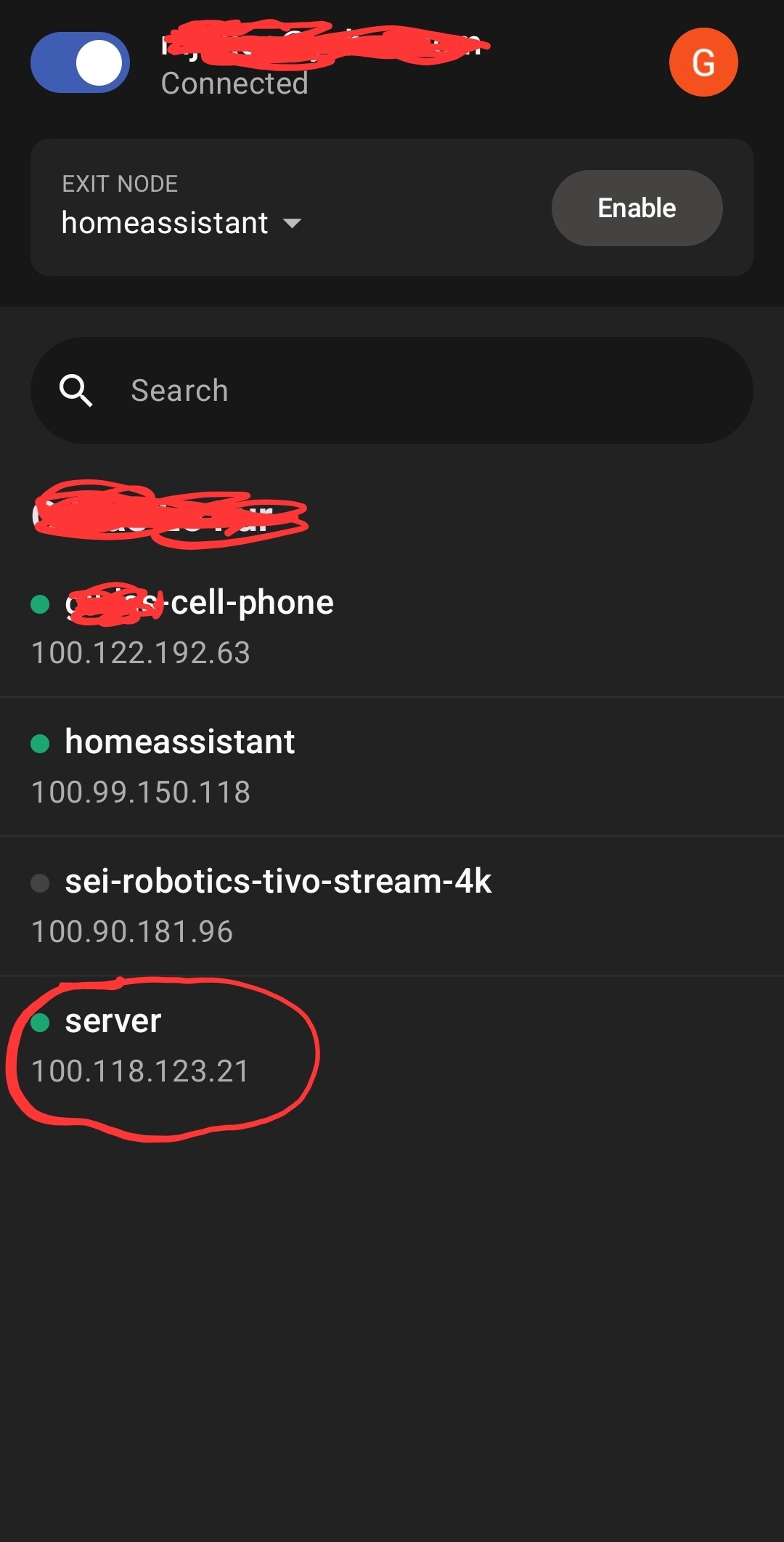
I see that, but I can't open the DVR
Are you sure you are giving the port number of your server in the URL?
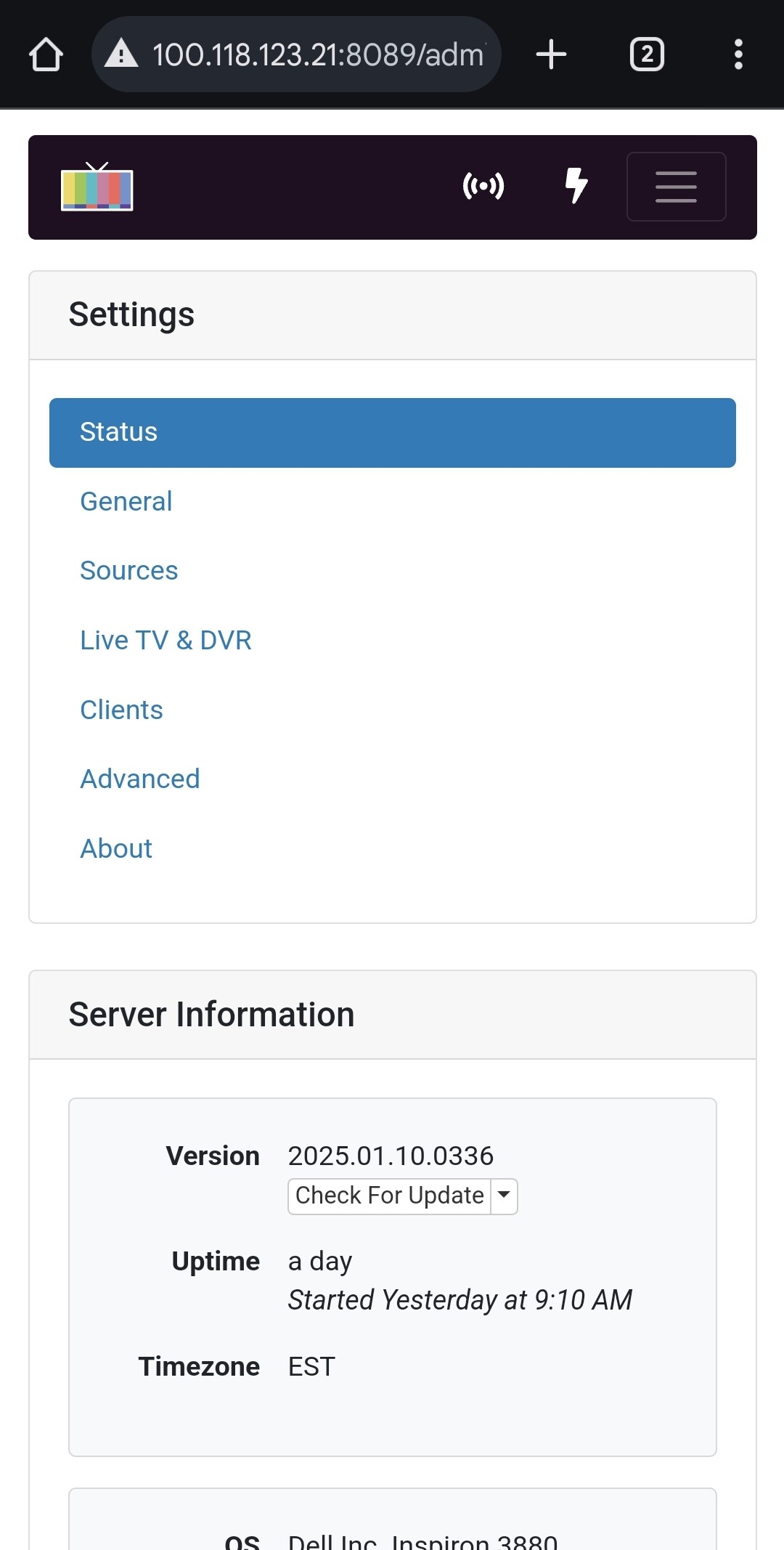
I can see my server at 100.118.123.21:8089
1 Like
I can copy and paste the server address, but not open it from the app.
Oh, I understand now.
You can't view the content of your Channels DVR in the Tailscale app itself.
You have to use a browser and put in the URL of your server.
Keep in mind that you will access the web admin page of your server.
Are you trying to use a client to connect to your server to watch something?
Yes, for my Nephew in another state, thanks
You also need to install Tailscale on the client and connect to your tailnet.
Then on the client choose connect at home in Channels DVR and manually enter the Tailscale address of the server.
So, they just can't open the server link, I sent them?
Not directly. They have to be connected to your Tailscale network first.
That's what makes Tailscale secure.
When two devices are connected to the same Tailscale network (also called tailnet) a secure connection is established between the two devices.
Do you know what type of device the client is?
1 Like
I phone and Mac
I'm not familiar with Apple products so I can't give you the exact steps but they have to install the Tailscale app on each device.
If other forum members read this and are familiar with the iPhone and Mac, hopefully they can provide instructions.
In the meantime, check this:
1 Like
This topic was automatically closed 365 days after the last reply. New replies are no longer allowed.