Timestamp issue when editing commercials on local content imports

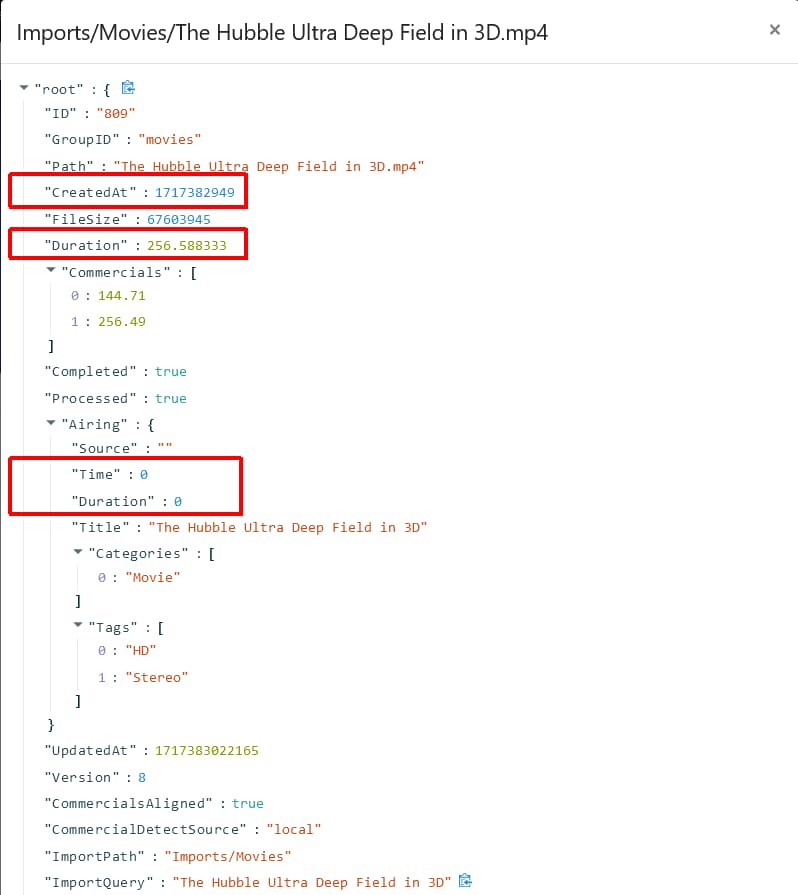
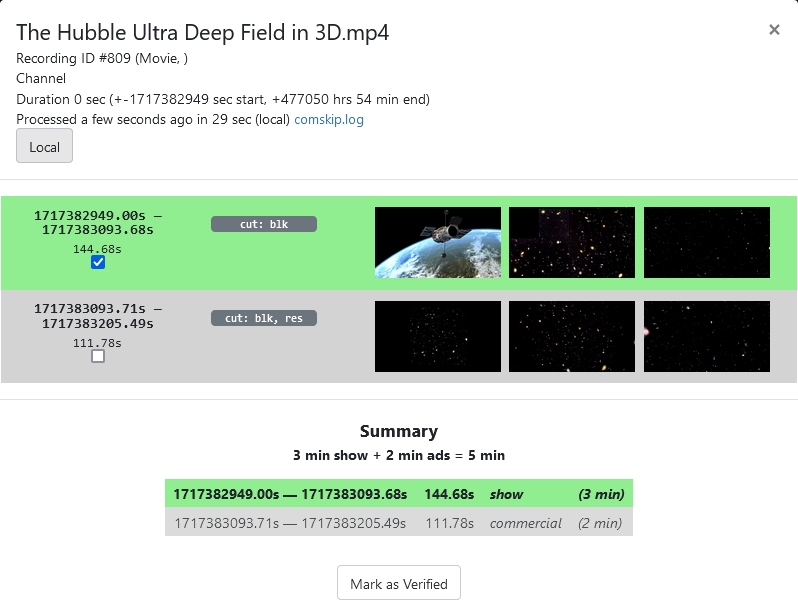
Check out the attached screenshot. This is a problem I occasionally encounter in recorded content, where the timestamps instead of being something sane (and easily manipulated) are these crazy high values.
This seems like the sort of thing Fix Video Timestamps should fix, but it doesn't seem to believe there is a problem, and has no effect.

Where are the timestamps coming from? At first I thought of various power-of-2 overflow scenarios, but that doesn't work. But if you successively divide by 60, 60, 24, 365.25 to get a little over 54.
Bingo. The timestamps seem to be relative to UNIX Year Zero, ie 1-1-1970.

Well that's interesting and all, but the problem still remains. I'm not sure who is generating these (source material? Channels when it encounters weirdness in the source material?)
Either way, can you please modify Fix Video Timestamps so that when it encounters this craziness, it rebases the timestamps to 0, like most Channels content?
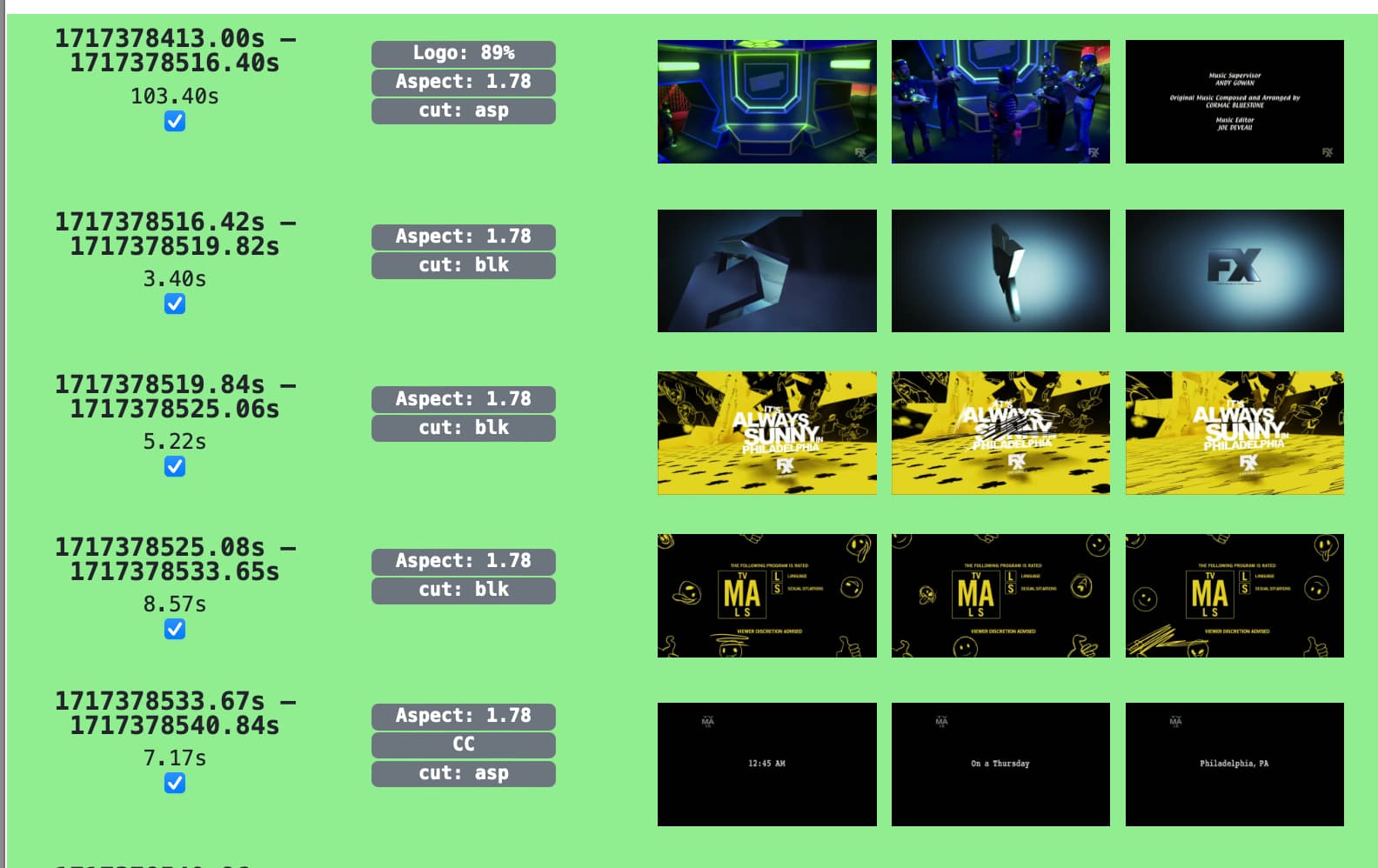
IIRC that happens on some imports. Happened to me when I imported a recording made by another Channels DVR server.
Like this


So I'm assuming it has to do with these values outlined in red.

Is that a recording that Channels DVR made?

I agree it seems to mostly happen on imports. The example I gave was an import.

Is it always on Import? Maybe... I've haven't considered that as a variable so I wasn't tracking when it did or did not happen.
In which case, I guess, it's the Import path that needs to be tweaked?

BTW how did you get that (JSON?) description of the imported file?

No.
It's the timestamps that Channels DVR puts in the database when it imports.
If it can match the import with gracenote or TMDB guide data, it will use the OAD for the Airing Time.
For a recording, the Airing Time is when it airs on the channel you record it from.
For an Import, they use the OAD from a guide source if it can be found.

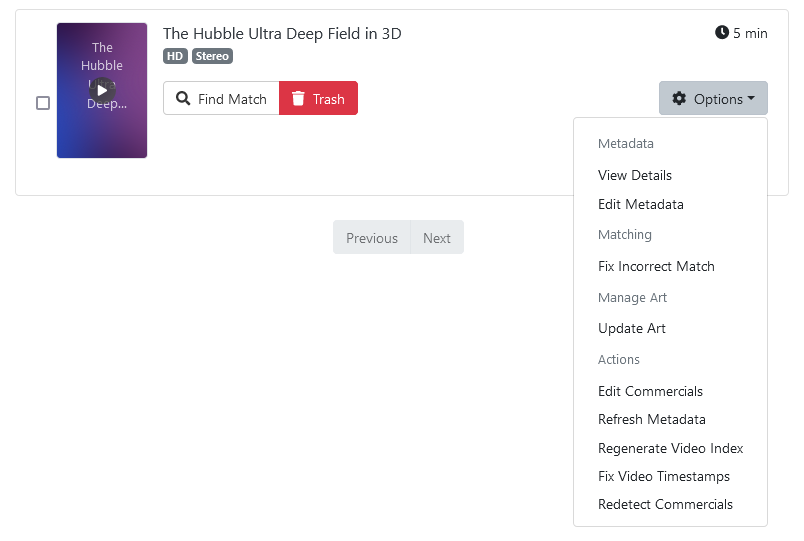
Options > View Details


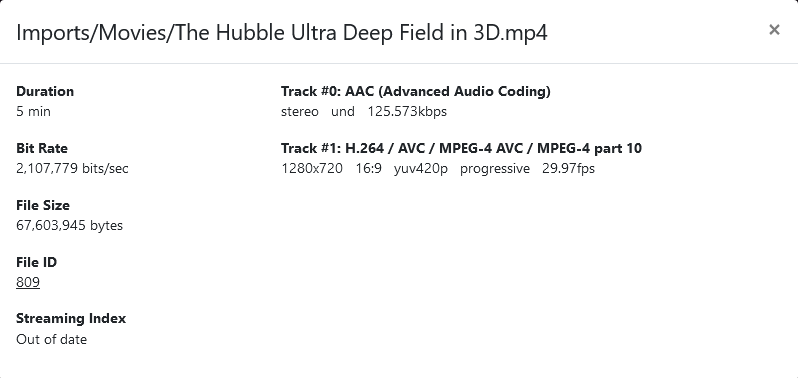
Then click the underlined File ID number

And I wouldn't be using Fix Video Timestamps unless the devs tell you to. If a recording has timestamp issues, the devs would want to know about it (and besides, I would remux those with ffmpeg).

Ooh, very cool! Thanks!
I'm still learning new tricks on the server side :slight_smile:

Is there any way we can edit the values? Or do they not trust us (justifiably so!) not to screw up any editing attempts?

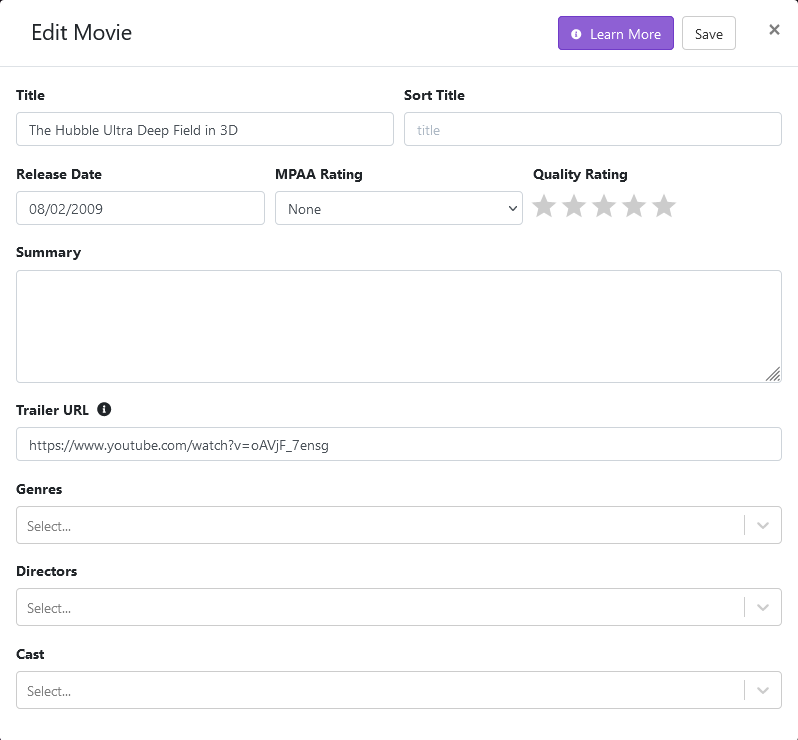
As far as I know, besides editing commercials (which they never envisioned happening with imports), you can only update some metadata and pick art.


This topic was automatically closed 365 days after the last reply. New replies are no longer allowed.