Hi,
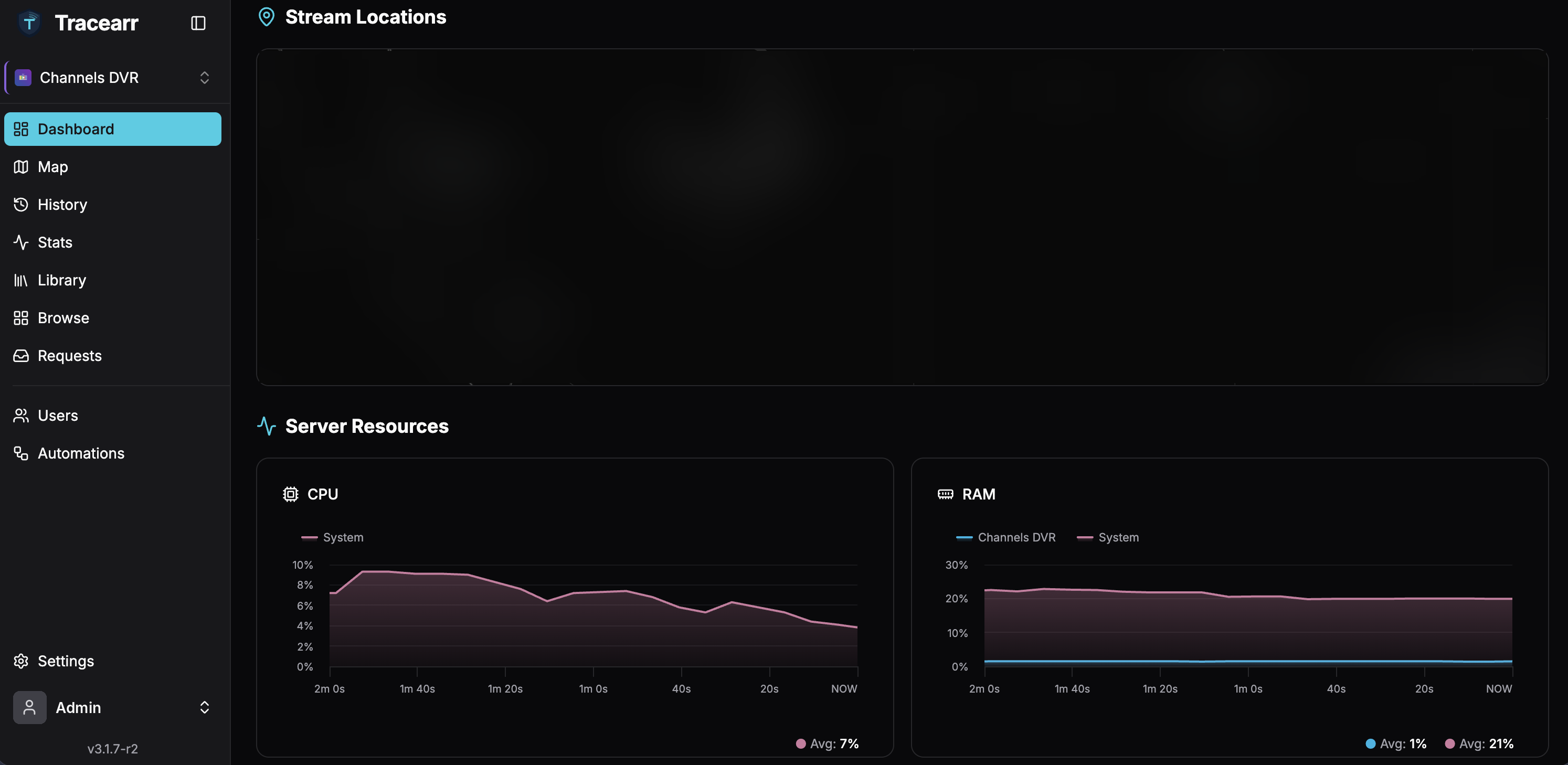
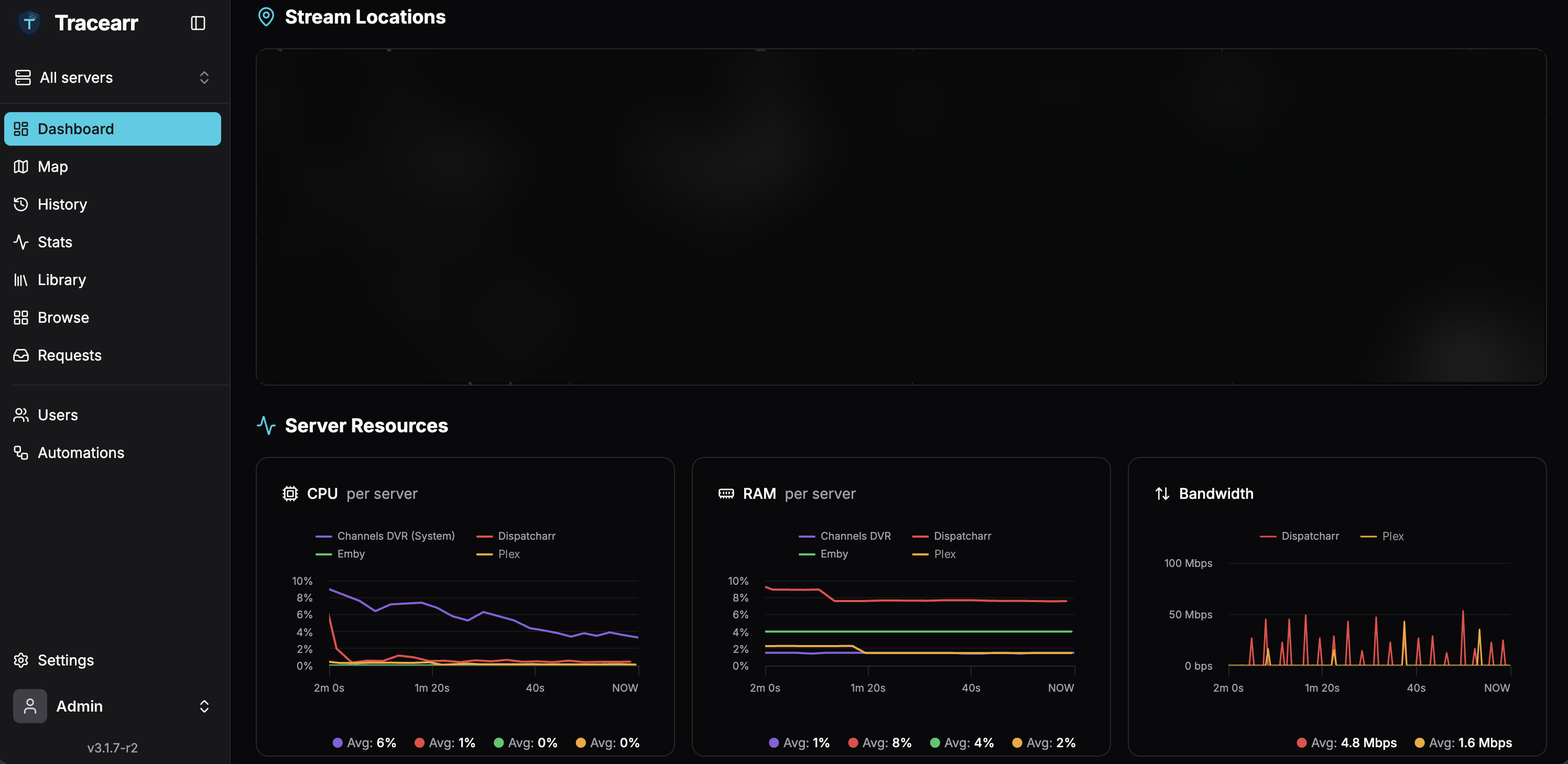
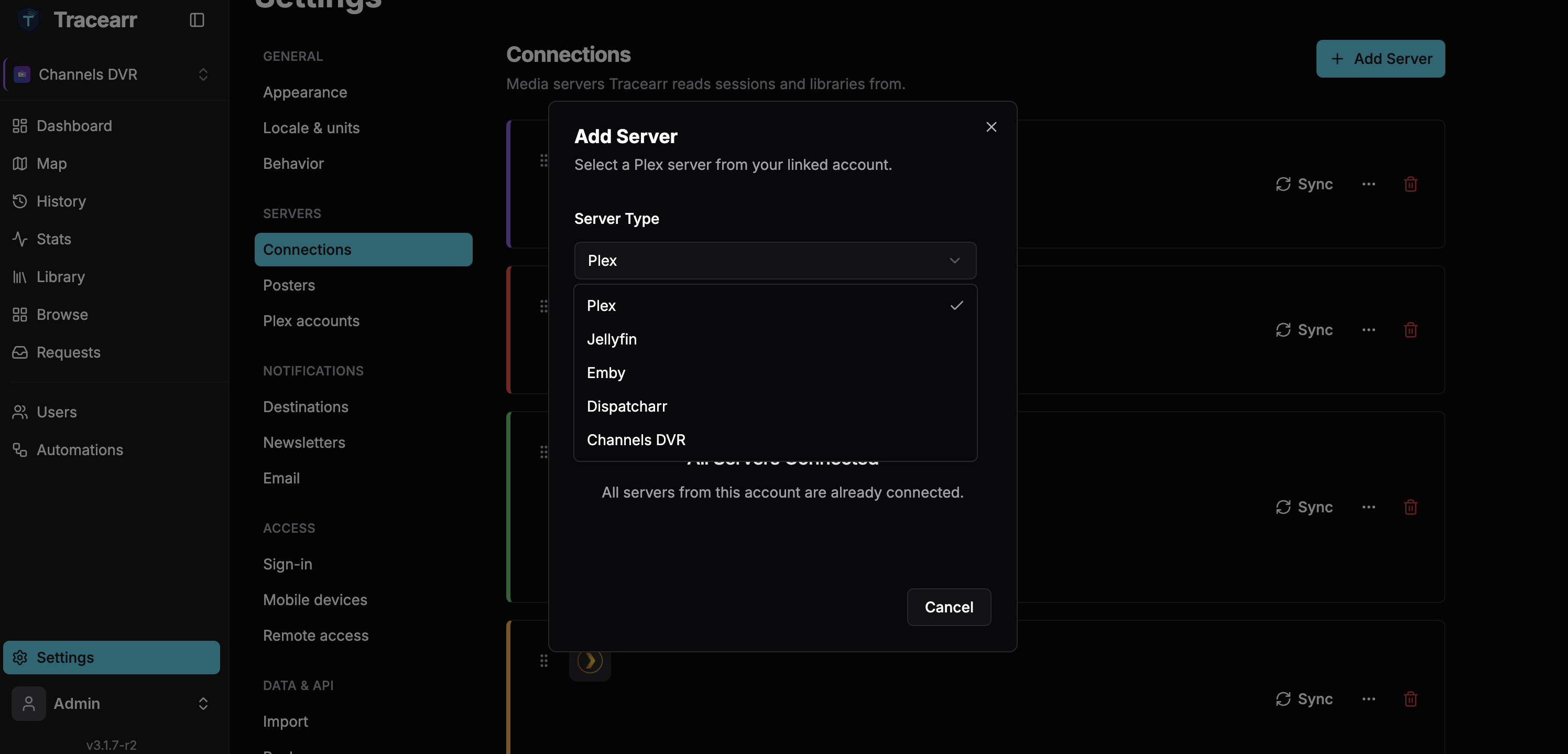
I've been working on adding Channels DVR support to Tracearr, a self-hosted monitoring dashboard (think Tautulli, but for Plex, Jellyfin and Emby together). Tracearr doesn't support Channels DVR, so I built it into my own fork and wanted to share it in case it's useful to anyone else here.
GitHub: GitHub - write-erase/Tracearr: Tracearr fork with Dispatcharr and Channels DVR support · GitHub
It builds on Tracearr by connorgallopo and on d4rk-4lchemy's fork, which added Dispatcharr support. This is an unofficial fork, not affiliated with either project or with Fancy Bits.
What it does with Channels DVR
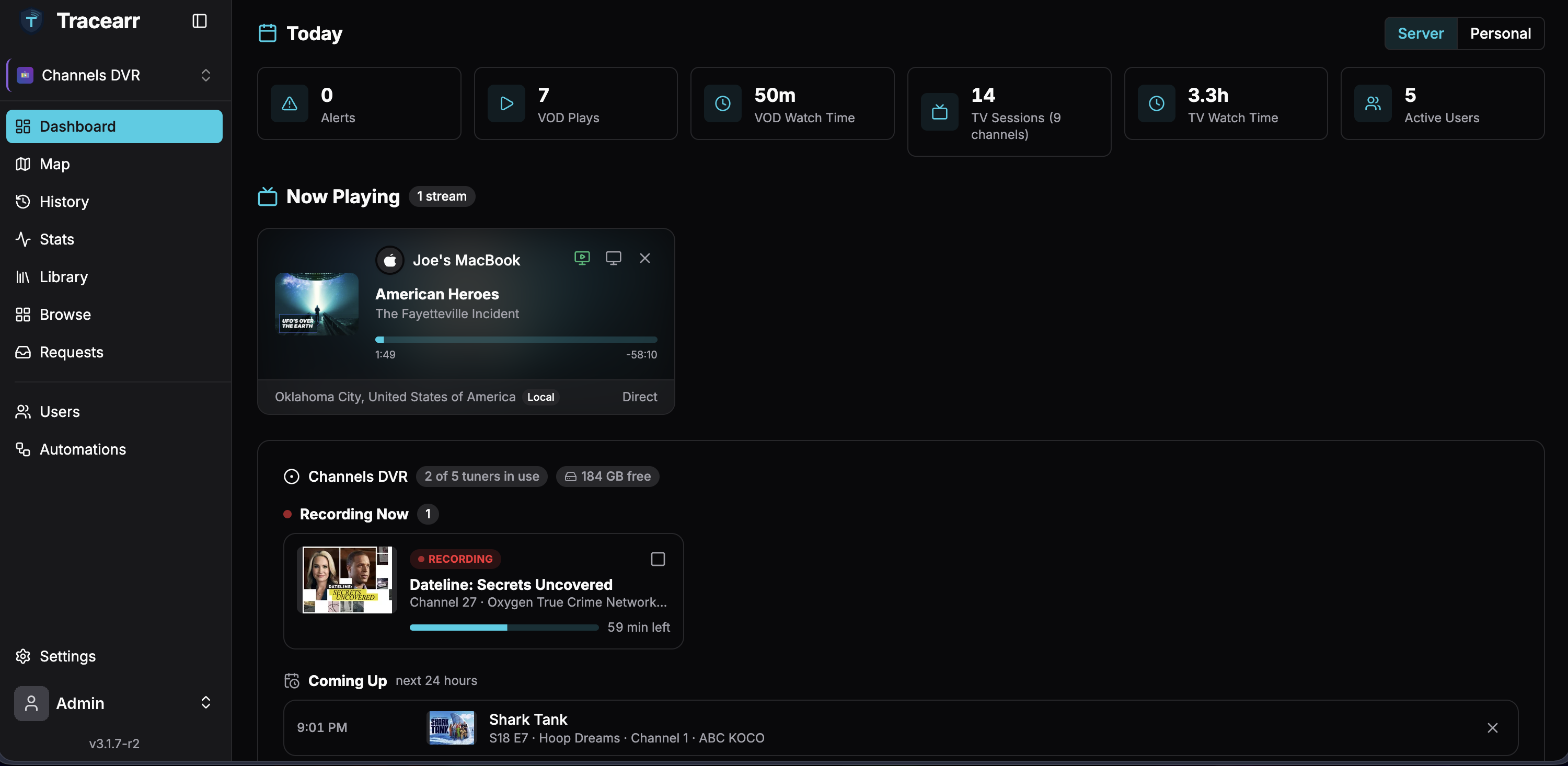
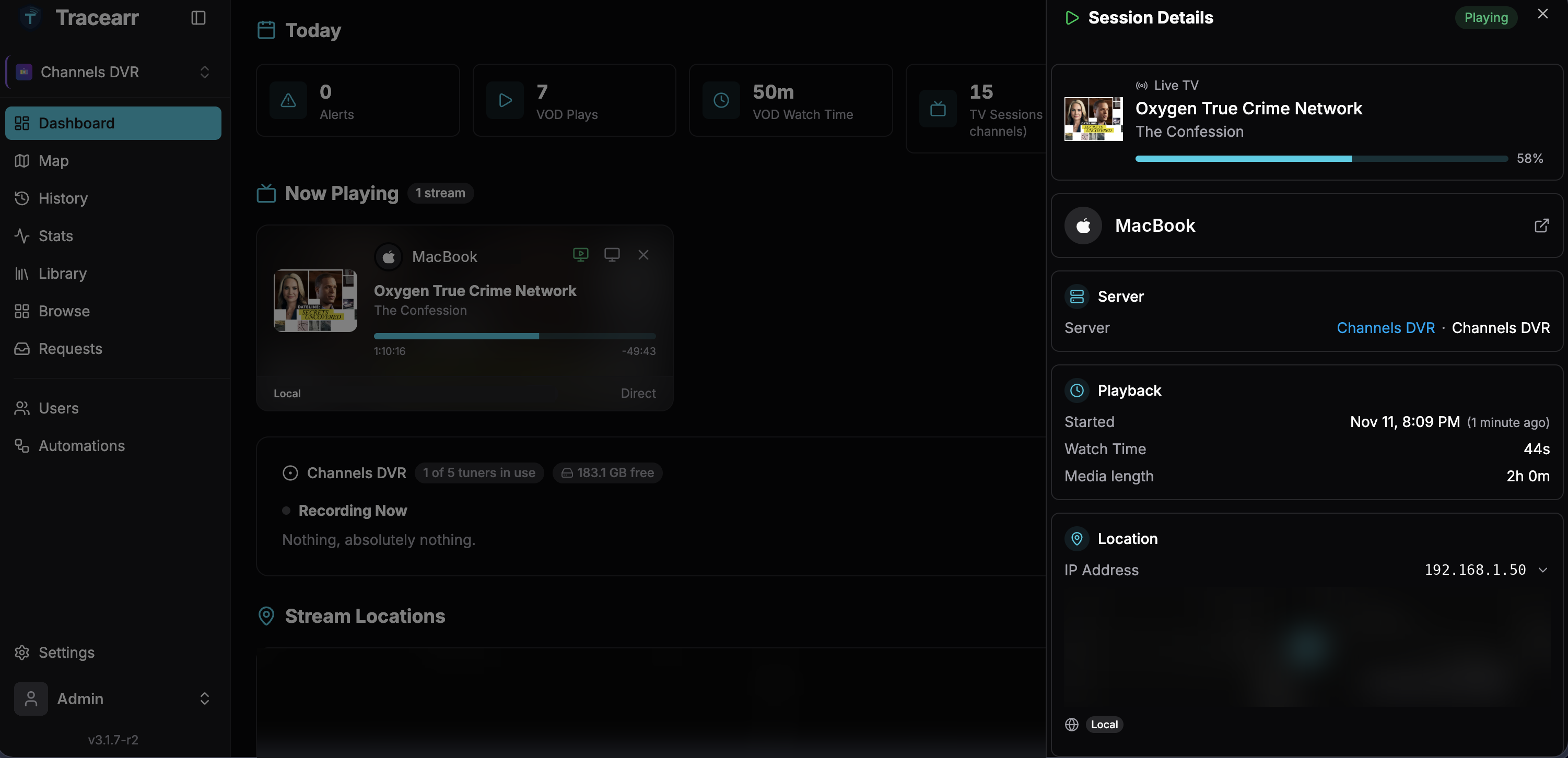
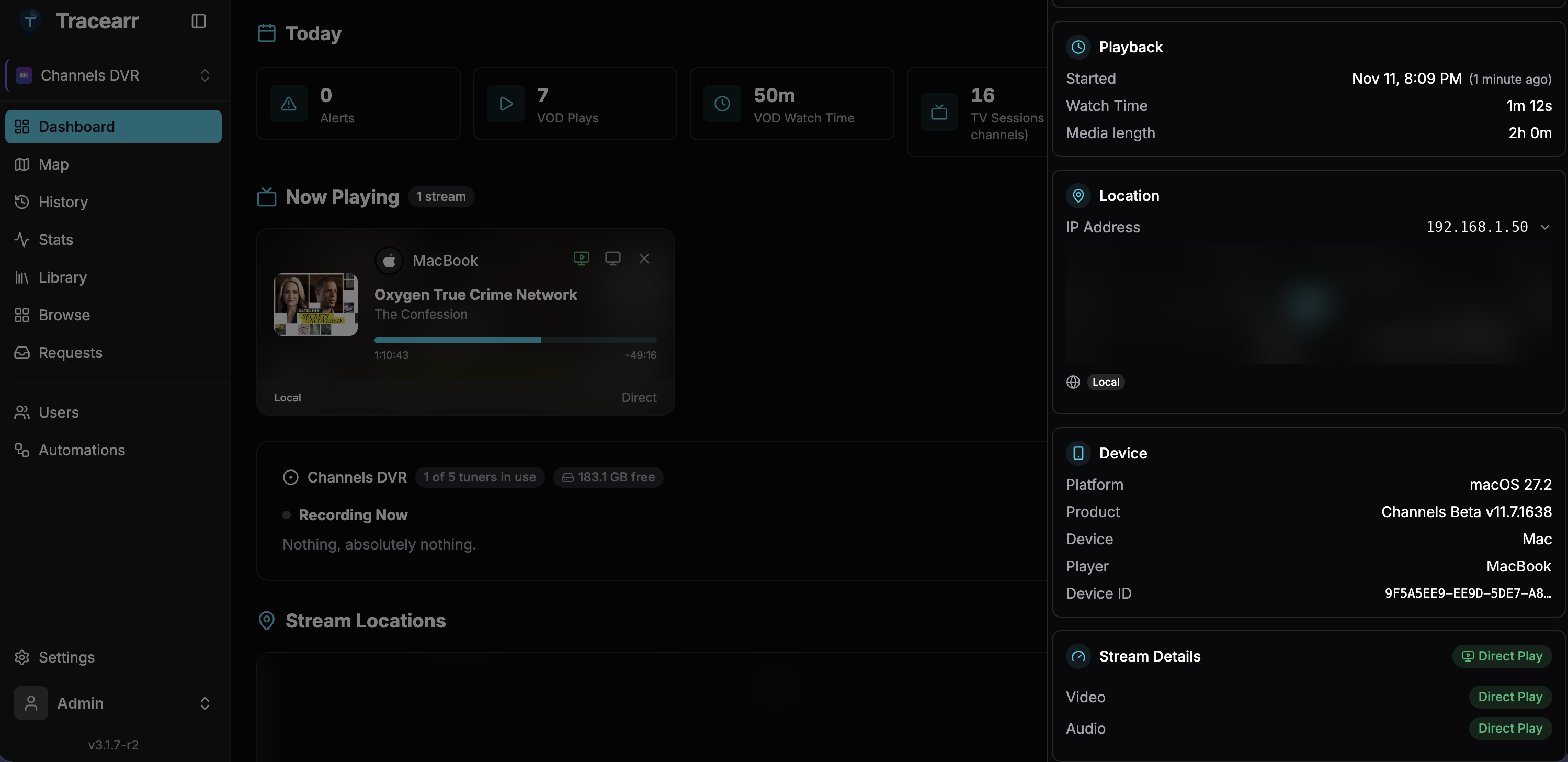
- Now Playing: live TV, recordings and imported movies and shows, including the Channels web player, with artwork, channel logos and the device's brand logo (Apple TV, Fire TV, Android, Google TV, Mac).
- Accurate playback: real position and pause state (asked from the Channels app on devices on your network), plus live TV progress through the current programme.
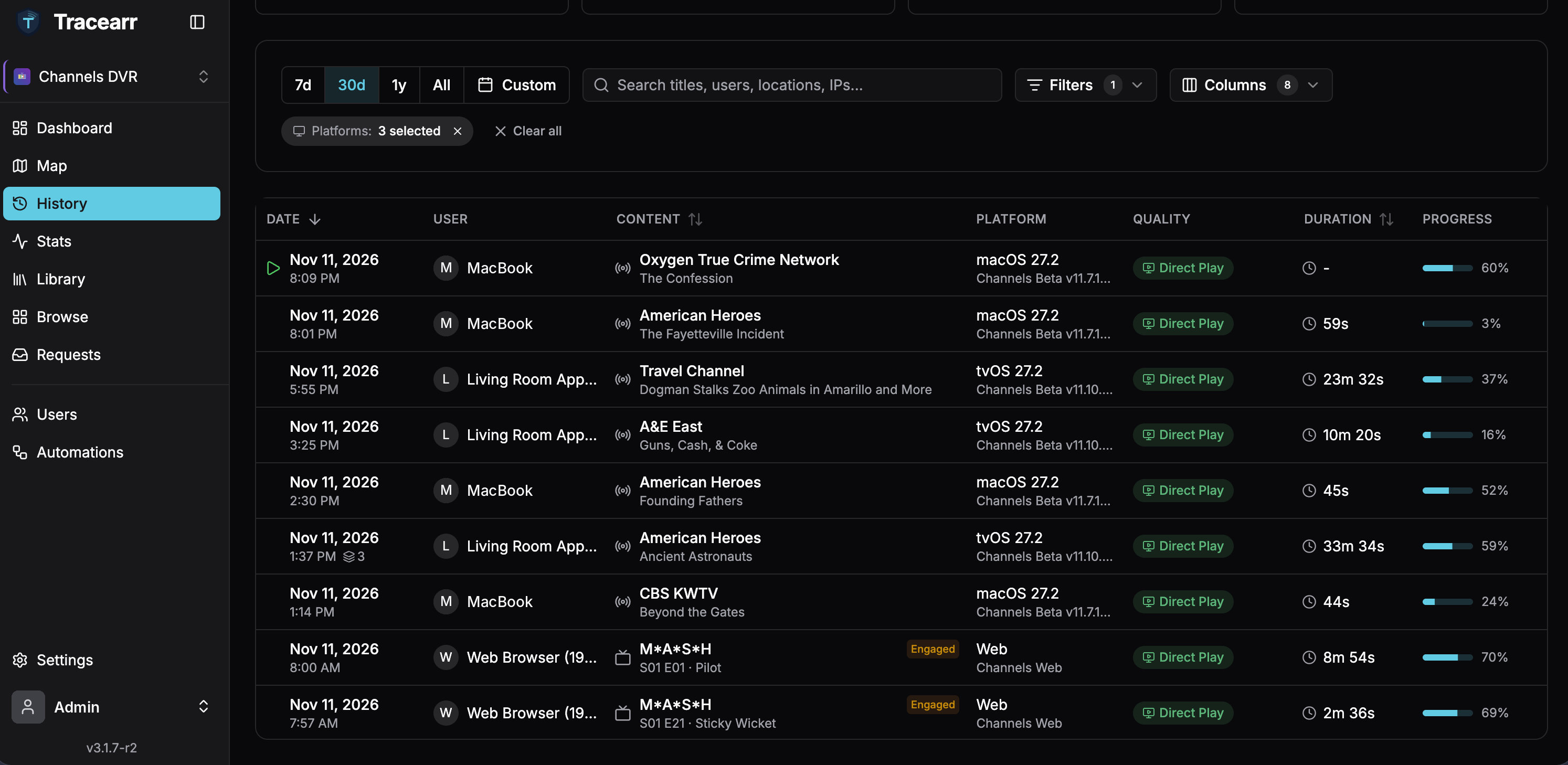
- History and stats: every session is recorded, so you can see who watched what, when, and for how long.
- Stop a stream on a device on your local network from the dashboard.
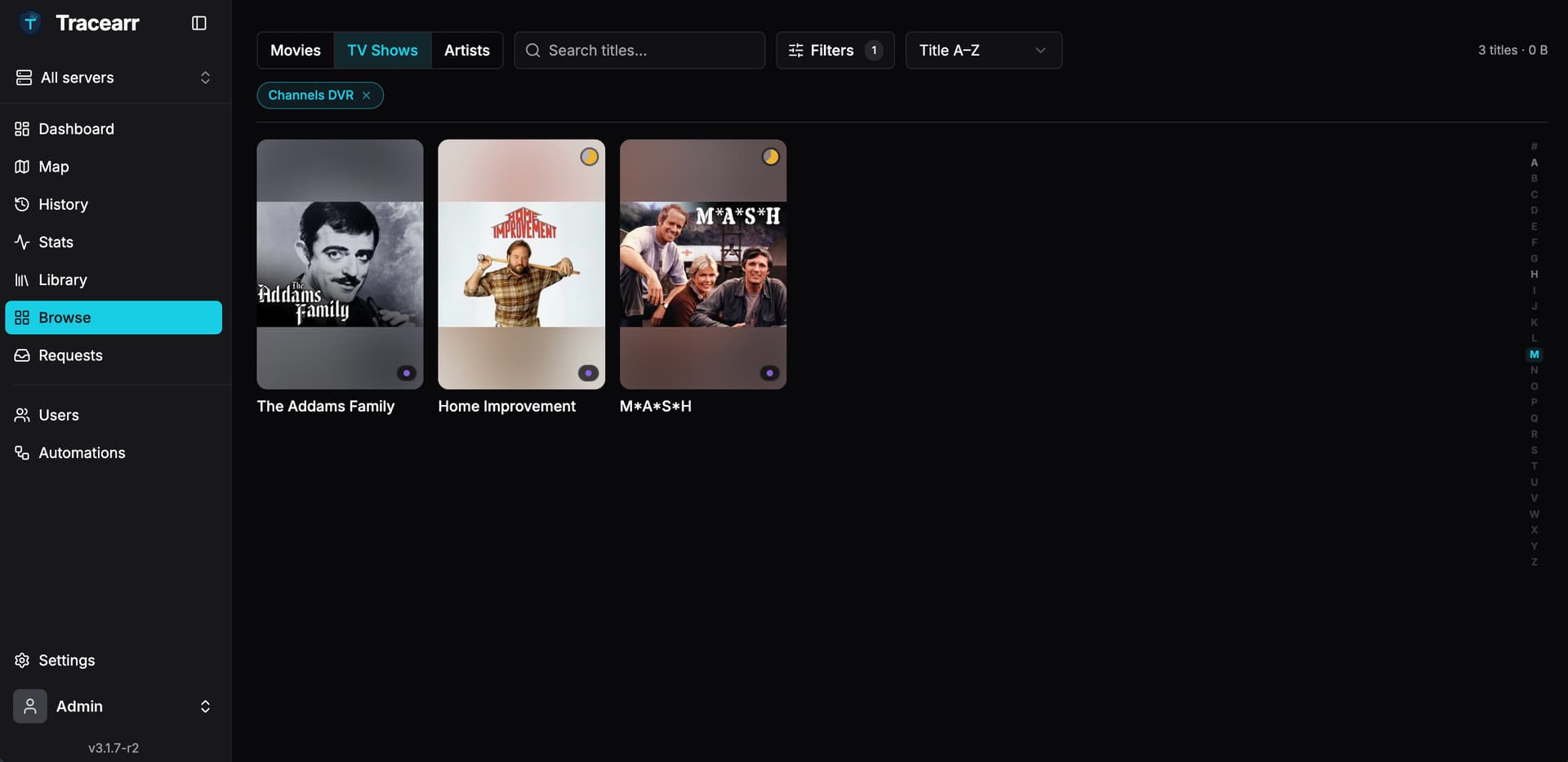
- Library browsing: shows, movies and videos, with links to open them in the Channels DVR web UI. If you also run Plex, Jellyfin or Emby, the same show or episode appears as one item.
-
DVR card on the dashboard:
- Recording Now, with exact times and a Stop button (the partial recording is kept)
- Coming Up: everything scheduled in the next 24 hours,
with a cancel buttonwith Skip for series-pass episodes and Cancel for one-time recordings (see update below) - tuners in use and free disk space at a glance
Setup is just your server's address, e.g. http://192.168.1.100:8089. No login or API key needed.
Things to know
- Channels has no user accounts, so viewers are identified by device name. Give each device its own name in Channels, or two devices called "iPad" count as one viewer.
- Streams can only be stopped on devices on your local network, not remote ones or the web player.
- Past watch history can't be imported; Tracearr records from the moment you add the server.
- It relies on Channels DVR's undocumented endpoints (
/dvr,/api/v1/jobs,/devices/dvr,/dvr/jobs,/api/v1/jobs,/devices,/status), so a future Channels update could break something. I'll try to keep up.
Install
Docker images (AMD64 and ARM64):
-
ghcr.io/write-erase/tracearr:supervised-latest: all-in-one, easiest to start with -
ghcr.io/write-erase/tracearr:latest: standalone (bring your own TimescaleDB and Redis)
There's an example The README links to Docker Compose examples; use one of the images above in place of the official image. If you're already running Tracearr, you can swap the image in place, but back up first.docker-compose.yml in the README.
It's a hobby project, so use it at your own risk. I'd love feedback: bugs, Channels clients that don't show up right (I've mostly tested Apple TV, iPhone, iPad, Mac and the web player), or ideas for what else would be useful.
Thanks!