TV Everywhere Login Error When Trying to Add Vidgo Source

Updated my Channels DVR to version 2021.09.15.2226 to see if that fixed the missing BTN channel problem and to see if the 'Playback Failed' error on the RedZone channel went away. Did a scan of the Vidgo source then went into the channel list and saw that BTN & RedZone were there but now I'm missing the NFL Network. Edited the list and went to the NFF Network and saw this:

I then remove Vidgo from my source and tried to add it back but after choosing Vidgo as my provider and entering in my login ID & password information, it started the login process and then displayed a "no login form found", see below:
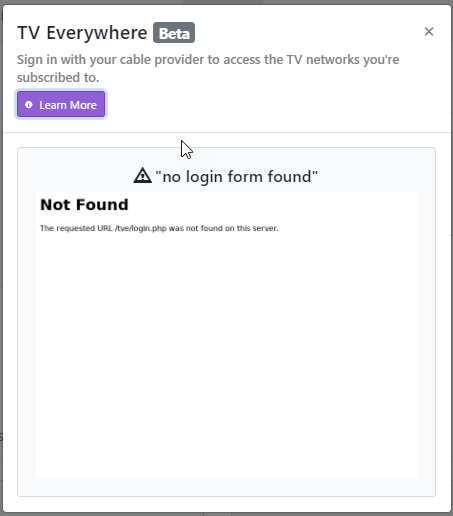
Tried stopping and restarting the Channels DVR server app on my QNAP server but still got the same error. What the heck is going on? How do I get Vidgo added as a source to Channels DVR again?

Is your Vidgo login working on TVE websites?

Yes, I tried a few channels. To make sure, this morning I logged out of the TVE channel websites (Food, DIY, etc.) and then logged back in selecting the Vidgo provider and my login ID & password and was not only able to login, but I was also able to watch Live TV.

I then tried to add the Vidgo source back to my server and it logged me in. After logging in, I checked the channel list and I see the BTN and RedZone channels are there, but I still have the problem with the NFL Network channel I posted in my original thread.

In addition to the NFL Network problem ('Invalid response', see below), has the RedZone 'Playback Failed' problem been resolved so we, who have the RedZone, can watch it via Channels?

I haven’t heard any updates on red zone, but there is a fix for NFL network “invalid response” in the latest prerelease that worked for me.