TVE Armstrong Cable Login Issue - Two-factor authentication

Hello
I have been using TVE via my Armstrong Cable account for a few years now. Recently, I lost access to several channels. In an attempt to resolve the issue I removed my Armstrong Cable account as a Live TV streaming source, and then attempted to log back in. Now I'm getting an error: Cable provider authentication failed. It seems that Armstrong is now using Two-factor authentication. There is now a "I am not a robot" checkbox. I made sure that the two factor authentication has been disabled for my Armstrong account. In doing some research, Armstrong uses CAPTCHA which is a security measure designed to protect the website from automated bot attacks. I'm assuming that the Channels software is unable to navigate the Two-factor authentication? I emailed Channels Support for some help, and unfortunately, the issue has not yet been resolved. I have had separate issues with Armstrong Cable login in the past, and the Channels Support has been able to fix. This is a completely new issue.

I did the pre-release update that has been suggested in other posts, and I still am unable to log in. Any help would be appreciated. I uploaded a picture of the error message.
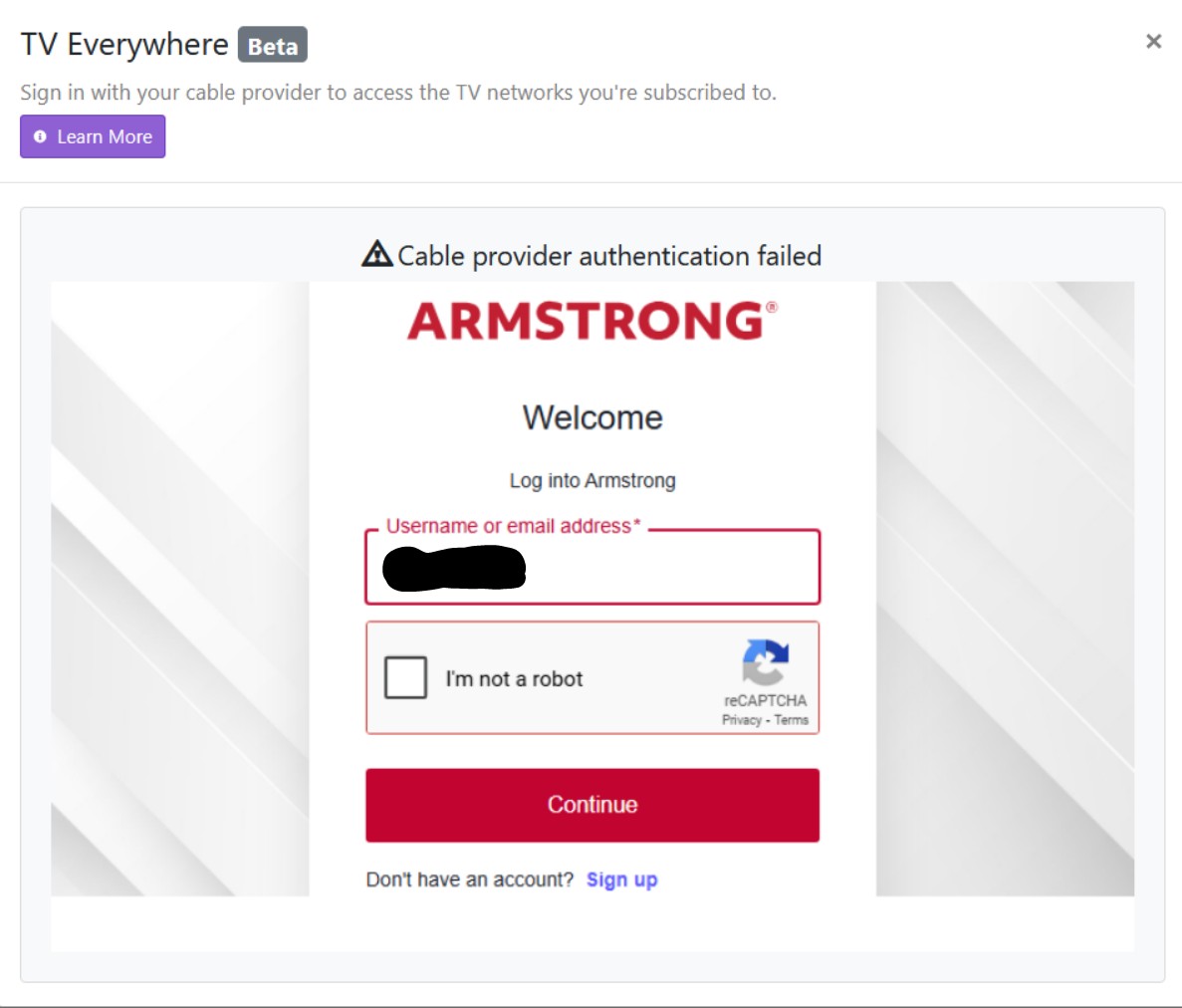
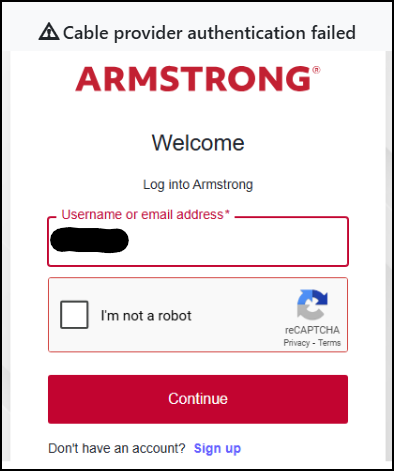
Usually captcha appears when you're trying to use a VPN

I do not use a VPN. The web browser is saying the connection is not secure. Ive tried uninstalling Channels and reinstalling, as well as checking security settings. Ive also tried using different browsers.

Does it give you a captcha in the browser when you try yourself?

Yes. If I log into the Armstrong cable site separate from Channels I also get captcha.

I have this exact same issue with Armstrong. I just emailed Channels Support a couple of days ago have continued searching Channels Community in the meantime. I found out from speaking with Armstrong Support that they just upgraded their login security in September 2025. I vaguely recall seeing some notifications about this from Armstrong. There is no way to interact with the Captcha when trying to add Armstrong as a TVe Source in Channels. It just times-out and brings back the screen capture posted previously. It worked great for several years prior, until they upgraded their login security. I first lost FS1 and while looking into that issue also removed Armstrong TVe as a source and now can not add it back in due to the Captcha issue. I also initiated two-factor authentication and then had to call Armstrong Support to have it turned off.
TVe Login Failure
Diagnostic Logs submitted: e386233d-ff53-44c1-a572-cce5546d9c06

Just updated to latest Pre-Release version yesterday: 2025.10.16.1441
Still no luck with adding / logging-in while adding Armstrong TVe as a source.
Times-out, returns screen capture same as before???

I am still unable to log-into Armstrong via TVE. I also contacted Armstrong and had the two-factor authentication removed from my account.

I realize the TVe is Beta. The new login requirements may be more than Channels can deal with. I see Adobe is somehow involved in the logs so I'm wondering if the whole Captcha interaction is just for Human interaction. While on the phone with several levels of Support at Armstrong, I did ask them if there was a back-door address somewhere that my Robot (Channels) could log into for a verified Armstrong Account User. I think they got a chuckle out of that question and said there was no backdoor. That's when the discussion concluded that Channels would have to come up with a solution if possible from within the App. Best feature about the TVe access is it doesn't require a Tuner. Can stream several channels simultaneously - very helpful on busy sports weekends. I miss having the access very much and hope folks a Channels can come up with a resolution.

The Login started working yesterday amidst the AWS outage. No updates available or installed. Something must have been fixed in the background. Kudos to the Team at Channels - very much appreciated!