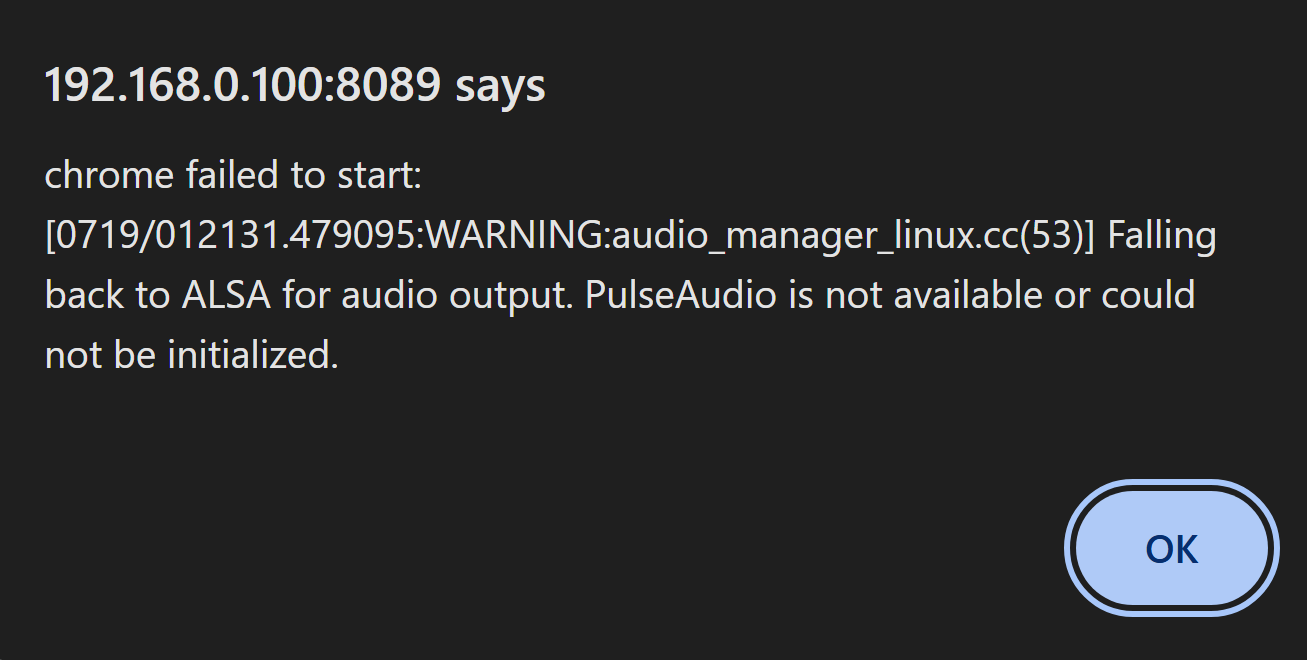
TVE Philo/Chrome crashing trying to add as a source on Drivestor AS1102T

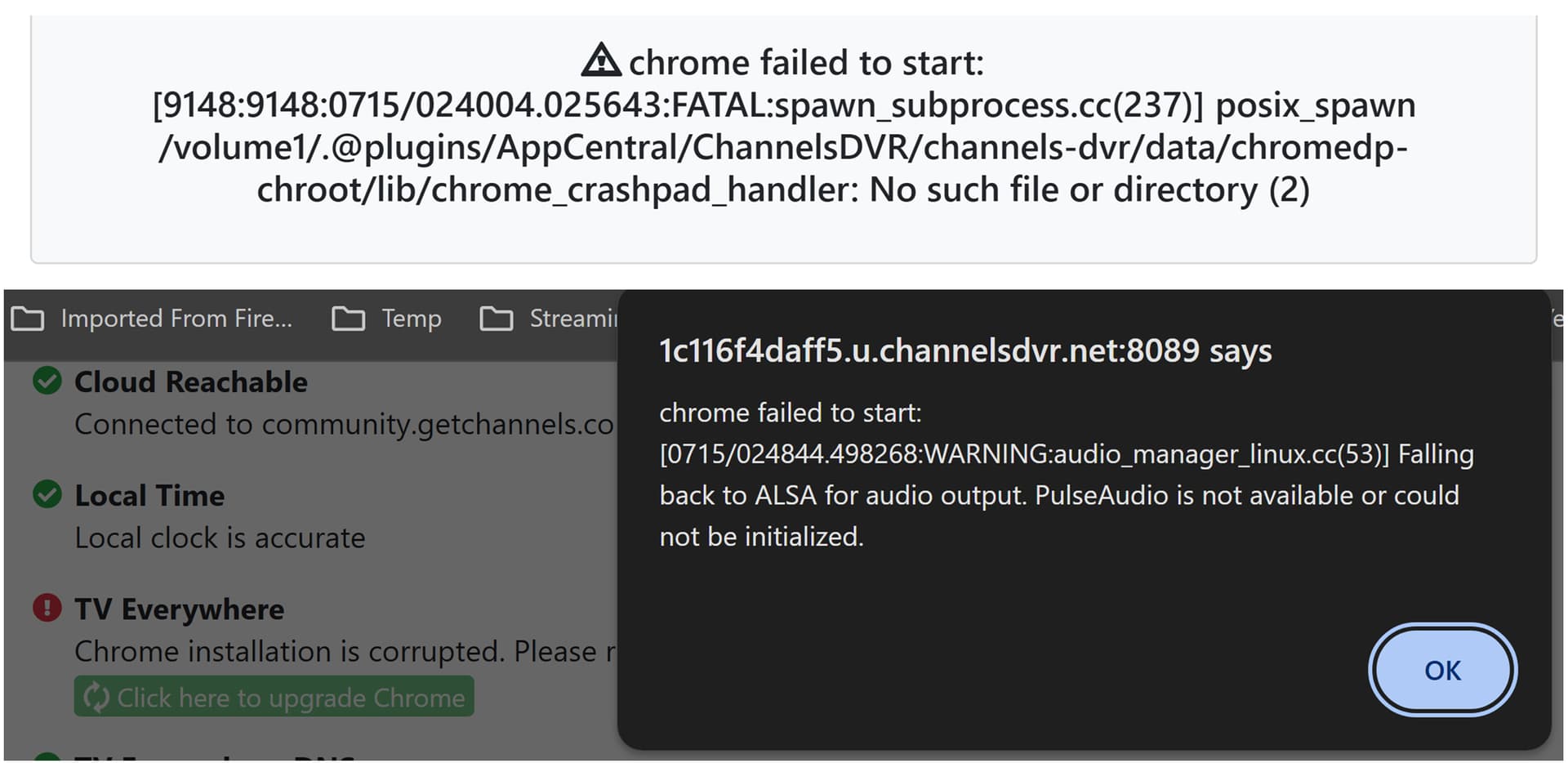
I messaged support with the logs a few days ago, but no response. Philo worked fine for months, but started giving errors trying to view still active channels. I tried restarting and reinstalling and still get Chrome errors when trying to add it to the sources and then verify connection through email. I cannot update Chrome when it crashes and if I run the intensive diag before trying to add Philo, it says Chrome is fine and up to date. I've tried pre-release and everything I can think of, but it's like Chrome doesn't exist or something. Philo is my main streaming service and why I use ChannelsDVR. I really miss my Raspberry PI server. It almost never had any issues that a restart couldn't resolve.

Edit: I've installed and adjusted other sources and it seems to work fine. I tried the test/test adding another TVE service and it still seems to crash the internal chrome with the same message. Something is not working with the authentication handshake.
2026/07/17 12:37:25.990405 [TVE] Auth starting for Philo as [email protected]
2026/07/17 12:37:26.208331 [TVE] action=auth mvpd=Philo requestor=AMC
2026/07/17 12:37:29.005469 [TVE] Auth failed for Philo: chrome failed to start:
[12897:12897:0717/123728.458057:FATAL:spawn_subprocess.cc(237)] posix_spawn /volume1/.@plugins/AppCentral/ChannelsDVR/channels-dvr/data/chromedp-chroot/lib/chrome_crashpad_handler: No such file or directory (2)
I manually went to check with cmd and I can see this file.

/volume1/.@plugins/AppCentral/ChannelsDVR/channels-dvr/data/chromedp-chroot/lib $ ls
apk/ libblkid.so.1@ libvulkan.so.1@
chrome_100_percent.pak@ libblkid.so.1.1.0* libz.so.1@
chrome_200_percent.pak@ libc.musl-aarch64.so.1@ libz.so.1.3.1*
chrome_crashpad_handler@ libcrypto.so.3* locales@
firmware/ libmount.so.1@ mdev/
headless_command_resources.pak@ libmount.so.1.1.0* modules-load.d/
headless_lib_data.pak@ libssl.so.3* resources.pak@
headless_lib_strings.pak@ libudev.so.1@ snapshot_blob.bin@
ld-musl-aarch64.so.1* libudev.so.1.6.3* sysctl.d/
libEGL.so@ libuuid.so.1@ v8_context_snapshot.bin@
libGLESv2.so@ libuuid.so.1.3.0* vk_swiftshader_icd.json@
libapk.so.2.14.0* libvk_swiftshader.so@

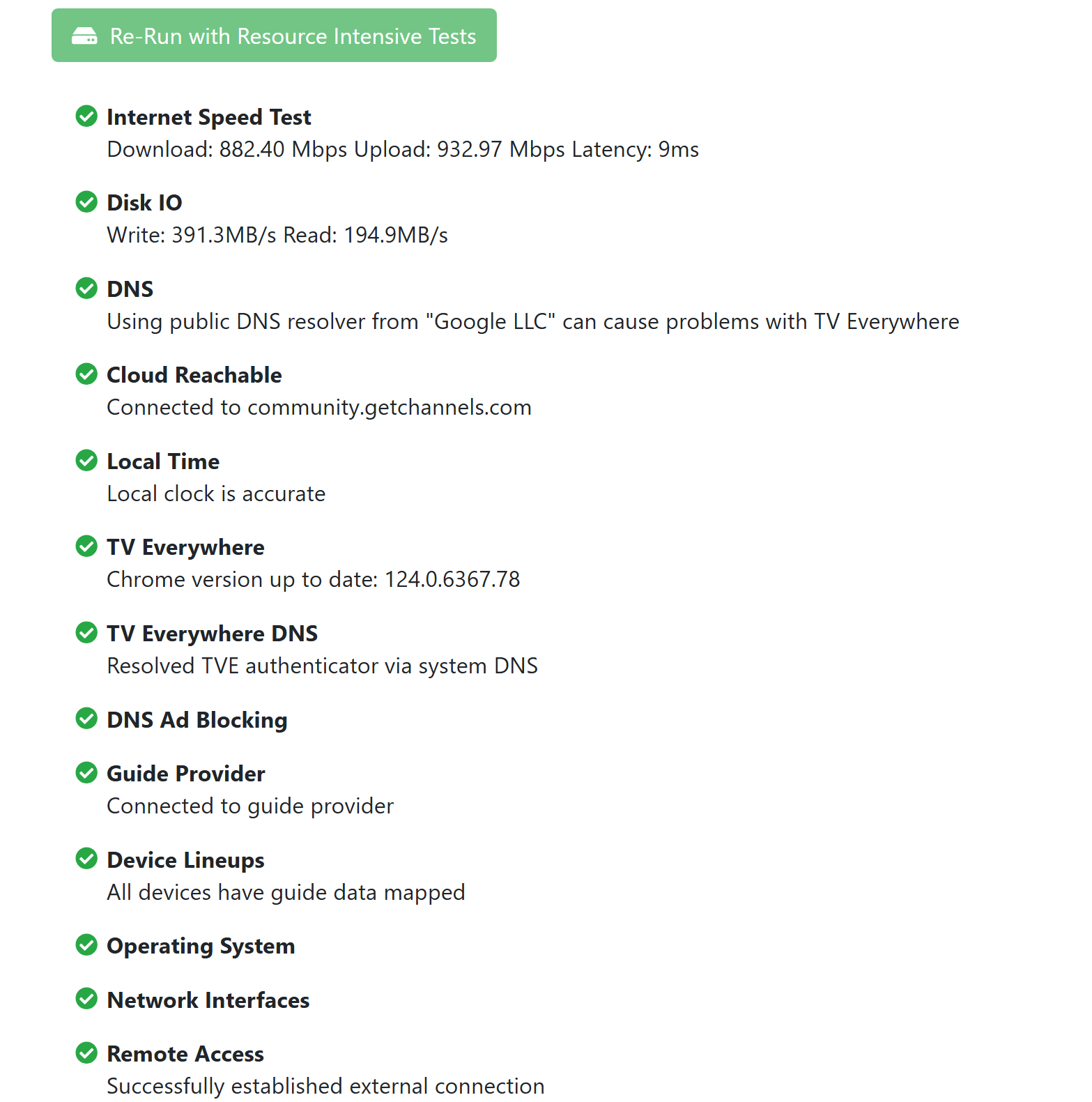
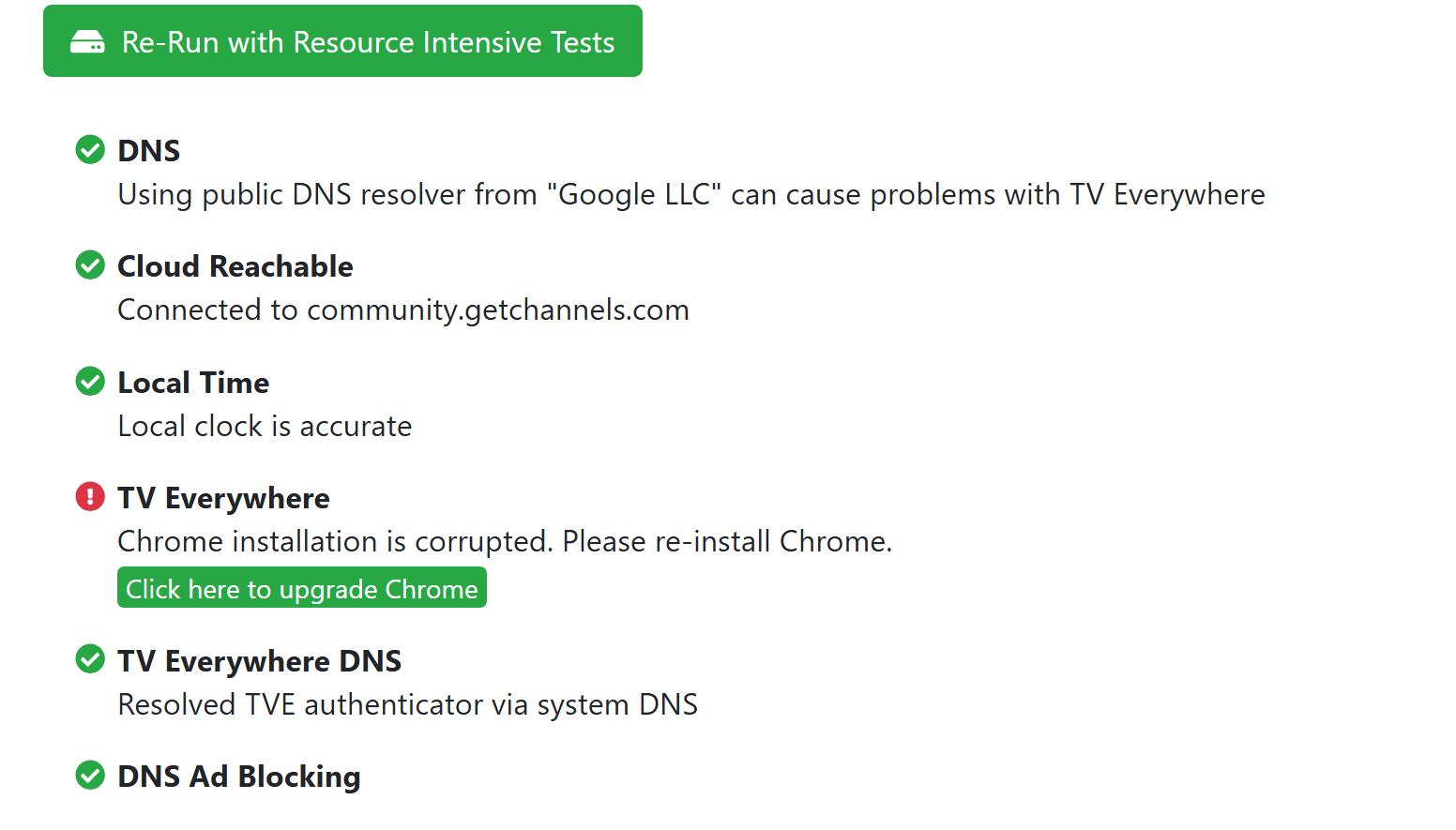
Okay, so when I run the tests everything shows fine.

But after I try to add Philo as a source it says corrupt.

When I try to update it I get this.

This is getting super frustrating. I switched from Pi to my Asustor because Channels is supposed to be compatible and they were stopping updates. But Pi always worked. Maybe once a year I had to restart it. I think it is crazy that I have to buy and build another machine, go get certified in Linux or use Windows 11 which is not a server and has its own issues. It is supposed to work with ADM, but TVE and the chrome extension doesn't. I am not a novice and was a network admin with basic code understanding, but setting up a working docker is a nightmare if you never used Linux. After 6 hours of pulling my hair out, I'm really upset with a support answer stating it's a NAS problem. Everything works but the TVE interface. And it seems to be an ongoing problem from what I researched. Sorry to be sour, but it's not like I have some random NAS. Channels has software for it with a chrome interface that just just isn't configured right. Please... Does anyone have any ideas how to get TVE working again without needing to be a rocket scientist? It's not just Philo, it crashes trying to add any TVE sources. :smiley:

There is a second way to update Chrome. You add a new source. Will say DirecTV. Just use test for the user and password. Then when you click to login you long hold the Sign In button with the mouse. It might update to a newer version of chrome. Synology updates to 129.


I tried that already unfortunately. :frowning:

Bummer!

So doing some more research, it seems you can't download Chrome for the Drivestor AS1102T. Some NAS's have hdmi ports where you can browse with them on a TV, but this is a dedicated NAS with LAN and USB ports only. I haven't added any sources since I transferred from the Pi. (I really wish it was still supported as it worked flawlessly and I spent a chunk buying/building it.) I hope support looks into this or someone else that is running one can chime in to see if it works. I really don't want to dump several hundred into a mini PC and I don't know how reliable repurposing my old windows 10 laptop will be. Windows is not really meant to be run like a server for days/months on end.

Did you try to setup Channels in Docker on your nas instead of running it barebones/native. This might fix the issue as it should all run inside the container.

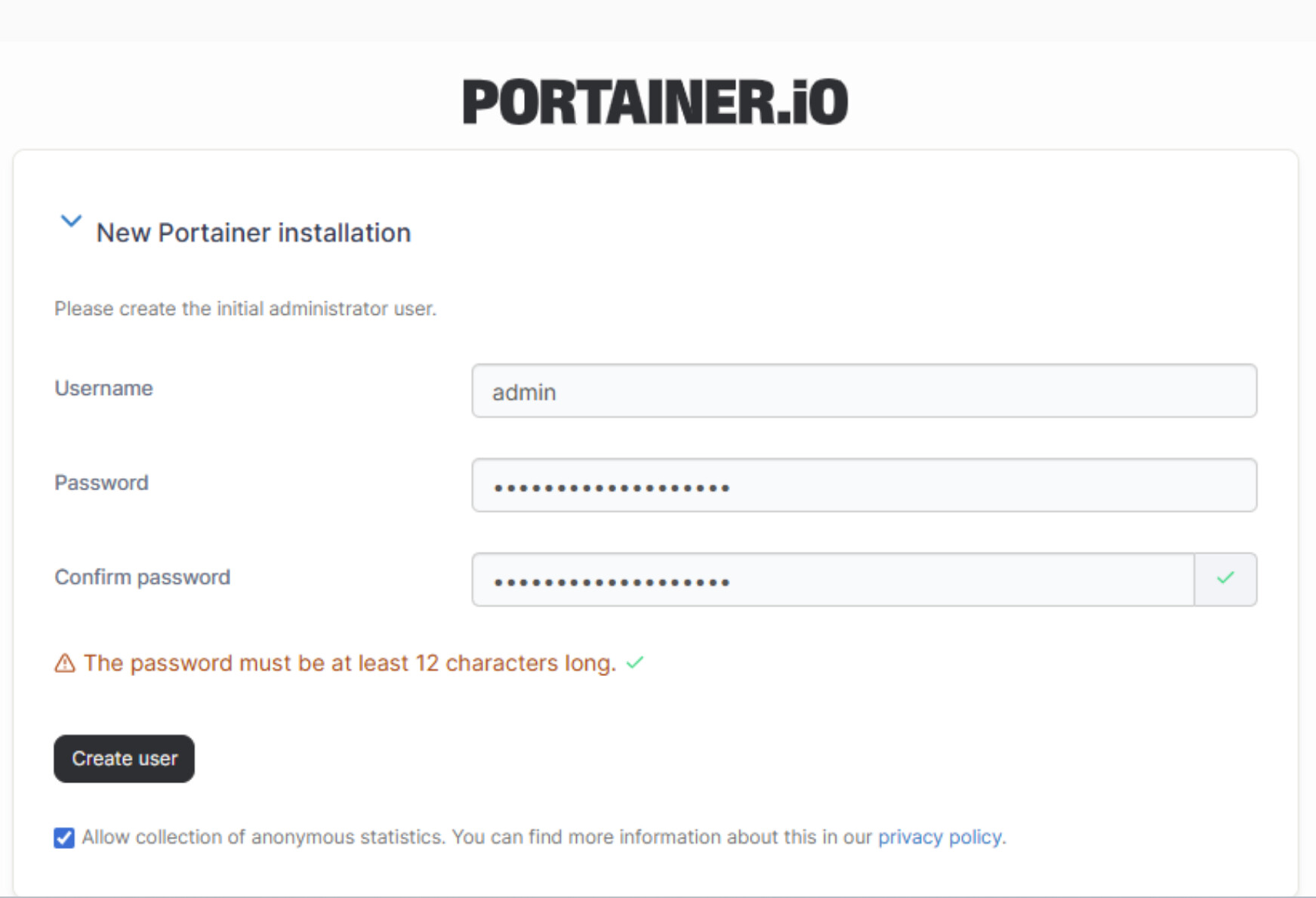
Yeah, so I tried for 6 hours... I am not a Linux guy, but do know DOS from back in the day. So I am not very familiar with configuring docker, the commands and dealing with the port is already in use errors I was getting when trying to make a container. I just don't know enough to troubleshoot it and haven't really built anything but windows systems in decades. So I tried to install Portainer CE, but now they want you to get a key to register an admin account and I have no idea how to do that. It would be so much easier if I had that graphical interface because I do have a basic understanding, but trudging around in Linux not knowing what I am doing brought me to my wits end. I just have no idea how to find and read the Portainer log file when it can't even set up a container for it.

Install Portainer CE Docker Standalone | Portainer Documentation
Initial Setup Initial setup | Portainer Documentation

I am going to assume the port already in use error probably has to do with the native install on your nas? You would need to uninstall it or stop it from loading. @chDVRuser provided an option where you don't need a key. Also on the image you will need to make sure you pick tve instead of latest otherwise it will be missing the chrome version required to use tve.

Change this line from
image: fancybits/channels-dvr:latest
or
fancybits/channels-dvr:latest

to

image: fancybits/channels-dvr:tve
or
fancybits/channels-dvr:tve

Funny. I run my Channels DVR on a Windows 11 Pro Dell OptiPlex Micro that was $150 on eBay. Runs 24/7 with no issues.
I have multiple Dockers, encoders, tuners, and drives. Been a flawless setup for years.
I think your old Windows 10 laptop is definitely worth a shot here (not a bad idea to take the battery out long-term).

1 Like

So I used this and got this far. It would not start due to port already being used. But I'm wondering now if I am supposed to do this before I install the Portainer APK on the Asustor.

The other problem I had is, setup screen was different for me. It has an extra text box asking for the setup key. It says it is in the Portainer Log file. but I could not navigate to it nor did I know how to open it.

The hard part is I am Linux illiterate. I recognize some of the DOS like commands but I really don't know them. :disappointed:

Same position as you. Use Co-Pilot or one of the other AI engines to tell you how to do something. It does a good job of walking you through steps and pasting your errors helps it to navigate around your challenges.

In order to get portainer to switch over. You have to stop your existing instance and remove it and delete the portainer folder which has the database in it. Otherwise if you try to install/startup portainer again with the standalone install. It will continue to look at the database which is requiring the key, instead of building a new database that doesn't.

P.S. im no expert on linux either and google can be your friend. I think a lot of folks here are hesitant to respond as they have never used asustor before.

Possible location of your portainer database once you remove it.
/volume1/.@plugins/AppCentral/docker-ce/docker_lib/volumes/portainer_data/_data/portainer.db

1 Like

You should uninstall the Portainer APK and delete the database file, then follow the instructions I posted to install and Setup Portainer CE LTS.

1 Like