TVMaestro – a web guide and multiview controller for Channels DVR

I’ve been working on a new app called TVMaestro.

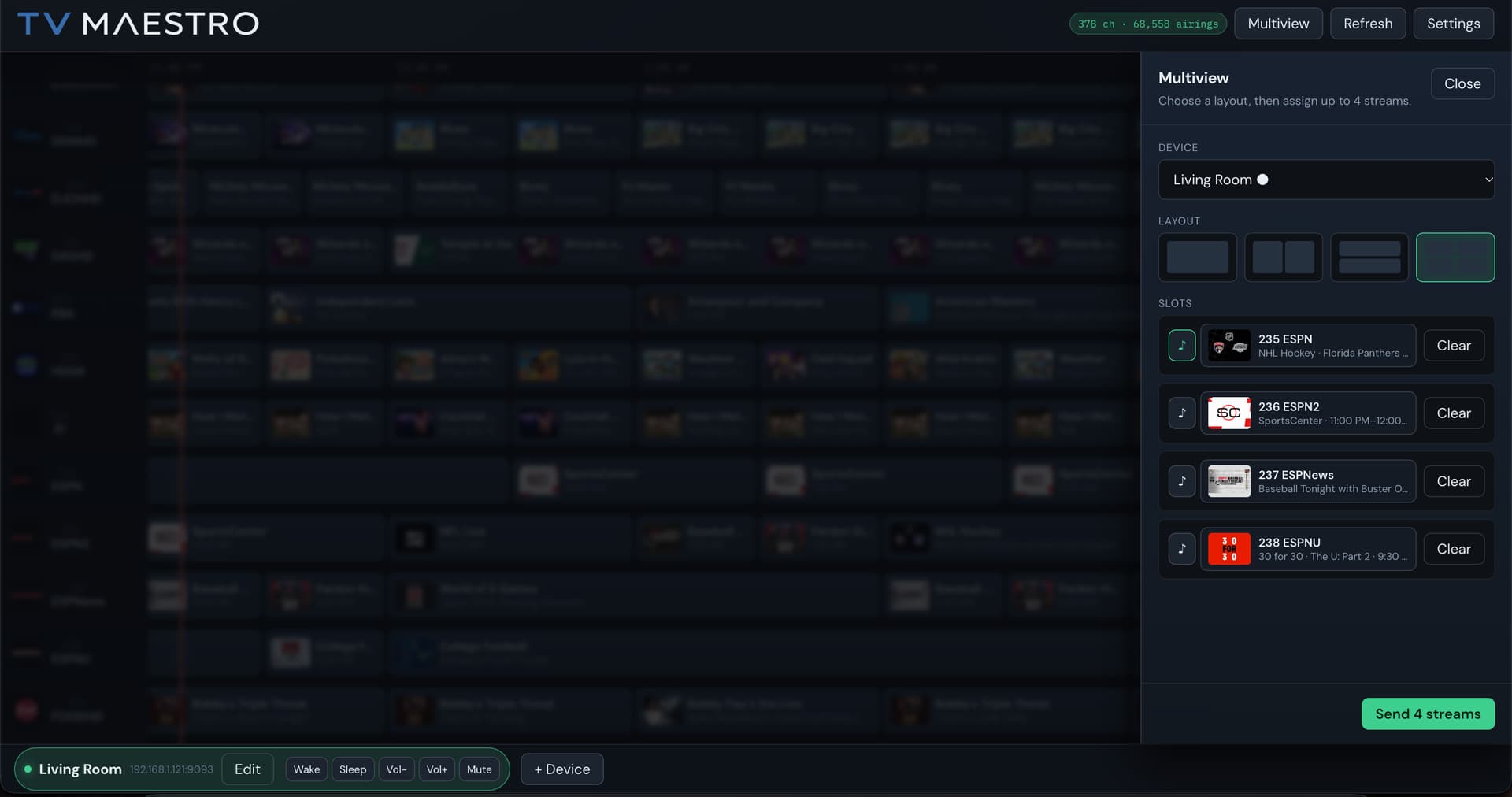
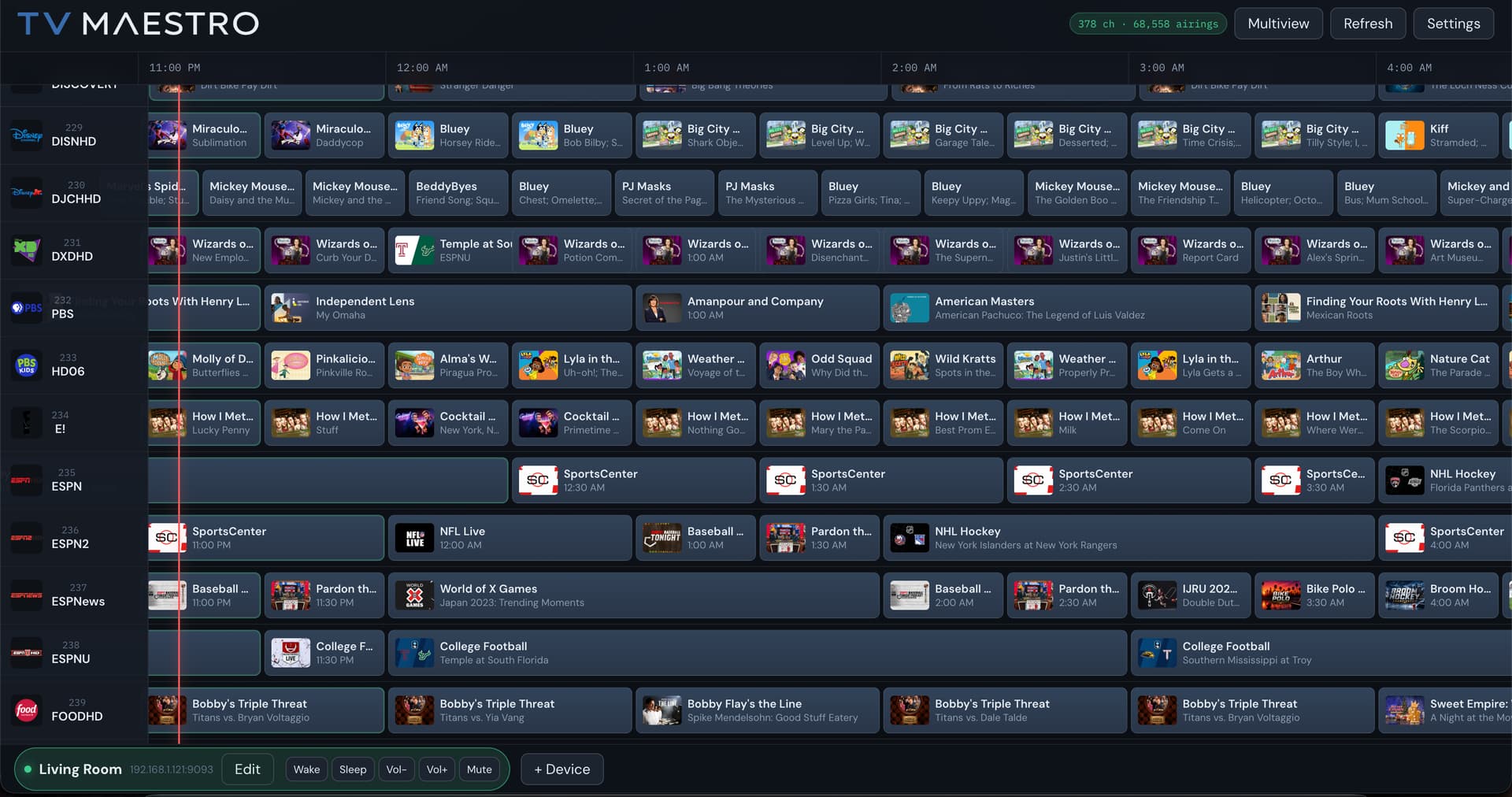
TVMaestro adds a broadcast-style web guide for Channels DVR and lets you launch live TV directly on supported Android TV devices. It also supports composing up to four simultaneous streams in multiview, depending on the device’s decoding capabilities.

Current features include:

  • Polished browser-based program guide
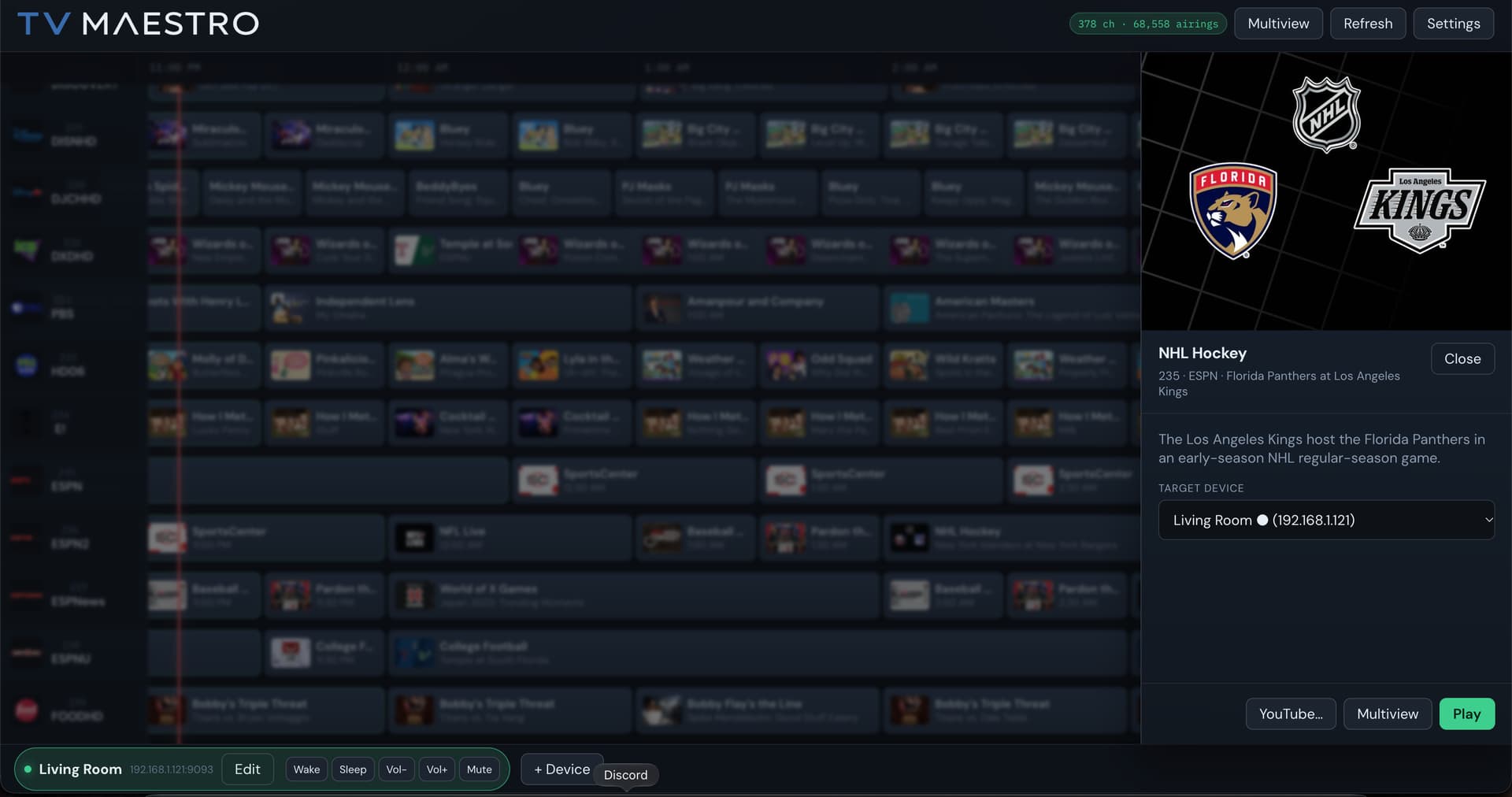
  • Single-channel playback on Android TV
  • Up to four-way multiview with selectable audio
  • Multiple TV/device management
  • Wake, sleep, volume and mute controls where supported
  • Android TV Remote pairing without requiring ADB
  • Optional YouTube playback through APITuner
  • Experimental Apple TV client
  • Docker images for AMD64 and ARM64 systems

TVMaestro doesn’t replace Channels DVR—the clients stream directly from your existing Channels server. Everything is intended to run on your trusted local network.

The easiest way to run the server is with Docker:

docker run -d \
  --name tvmaestro \
  -p 6790:6790 \
  -v "$(pwd)/data:/data" \
  --restart unless-stopped \
  ghcr.io/matthewfkoch/tvmaestro:latest

Then open http://<server-ip>:6790, enter your Channels DVR M3U and XMLTV addresses in Settings, and install the Android TV APK.

GitHub:

Latest release and Android TV APK:

This is still a young project, so feedback, bug reports and device compatibility results are welcome—especially reports about multiview and HDMI-CEC behavior on different Android TV hardware.
1 Like

Wow! This looks fantastic! Thanks for sharing! I hope to check out the experimental Apple TV client, can you share the TestFlight details?

The Apple TV client is a bit of a mess but I'll put some time into it this week and get something out.

TVMaestro 0.4.0 adds Apple TV

TVMaestro 0.4.0 can now play your Channels DVR guide on Apple TV. The guide starts and stops playback, including multiview with up to nine streams. Volume and mute in the guide change the stream that has sound. The Siri Remote still controls the television.

Install the app with TestFlight: https://testflight.apple.com/join/K2VfAZ9A

The server has to be 0.4.0. Older releases do not know about Apple TV.

docker compose pull
docker compose up -d

That pulls ghcr.io/matthewfkoch/tvmaestro:latest.

On the Apple TV, open TVMaestro and note the address on screen. In the guide, choose + Device, then Apple TV, and enter that address (port 9093). Pair once under Edit device with the PIN shown on the TV so Tune and Open can launch the app when it is not in front. The Apple TV has to be awake. This app cannot turn the television on or off.

This is awesome, off to an amazing start! I've got it up and running and am watching a 2x2 multiview grid now. Super cool. I am unable to use the Sirii remote to switch audio focus on the TV though. I've tried swiping as well as clicking. Clicking back jiust exits the TestFlight app. Happy to test any updates and report back. The web admin looks and feels great. I'm very excited about this project and give you kudos for making it and sharing it!

The app needs a lot of work but I wanted to get the Test Flight process started so I could see how long it would take to get approved. I hadn’t planned to add support for changing the audio stream as my expectation would be that you would use the Web UI or an App to control everything and you wouldn’t need a remote for anything but I can see how hard it would be add the functionality. I’ve got a build that addresses some bugs around navigation and the UI that I I’ll hopefully get pushed out tomorrow. Thanks for testing and let me know if you have any other issues.

Ah OK for some reason I thought the TVMaestro web admin would be used to "set up" the Multiview and then the viewer could use the remote just for changing audio focus (i.e. during game day) without needing an app or laptop with them on the couch.

Whatever you update and choose to focus on is obviously great and I'm happy to keep testing and reporting back.