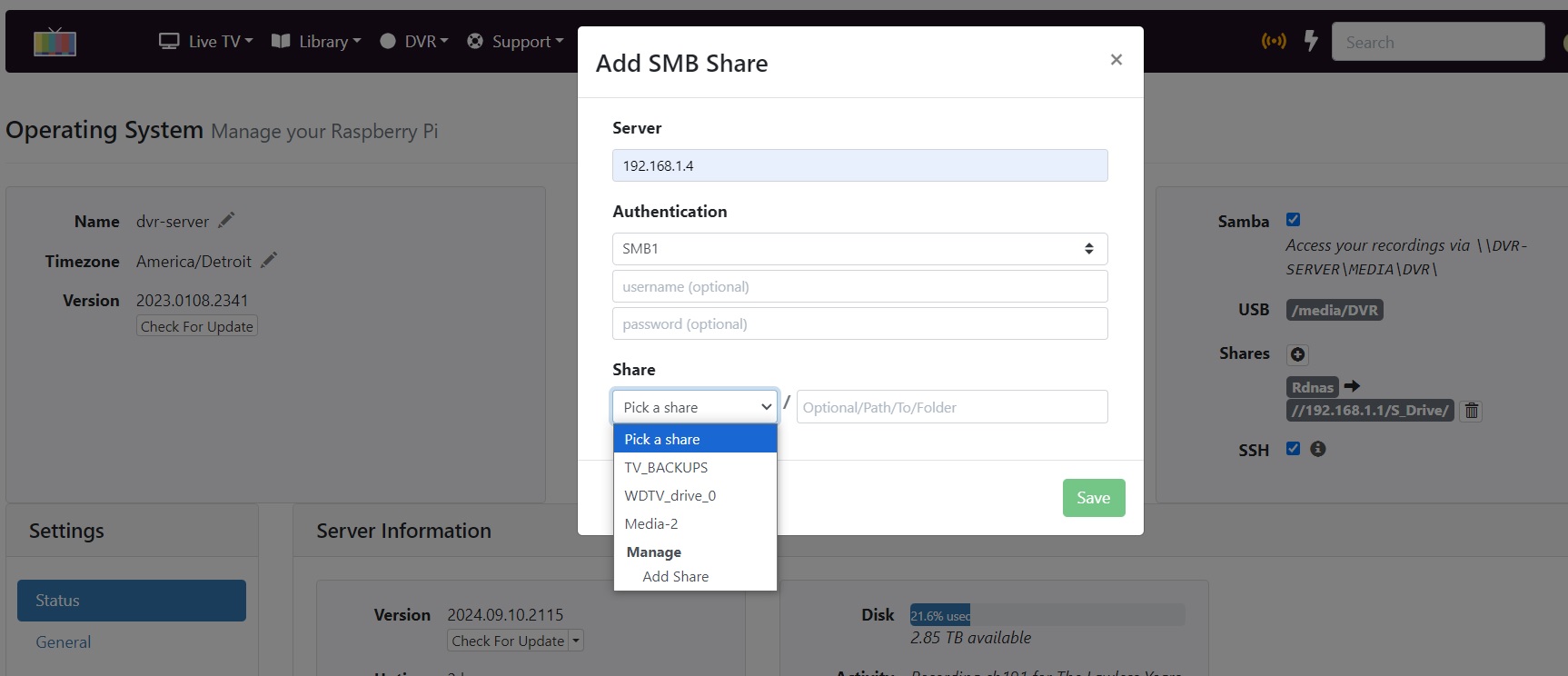
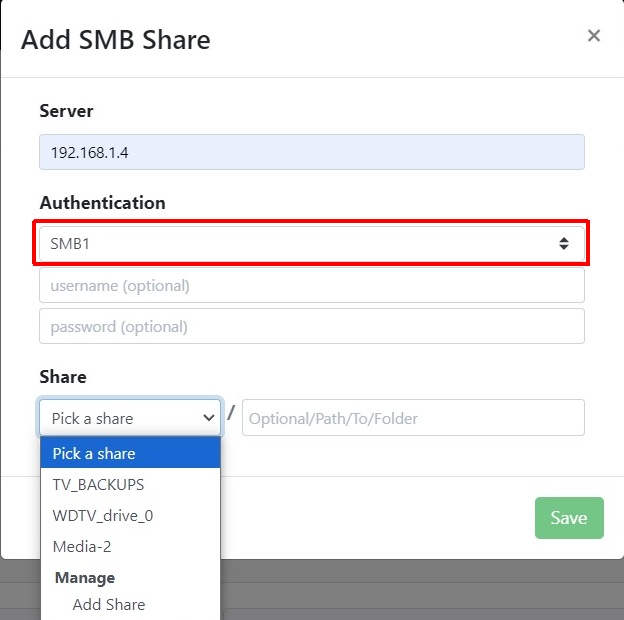
I have a Netgear Nighthawk AC1900 R7000 router. It's worked perfect for years now. I also have Channels running on a Raspberry Pi 4b, using the Channels image Version
2022.0601.2221. and server Version
2024.09.10.2115
Everything worked fine until earlier today, when I upgraded the router firmware from version R7000-V1.0.11.136_10.2.120 to the latest version: R7000-V1.0.11.216_10.2.122.
Now, it can't see my network shares, and I get these errors:
[quote]× shares-Rnas.mount - Rnas Share
Loaded: loaded (/etc/systemd/system.control/shares-Rnas.mount; static)
Drop-In: /etc/systemd/system/shares-.mount.d
└─distro.conf
Active: failed (Result: exit-code) since Sat 2024-09-21 21:49:19 EDT; 2min 2s ago
TriggeredBy: ● shares-Rnas.automount
Where: /shares/Rnas
What: //192.168.1.1/S_Drive/
Sep 21 21:49:19 dvr-server systemd[1]: Mounting Rnas Share...
Sep 21 21:49:19 dvr-server mount[1870]: mount error(95): Operation not supported
Sep 21 21:49:19 dvr-server mount[1870]: Refer to the mount.cifs(8) manual page (e.g. man mount.cifs) and kernel log messages (dmesg)
Sep 21 21:49:19 dvr-server systemd[1]: shares-Rnas.mount: Mount process exited, code=exited, status=32/n/a
Sep 21 21:49:19 dvr-server systemd[1]: shares-Rnas.mount: Failed with result 'exit-code'.
Sep 21 21:49:19 dvr-server systemd[1]: Failed to mount Rnas Share.[/quote]
And: [quote]× shares-Mynas.mount - Mynas Share
Loaded: loaded (/etc/systemd/system.control/shares-Mynas.mount; static)
Drop-In: /etc/systemd/system/shares-.mount.d
└─distro.conf
Active: failed (Result: timeout) since Sat 2024-09-21 21:52:17 EDT; 25min ago
TriggeredBy: ● shares-Mynas.automount
Where: /shares/Mynas
What: //192.168.1.4/WDTV_drive_0/
Sep 21 21:50:47 dvr-server systemd[1]: Mounting Mynas Share...
Sep 21 21:52:17 dvr-server mount[1884]: Failed to query password: Timer expired
Sep 21 21:52:17 dvr-server systemd[1]: shares-Mynas.mount: Mounting timed out. Terminating.
Sep 21 21:52:17 dvr-server systemd[1]: shares-Mynas.mount: Mount process exited, code=killed, status=15/TERM
Sep 21 21:52:17 dvr-server systemd[1]: shares-Mynas.mount: Failed with result 'timeout'.
Sep 21 21:52:17 dvr-server systemd[1]: shares-Mynas.mount: Unit process 1883 (mount.cifs) remains running after unit stopped.
Sep 21 21:52:17 dvr-server systemd[1]: shares-Mynas.mount: Unit process 1884 (systemd-ask-pas) remains running after unit stopped.
Sep 21 21:52:17 dvr-server systemd[1]: Failed to mount Mynas Share.[/quote]
They still work perfectly from my laptop, through Network Neighborhood (or whatever it's called in Windows 10)
Yes, the router was power-plug pulled reset after upgrading the firmware. Also, my laptop has NO issues seeing the network drives. Also, the Channels DVR was rebooted through the admin Settings page using the "Manage" button and choosing "Reboot".
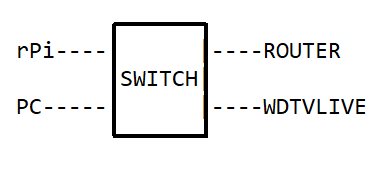
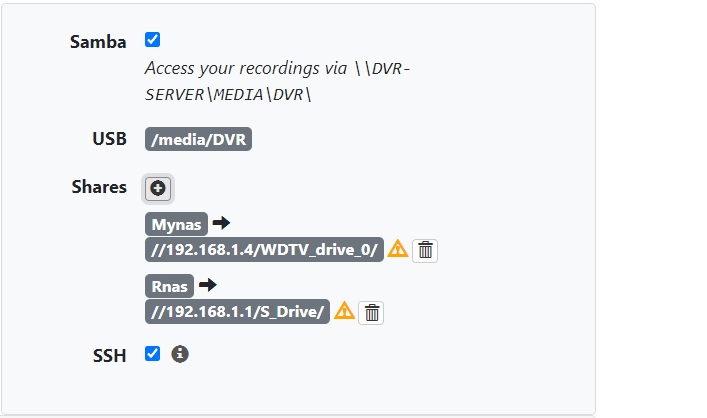
The 'RNAS' drive is a 4TB WD drive plugged into the front READYSHARE port on the router. It's worked for years before this. The "Mynas" drive share is a 1TB drive hanging off an old WDTVLIVE box, at IP 192.168.1.4. It's also worked for years before this.
Any ideas?
Logs submitted: 6dee5a44-1c89-4452-ba24-1ec7ab7e5f10