Yeah, yeah I've been dragging my feet on the last couple of Windows 10 systems in my orbit that needed to either be upgraded -- or enrolled in an ESU (Extended Security Updates) program.
I've used Rufus in the past to do clean installs on unsupported hardware, but in this case I wanted to do it using RDP (Remote Desktop Protocol) and over Tailscale (no guarantees this will work for everyone!). If you're using Tailscale, be sure to have Run unattended enabled in Tailscale Preferences -- so that Tailscale is connected before login.
After a bit of research, I decided to use this project:
It worked very well. Definitely a fingers-crossed affair, but it worked great and satisfied my requirements for in-place over Tailscale. Once the initial upgrade was completed, and the system restarted, there was a long-ish period of time before I could reconnect.
I watched the Tailscale admin WebUI however, so I saw the system both reconnect and change from showing Windows 10 22H2 as the OS to Windows 11 24H2. I was able to reconnect a bit after that.
This particular process apparently uses a Windows Server installation, for the initial workaround, but you end up with Win 11 Pro (or whatever?) when it's complete.
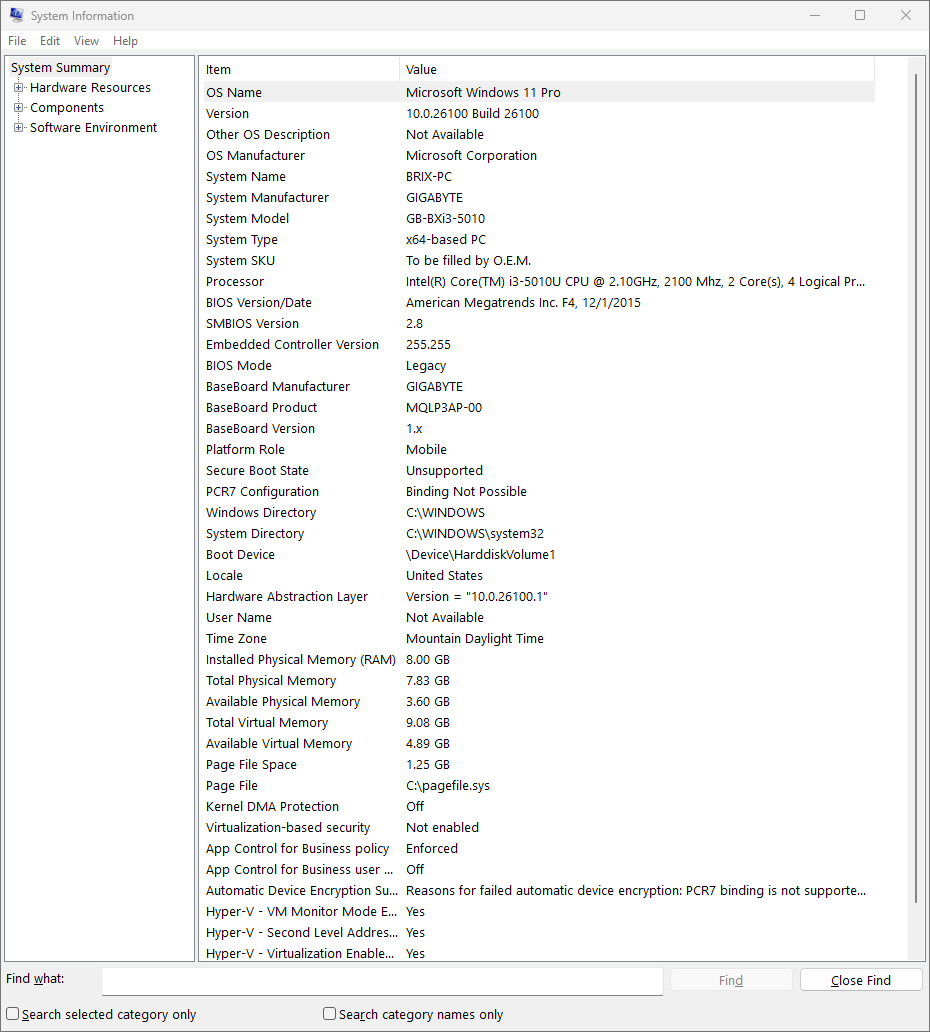
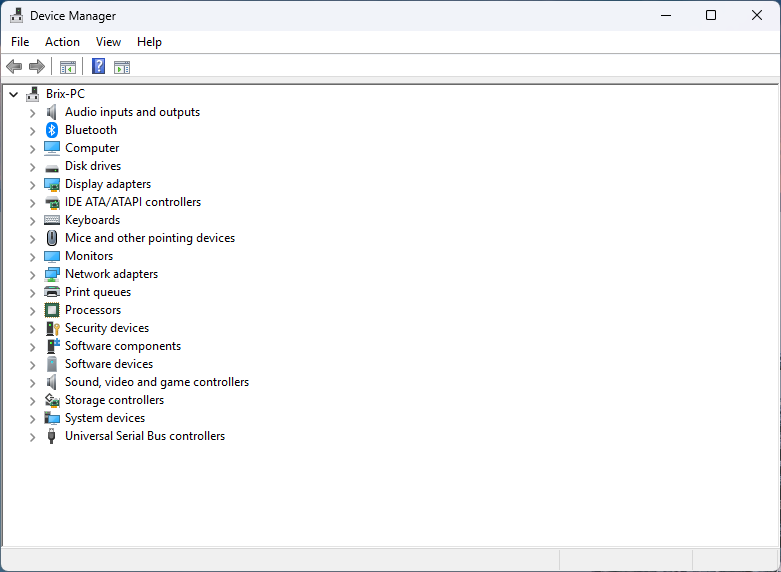
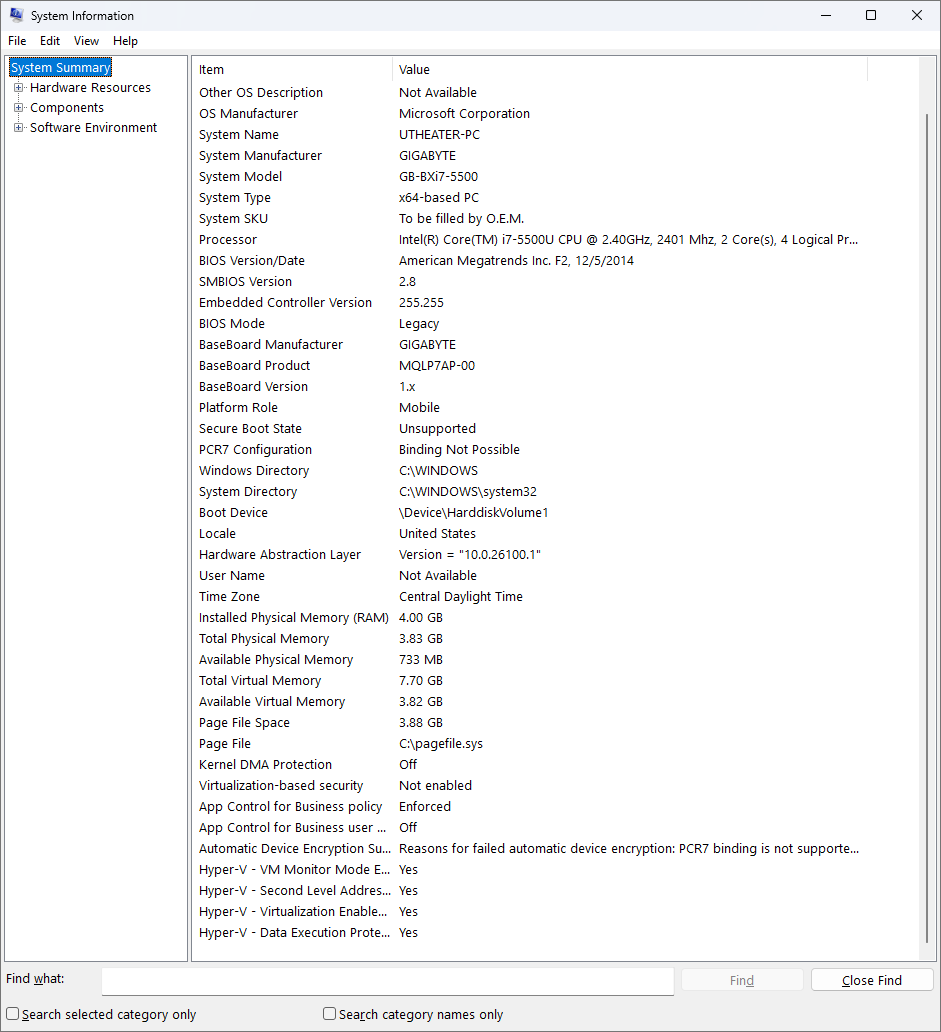
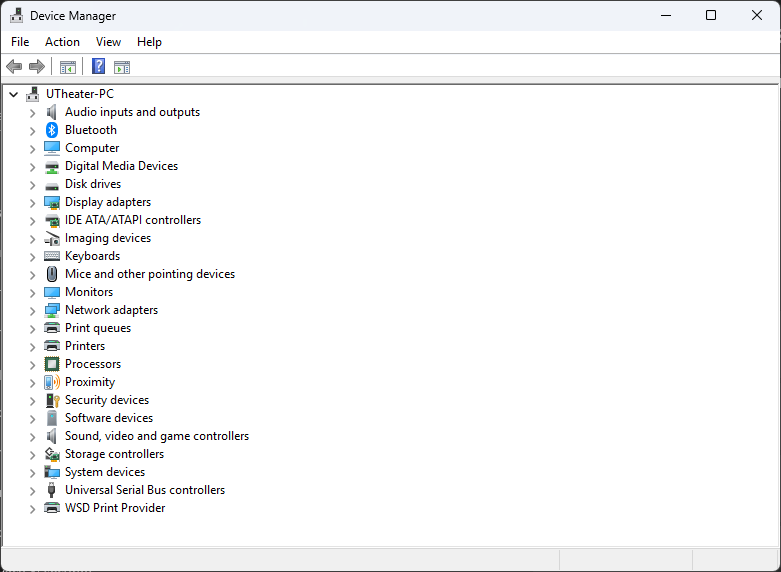
Here is the report from msinfo showing the specs on this system, and Device Manager showing that all of the drivers were either updated or the existing ones usable: