
so i have set up 3 virtual channels for my kids, 1 works fine it plays episode after episode but the other 2 play one episode and then say erro after each episode how can i fix this?
Are the videos that it’s trying to play working? If you play them regularly through the library, do they fail?
no they dont they all work individually just not episode after episode on the virtual channels
What device are you watching on and what is the exact error message
1 Like
Using fire tv stick the error message is something along the lines of connection lost.
So if I go onto the virtual channel and fast forward through the one that is playing it does not do it but if I watch the whole episode like normal then it does it and I have to go out of that channel and then select that channel again for the next episode to play
After the next time this happens, please go to Settings -> Support -> Submit Diagnostic Logs from your device and let us know when it's been submitted so we can have a better idea of what was going on.
1 Like
Diagnostics submitted
Was this ever resolved? I have this exact issue.
1 Like
No I sent the diagnostics as asked but heard nothing back I had the same issue with another channel I set up ages ago but that seems to work now still waiting for a resolution 
I think I have solved it, I had to go though all the channels programs I had recorded and delete the ones that did not work as it had been recording from different channels. I have now set the pass to record from the one channel I know works and now my virtual channel does not stop after each episode/program.
Hope this helps
I have submitted logs since I am experiencing the same. This is for a Newly created Virtual Channel using good recording I got from Play On and using my Window 10 PC as a Channels Server. I get to the end of an episode and I get a "Connection Lost". Simply pressing play gets over the hump however it did not do this when I was using my Synology NAS. I would ,ike to move the workload formt eh NAS to this Window server. Please let me know what else you might need from me please.
@gjcamp73 Can you try playing Season 1 Episode 1 of Ted Lasso directly and see if you run into any issues?
I do not have any issues playing individual episodes. The Virtual Channel plays but when it goes to the next episode it gives the "Connection Error" notification when I am actively watching during the transition to the next episode. If I hit the Play button it would re-sync and start playing again. If I tune to the channel the episode will play just fine only when the next episode is queueing up to play. Thank you.
Does this happen every single time or just sometimes? Looking at your logs, it appears that it sometimes works without displaying the error.
Are you seeing it for every episode or just select episodes? Are these imported or recorded locally? If imported, have you tried other imported content that is transitioning fine? If so, it may be the codec used on the imported versions causing the issue.
P.S. Assuming it's Ted Lasso you are trying to use, I have all 3 seasons on my Synology Server in a Virtual Channel and runs on various clients. I can lookup the codecs mine are encoded with if you want a comparison to yours.

Please try the latest Android Beta and see if that resolves the issue for you.
I just transitioned my server configuration for a Synology NAS to my old Window 10 PC Setup to be this Channels Server.
- Does this happen every single time or just sometimes?
- It seems to be losing a connection only sometimes.
- I first noticed this issue when I had this show playing while I and went to sleep last night. I woke up with the "Connection Error" message displayed.
- I watched the show in the background while working today and saw this behavior twice during two transitions.
- I rebuilt the Virtual Playlist after the posting on this channel (@ post #11 Dec 11, 2:14 PM) and have watched two transitions to validate and it seems to work for the two I witnessed.
- Are these imported or recorded locally?
- I am not sure what the difference is between imported or recorded locally you are asking with this question.
- Yes, these episodes are both imported and recorded locally.
- I have a job that imports the Shows from my Play-On account recordings into my NAS directory that Channels is mapped.
- Because this is a NAS I am currently running Channels in the Window 10 Task Bar not as a service. (Until I get that figured out!)
- I am not sure what the difference is between imported or recorded locally you are asking with this question.
- If imported, have you tried other imported content that is transitioning fine?
- Please clarify imported so I can accurately respond without speculating.
- PC/Setup Information
PC –
Processor Intel(R) Core(TM)2 Quad CPU Q9650 @ 3.00GHz 3.00 GHz
Installed RAM 8.00 GB
System type 64-bit operating system, x64-based processor
PC Info from Channels -
OS
HP-Pavilion GX610AAR-ABA m9180f
Windows Microsoft Windows 10 Pro
10.0.19045.3693 Build 19045.3693 (kernel: 10.0.19045.3693 Build 19045.3693)
CPU
4 cores / Intel(R) Core(TM)2 Quad CPU Q9650 @ 3.00GHz
load averages: 0.00 0.00 0.00
RAM 8.00 GB
47.0% free
NET
2 interfaces
Windows Information –
Edition Windows 10 Pro
Version 22H2
Installed on 10/29/2022
OS build 19045.3693
Experience Windows Feature Experience Pack 1000.19053.1000.0
Channels Version Information -
Version
2023.12.10.2143
Uptime
13 hours
Started Today at 5:08 AM
Timezone
CST

Thank you for the responses. @eric @jator
I hope this helps to identify a solution.
Yes sir I will try! Thank you very much.
On the Beta when I try to click any Virtual Channel from the program (Windows Browser) channel guide I get this. The guide selection does work on my Nvidia Shield Pro.
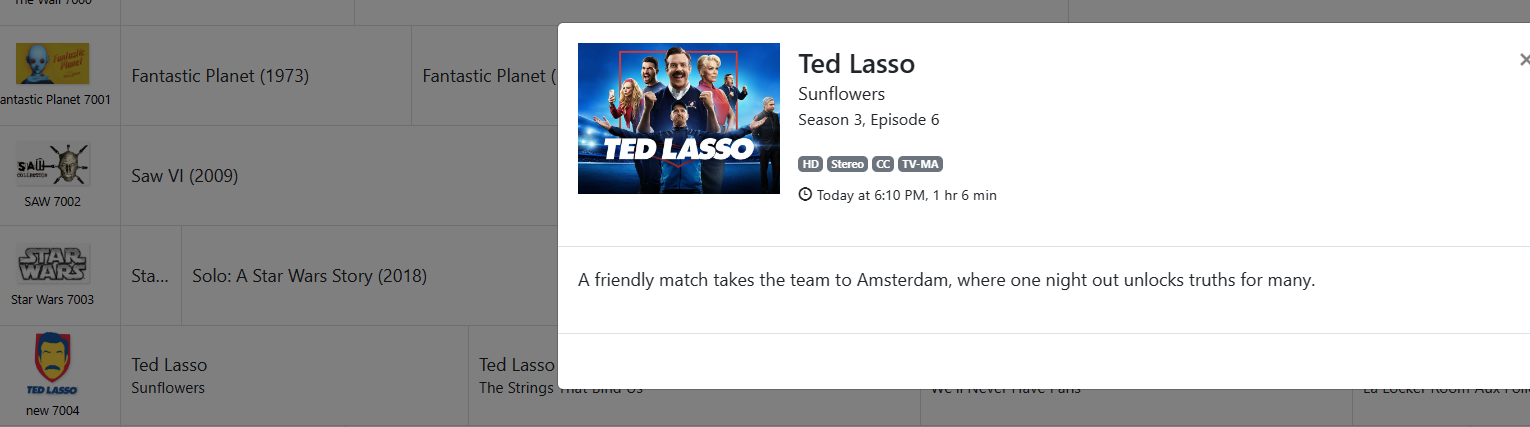
When I should get this correct?
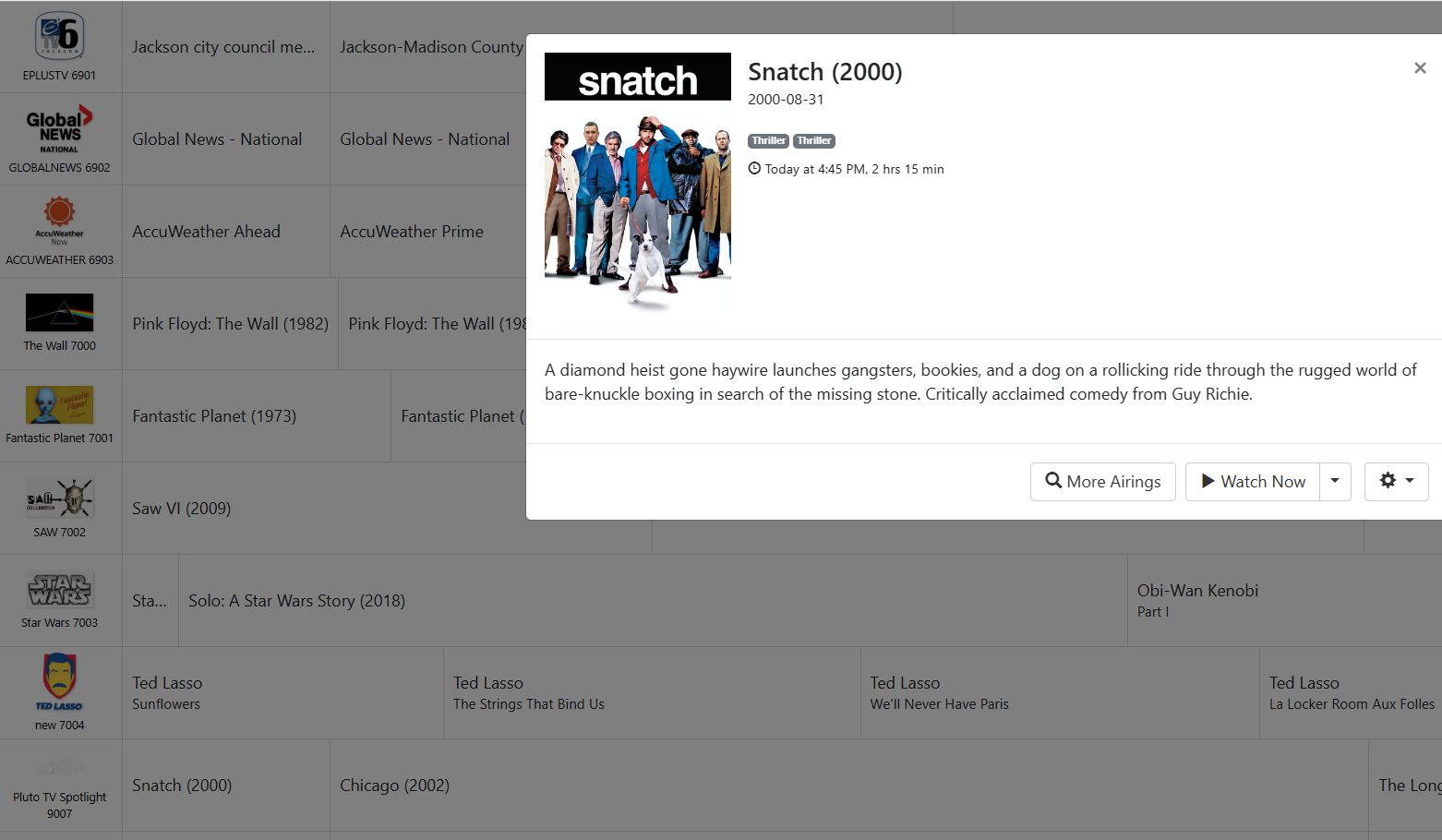
Thank you
It feels like we may not be talking about the same thing. The beta I was referring to was the Android beta. Virtual Channels are not something that is implemented for web playback. It is exclusively an app feature.