
I would appreciate any help with this. Recently I posted that I could not add any more virtual channels - they look fine on the server (mac) but do not appear on any client (iphone, ipad, android, appletv). The old ones (ones I created months ago) are there - but none of the new ones. Today I deleted all but one old Virtual Channel - and tried to add the new ones again - they seem ok on the server (just like the working channel) - but on any client - all I have is the one original channel - none of the newly created ones are there. I love virtual channels - and this is frustrating. Is there a way to reset or can anyone suggest a solution.
Thanks
You probably added the ones that appear into a channel collection
Hard to say without a photo or diagnostics submitted
Hi
Thanks for your reply. I have deleted all collections - deleted the newly created virtual channels, and tried to create again. They still do not appear. Willing to try anything. I have taken two screenshots - one of channels on a client - showing two original virtual channels - and the server - with the newly added channel that doesn't work.
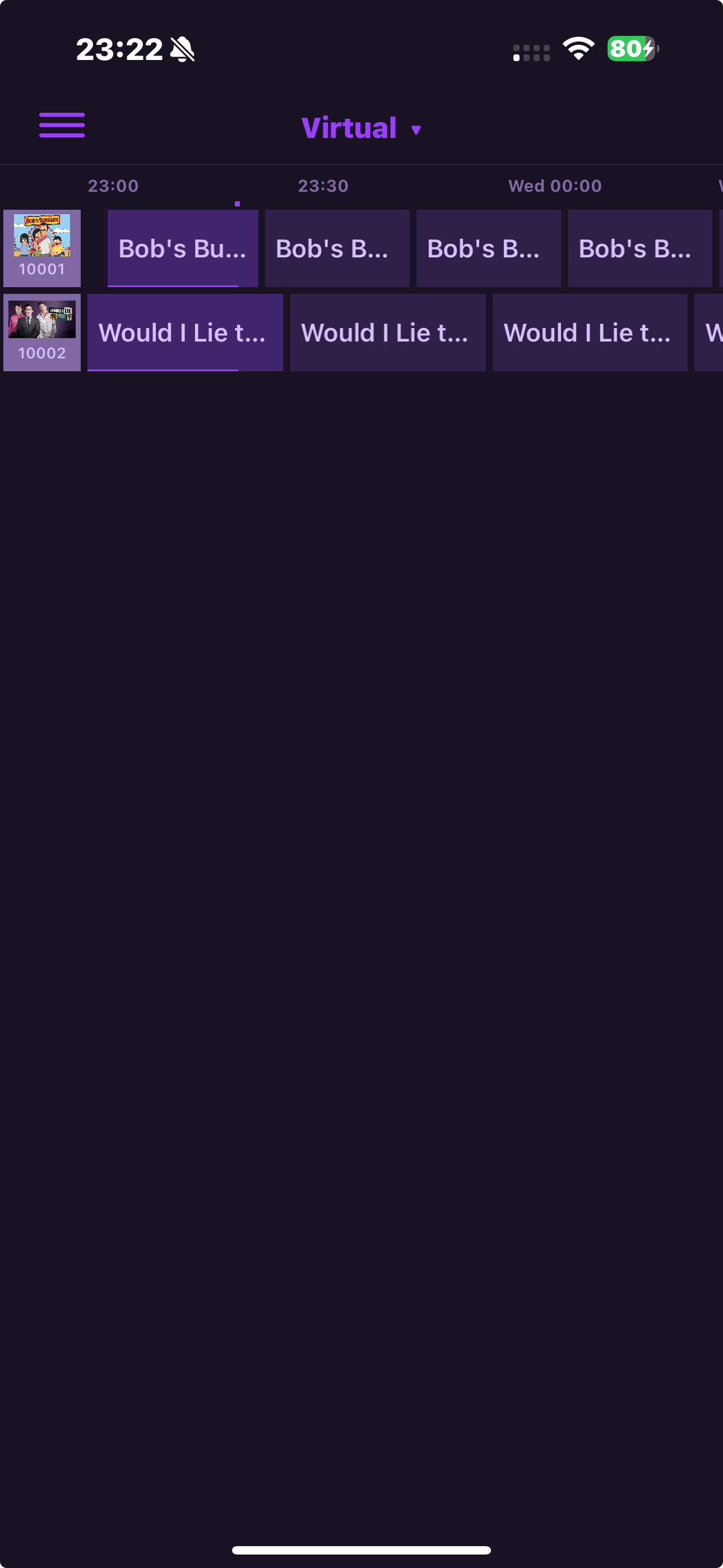
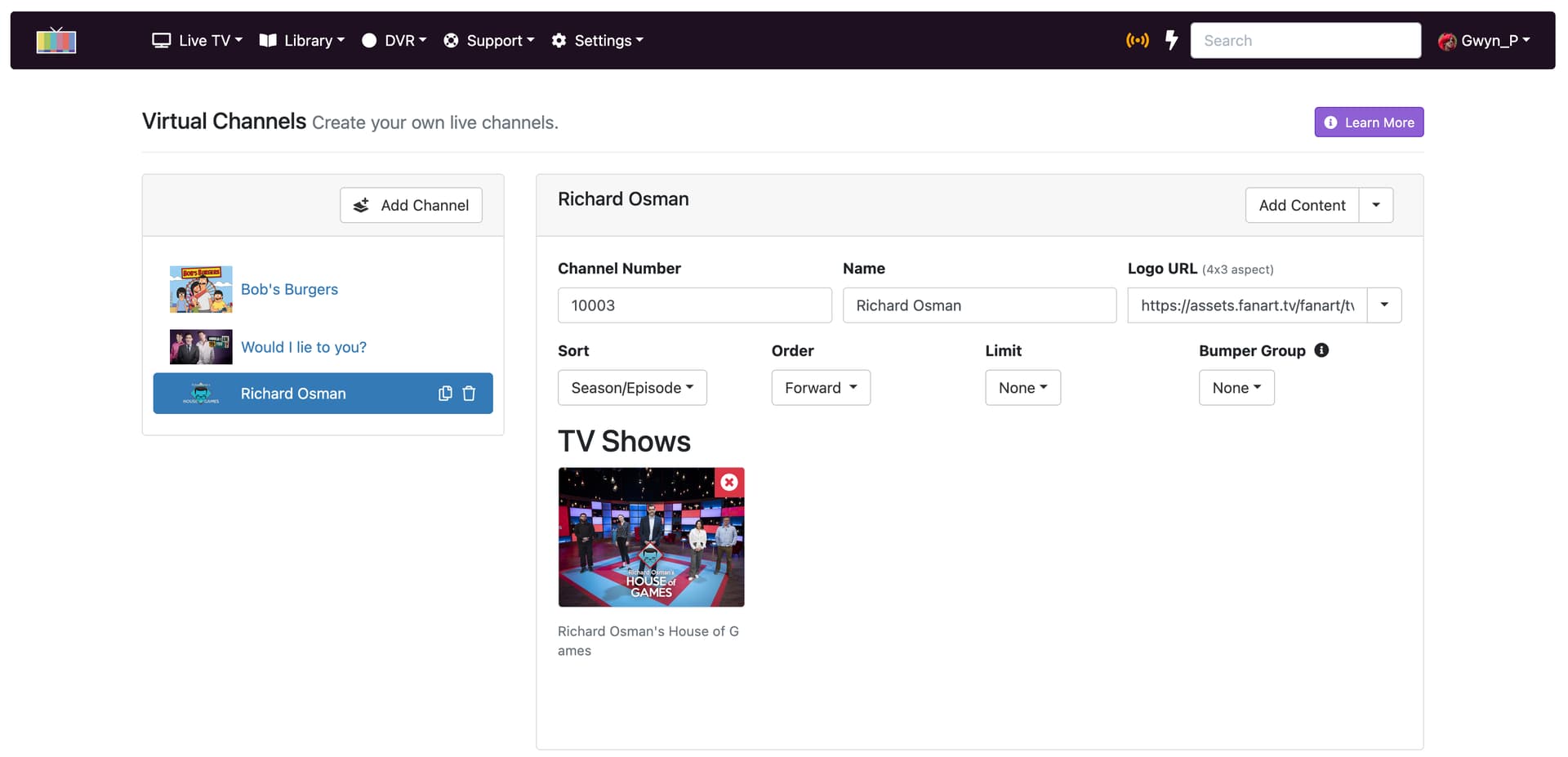
Please submit diagnostics from your Channels DVR Server web admin. Support > Troubleshooting.
1 Like
Logs have been submitted as 80cd0788-6628-4e26-9912-f20ac25a2e78. Please send an email to [[email protected]](mailto:[email protected]?subject=Help with DVR Diagnostic Log 80cd0788-6628-4e26-9912-f20ac25a2e78) to give details about the issue you're having.
Is this ok here?
Your newly created virtual channel was not added to that Channel Collection (Virtual).
I am sorry - am i missing a step that I have forgotten about. I go to virtual channels - add channel > name and select content > add logo etc if needed.
It creates a sample schedule.
Is that not enough to make it appear under virtual channels on the client? Apologies if i forgot a step. I am not sure what the response "Your newly created virtual channel was not added to that Channel Collection (Virtual)." means
No.
Channel Collections are manual lists of channels. If you look at your Channel Collection named "Virtual", you manually added the other Virtual Channels. You'll have to do that to your newly created one too, if you want it with that group of channels.
Thank you. It is there now. I have no recollection of doing this in the past. Is it because I have created a collection?
Thanks for your patience with me